Worksheet Templates
Spreadsheet-style calculators and trackers — financial models, KPI sheets.
Instant downloads • Fully editable • Export to Word, Excel or PDF
140 templates
Includes Income Statement, Cash Flow Forecast, Budget Planner and 137 more.
At a glance
What it is
Worksheet templates are structured, fill-in documents — ranging from spreadsheet calculators to guided analysis grids — that help operators collect data, run calculations, and reach conclusions faster than building from scratch. They cover financial modeling, market research, brand strategy, HR inputs, and personal productivity, all formatted so the logic is already built in when you open the file.
When you need one
Reach for a worksheet whenever a decision requires structured inputs rather than prose — budgeting a capital project, validating a business idea, segmenting a target market, or tracking payroll. They are especially valuable when multiple people need to input data consistently or when you need a defensible record of how a number was derived.
Popular Worksheet Templates
 XLS
 XLS
 XLS
 XLS
 XLS
 XLS
 XLS
 XLS
 XLS
 XLS
 XLS
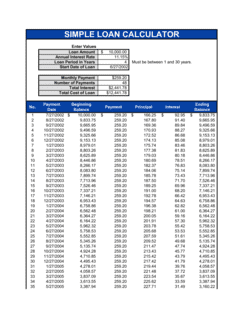 XLS
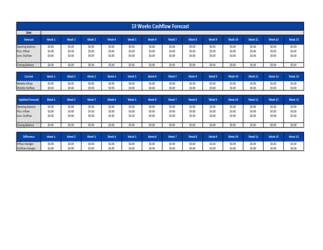 XLS
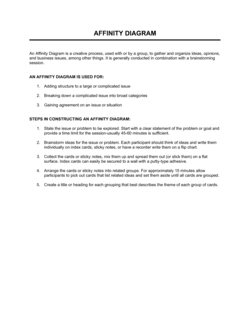
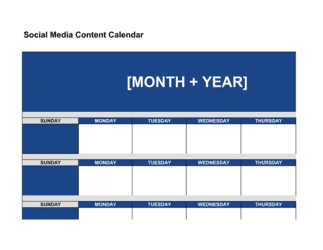 XLS
 XLS
 XLS
 XLS
 XLS
 XLS
 XLS
 XLS
 XLS
 XLS
 XLS
 XLS




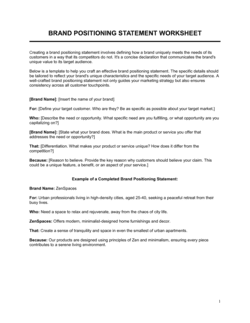
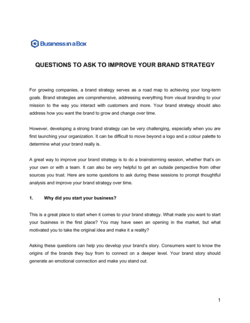
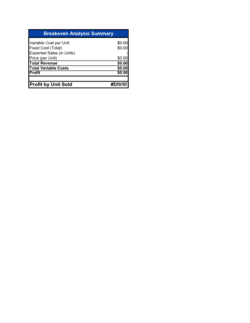 XLS
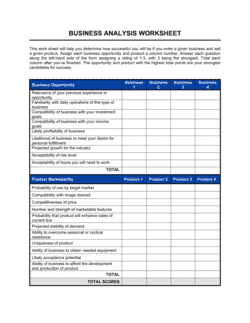
Showing 60 of 140 templates
Looking for something else?
Search all 140 templates in this category by name or keyword.
Business-in-a-Box has all 140 in this category, plus the rest of the library, ready to edit. See what's inside
Which template fits your situation?
The right worksheet depends on the decision you are trying to support — financial, strategic, operational, or people-focused. Match the scenario below to the template that structures exactly that calculation or analysis.
How to use a business worksheet template
Worksheet templates do the structural work for you — your job is to supply accurate inputs and interpret the outputs in context.
Identify the decision you need to support
Before opening a template, name the specific question — 'Should we invest in this equipment?' or 'Which customer segment should we prioritize?' — so you choose the worksheet whose logic matches that question.
Gather your raw data before you start
Worksheets are only as accurate as the numbers you enter, so collect source figures — invoices, market research, payroll records — before filling in any fields.
Fill in the assumption section first
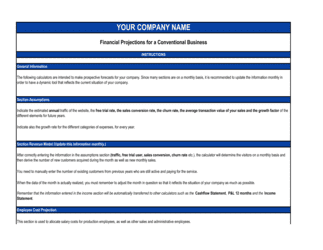
Enter the variables that drive the model — discount rates, growth assumptions, cost estimates — in the dedicated assumption area so they are visible and easy to update later.
Enter inputs in the designated fields only
Avoid editing formula cells; type only into the clearly labeled input fields to preserve the calculation logic that came with the template.
Review the output summary for reasonableness
Check that the results pass a basic sanity test against your industry knowledge — an output that looks too good or too bad usually signals a data entry error rather than a genuine finding.
Run a second scenario with different assumptions
Change one or two key inputs to test a best-case and worst-case outcome; most worksheet templates support scenario comparison without rebuilding the structure.
Record your decision and save a dated copy
Complete the action or recommendation field, then save the file with a date stamp so you have a traceable record of the analysis that informed the decision.
Glossary
- input field
- A cell or field in a worksheet reserved for data entry, distinct from formula cells that calculate outputs automatically.
- output summary
- The section of a worksheet that displays the calculated result — such as net present value or segment score — derived from the inputs entered.
- assumption
- A variable the operator supplies — growth rate, discount rate, average transaction value — that drives the calculations in a financial or analytical worksheet.
- depreciation
- The systematic allocation of an asset's cost over its useful life, recorded periodically using methods such as straight-line or declining balance.
- discounted cash flow (DCF)
- A valuation method that estimates the present value of future cash flows by applying a discount rate to account for the time value of money.
- cost-benefit analysis
- A structured comparison of the total expected costs and total expected benefits of a decision, used to determine whether the action is financially justified.
- market segmentation
- The process of dividing a broad target market into distinct subgroups based on shared characteristics such as demographics, needs, or buying behavior.
- buyer persona
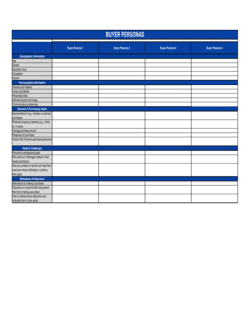
- A semi-fictional profile of an ideal customer, built from research and structured data, used to guide marketing and product decisions.
- KPI (key performance indicator)
- A quantifiable metric used to evaluate progress toward a specific business objective over a defined period.
- general ledger
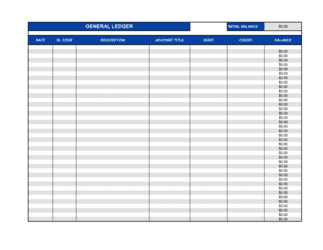
- The master record of all financial transactions in a business, organized by account, from which financial statements are prepared.
- capital budgeting
- The process of evaluating and selecting long-term investments — equipment, facilities, projects — based on their expected financial returns.
- scenario analysis
- The practice of changing one or more worksheet assumptions to model different outcomes — typically best case, base case, and worst case.
Worksheet Templates by department
Browse other document types
Frequently asked questions
What worksheet templates are available?
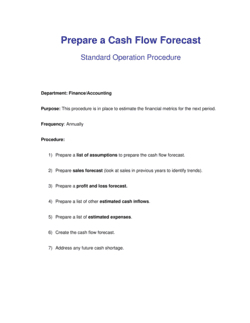
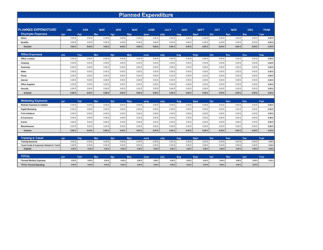
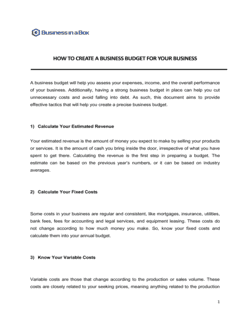
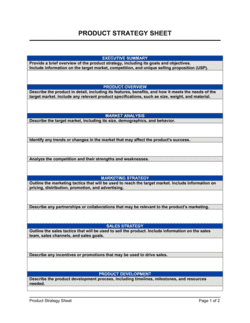
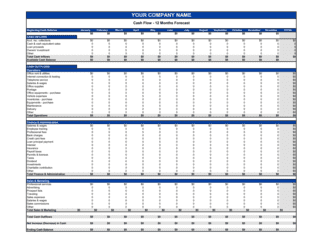
140 worksheet templates, including Income Statement, Cash Flow Forecast, Budget Planner, Business Budget, Product Strategy Sheet.
What is a business worksheet template?
A business worksheet template is a pre-structured document — typically a spreadsheet or formatted table — with built-in formulas, input fields, and output summaries that guide an operator through a specific calculation or analysis. Examples range from a depreciation schedule to a buyer persona grid. Templates save time by providing the logic so you only need to supply the data. They also improve consistency when multiple team members complete the same analysis at different times.
How are worksheet templates different from form templates?
Form templates collect information — names, dates, signatures — without processing it. Worksheet templates calculate, score, or analyze the data entered into them. A job application is a form; a payslip calculator is a worksheet. Many workflows use both: a form to capture data and a worksheet to derive a result from that data.
Can I use these worksheet templates in Excel or Google Sheets?
Yes. Templates are available in Word and compatible formats that open directly in Excel or can be imported into Google Sheets with minimal reformatting. Formulas use standard functions — SUM, IF, NPV — that work across both platforms. Always verify that formula references transferred correctly after importing.
Are financial worksheet templates suitable for official accounting records?
They are suitable as working documents and internal records, and many follow standard accounting layouts — general ledger, profit and loss, accounts payable. For documents submitted to tax authorities or auditors, have a qualified accountant review the completed worksheet to confirm it meets applicable standards in your jurisdiction.
How often should I update a worksheet like a profit and loss statement or KPI tracker?
Financial worksheets are typically updated monthly or at the end of each accounting period. KPI and market analysis worksheets are usually reviewed quarterly or whenever a significant business change occurs. Setting a calendar reminder when you save the completed file helps maintain a consistent review cadence.
Which worksheets are most useful for a new business?
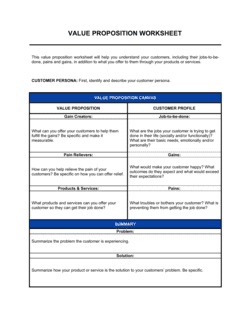
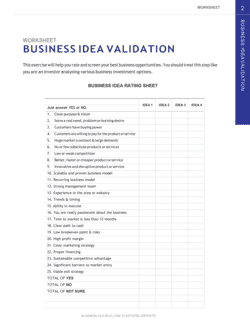
Early-stage operators tend to reach first for the Business Idea Validation Worksheet, Buyer Persona Worksheet, Value Proposition Worksheet, and Cost Benefit Analysis Worksheet — these four help validate demand and model unit economics before significant capital is committed. The Profit & Loss Statement and Capital Budgeting worksheet become essential once trading begins.
Do worksheet templates require any special software?
No specialist software is required. Templates open in Microsoft Word, Excel, Google Docs, or Google Sheets. Some templates are formatted as Word tables for guided analysis; others are native spreadsheet files for calculation-heavy tasks. The format is noted on each template's download page.
Can I share a completed worksheet with investors or lenders?
Yes, though presentation matters. Export the completed file to PDF to lock formatting and prevent editing, and add a cover note explaining the assumptions used. Investors and lenders are familiar with standard layouts like the DCF calculator and profit and loss statement, so using a recognized template format can increase credibility.
One document. A more organized business.
Your documents are part of how your business operates. Business in a Box brings the work, people and information around them into one workspace.
Start with the template you need. Bring the rest of your business together when you're ready.
How our templates are made
Every template is written by the Business in a Box editorial team and published by Bruno Goulet, CEO & Editor-in-Chief. Business in a Box has published business and legal templates for more than 20 years. Each document page explains what the template covers and how to fill it in; for legal documents, have a qualified professional review the final version when the stakes warrant it.