Form Templates
Fill-in templates — applications, intake forms, evaluations.
Instant downloads • Fully editable • Export to Word, Excel or PDF
453 templates
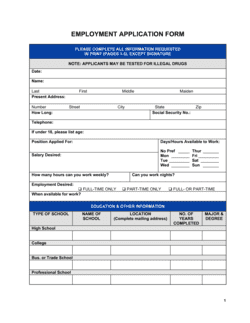
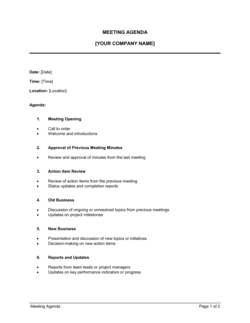
Includes Balance Sheet, Employment Application Form, Meeting Agenda and 450 more.
At a glance
What it is
Business form templates are structured, fill-in documents that capture consistent information across HR, operations, finance, and customer interactions. Unlike letters or agreements, forms are designed to be completed by the respondent — ensuring data is collected in a repeatable, organized format every time.
When you need one
Operators reach for form templates whenever a recurring process requires the same information from different people — hiring, performance reviews, expense approvals, or customer feedback. Using a pre-built form reduces setup time and ensures no critical field is missed.
Popular Form Templates
 XLS
 XLS
 XLS
 XLS
 XLS
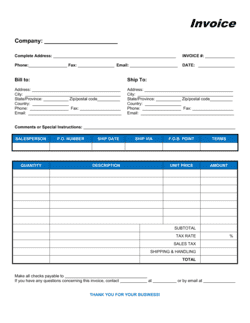
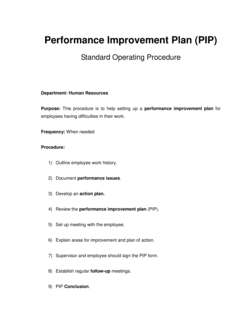
 XLS
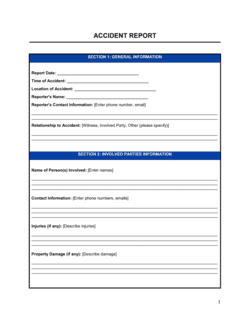
 XLS
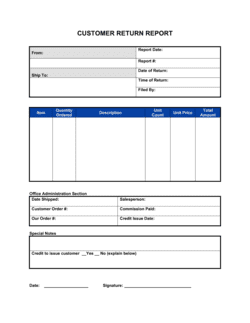
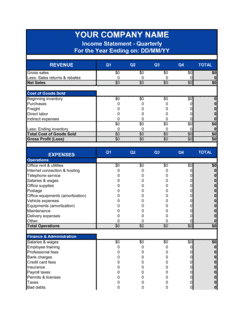 XLS
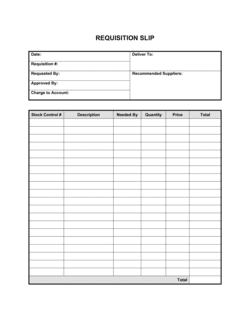
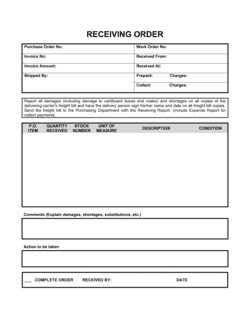

 XLS
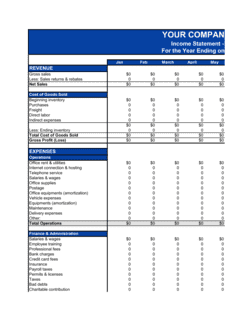 XLS
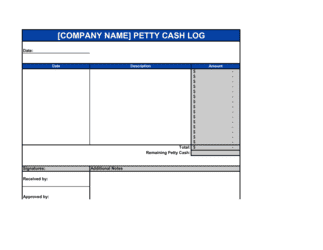 XLS
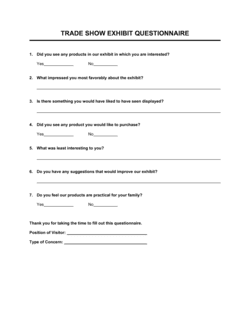
Showing 60 of 453 templates
Looking for something else?
Search all 453 templates in this category by name or keyword.
Business-in-a-Box has all 453 in this category, plus the rest of the library, ready to edit. See what's inside
Which template fits your situation?
The right form depends on who is filling it in and what decision or process it feeds. Use the scenarios below to match your situation to a specific template.
How to write a business form
A well-designed form collects exactly the information needed — no more, no less — and makes it easy for respondents to complete it accurately the first time.
Define the decision or process the form feeds
Before adding a single field, write down what action the completed form triggers — a hiring decision, a payroll change, a customer refund — so every field earns its place.
List every data point the decision-maker needs
Interview the person who acts on the form and identify the minimum information they require; remove anything that is collected but never used.
Choose the right field type for each data point
Use checkboxes for yes/no and multiple-choice data, date fields for time-sensitive entries, and short text lines for names or IDs — reserve open-text boxes for genuine narrative responses only.
Add a respondent identification block at the top
Include name, role, department, and date so every submission is immediately attributable without additional cross-referencing.
Include an approver or reviewer sign-off section
Most workplace forms require a second signature — manager, HR, or finance — to authorize or acknowledge the submission; define who that is on the form itself.
Add a declaration or attestation line
For any form that could be used in a disciplinary, legal, or financial context, include a statement that the respondent confirms the information is accurate to the best of their knowledge.
Version and date the template before distributing
Add a version number and effective date to the footer so you can track which form revision was in use if a submission is questioned later.
Glossary
- intake form
- A form used at the start of a process — hiring, onboarding, client intake — to collect baseline information before any action is taken.
- appraisal form
- A structured evaluation document used to assess an employee's performance against defined criteria during a review cycle.
- authorization form
- A form that records approval from a designated authority — manager, finance, HR — before an action such as overtime or a check request proceeds.
- release form
- A document in which a person gives permission for their image, likeness, or creative work to be used, or waives a specific right or claim.
- waiver form
- A form in which a party acknowledges a risk and voluntarily gives up the right to hold another party liable for harm arising from that risk.
- exit interview form
- A structured questionnaire completed by or with a departing employee to capture reasons for leaving and feedback about the organization.
- referral form
- A form used to submit a candidate for a position through an internal employee referral program, recording the referee's details alongside the candidate's.
- correction form
- An HR document that records a specific performance or conduct issue, the expected standard, and the steps required to reach it — sometimes called a written warning or performance improvement notice.
- consent form
- A form in which a person explicitly agrees to a specific use of their information, image, or participation — required in many marketing, media, and medical contexts.
- work order form
- An operational form that authorizes and records a specific task or job, including scope, materials, labor, and completion status.
- fillable template
- A document with designated blank fields — lines, boxes, or checkboxes — that a respondent completes rather than a freeform blank page.
- version control
- The practice of assigning a version number and date to each revision of a form so the correct edition is always in use and historical submissions can be traced to their form version.
Form Templates by department
Browse other document types
Frequently asked questions
What form templates are available?
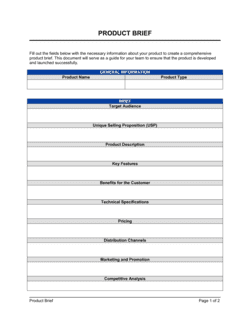
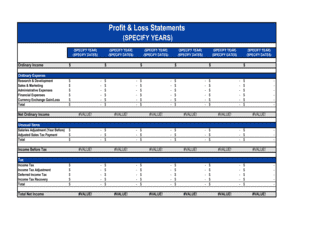
453 form templates, including Balance Sheet, Employment Application Form, Meeting Agenda, Product Brief, Profit & Loss Statement.
What is a business form template?
A business form template is a pre-built, structured document with labeled fields that a respondent fills in to record information or make a request. Unlike a letter or report, it is designed for repeated, consistent use — the same fields appear every time so data can be compared, filed, and acted on uniformly. Templates in this filter cover HR, operations, finance, and customer interactions.
How are form templates different from agreement templates?
Form templates collect information from one party to feed an internal process; agreement templates create binding obligations between two parties. An Employment Application Form gathers a candidate's background before a hiring decision — an Employment Agreement is what both parties sign after that decision is made. Use forms upstream, agreements downstream.
Can I use these form templates for digital or online submission?
Yes. Every template downloads as an editable Word file that you can reformat for electronic submission — paste fields into your HR platform, convert to a fillable PDF, or use the online editor to adapt the layout. The structure is designed to transfer cleanly to digital workflows.
Which form templates should a business set up first?
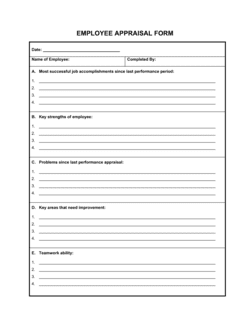
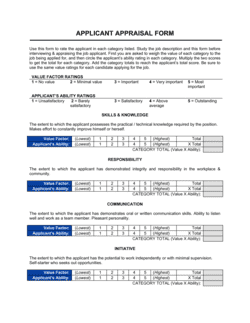
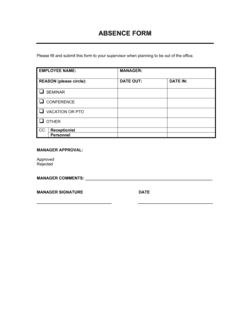
The highest-priority forms for most businesses are the Employment Application Form, Employee Appraisal Form, Absence Form, and Customer Complaint Form. These cover the four most common data-collection needs — hiring, performance, attendance, and customer service — and reduce the risk of inconsistent record-keeping early on.
Do form templates need to be signed to be valid?
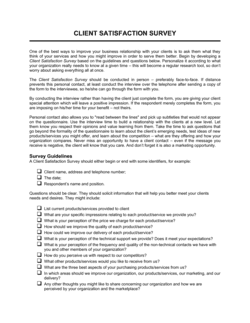
It depends on the form's purpose. Informational forms like a Customer Feedback Form do not require signatures. Forms that authorize a financial action, document a disciplinary matter, or record a legal release — such as the Responsibility Waiver Form or Witness Statement Form — should include a respondent signature and, in most jurisdictions, a date. Consider consulting a lawyer for any form used in a legal or regulatory context.
How do I adapt a form template for my specific workplace?
Start by reviewing the existing fields against your internal process and removing anything that does not apply. Then add any data points unique to your operation — cost center codes, project IDs, or department-specific criteria. Finally, update the header with your company name and logo and set the version date before distributing.
Are these form templates compliant with employment law?
The templates are drafted to reflect common HR and business practice, but employment law varies by jurisdiction and changes over time. Fields that touch protected characteristics — such as medical information on a Return to Work Form — should be reviewed against local legislation before use. Consider consulting an employment lawyer if you operate in a heavily regulated industry or jurisdiction.
What is the difference between an appraisal form and an improvement form?
An appraisal form — such as the Employee Appraisal Form — is a scheduled, forward-looking review of overall performance, typically conducted annually or quarterly. An improvement form — such as the Employee Correction Form or Peer Improvement Form — is triggered by a specific performance gap and documents the issue, the expected standard, and a corrective action plan. Appraisals are routine; improvement forms are reactive.
Can I use a single form template across multiple departments?
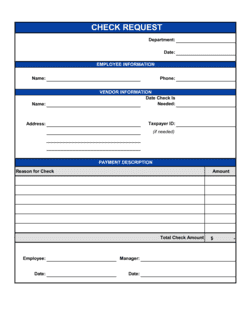
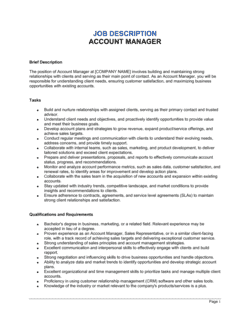
Many forms — like the Absence Form, Overtime Authorization Form, and Check Request Form — are designed to be department-agnostic and work across the organization with minor header adjustments. Role-specific forms, such as the Job Description Form or Reference Checking Form, are more useful when customized per team so the criteria reflect the actual work being assessed.
One document. A more organized business.
Your documents are part of how your business operates. Business in a Box brings the work, people and information around them into one workspace.
Start with the template you need. Bring the rest of your business together when you're ready.
How our templates are made
Every template is written by the Business in a Box editorial team and published by Bruno Goulet, CEO & Editor-in-Chief. Business in a Box has published business and legal templates for more than 20 years. Each document page explains what the template covers and how to fill it in; for legal documents, have a qualified professional review the final version when the stakes warrant it.