Minutes for a Formal Meeting Template

Free Word download • Edit online • Save & share with Drive • Export to PDF

1 page15–25 min to fillDifficulty: Standard
Learn more ↓
FreeMinutes for a Formal Meeting Template

At a glance

What it is
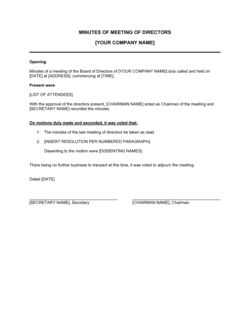
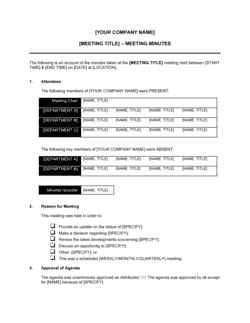
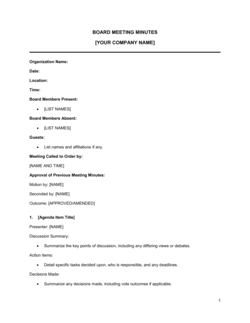
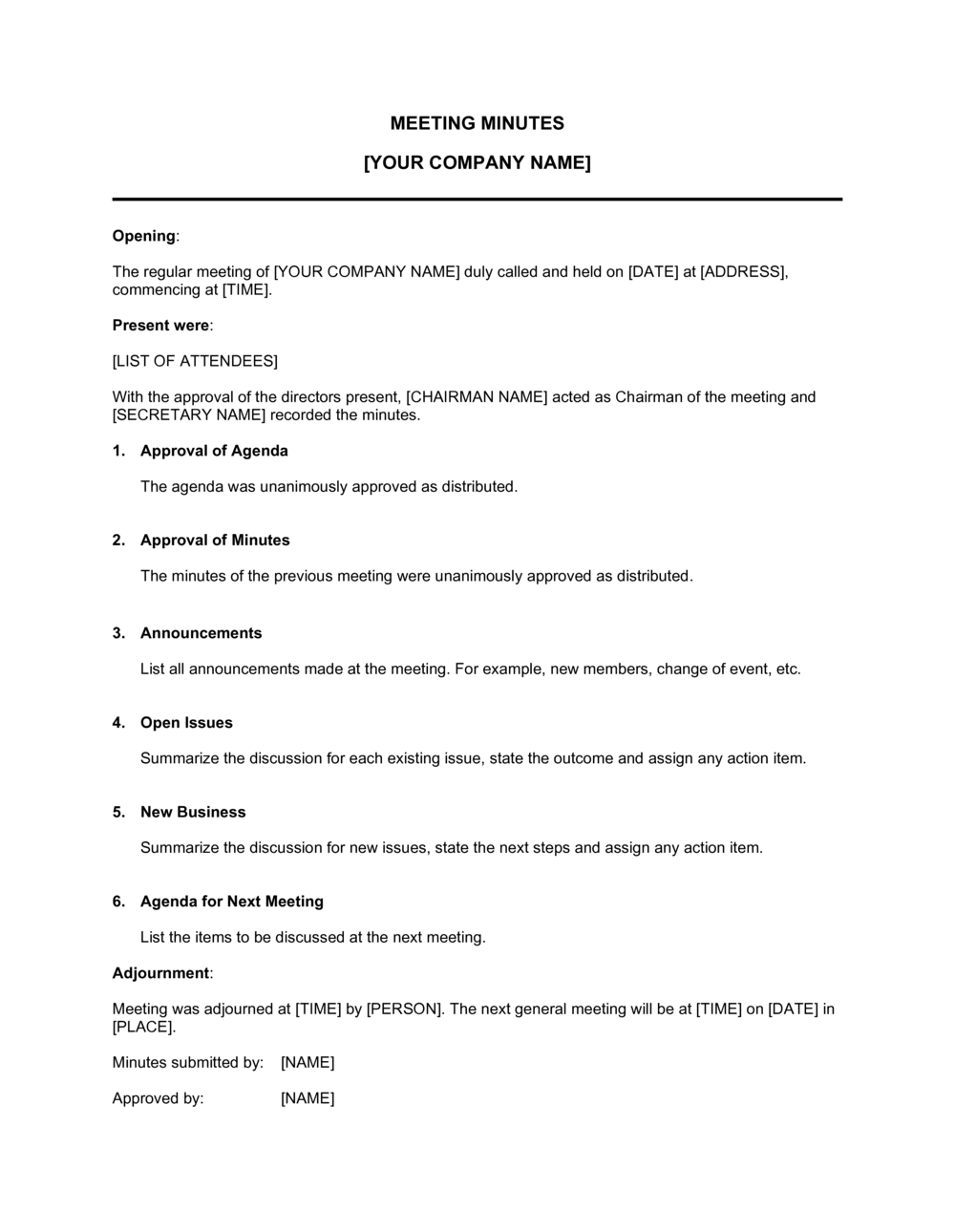
Meeting Minutes are the formal written record of what occurred during a meeting. This free Word template captures attendees, agenda items, decisions, votes, and action items with owners and deadlines — download it in Word, edit it online, and export to PDF for distribution or filing.
When you need it
Use it after every formal meeting — board sessions, committee reviews, project standups, and executive staff meetings — where decisions and action items must be documented.
What's inside
Header, attendees, agenda items, discussion summaries, decisions made, votes recorded, action items with owners and due dates, and adjournment time.

What is a Meeting Minutes Template?

A Meeting Minutes template is a structured document used to create the official written record of a meeting. It captures who attended, what was discussed under each agenda item, every decision and vote taken, and all action items with a named owner and deadline. Boards use minutes as a legal governance record; project teams use them as an accountability log. This free Word template covers all standard components — download it, edit it online, and export to PDF for distribution or filing.

Why You Need This Document

Without written minutes, decisions made in a meeting exist only in memory — and memories diverge within days. A completed minutes record gives every attendee a single source of truth for what was agreed, who owns what, and by when. For corporations and nonprofits, the stakes are higher: most state and provincial statutes require boards to maintain written records of meetings, and missing or incomplete minutes can invalidate resolutions, expose directors to personal liability, and complicate audits or due diligence. For project teams, the cost is simpler but still real — missed deadlines, re-litigated decisions, and no audit trail when a stakeholder disputes what was agreed.

Which variant fits your situation?

If your situation is…Use this template
Formal board of directors meeting at a corporationBoard of Directors Meeting Minutes
Annual general meeting of shareholders or membersAnnual General Meeting Minutes
Standing committee or advisory board meetingCommittee Meeting Minutes
Recurring project team or sprint review meetingProject Meeting Minutes
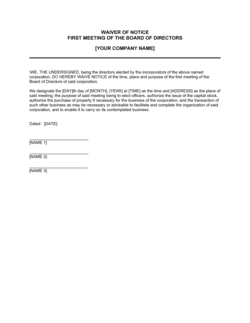
Initial organizational meeting of a new companyOrganizational Meeting Minutes
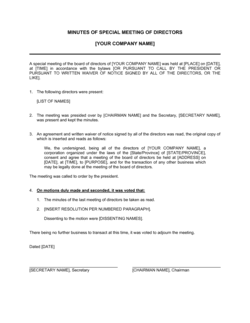
Special or emergency meeting called outside the regular scheduleSpecial Meeting Minutes

Common mistakes to avoid

❌ Recording verbatim dialogue instead of decisions

Why it matters: Transcript-style minutes bury the decisions in noise and take 5× longer to write, making them less likely to be read and acted on.

Fix: Summarize each agenda item in 2–4 sentences focused on what was decided, not what was said.
❌ Assigning action items to 'the team'

Why it matters: Diffuse ownership guarantees nothing gets done. At the next meeting, everyone assumes someone else handled it.

Fix: Every action item must have exactly one named owner and a specific due date — no exceptions.

❌ Distributing minutes more than 48 hours after the meeting

Why it matters: Corrections become harder to verify, action items lose urgency, and attendees lose confidence in the record.

Fix: Send a draft within 24 hours with a 48-hour correction window before the document is filed.

❌ Omitting the vote count from board resolutions

Why it matters: Most corporate bylaws require the vote tally to be recorded. Missing counts can invalidate resolutions in regulatory reviews or litigation.

Fix: Always record the full tally — in favor, opposed, abstentions — for every formal vote, even unanimous ones.

❌ Using vague language for decisions

Why it matters: Phrases like 'the board discussed marketing' create no accountability and can't be enforced or audited.

Fix: Write decisions in RESOLVED format with specific, measurable outcomes: 'RESOLVED, that the company shall allocate $50,000 to Q3 paid acquisition.'

❌ Never obtaining formal approval of the prior meeting's minutes

Why it matters: Unapproved minutes are a draft, not a record. Boards and nonprofits face governance risk when minutes are never formally ratified.

Fix: Make 'Approval of Previous Minutes' the first standing agenda item at every meeting, and record the approval vote.

The 8 key sections, explained

Header and Meeting Details

Attendance

Approval of Previous Minutes

Agenda Items and Discussion

Decisions and Resolutions

Action Items

Next Meeting

Adjournment and Signatures

How to fill it out

  1. 1

    Complete the header before the meeting starts

    Fill in the organization name, meeting type, date, location, and recorder's name in advance. Pre-loading the header means you spend meeting time capturing content, not housekeeping.

    💡 Prepare the attendance list from the calendar invite and mark absences in real time as people join.

  2. 2

    Record attendance and confirm quorum

    Mark each expected attendee as present, absent with notice, or absent without notice. Note any guests. For board or committee meetings, explicitly record whether quorum was achieved.

    💡 Note exact arrival and departure times for members who join late or leave early — relevant for votes taken during their absence.

  3. 3

    Document each agenda item as it concludes

    After each agenda topic wraps, write a 2–4 sentence summary covering the key information presented, main positions raised, and any material facts agreed on. Do not wait until after the meeting — memory fades within 30 minutes.

    💡 Use neutral, past-tense language: 'The team reviewed…', 'Finance reported…', 'Legal advised…'.

  4. 4

    Capture each decision with full vote details

    For every formal resolution or decision, record the exact motion text, the mover and seconder, and the vote count (in favor, opposed, abstentions). Note whether the motion carried or failed.

    💡 For informal project meetings without formal votes, record the decision in a single sentence: 'The team agreed to [X] by consensus.'

  5. 5

    Assign and log every action item

    For each task that arose, record the description, the single named owner, and the due date. Review the full action-item list aloud at the end of the meeting so every owner verbally confirms their commitment.

    💡 Color-code or bold new action items so they stand out from the prior-meeting carryovers in the status column.

  6. 6

    Distribute within 24 hours and collect approval

    Send the draft minutes to all attendees within 24 hours while details are fresh. Collect corrections, then formally approve them at the opening of the next meeting.

    💡 Use a shared drive link rather than attaching a file — version confusion is the biggest minutes-management failure in small organizations.

Frequently asked questions

What are meeting minutes?

Meeting minutes are the official written record of what occurred during a meeting. They document who attended, what topics were discussed, what decisions were made, how votes were cast, and what actions were assigned with owners and deadlines. For boards and committees, minutes serve as the legal record of governance activity. For project teams, they function as the accountability log.

What should be included in meeting minutes?

At minimum: meeting type, date, time, location, attendees, confirmation of quorum (for formal bodies), agenda items with discussion summaries, all decisions and vote counts, action items with a named owner and due date, next meeting details, and adjournment time. Boards should also include the approval of prior minutes as the first agenda item.

How long after a meeting should minutes be distributed?

Within 24 hours for operational and project meetings; within 48–72 hours for board and committee meetings where the recorder may need time to verify resolution language. Waiting longer than a week is a governance failure — memories fade, corrections multiply, and action items lose urgency before anyone has confirmed their assignment.

Who is responsible for taking meeting minutes?

For boards and formal committees, the Corporate Secretary or designated recorder holds this responsibility. For project or staff meetings, the responsibility typically rotates among team members or falls to the meeting organizer. The key requirement is that one named person is accountable for producing, distributing, and filing the document.

Do meeting minutes need to be signed?

For boards, nonprofits, and any meeting with legal or regulatory significance, yes — the recorder and the chair or secretary should sign. For project and operational meetings, a formal approval vote at the next meeting is the standard practice. Unsigned, unapproved minutes are a draft, not a final record.

What is the difference between meeting minutes and meeting notes?

Minutes are a formal, structured record intended as the official account of the meeting — approved by the group, filed, and potentially reviewed by auditors or regulators. Notes are informal personal records taken for individual reference. The practical difference: minutes are approved and become the organizational record; notes are not and do not.

Are meeting minutes legally required?

For corporations, nonprofits, and LLCs with a board or managing members, yes — state and provincial corporation statutes in the US, Canada, UK, and Australia require boards to maintain written records of meetings. Absence of minutes can expose directors to personal liability, invalidate corporate decisions, and complicate audits, due diligence, and litigation.

How this compares to alternatives

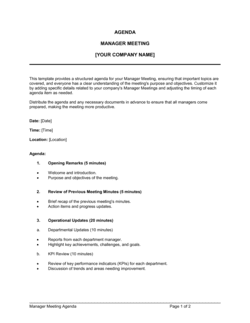
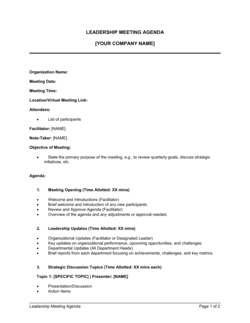
vs Meeting Agenda

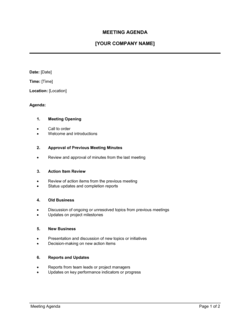
A meeting agenda is a forward-looking list of topics to be discussed, distributed before the meeting. Minutes are the backward-looking record of what was actually discussed and decided. Both documents reference the same agenda items, but the agenda is a plan and the minutes are the official record.

vs Action Plan

An action plan is a standalone project document listing all tasks, owners, timelines, and dependencies for a specific initiative. Meeting minutes capture action items as a byproduct of a meeting. Action plans are maintained and updated over weeks or months; minutes are a point-in-time record of a single session.

vs Status Report

A status report is a periodic update on a project's health — progress, risks, budget, and forecast — prepared by a project manager and distributed to stakeholders. Minutes document what occurred in a specific meeting. A status report may be presented during a meeting and referenced in the minutes, but they serve different purposes.

vs Board Resolution

A board resolution is a standalone formal document recording a single specific decision made by the board, often used when no meeting was held (a written consent). Meeting minutes record all decisions made across an entire meeting session. Resolutions are sometimes appended to or extracted from minutes for filing purposes.

Industry-specific considerations

Corporate / Legal

Board resolutions, shareholder approvals, director votes, and regulatory filing requirements.

Nonprofit / Associations

IRS Form 990 governance disclosures, bylaw compliance, and annual meeting records.

Construction / Real Estate

Project progress meetings, owner-architect-contractor (OAC) meetings, and lien-related decisions.

Healthcare

Medical staff committee meetings, credentialing decisions, and accreditation documentation.

Technology / SaaS

Sprint reviews, product roadmap decisions, and investor board meeting records.

Government / Public Sector

Open-meeting law compliance, public record requirements, and statutory publication timelines.

Template vs pro — what fits your needs?

PathBest forCostTime
Use the templateProject teams, staff meetings, committee meetings, and startup boardsFree15–20 minutes per meeting
Template + professional reviewEstablished corporate boards and nonprofits wanting a governance check on format and completeness$150–$400 one-time review1–2 days
Custom draftedRegulated industries, public companies, or organizations under legal scrutiny requiring bespoke minute-taking protocols$500–$2,000 to establish a custom protocol1–2 weeks

Glossary

Quorum
The minimum number of members who must be present for the meeting's decisions to be officially valid.
Motion
A formal proposal put before the group for a vote or decision during the meeting.
Resolution
The formal outcome of a motion that was voted on and approved by the required majority.
Action Item
A specific task assigned to a named individual with a defined deadline arising from the meeting's discussion.
Abstention
A participant's formal choice to neither vote in favor of nor against a motion.
Adjournment
The official close of the meeting, typically recorded by time and noted in the minutes.
Agenda
The pre-distributed list of topics to be discussed, which the minutes track item by item.
Proxy
Authorization for one member to vote or attend on behalf of another absent member.
Recorder / Secretary
The person responsible for capturing and distributing the official meeting minutes.
Approval of Minutes
The formal vote by attendees at a subsequent meeting confirming the prior session's minutes are accurate.

Part of your Business Operating System

This document is one of 3,000+ business & legal templates included in Business in a Box.

  • Fill-in-the-blanks — ready in minutes
  • 100% customizable Word document
  • Compatible with all office suites
  • Export to PDF and share electronically

Create your document in 3 simple steps.

From template to signed document — all inside one Business Operating System.
1
Download or open template

Access over 3,000+ business and legal templates for any business task, project or initiative.

2
Edit and fill in the blanks with AI

Customize your ready-made business document template and save it in the cloud.

3
Save, Share, Send, Sign

Share your files and folders with your team. Create a space of seamless collaboration.

Save time, save money, and create top-quality documents.

★★★★★

"Fantastic value! I'm not sure how I'd do without it. It's worth its weight in gold and paid back for itself many times."

Managing Director · Mall Farm
Robert Whalley
Managing Director, Mall Farm Proprietary Limited
★★★★★

"I have been using Business in a Box for years. It has been the most useful source of templates I have encountered. I recommend it to anyone."

Business Owner · 4+ years
Dr Michael John Freestone
Business Owner
★★★★★

"It has been a life saver so many times I have lost count. Business in a Box has saved me so much time and as you know, time is money."

Owner · Upstate Web
David G. Moore Jr.
Owner, Upstate Web

Run your business with a system — not scattered tools

Stop downloading documents. Start operating with clarity. Business in a Box gives you the Business Operating System used by over 250,000 companies worldwide to structure, run, and grow their business.

Free Forever Plan · No credit card required