- Return Merchandise Authorization (RMA)
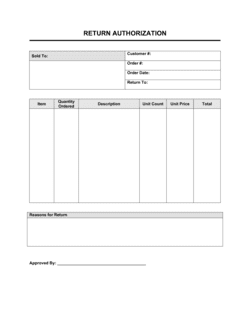
- A pre-approved number issued to a customer before they ship a product back, used to track and match the incoming return to the original order.
- Disposition
- The decision made about what to do with a returned item — common options are restock, repair, refurbish, return to vendor, or scrap.
- Condition Code
- A standardized grade — such as A (like new), B (minor damage), or C (unsaleable) — assigned to a returned item after physical inspection.
- Refund Amount
- The dollar value credited or refunded to the customer, which may differ from the original sale price due to restocking fees, partial use, or missing components.
- Restocking Fee
- A deduction from the refund amount, typically 10–25% of the purchase price, charged when a returned item requires repackaging or inspection before resale.
- Return Rate
- The percentage of units sold that are returned within a given period, calculated as returns divided by units sold — a key metric for product quality and policy health.
- Shrinkage
- Inventory loss attributable to damage, theft, or items that cannot be resold after return — returned goods that are scrapped contribute directly to shrinkage.
- Credit Memo
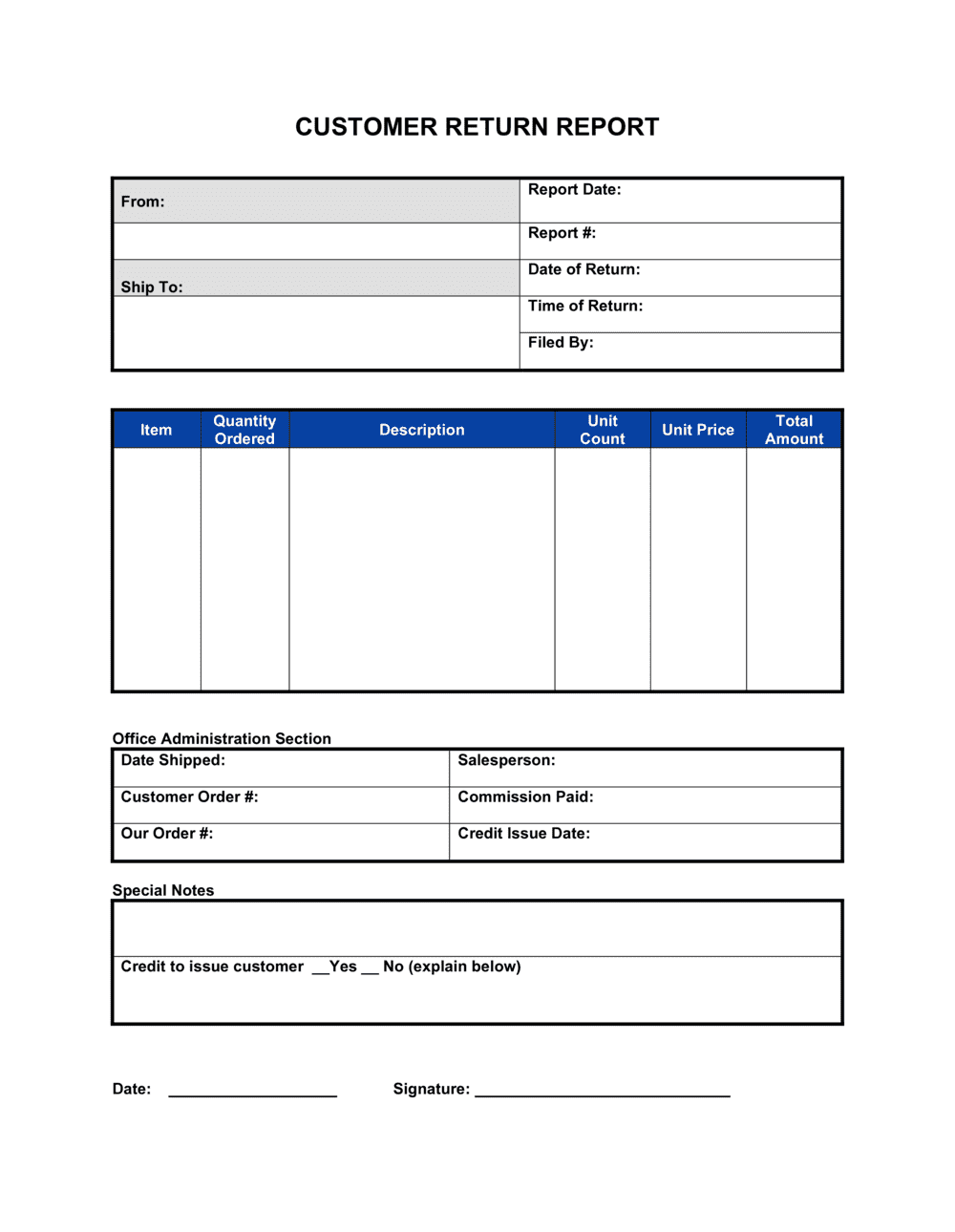
- An accounting document issued to reduce the amount a customer owes or to record store credit, often generated after a return report is approved.
- Return Reason Code
- A short classification label — such as 'defective,' 'wrong item,' 'changed mind,' or 'damaged in transit' — applied to each return for reporting and trend analysis.
- Reverse Logistics
- The supply-chain process of moving goods from the customer back to the seller or manufacturer, including transportation, inspection, and final disposition.