Petty Cash Log Template

Free Excel download β€’ Edit online β€’ Save & share with Drive β€’ Export to PDF

1 pageβ€’20–25 min to fillβ€’Difficulty: Standard
Learn more ↓
FreeXLSPetty Cash Log Template

At a glance

What it is
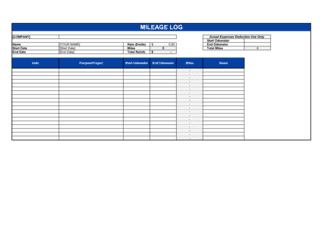
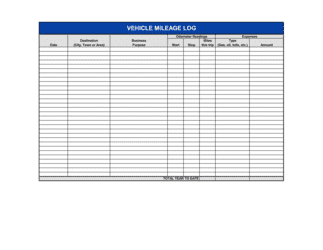
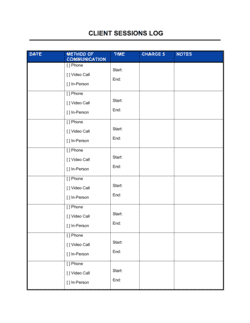
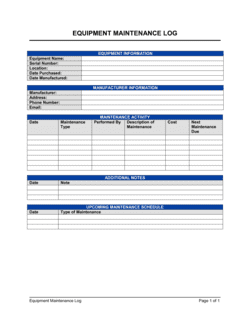
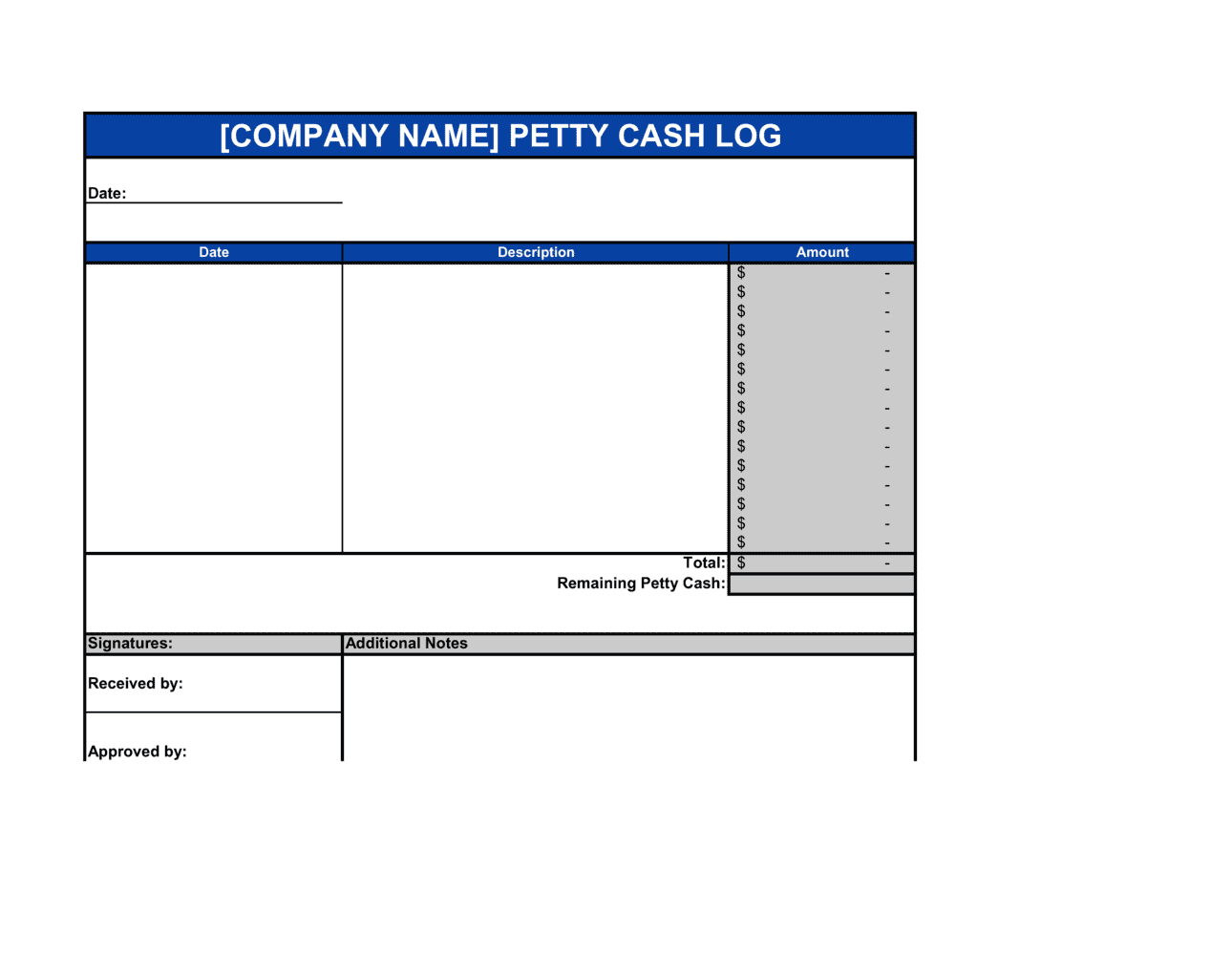
A Petty Cash Log is a structured form used to record every small cash disbursement made from a petty cash fund, including the date, payee, purpose, amount, and running balance. This free Word download gives you a ready-to-use log you can print, fill in by hand, or edit digitally and export as PDF for filing with your monthly reconciliation records.
When you need it
Use it any time your business maintains a petty cash fund for minor operational expenses β€” office supplies, postage, delivery tips, or small miscellaneous purchases β€” and needs a clear paper trail for bookkeeping and internal audit purposes.
What's inside
Fund opening balance, date and transaction number, payee name, expense description and category, amount disbursed or replenished, running balance, and a receipt-attached checkbox for each entry.

What is a Petty Cash Log?

A Petty Cash Log is a structured record-keeping form used to document every transaction involving a small, on-site cash fund maintained for minor business expenses. Each entry captures the transaction date, a sequential reference number, the payee, a specific expense description, the category, the amount disbursed or replenished, and the running cash balance remaining in the fund. Together, these entries create an unbroken paper trail that allows a bookkeeper, manager, or auditor to verify that every dollar that entered or left the fund is accounted for.

Why You Need This Document

Without a petty cash log, even a modest $200 fund becomes an uncontrolled cash pool that is nearly impossible to reconcile at month-end or defend during an audit. Missing or undocumented disbursements cannot be categorized as deductible business expenses, which means real costs get written off β€” and real tax savings disappear. Internal theft from unlogged petty cash funds is one of the most common forms of employee fraud in small businesses precisely because it is so easy to conceal without a daily record. A completed log with attached receipts satisfies bookkeeping standards, supports expense deductions, and gives managers an instant picture of where minor cash is going. This template gives you a ready-to-use form that takes minutes to set up and turns petty cash from a financial blind spot into a controlled, auditable asset.

Which variant fits your situation?

If your situation is…Use this template
Tracking petty cash with automatic balance calculationsPetty Cash Log (Excel)
Requesting reimbursement for a single out-of-pocket expenseExpense Reimbursement Form
Summarizing all employee expenses for a reporting periodExpense Report
Recording incoming and outgoing cash across the full businessCash Flow Statement
Logging check disbursements from a business bank accountCheck Request Form
Tracking purchases made on a company credit cardCredit Card Expense Report
Documenting petty cash during a project with a fixed budgetProject Budget Tracker

Common mistakes to avoid

❌ Recording transactions in batches at week-end

Why it matters: Batched entries rely on memory and create a running balance that is wrong for days at a time, making it impossible to spot shortages before they grow.

Fix: Record each disbursement the same day it happens, even if it means a brief interruption. The log entry takes less than two minutes.
❌ Allowing the same person to disburse and authorize

Why it matters: When one person controls both sides of a cash transaction, even small amounts of misappropriation can go undetected for months.

Fix: Require a second person β€” a manager or department head β€” to initial each disbursement, or batch-review and sign the log weekly.

❌ Using vague expense descriptions

Why it matters: Entries like 'supplies' or 'miscellaneous' cannot be mapped to a general ledger account and fail basic bookkeeping standards for tax and audit purposes.

Fix: Write a description specific enough that someone unfamiliar with the purchase can identify the item, vendor, and business purpose from the log alone.

❌ Not reconciling at each replenishment

Why it matters: Skipping reconciliation at replenishment lets discrepancies accumulate across cycles β€” by year-end, a missing $20 can become an unexplained $200 gap.

Fix: Treat every replenishment as a mandatory mini-reconciliation: count physical cash, total disbursements since last replenishment, and confirm they sum to the starting balance before requesting the check.

The 10 key fields, explained

Transaction date

Transaction number

Payee or recipient

Expense description

Expense category

Amount disbursed

Replenishment received

Running balance

Receipt attached

Authorized by

How to fill it out

  1. 1

    Set up the fund details at the top

    Enter the fund name or department, the fixed starting balance, the custodian's name, and the reporting period dates at the top of the log.

    πŸ’‘ Keep the starting balance modest β€” $100–$300 is sufficient for most small offices. A larger fund increases theft and misuse risk.

  2. 2

    Record every transaction the same day it occurs

    Enter the date, transaction number, payee, description, category, and exact amount immediately when cash is disbursed β€” not at the end of the week.

    πŸ’‘ Same-day recording takes under two minutes per transaction and eliminates the memory-based guesswork that causes reconciliation failures.

  3. 3

    Attach the receipt before closing the entry

    Staple or paperclip the physical receipt to the log or scan it into a shared folder and note the filename. Check the receipt-attached box before moving to the next line.

    πŸ’‘ Number each receipt with the matching transaction number in pen before filing β€” it makes pulling individual receipts during an audit fast and reliable.

  4. 4

    Update the running balance after each entry

    Subtract disbursements from and add replenishments to the previous balance to keep a live running total. Confirm the balance matches the physical cash in the box.

    πŸ’‘ A $0.01 discrepancy is worth finding immediately β€” small errors that go unfixed often mask larger errors added on top of them.

  5. 5

    Record replenishments as a separate line

    When you top up the fund by cashing a check, add a replenishment line with the check number, amount received, and updated balance before resuming normal disbursement entries.

    πŸ’‘ The replenishment check amount should exactly equal total disbursements since the last replenishment β€” if it doesn't, find the discrepancy before depositing.

  6. 6

    Reconcile and close out each reporting period

    At period-end, total all disbursements, confirm opening balance minus total disbursements plus total replenishments equals the physical cash on hand, and have a second person verify and sign off.

    πŸ’‘ A two-person sign-off at reconciliation β€” even a brief manager review β€” satisfies most internal audit requirements without adding more than five minutes to the process.

Frequently asked questions

What is a petty cash log?

A petty cash log is a form used to record every transaction involving a small business cash fund β€” typically kept on-site for minor purchases under $50 or $100. It captures the date, payee, description, amount, and running balance for each disbursement and replenishment, creating the paper trail needed for bookkeeping, tax records, and internal audits.

How much should a petty cash fund hold?

Most small businesses maintain a petty cash fund of $100–$300, enough to cover a few weeks of minor expenses without holding excess cash on site. Larger offices or businesses with frequent small purchases may keep $300–$500. The amount should be set low enough that a full loss would not materially harm the business, since physical cash is the hardest asset to control.

How often should petty cash be reconciled?

Reconcile at every replenishment β€” which typically happens every two to four weeks β€” and always at month-end. Some businesses with high petty cash volume reconcile weekly. The key rule is never to replenish the fund without first confirming the running log balance matches the physical cash on hand.

What receipts need to be kept with the petty cash log?

A receipt or voucher should be attached for every disbursement, no exceptions. If a receipt is unavailable β€” for a parking meter, for example β€” a signed petty cash voucher written by the employee receiving the cash serves as the supporting document. Most tax authorities and internal audit standards require documentation for every cash expense, regardless of amount.

Is a petty cash log required for tax purposes?

Tax authorities in most jurisdictions require documentation for all business expense deductions, including small cash purchases. A well-maintained petty cash log with attached receipts satisfies this requirement and makes claiming minor deductions straightforward. Without it, cash expenses are difficult to substantiate during an audit and may be disallowed.

What is the imprest system and should I use it?

The imprest system means the petty cash fund is always replenished back to the same fixed starting amount β€” for example, always back to $200 regardless of how much was spent. It is the most widely recommended approach because it makes reconciliation simple: disbursements plus cash on hand should always equal the fixed amount. Most small businesses should use it.

Who should be the petty cash custodian?

The custodian should be a single, named employee responsible for disbursing cash, maintaining the log, and requesting replenishments β€” typically an office manager, bookkeeper, or administrative assistant. Assigning one custodian creates clear accountability. A different person, such as a manager, should review and sign off at each reconciliation to maintain basic separation of duties.

Can I use a spreadsheet instead of a Word log?

A spreadsheet with auto-calculated running balances reduces arithmetic errors and makes sorting and filtering by category easier. A Word or printed log works well for businesses that prefer a physical record with receipts attached. Either format is acceptable for bookkeeping and audit purposes as long as every required field is consistently completed.

How this compares to alternatives

vs Expense Report

An expense report is submitted by an employee after spending personal funds on business expenses and requesting reimbursement. A petty cash log records disbursements from a company-held fund that the custodian manages on-site. Use an expense report for out-of-pocket employee spending; use a petty cash log for on-site cash kept in a physical box or drawer.

vs Expense Reimbursement Form

An expense reimbursement form documents a single employee claim for money already spent. A petty cash log is a running record of all transactions through a shared fund over a period. The reimbursement form triggers a payment; the petty cash log tracks the fund's history.

vs Cash Flow Statement

A cash flow statement is a financial reporting document showing all cash inflows and outflows across the entire business for a period. A petty cash log records only minor on-site disbursements from a small fund. The petty cash log feeds into the cash flow statement as a line item, but the two serve entirely different purposes and audiences.

vs Purchase Order

A purchase order authorizes a vendor to supply goods or services and creates a formal procurement record. Petty cash is used for purchases too small or immediate to warrant a purchase order process. For any expense that can wait for a PO approval cycle, use a purchase order; use petty cash only for truly minor and time-sensitive purchases.

Industry-specific considerations

Professional Services

Client-related minor expenses such as courier fees, notary costs, and office refreshments are tracked by matter or client code for accurate billing and expense recovery.

Retail

Store petty cash covers till float shortages, small supply runs, and delivery tips β€” reconciled daily against the point-of-sale closing report.

Construction

Job-site petty cash funds cover hardware runs, parking, and incidental materials β€” logged by project code so costs are allocated to the correct job cost report.

Nonprofit

Program petty cash must be documented to satisfy grant compliance and funder audit requirements, with expense categories mapped to approved budget line items.

Template vs pro β€” what fits your needs?

PathBest forCostTime
Use the templateAny small business, office, or department maintaining a petty cash fund of any sizeFree5 minutes to set up; 2 minutes per transaction
Template + professional reviewBusinesses adding custom expense categories, multi-fund tracking, or department-level cost allocation$0–$75 (bookkeeper setup session)1–2 hours
Custom draftedEnterprise businesses integrating petty cash tracking into an ERP or accounting system with automated reconciliation$200–$1,000+ (accountant or systems setup)1–5 days

Glossary

Petty Cash Fund
A small, fixed reserve of physical cash kept on-site for minor business expenses that are impractical to pay by check or card.
Imprest System
A cash management method where the petty cash fund is replenished back to its original fixed amount each time it is reconciled.
Disbursement
A cash payment made from the petty cash fund in exchange for a minor business expense.
Running Balance
The remaining cash in the fund after each transaction is recorded, calculated by subtracting disbursements and adding replenishments.
Reconciliation
The process of verifying that the physical cash on hand plus all recorded disbursements equals the fund's opening balance.
Voucher
A paper slip or receipt attached to a petty cash log entry that authorizes and documents a specific disbursement.
Custodian
The designated employee responsible for maintaining, disbursing, and reconciling the petty cash fund.
Replenishment
The act of topping up the petty cash fund β€” typically by cashing a check β€” so the balance returns to its fixed starting amount.
Expense Category
A label assigned to each disbursement β€” such as office supplies, postage, or travel β€” that maps the expense to the correct account in the general ledger.

Part of your Business Operating System

This document is one of 3,000+ business & legal templates included in Business in a Box.

  • Fill-in-the-blanks β€” ready in minutes
  • 100% customizable Word document
  • Compatible with all office suites
  • Export to PDF and share electronically

Create your document in 3 simple steps.

From template to signed document β€” all inside one Business Operating System.
1
Download or open template

Access over 3,000+ business and legal templates for any business task, project or initiative.

2
Edit and fill in the blanks with AI

Customize your ready-made business document template and save it in the cloud.

3
Save, Share, Send, Sign

Share your files and folders with your team. Create a space of seamless collaboration.

Save time, save money, and create top-quality documents.

β˜…β˜…β˜…β˜…β˜…

"Fantastic value! I'm not sure how I'd do without it. It's worth its weight in gold and paid back for itself many times."

Managing Director Β· Mall Farm
Robert Whalley
Managing Director, Mall Farm Proprietary Limited
β˜…β˜…β˜…β˜…β˜…

"I have been using Business in a Box for years. It has been the most useful source of templates I have encountered. I recommend it to anyone."

Business Owner Β· 4+ years
Dr Michael John Freestone
Business Owner
β˜…β˜…β˜…β˜…β˜…

"It has been a life saver so many times I have lost count. Business in a Box has saved me so much time and as you know, time is money."

Owner Β· Upstate Web
David G. Moore Jr.
Owner, Upstate Web

Run your business with a system β€” not scattered tools

Stop downloading documents. Start operating with clarity. Business in a Box gives you the Business Operating System used by over 250,000 companies worldwide to structure, run, and grow their business.

Free Forever PlanΒ Β·Β No credit card required