SEO Plan Template

Free Word download • Edit online • Save & share with Drive • Export to PDF

17 pages30–40 min to fillDifficulty: Complex
Learn more ↓
FreeSEO Plan Template

At a glance

What it is
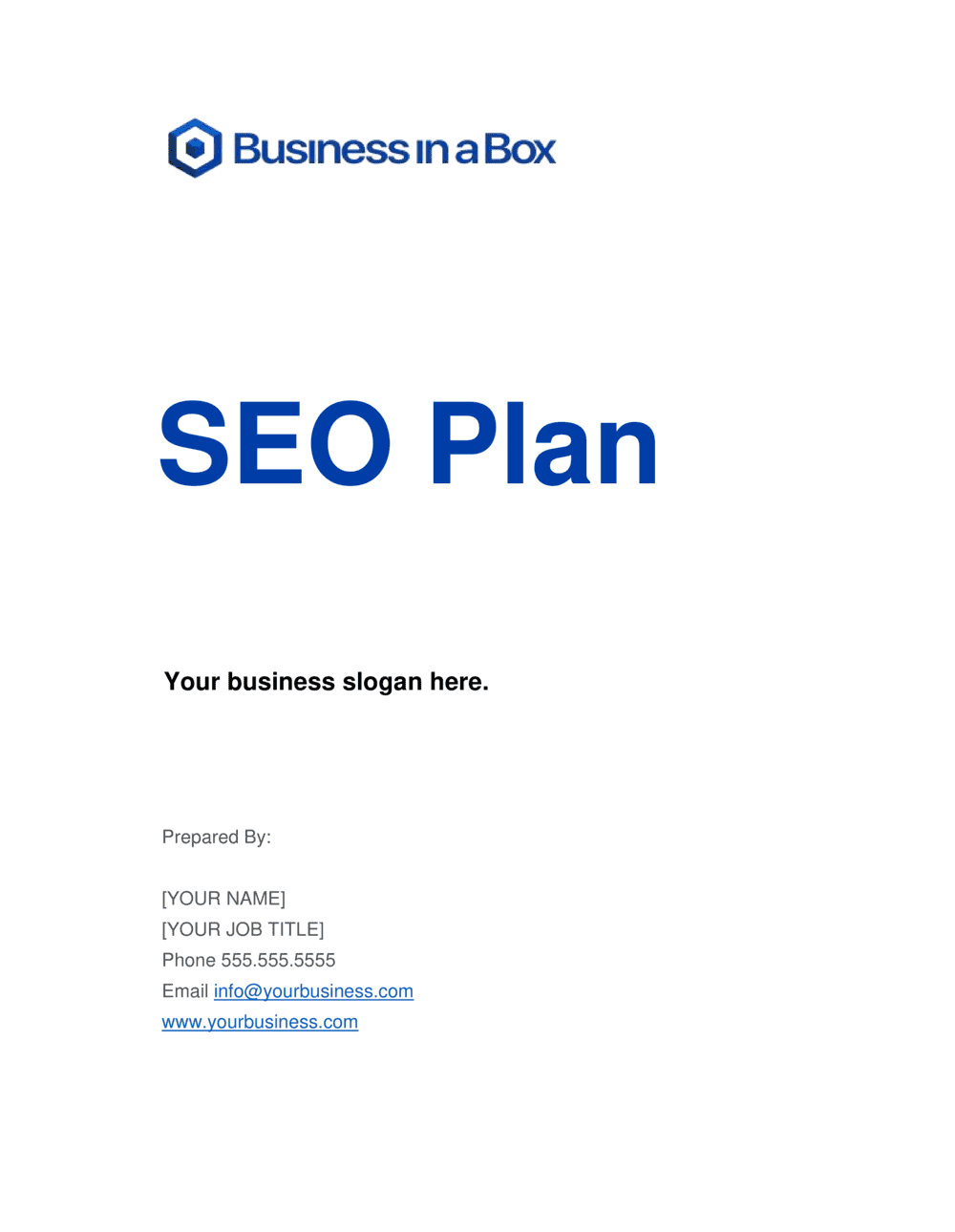
An SEO Plan is a structured operational document that maps a website's search engine optimization strategy across keyword research, on-page optimization, technical SEO, content production, link building, and performance measurement. This free Word download gives you a ready-to-edit framework you can customize for any domain or industry and export as PDF to share with clients, stakeholders, or your marketing team.
When you need it
Use it when launching a new website, onboarding an SEO client, recovering from a Google algorithm update, or realigning an existing SEO program around measurable quarterly targets.
What's inside
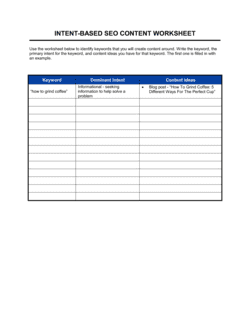
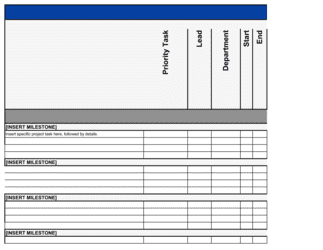
Situtation analysis and audit findings, target keyword matrix, on-page and technical SEO priorities, content calendar integration, link acquisition strategy, and a KPI dashboard with 30/60/90-day milestones tied to organic traffic, keyword rankings, and conversion goals.

What is an SEO Plan?

An SEO Plan is a structured operational document that defines a website's strategy for achieving and sustaining organic search visibility. It translates raw keyword research, technical audit findings, and competitive analysis into a prioritized action roadmap covering on-page optimization, technical fixes, content production, and link acquisition — all tied to measurable KPIs and a phased milestone schedule. Unlike a general marketing plan, an SEO plan operates at the tactical execution level, assigning specific tasks to named owners with deadlines and tracking mechanisms that let teams and clients measure progress month over month.

Why You Need This Document

Running SEO activity without a written plan means resources get spent on the highest-urgency requests rather than the highest-impact opportunities. Without a documented keyword matrix, teams optimize for the same pages repeatedly while ignoring category-defining terms that competitors are quietly capturing. Without a technical action list, new content gets published on a site that search engines can't fully crawl — and rankings stall for reasons that are invisible until an audit is run months later. A formal SEO plan prevents these failure modes by sequencing work correctly: technical foundations first, then content and links. It also gives you the baseline data required to demonstrate ROI to clients or leadership — showing not just what was done, but what moved as a result. This template gives you the structure to build that plan in a single working session, ready to share and execute immediately.

Which variant fits your situation?

If your situation is…Use this template
Building a full 12-month SEO strategy for a new domainSEO Plan (Annual)
Creating a focused 90-day sprint for a specific campaign or product launchSEO Action Plan (90-Day)
Auditing an existing site before rebuilding the strategySEO Audit Report
Planning content production around target keywordsContent Marketing Plan
Reporting monthly SEO progress to a client or executive teamSEO Monthly Report
Planning a link-building outreach campaignLink Building Plan
Aligning SEO with a full digital marketing strategyDigital Marketing Plan

Common mistakes to avoid

❌ Starting with keyword research before the technical audit

Why it matters: Publishing new content or targeting new keywords on a site with indexation, crawlability, or speed issues means pages may never rank regardless of content quality.

Fix: Always complete a technical audit in the first two weeks and resolve critical blockers before creating or optimizing any content.

❌ Setting traffic targets without establishing a baseline

Why it matters: A target of '50% traffic increase' is meaningless and unmeasurable if you haven't recorded the starting organic session count and keyword ranking snapshot.

Fix: Document exact baseline metrics — organic sessions, keyword counts by position tier, and CTR — on the plan start date using Google Analytics 4 and Google Search Console.

❌ Optimizing for keywords with no commercial intent

Why it matters: Ranking on page one for informational queries that never convert to leads or sales consumes resources without generating business outcomes.

Fix: Map every keyword in the matrix to a stage in the buying funnel and weight the production schedule toward commercial and transactional intent keywords first.

❌ Ignoring existing content that already has ranking traction

Why it matters: Creating net-new content while overlooking pages already ranking on page two or three misses the fastest available ranking improvements — pages in positions 8–20 often need minor updates, not replacement.

Fix: Filter Google Search Console for queries where your site has 100+ impressions but less than 5% CTR — these pages are the highest-ROI optimization targets in the plan.

❌ Setting link-building targets by volume without minimum quality thresholds

Why it matters: Forty links from DR 5–15 directories can actively dilute a backlink profile and trigger manual review flags for unnatural link patterns.

Fix: Define a minimum domain rating (typically DR 30+ for most industries) and require topical relevance for every link counted toward the monthly target.

❌ Failing to reassign content responsibility to named owners

Why it matters: A content schedule with no named owner and no deadline is a wishlist, not a plan. Unassigned tasks are the most common reason SEO plans stall after the first 30 days.

Fix: Every content piece, technical fix, and outreach campaign in the plan must have a named owner and a specific due date before the plan is shared with stakeholders.

The 9 key sections, explained

Situation analysis and SEO audit

Target keyword matrix

On-page optimization priorities

Technical SEO action list

Content strategy and production plan

Link acquisition strategy

Local SEO and Google Business Profile (if applicable)

KPI dashboard and reporting cadence

30/60/90-day milestone schedule

How to fill it out

  1. 1

    Run a baseline SEO audit

    Before filling in any targets, crawl the site with a tool like Screaming Frog or Ahrefs Site Audit. Export the results and identify the top three technical issues, current organic traffic (from Google Analytics 4 or Google Search Console), and the site's domain rating.

    💡 Export a keyword ranking snapshot on day one — before making any changes — so you have a clean baseline to compare progress against at the 90-day mark.

  2. 2

    Build the keyword matrix by topic cluster

    Group target keywords into 4–8 topic clusters aligned with your main service or product categories. For each cluster, identify one primary keyword (highest volume, highest commercial value) and 3–5 supporting long-tail variants. Assign each keyword to an existing URL or flag it as a new page to create.

    💡 Use Google Search Console's 'Queries' report to find keywords where your site already has impressions but ranks below position 10 — these are the fastest wins.

  3. 3

    Prioritize the technical SEO action list

    Sort technical issues into three tiers: crawling and indexation blockers (fix first), Core Web Vitals failures (fix in the first 30 days), and lower-priority improvements (schedule for Day 31–60). Assign each fix an owner — developer, SEO specialist, or CMS admin — and a completion date.

    💡 Resolve any noindex tags or canonical errors on high-priority pages before launching any content or link-building work — otherwise the effort won't translate into rankings.

  4. 4

    Set the content production schedule

    Map each content piece to a keyword gap identified in the matrix. For each piece, specify the target keyword, content format (how-to guide, comparison page, product landing page), target word count based on the top 3 ranking results, and the publish date.

    💡 Audit the top 3 ranking pages for each target keyword before writing — match or exceed their depth and structure rather than guessing at the right format.

  5. 5

    Define link acquisition tactics and monthly targets

    Select two or three link-building tactics suited to your industry and resources. Set a monthly link target in terms of number of links and minimum domain rating threshold. Assign outreach ownership to a specific person or agency.

    💡 Digital PR campaigns (data-driven studies, surveys, or tools) generate links from high-authority editorial sites at scale — one successful campaign can deliver 20–50 links that would take months of manual outreach to acquire.

  6. 6

    Configure the KPI dashboard

    Set up tracking for organic sessions, top-3 and top-10 keyword counts, average CTR from Google Search Console, domain rating, and organic conversion rate. Record the baseline value for each metric on the plan start date.

    💡 Connect Google Search Console to GA4 so you can segment organic traffic by landing page and see which content pieces are driving both rankings and conversions — not just clicks.

  7. 7

    Review and share the plan with stakeholders

    Present the plan to the client or internal leadership team before execution begins. Walk through the 30/60/90-day milestones, confirm resource availability, and get explicit approval on content topics and link-building approaches.

    💡 Lock down keyword targets and content topics in a signed-off plan before writing begins — mid-project pivots waste production budget and delay results by at least one quarter.

Frequently asked questions

What is an SEO plan?

An SEO plan is a structured document that outlines a website's strategy for improving its visibility in organic search results. It covers keyword targeting, on-page and technical optimizations, content production priorities, link acquisition tactics, and KPI tracking. It serves as both a strategic roadmap for internal teams and a deliverable for agencies presenting work to clients.

What should an SEO plan include?

A complete SEO plan includes a baseline audit, a prioritized keyword matrix organized by topic cluster and search intent, on-page optimization tasks for existing pages, a technical SEO action list, a content production schedule, a link-building strategy, and a KPI dashboard with 30/60/90-day milestones. Plans that omit the technical audit or the KPI baseline have no reliable way to measure whether the strategy is working.

How long should an SEO plan be?

A practical SEO plan runs 8–15 pages for a single domain, excluding keyword research spreadsheets and audit exports which live in appendices. The document should be detailed enough for execution — every task needs an owner, a deadline, and a success metric — but concise enough that a client or stakeholder can read the executive sections in under 10 minutes.

How long does it take to see results from an SEO plan?

For most domains, meaningful organic traffic movement takes 3–6 months from the start of execution. Quick wins — improving CTR on existing ranking pages, fixing technical blockers, optimizing pages already in positions 8–20 — can produce visible results within 30–60 days. New content targeting competitive keywords typically takes 4–9 months to reach the first page, depending on domain authority and link velocity.

What is the difference between an SEO plan and an SEO strategy?

An SEO strategy defines the high-level approach — which channels to prioritize, what competitive positioning to pursue, and what business outcomes SEO should support. An SEO plan operationalizes that strategy into specific tasks, owners, deadlines, and measurable milestones. You need both: a strategy without a plan stays abstract; a plan without a strategy produces activity without direction.

How do I prioritize keywords in an SEO plan?

Prioritize by the intersection of three factors: search intent alignment with your business model (transactional and commercial queries first), keyword difficulty relative to your current domain authority, and estimated traffic value per click. Use Google Search Console to find keywords where you already have impressions but rank below position 10 — these require optimization rather than new content and produce results faster.

Can I build an SEO plan without specialist tools?

Google Search Console and Google Analytics 4 are free and sufficient for baseline traffic data, impression tracking, and CTR analysis. For keyword research, competitive analysis, and backlink data, a paid tool like Ahrefs, Semrush, or Moz is strongly recommended. Running an SEO plan without keyword difficulty and backlink data is like navigating without a map — possible, but you will frequently invest effort in keywords you cannot realistically rank for.

How often should an SEO plan be updated?

Review KPI progress monthly and update priorities quarterly. Google algorithm updates (typically three to four significant updates per year) can shift keyword volatility and require tactical adjustments. A full plan refresh — new audit, updated keyword matrix, revised content schedule — is appropriate every 6–12 months or immediately following a significant traffic drop.

Who is responsible for executing an SEO plan in a small business?

In a small business without a dedicated SEO specialist, the plan works best when roles are explicitly divided: a content writer handles content production, a developer handles technical fixes, and the business owner or marketing manager owns overall coordination and reporting. Assigning all tasks to one person without adjusting the production pace is the most common reason small-business SEO plans fail in the first quarter.

How this compares to alternatives

vs Digital Marketing Plan

A digital marketing plan covers the full range of online channels — paid search, social media, email, display, and organic search — and sets overall budget allocation and campaign objectives. An SEO plan focuses exclusively on organic search and goes into far greater tactical depth on keywords, technical issues, and content. Use the digital marketing plan to set channel strategy, then use the SEO plan to execute the organic search component.

vs Content Marketing Plan

A content marketing plan organizes editorial topics, formats, distribution channels, and production schedules across all content types — including social, email, and video. An SEO plan drives content decisions based on keyword data and search intent rather than brand storytelling priorities. Both documents should be used together: the SEO plan defines which topics to create; the content marketing plan defines how to produce and distribute them.

vs Marketing Plan

A marketing plan is a broad strategic document covering target audience, positioning, budget, and all marketing activities across both digital and traditional channels. An SEO plan is a narrowly scoped operational document focused entirely on organic search tactics and technical execution. Most businesses need both: the marketing plan sets direction and budget; the SEO plan details how the organic channel will deliver against it.

vs Social Media Marketing Plan

A social media marketing plan governs content, posting cadence, paid promotion, and community management across social platforms. An SEO plan governs search engine visibility and organic traffic from Google and Bing. The two documents target different channels with different timelines — social produces near-immediate engagement; SEO results compound over months. Both should reference a shared content calendar to avoid duplicating production effort.

Industry-specific considerations

E-commerce and retail

Category and product page keyword mapping, structured data for product schema, seasonal content calendars tied to purchase-intent peaks, and Core Web Vitals optimization for large image-heavy catalogs.

SaaS and technology

Bottom-of-funnel comparison and alternative pages, integration and use-case landing pages, documentation SEO for developer audiences, and feature-specific keyword clusters aligned to pricing tiers.

Professional services

Local and regional keyword targeting, E-E-A-T content built around named practitioners, FAQ and knowledge-base content for high-volume informational queries, and Google Business Profile optimization.

Healthcare and wellness

YMYL content standards requiring verified author credentials and medical source citations, high emphasis on E-E-A-T signals, patient-intent keyword segmentation, and local SEO for clinic or practice locations.

Template vs pro — what fits your needs?

PathBest forCostTime
Use the templateSmall business owners, in-house marketers, and founders building a first SEO strategy for a single domainFree4–8 hours to complete with audit data on hand
Template + professional reviewGrowing businesses with an existing SEO program that needs a structured reset or quarterly refresh reviewed by a specialist$300–$1,000 for a freelance SEO consultant review session1–2 weeks
Custom draftedEnterprise domains, competitive verticals (finance, health, legal), or agencies delivering SEO plans as a paid client deliverable$2,000–$8,000 for a full custom SEO strategy and plan from a specialist agency3–6 weeks

Glossary

Organic Traffic
Visitors who arrive at a website by clicking an unpaid search engine result rather than an advertisement.
Keyword Gap
Keywords for which competitors rank in the top 10 search results but your site does not, representing untapped ranking opportunities.
Search Intent
The underlying goal a user has when typing a query — informational, navigational, commercial, or transactional — which determines what content format and depth Google rewards.
Domain Authority (DA)
A third-party score (Moz scale 1–100) estimating how likely a domain is to rank in search results, based on the quantity and quality of its inbound links.
Core Web Vitals
Google's set of page experience metrics — Largest Contentful Paint, Interaction to Next Paint, and Cumulative Layout Shift — that directly influence search rankings.
Crawl Budget
The number of pages Googlebot will crawl on a site within a given timeframe; wasted crawl budget on low-value pages can delay indexing of important content.
E-E-A-T
Experience, Expertise, Authoritativeness, and Trustworthiness — Google's quality framework for evaluating content, especially critical for health, finance, and legal topics.
Featured Snippet
A search result displayed above the standard organic listings, pulling a direct answer from a page — occupying 'position zero' and capturing significant click share.
Backlink Profile
The full set of external websites linking to a domain, evaluated by quantity, authority, anchor text distribution, and topical relevance.
Click-Through Rate (CTR)
The percentage of users who see a search result and click on it; low CTR on high-impression queries signals a title tag or meta description optimization opportunity.

Part of your Business Operating System

This document is one of 3,000+ business & legal templates included in Business in a Box.

  • Fill-in-the-blanks — ready in minutes
  • 100% customizable Word document
  • Compatible with all office suites
  • Export to PDF and share electronically

Create your document in 3 simple steps.

From template to signed document — all inside one Business Operating System.
1
Download or open template

Access over 3,000+ business and legal templates for any business task, project or initiative.

2
Edit and fill in the blanks with AI

Customize your ready-made business document template and save it in the cloud.

3
Save, Share, Send, Sign

Share your files and folders with your team. Create a space of seamless collaboration.

Save time, save money, and create top-quality documents.

★★★★★

"Fantastic value! I'm not sure how I'd do without it. It's worth its weight in gold and paid back for itself many times."

Managing Director · Mall Farm
Robert Whalley
Managing Director, Mall Farm Proprietary Limited
★★★★★

"I have been using Business in a Box for years. It has been the most useful source of templates I have encountered. I recommend it to anyone."

Business Owner · 4+ years
Dr Michael John Freestone
Business Owner
★★★★★

"It has been a life saver so many times I have lost count. Business in a Box has saved me so much time and as you know, time is money."

Owner · Upstate Web
David G. Moore Jr.
Owner, Upstate Web

Run your business with a system — not scattered tools

Stop downloading documents. Start operating with clarity. Business in a Box gives you the Business Operating System used by over 250,000 companies worldwide to structure, run, and grow their business.

Free Forever Plan · No credit card required