1
Set the period, owner, and version
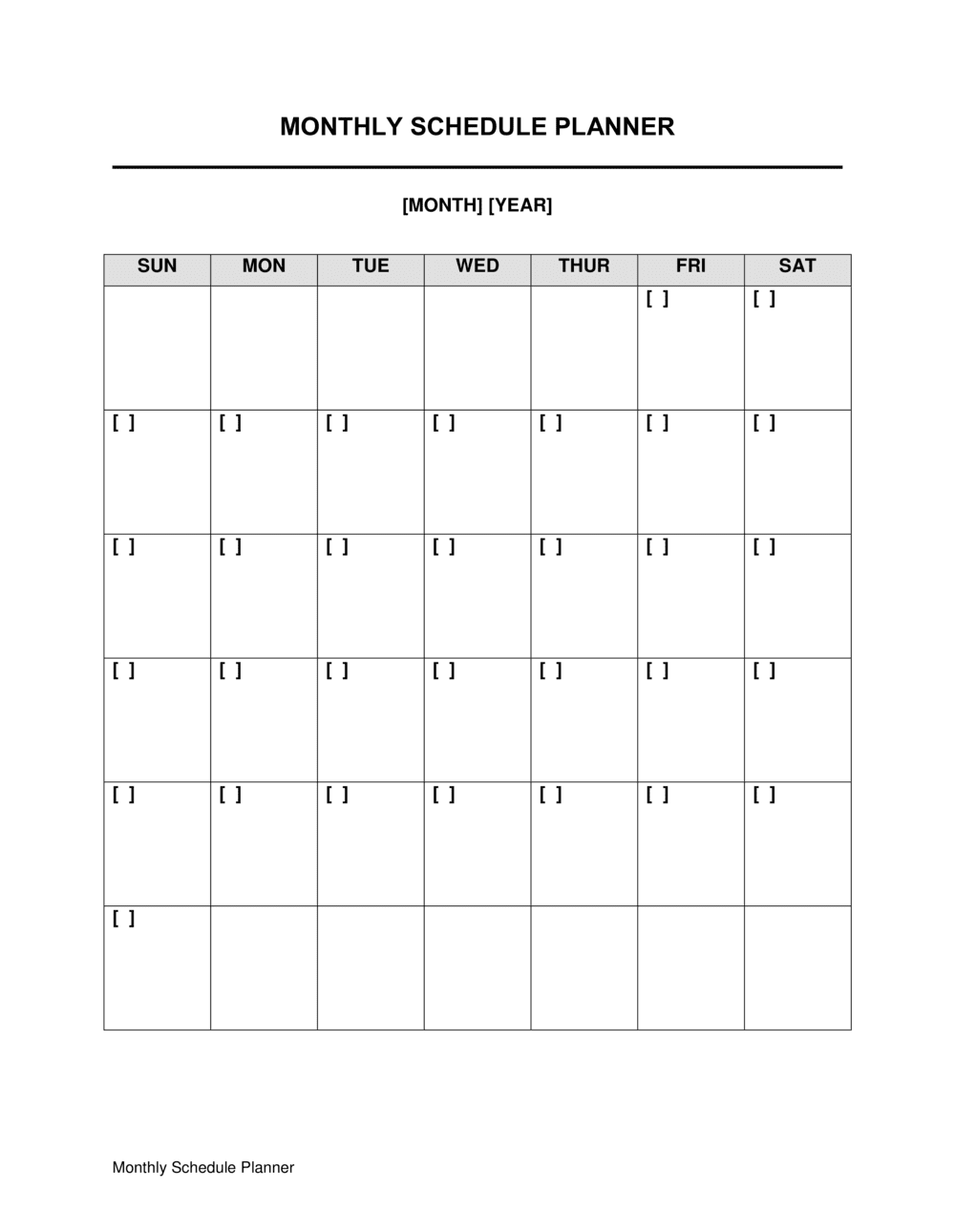
Enter the month and year, the name or department responsible for the plan, the preparation date, and the version number. These identifiers are essential when the planner is shared or reviewed later.
💡 Save each completed month as a dated file (e.g., 2026-05-schedule-planner.docx) rather than overwriting the same file — version history makes retrospectives far more useful.
2
Define two to five measurable monthly goals
Write each goal with a specific, measurable success criterion and an internal deadline. Rank them by importance so the highest-priority goal is always visible at the top.
💡 If you cannot measure whether a goal was achieved, rewrite it until you can — vague goals cannot be reviewed honestly at month end.
3
Log all recurring commitments first
Before adding any new tasks, list every standing meeting, report, payment, or obligation that repeats this month. Calculate the total time these consume so you know your true available capacity.
💡 Most professionals underestimate recurring commitments by 30–40% — logging them first prevents the most common cause of monthly plan failure.
4
Enter external deadlines and compliance dates
Add every hard deadline with an external consequence — contract due dates, regulatory filings, client deliverables, and financial reporting dates — in the dedicated deadlines section, not the general task list.
💡 Set a calendar reminder five business days before each hard deadline so you have a buffer if the work runs long.
5
Build the prioritized task list
List every task due in the month with a description, owner, priority level (high, medium, or low), and specific due date. Assign every task to a named person — not a team or role.
💡 Limit high-priority tasks to no more than 20% of the total task list. If everything is high priority, nothing is.
6
Map dependencies and flag blockers
Review the task list for items that cannot start until another task or approval is complete. Document the blocking item, the person responsible for it, and the expected resolution date.
💡 Schedule a brief dependency check at the start of each week to catch blockers before they cascade into missed deadlines.
7
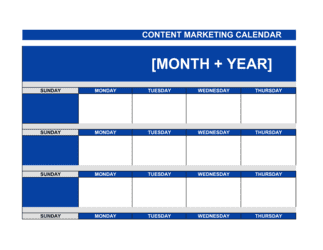
Fill the calendar grid with time-fixed events
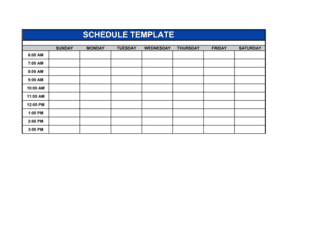
Enter all appointments, meetings, travel, and time-sensitive events on the week-by-week calendar grid. Keep tasks out of the grid — use it only for commitments that are anchored to a specific date and time.
💡 If a week's grid is more than 70% full before tasks are accounted for, rebalance — either reduce scope or defer lower-priority tasks to next month.
8
Complete the end-of-month review before archiving
At month end, record what was completed, document incomplete tasks with a brief reason, and carry unfinished items forward to next month's plan with an updated priority level.
💡 If the same task carries forward two months in a row, escalate it — either commit to completing it with dedicated time, or explicitly deprioritize it so it stops clogging the list.