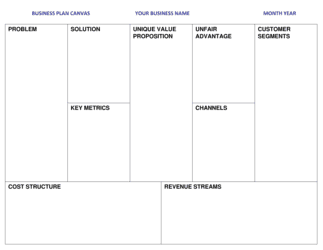
Starting Ecommerce Business Checklist

Free download β€’ Use as a template β€’ Print or share

2 pagesβ€’20–25 min to useβ€’Difficulty: Standard
Learn more ↓
FreeStarting Ecommerce Business Checklist Template

At a glance

What it is
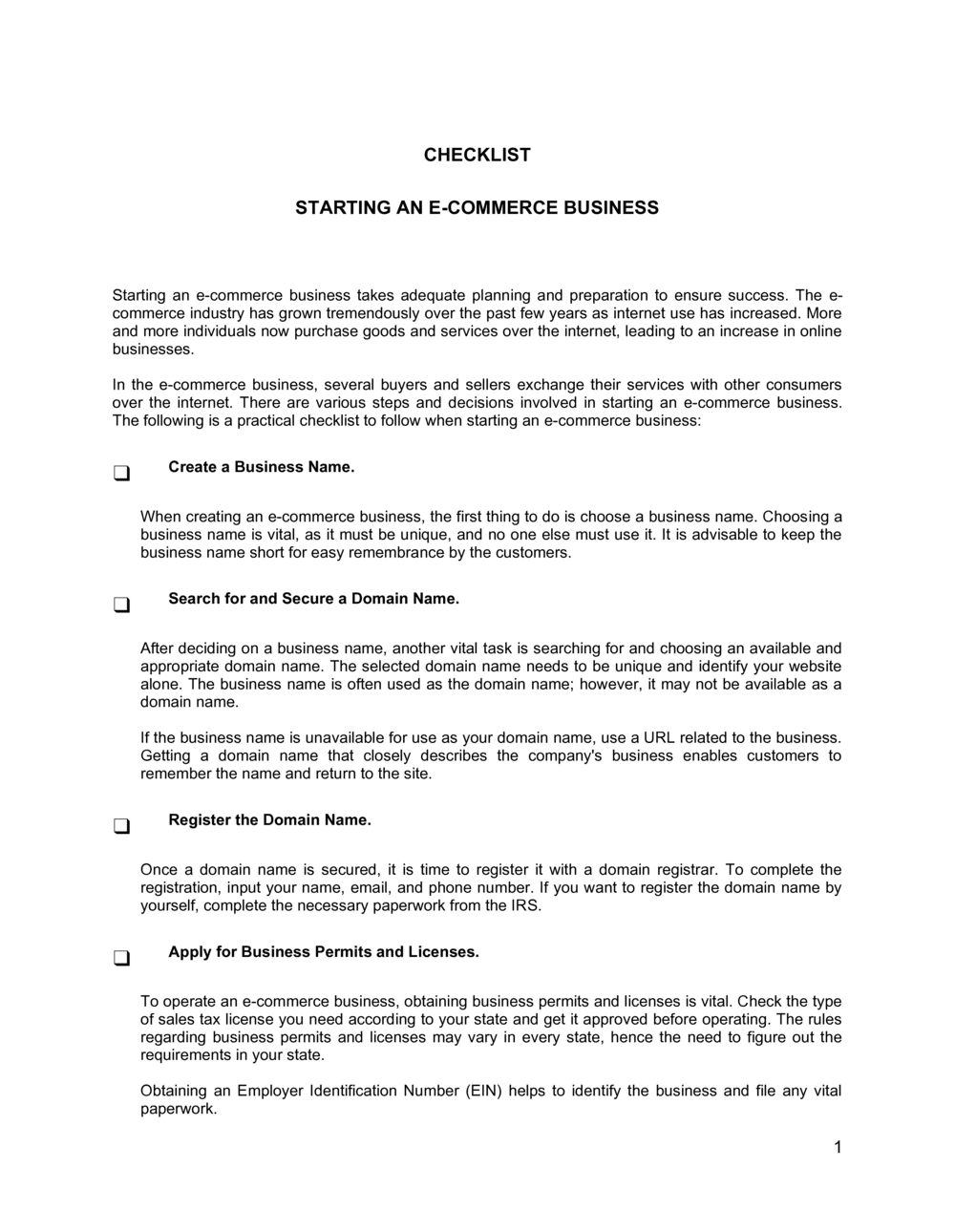
A Starting Ecommerce Business Checklist is a structured task-by-task form that guides founders through every step required to launch an online store β€” from business registration and platform selection to payment processing, shipping setup, and marketing activation. This free Word download is fully editable so you can assign owners, set due dates, and track completion status for each item before your store goes live.
When you need it
Use it the moment you decide to launch an ecommerce business, whether you are starting from scratch or migrating from a brick-and-mortar operation. It is equally useful for solo founders managing every task themselves and for small teams dividing responsibilities across roles.
What's inside
The checklist covers business formation, platform and domain setup, product catalog and pricing, payment and tax configuration, shipping and fulfillment logistics, legal pages and compliance, and pre-launch marketing tasks β€” organized into sequential phases so nothing falls through the cracks.

What is a Starting Ecommerce Business Checklist?

A Starting Ecommerce Business Checklist is a structured task-by-task form that walks founders through every step required to launch a functioning online store β€” from registering the business entity and choosing a platform to configuring payments, publishing legal pages, and activating marketing channels. Each item in the checklist corresponds to a concrete action with a clear completion state, giving solo founders and small teams a shared record of what has been done, what is pending, and who owns each task. Unlike a business plan, which addresses strategy and market positioning, this checklist focuses entirely on operational execution.

Why You Need This Document

Launching an ecommerce store without a structured checklist almost always means missing something that matters β€” an unconfigured sales tax setting, a missing return policy that triggers payment processor suspension, or a checkout flow that breaks on mobile. Each oversight costs time and money to fix after the fact, often at the worst possible moment: when your first customers are trying to buy. This template gives you a proven sequence of pre-launch tasks organized into phases so dependencies are clear and nothing is left to memory. Completing it before going live means your first sale goes smoothly, your compliance is in order, and you have a documented record of your setup process to hand off to any future team member or advisor.

Which variant fits your situation?

If your situation is…Use this template
Launching a Shopify, WooCommerce, or BigCommerce storeStarting Ecommerce Business Checklist
Opening a marketplace seller account (Amazon, Etsy, eBay)New Business Checklist
Migrating a brick-and-mortar store onlineBusiness Plan Template
Tracking recurring monthly ecommerce operations tasksBusiness Operations Checklist
Planning a product launch for an existing storeProduct Launch Plan
Drafting policies and legal pages for a new storeWebsite Privacy Policy

Common mistakes to avoid

❌ Launching without a test transaction

Why it matters: A broken payment gateway discovered by a real customer β€” not you β€” means lost revenue, a support ticket, and a potentially permanent loss of that buyer's trust.

Fix: Complete a live test order with a real card and confirm the funds appear in your business bank account before removing password protection.

❌ Skipping legal pages

Why it matters: Missing a Privacy Policy, Terms of Service, or Return Policy can trigger account suspension by Stripe, PayPal, or Shopify Payments, which review new stores for compliance.

Fix: Publish all three pages before enabling payment processing. Use the Business in a Box templates to generate compliant versions in under 30 minutes.

❌ Using a personal bank account for store revenue

Why it matters: Mixing personal and business funds makes bookkeeping inaccurate, complicates tax filing, and disqualifies you from many business loan products.

Fix: Open a dedicated business checking account before your first sale and connect it as the deposit destination in your payment gateway.

❌ Building the store before identifying a target customer

Why it matters: Without a defined customer profile, product descriptions, pricing, and marketing copy lack focus β€” resulting in low conversion rates that are expensive to diagnose and fix post-launch.

Fix: Complete a one-paragraph ideal customer profile before writing a single product description. Every copy and design decision should be filtered through that profile.

The 10 key fields, explained

Business formation and registration

Domain name and hosting

Ecommerce platform setup

Product catalog and pricing

Payment processing configuration

Tax and legal compliance

Shipping and fulfillment setup

Analytics and tracking

Pre-launch marketing tasks

Post-launch review tasks

How to fill it out

  1. 1

    Customize the header with your store details

    Add your business name, target launch date, and the name of the person responsible for each checklist phase. Replace all [PLACEHOLDERS] with your actual platform, entity type, and jurisdiction.

    πŸ’‘ Set a realistic launch date first β€” working backward from it makes every task deadline concrete.

  2. 2

    Assign an owner and due date to each task

    For each checklist item, enter the name or initials of the person responsible and the date by which it must be complete. Solo founders can skip the owner column but should keep due dates.

    πŸ’‘ Tasks without a due date almost always slip. Even a rough target β€” 'end of week 2' β€” is better than blank.

  3. 3

    Work through the phases in sequence

    Complete business formation and platform setup before moving to product catalog and payment configuration. Later phases depend on earlier ones β€” attempting payment setup before your platform is live wastes time.

    πŸ’‘ Mark each item complete in the status column as you go, not at the end of a session β€” partial completion is easy to forget overnight.

  4. 4

    Add platform-specific or product-specific tasks

    Insert rows for any tasks unique to your platform (e.g., Shopify app installations, WooCommerce plugin activation) or product type (e.g., age verification for regulated products, digital download delivery setup).

    πŸ’‘ Keep additions in the relevant phase section so the checklist stays scannable β€” don't pile custom tasks at the bottom.

  5. 5

    Run the post-launch review before removing password protection

    Complete every item in the post-launch review section β€” test order, email confirmation, link check, and Search Console submission β€” before making the store publicly accessible.

    πŸ’‘ Place the test order with a real card, not a test-mode transaction, so you experience the exact checkout flow your first customer will.

  6. 6

    Archive the completed checklist

    Save the finished checklist as a dated PDF and store it in your business records. It documents your pre-launch process for future reference, audits, or onboarding a new operations hire.

    πŸ’‘ A completed checklist is useful evidence if a payment processor or platform later questions your compliance setup.

Frequently asked questions

What is a starting ecommerce business checklist?

A starting ecommerce business checklist is a structured task list that guides founders through every required step to launch an online store β€” covering business registration, platform setup, product catalog, payment configuration, shipping, legal compliance, and pre-launch marketing. It ensures nothing critical is missed before the store goes live and gives teams a shared record of who owns each task.

What are the most important steps when starting an ecommerce business?

The four non-negotiable steps before any store goes live are: register your business entity and obtain a tax ID, configure and test payment processing with a real transaction, publish required legal pages (Privacy Policy, Terms of Service, Return Policy), and set up order fulfillment so you can ship the first order within your stated timeframe. All other setup tasks β€” analytics, marketing, branding β€” matter but can be refined post-launch.

Do I need to register a business before opening an online store?

In most jurisdictions, yes β€” selling goods or services commercially without a registered entity exposes personal assets to business liability and complicates sales tax collection, payment processor approval, and tax reporting. An LLC is the most common structure for US ecommerce founders. Requirements vary by country; consider consulting a local accountant or business attorney before your first sale.

Which ecommerce platform should I choose?

Shopify is the most popular hosted platform for new stores β€” it handles hosting, security, and payments out of the box. WooCommerce (WordPress) offers more flexibility but requires self-managed hosting and plugins. BigCommerce suits higher-volume stores with complex catalog needs. The right choice depends on your technical comfort, expected order volume, and budget. The checklist works for all three platforms.

How long does it take to set up an ecommerce store?

A basic store with 10–50 products typically takes 2–4 weeks to set up properly when working through all checklist phases. Founders who skip phases β€” particularly legal compliance and payment testing β€” launch faster but commonly face payment processor issues or customer complaints within the first 30 days. Investing 2–4 weeks upfront prevents problems that cost weeks to fix later.

Do I need to collect sales tax for my online store?

In the US, you are generally required to collect sales tax in any state where you have economic nexus β€” typically defined as more than $100,000 in sales or 200 transactions in a calendar year. Most ecommerce platforms can calculate and collect sales tax automatically once configured. Tax obligations vary significantly by country; consult a tax professional for your specific situation before your first sale.

Can I use this checklist for a dropshipping business?

Yes. The checklist covers all core setup tasks relevant to dropshipping stores. Add supplier onboarding items (confirming supplier account approval, testing order routing, and verifying shipping times) to the fulfillment phase. Dropshipping stores still require business registration, payment processing, and legal pages β€” the fulfillment workflow is different, but the compliance and setup requirements are identical.

How this compares to alternatives

vs Business plan template

A business plan is a strategic document covering market analysis, financial projections, and competitive positioning β€” written for investors or lenders. A starting ecommerce checklist is an operational task tracker focused on execution, not strategy. You typically write the business plan first, then use the checklist to execute the launch.

vs New business checklist

A general new business checklist covers entity registration, tax IDs, banking, and insurance across any industry. The ecommerce checklist covers those same foundations but adds platform-specific, payment, fulfillment, and digital marketing tasks unique to online retail. Use both if you are launching an ecommerce business for the first time.

vs Product launch plan

A product launch plan coordinates the marketing, PR, and sales activities around releasing a specific product or product line. A starting ecommerce checklist is broader β€” it covers the entire store setup, not just a single launch event. Use the launch plan after the store is live to manage individual product introductions.

vs Marketing plan

A marketing plan defines channel strategy, budget allocation, campaign calendars, and KPIs for an ongoing period. The ecommerce checklist includes pre-launch marketing tasks but does not replace a full marketing plan. Once your store is live, a marketing plan drives the traffic strategy that sustains it.

Industry-specific considerations

Retail and consumer goods

Physical product setup includes inventory tracking, SKU assignment, weight-based shipping rates, and a returns process for damaged or unwanted items.

Creative and digital products

Digital download delivery configuration, license terms on the product page, and VAT/GST treatment for digital goods sold across borders.

Food and beverage

Perishable shipping carrier requirements, cold-pack packaging specs, ingredient and allergen disclosures, and applicable food safety certifications.

Health, wellness, and supplements

FDA or equivalent regulatory disclaimers on product pages, age verification where applicable, and restricted advertising platform policies for health claims.

Template vs pro β€” what fits your needs?

PathBest forCostTime
Use the templateSolo founders and small teams launching their first or second ecommerce storeFree30 minutes to customize; 2–4 weeks to complete all tasks
Template + professional reviewFounders launching in regulated industries or selling internationally who need compliance input$200–$500 for an accountant or ecommerce consultant review1–2 additional days
Custom draftedAgencies managing multi-client launches or enterprises standing up ecommerce operations across multiple regions$500–$2,000 for a consultant to build a custom process1–2 weeks

Glossary

Payment Gateway
A service that authorizes and processes credit card and digital wallet transactions between a customer and an online store.
SSL Certificate
A digital certificate that encrypts data transmitted between a visitor's browser and your website, required for secure checkout and trusted by search engines.
SKU (Stock Keeping Unit)
A unique alphanumeric code assigned to each product variant to track inventory and fulfill orders accurately.
Merchant Account
A type of bank account that allows a business to accept credit and debit card payments before funds are transferred to a regular business account.
Fulfillment
The end-to-end process of storing, picking, packing, and shipping a customer's order from the point of purchase to delivery.
Dropshipping
A fulfillment model where the seller does not hold inventory β€” orders are forwarded directly to a third-party supplier who ships to the customer.
Return Policy
A written statement specifying the conditions, timeframe, and process under which customers may return or exchange purchased products.
Terms of Service
A legal agreement on a website that sets out the rules users must accept to use the site and make purchases β€” covering liability, disputes, and acceptable use.
Conversion Rate
The percentage of website visitors who complete a purchase, calculated as orders divided by total sessions over a given period.
EIN (Employer Identification Number)
A nine-digit US federal tax ID assigned to a business entity, required to open a business bank account and collect sales tax in most states.

Part of your Business Operating System

This document is one of 3,000+ business & legal templates included in Business in a Box.

  • Fill-in-the-blanks β€” ready in minutes
  • 100% customizable Word document
  • Compatible with all office suites
  • Export to PDF and share electronically

Create your document in 3 simple steps.

From template to signed document β€” all inside one Business Operating System.
1
Download or open template

Access over 3,000+ business and legal templates for any business task, project or initiative.

2
Edit and fill in the blanks with AI

Customize your ready-made business document template and save it in the cloud.

3
Save, Share, Send, Sign

Share your files and folders with your team. Create a space of seamless collaboration.

Save time, save money, and create top-quality documents.

β˜…β˜…β˜…β˜…β˜…

"Fantastic value! I'm not sure how I'd do without it. It's worth its weight in gold and paid back for itself many times."

Managing Director Β· Mall Farm
Robert Whalley
Managing Director, Mall Farm Proprietary Limited
β˜…β˜…β˜…β˜…β˜…

"I have been using Business in a Box for years. It has been the most useful source of templates I have encountered. I recommend it to anyone."

Business Owner Β· 4+ years
Dr Michael John Freestone
Business Owner
β˜…β˜…β˜…β˜…β˜…

"It has been a life saver so many times I have lost count. Business in a Box has saved me so much time and as you know, time is money."

Owner Β· Upstate Web
David G. Moore Jr.
Owner, Upstate Web

Run your business with a system β€” not scattered tools

Stop downloading documents. Start operating with clarity. Business in a Box gives you the Business Operating System used by over 250,000 companies worldwide to structure, run, and grow their business.

Start freeΒ Β·Β No credit card required