1
Enter the corporation's full legal name and registration details
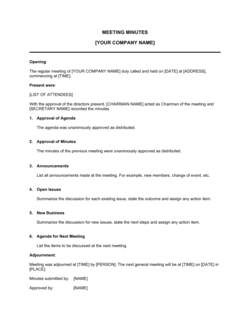
Open the template and enter the exact registered corporate name, jurisdiction of incorporation, and registration or charter number in the identification block. Cross-reference the corporate registry certificate to ensure the name matches exactly.
💡 Pull the name directly from the most recent certificate of good standing — even minor variations in punctuation can cause banking and filing submissions to be rejected.
2
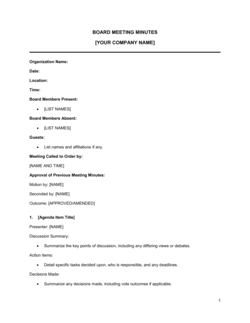
Record the meeting date, time, and location
Enter the date and time the meeting was called to order, and the full address of the meeting location or the name of the virtual platform used. Confirm that the notice period required by your bylaws was met before the meeting was held.
💡 If the meeting was held virtually, note the platform (e.g., Zoom, Teams) and the access method — some jurisdictions require explicit confirmation that virtual attendance satisfies statutory presence requirements.
3
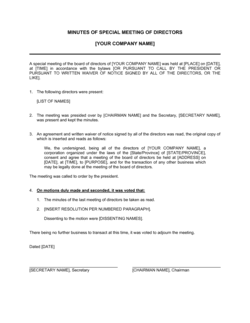
List attendees and confirm quorum
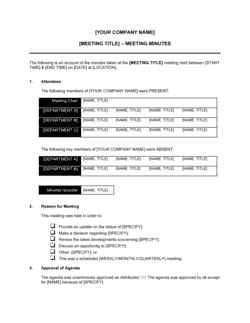
Enter the names of all directors present — in person or by proxy — and separately list all absent directors. Count the directors present and confirm the number meets the quorum threshold in your bylaws.
💡 If a director attended by proxy, attach or reference the proxy authorization document — banks and registrars frequently request it when reviewing certified minutes.
4
Identify the chair and secretary of the meeting
Record who presided over the meeting as chair and who acted as minute-taker. These individuals are typically named in the corporate bylaws but may be appointed by the board for a specific meeting.
💡 If the chair is not a director — for example, an external independent chair — note their basis of authority in the presiding-officer clause.
5
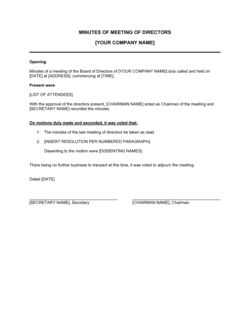
Insert the full verbatim text of each resolution
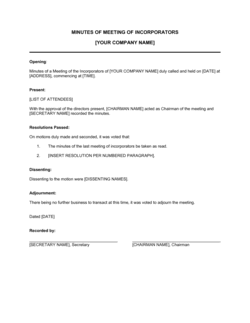
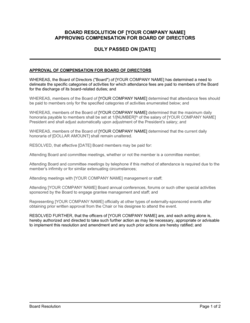
Copy the exact wording of each resolution as voted on and number them sequentially. Do not paraphrase. Where a standard further-resolved clause is used to authorize implementation, include it after every substantive resolution.
💡 For resolutions authorizing signatories on a bank account, include the specific account number and institution name in the resolution text — banks frequently reject minutes that reference accounts generically.
6
Record the vote for each resolution
Enter the number of votes for, against, and abstaining for every resolution. State whether the resolution passed unanimously or by majority. If passed by majority, note that the required threshold under the bylaws was met.
💡 Check your bylaws for whether certain resolutions — such as amending articles or approving a merger — require a supermajority rather than a simple majority.
7
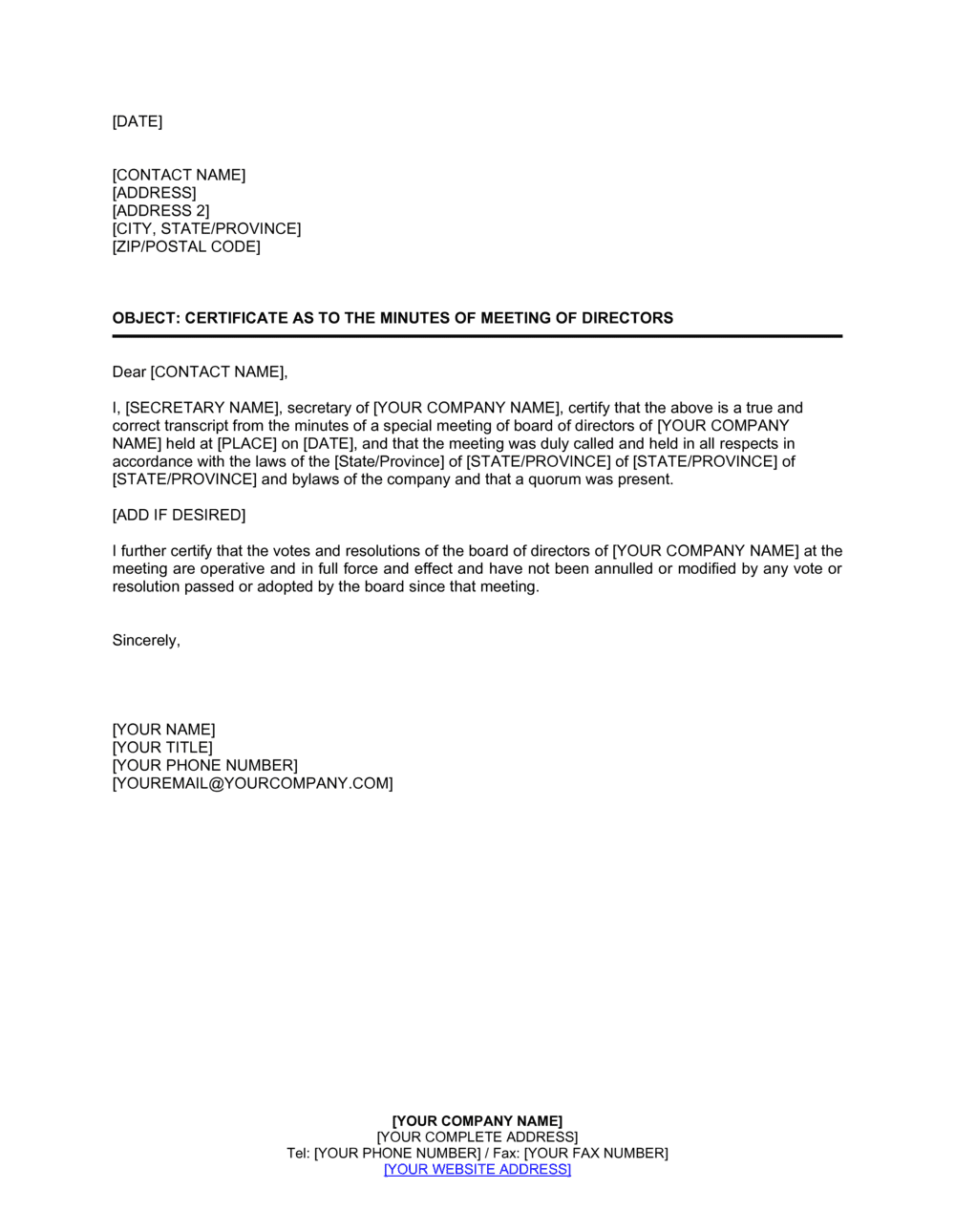
Complete the certification statement
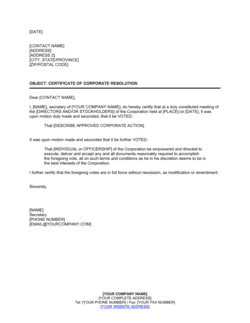
Fill in the secretary's name and the corporation's name in the certification clause. Confirm the language states that the resolutions have not been amended, rescinded, or revoked and remain in full force and effect.
💡 If the minutes are being certified more than 30 days after the meeting, consider adding a line confirming the board composition has not changed since the meeting date — some lenders require this.
8
Execute with signatures and affix the corporate seal if required
Have the corporate secretary sign and date the certificate on the actual date of certification. Where the bylaws or the receiving party require it, obtain the chair's countersignature and affix the corporate seal.
💡 Use the date you are physically signing — not the meeting date — in the signature block. Backdating a certificate is a misrepresentation and can expose the signatory to personal liability.