1
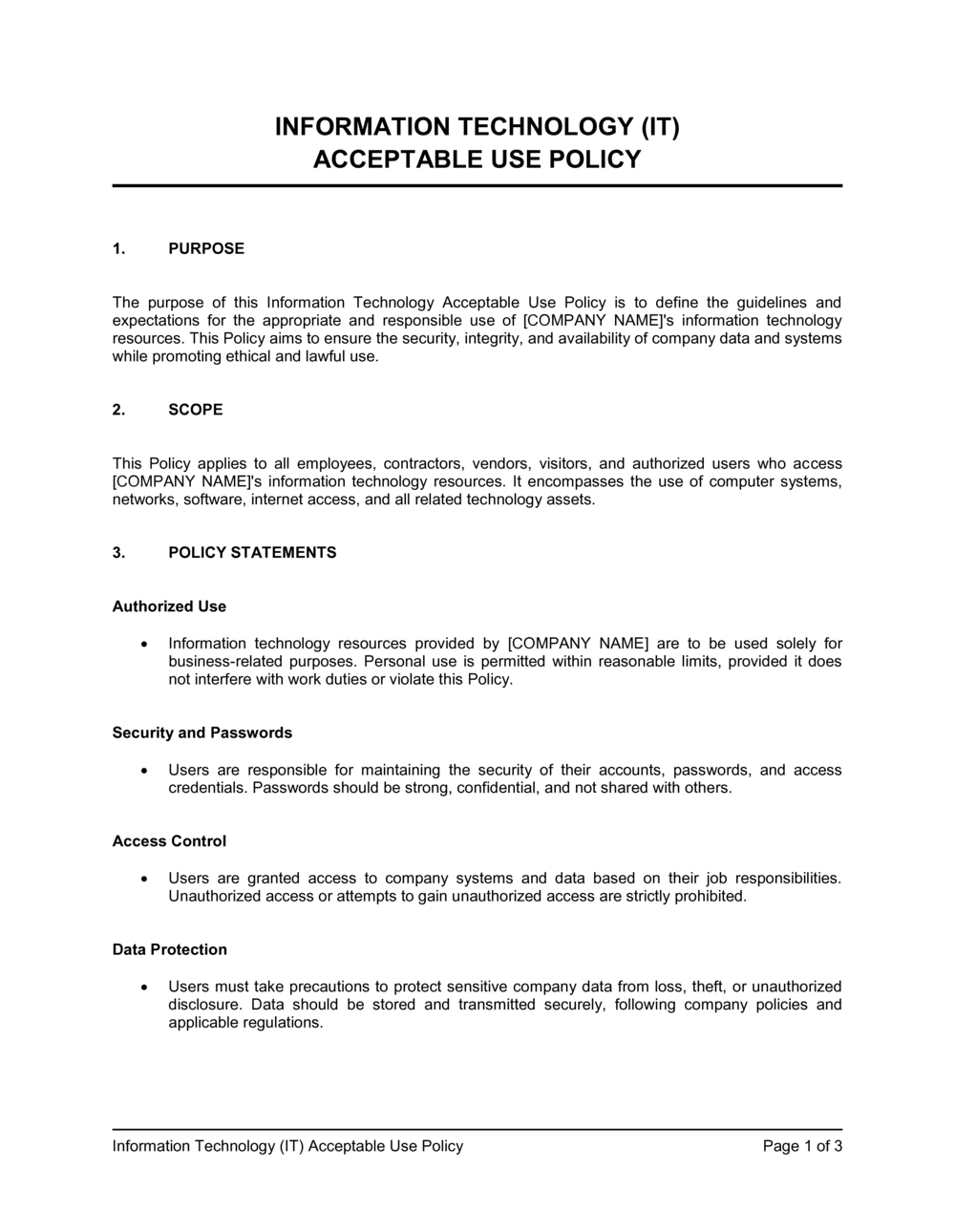
Define the scope and authorized user population
Identify every category of person who accesses your IT systems — full-time employees, part-time staff, contractors, vendors, and interns. List the specific systems and networks covered, including cloud services.
💡 If your company uses a named cloud platform (Microsoft 365, Google Workspace, AWS), list it explicitly. Vague references to 'cloud systems' create gaps in coverage.
2
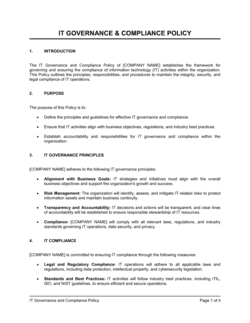
Inventory the IT assets the policy governs
List the asset categories in scope: company-owned laptops, mobile devices, servers, on-premise networks, VPN, and SaaS platforms. This inventory anchors every section of the policy.
💡 Work with your IT team to pull the actual device and software inventory before drafting. Policies written without this step routinely miss whole categories of endpoints.
3
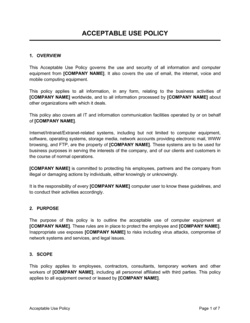
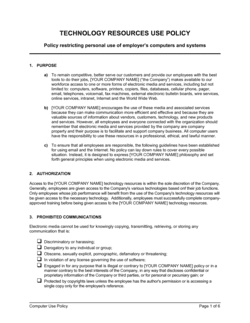
Draft the prohibited activities list with specific examples
Go beyond 'inappropriate use' and list concrete prohibited actions: installing unapproved software, using personal cloud storage for company files, accessing competitor systems, and attempting to escalate system privileges.
💡 Review your last 12 months of IT support tickets and security incidents. The most common real-world violations in your organization should be explicitly named.
4
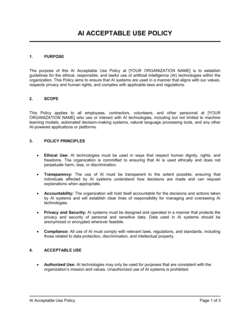
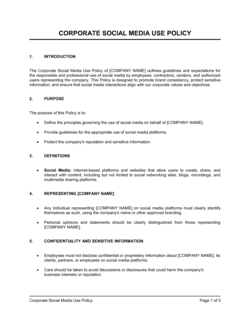
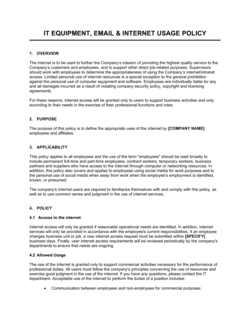
Set internet, email, and social media rules
Decide your actual position on personal use during work hours — a blanket ban is rarely enforced. Define clear limits: no personal webmail forwarding of company data, no social media posting about clients, no accessing personal streaming services on company networks.
💡 Calibrate your rules to your culture. A startup with a casual environment needs different language than a regulated financial services firm.
5
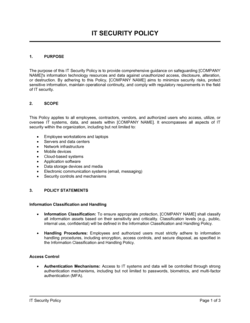
Write the remote access and device security requirements
Specify VPN requirements, MFA enrollment deadlines, screen-lock timeout settings (10 minutes is a common standard), and rules for working in public spaces.
💡 Include the IT helpdesk contact details directly in this section so employees know who to call when they cannot connect remotely.
6
Add the monitoring and privacy notice
State clearly that company systems are subject to monitoring and that employees have no expectation of privacy on company equipment. Reference this section in the acknowledgment employees sign.
💡 If your company operates in the EU or California, review GDPR and CCPA requirements before finalizing the monitoring language — employee monitoring has additional notice requirements in these jurisdictions.
7
Define consequences with proportional tiers
Establish a tiered disciplinary response: verbal warning for minor first offenses, written warning for repeat violations, suspension or termination for serious breaches, and law enforcement referral for criminal activity.
💡 Align this section with your employee handbook's disciplinary procedure so there are no contradictions between documents.
8
Distribute, collect acknowledgments, and set a review date
Publish the policy to all covered users, collect signed or digital acknowledgments before granting access, and calendar an annual review date in the document itself.
💡 Store acknowledgment records in your HRIS or document management system — not in a shared folder. You need to retrieve individual acknowledgments quickly if a violation occurs.