- Acceptable Use
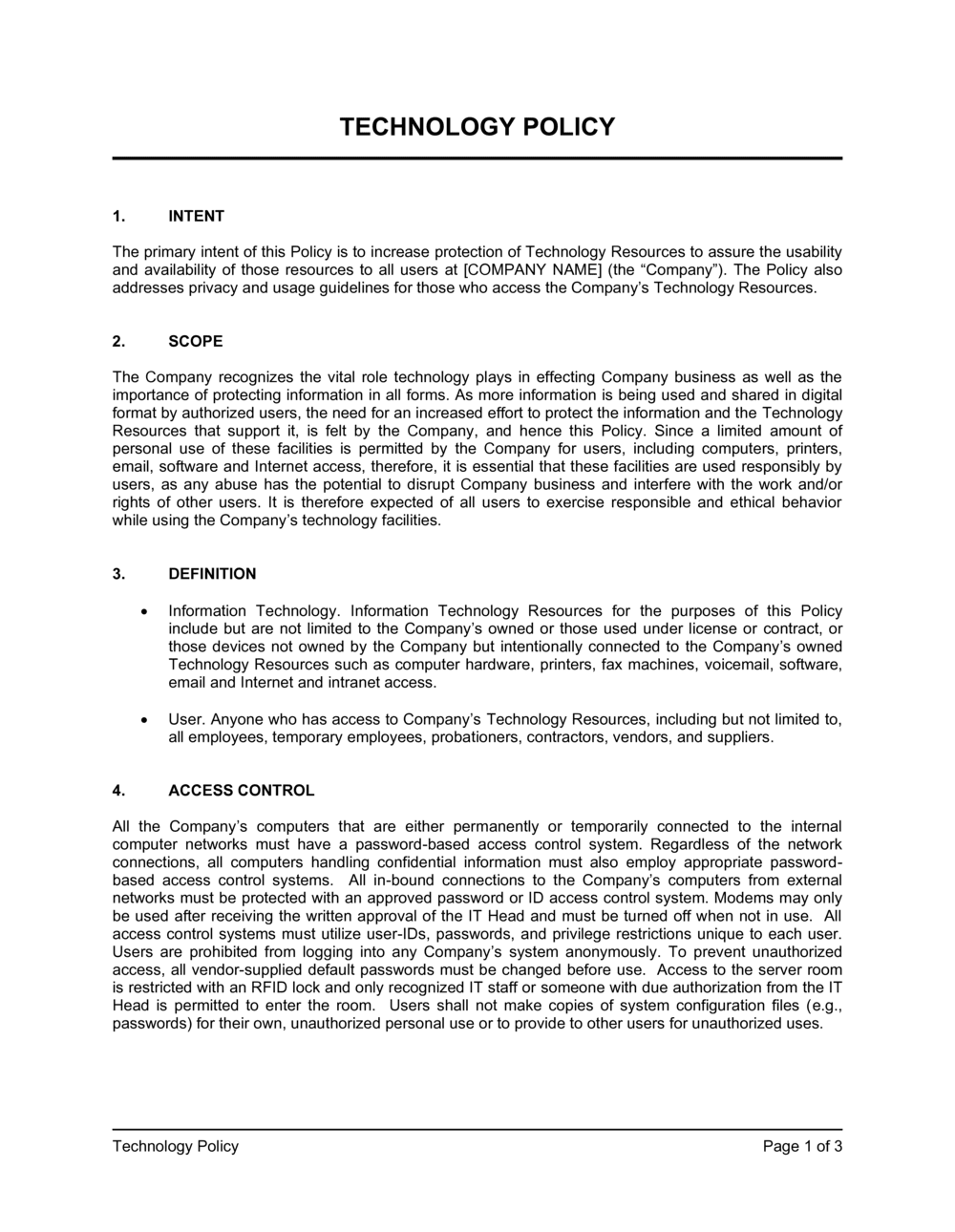
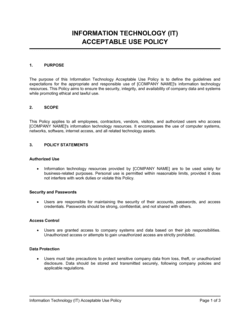
- The range of permitted activities when accessing company technology resources, as defined by organizational policy.
- BYOD (Bring Your Own Device)
- A practice allowing employees to use personally owned devices — laptops, phones, tablets — for work purposes, subject to security requirements.
- Data Classification
- A system for labeling data by sensitivity level — such as public, internal, confidential, or restricted — to determine handling and access rules.
- Endpoint
- Any device that connects to a company network, including desktops, laptops, smartphones, and tablets.
- Multi-Factor Authentication (MFA)
- A security method requiring two or more verification steps — such as a password plus a one-time code — before granting system access.
- VPN (Virtual Private Network)
- An encrypted tunnel that secures internet traffic between a remote device and the company network, masking data from interception.
- Shadow IT
- Software, cloud services, or devices employees use for work without IT department knowledge or approval.
- Patch Management
- The process of regularly applying software updates and security fixes to operating systems and applications to close known vulnerabilities.
- Least Privilege
- A security principle granting employees access only to the systems and data required for their specific role — no more.
- Incident Response
- A structured process for detecting, containing, and recovering from a security breach, data loss, or system compromise.