1
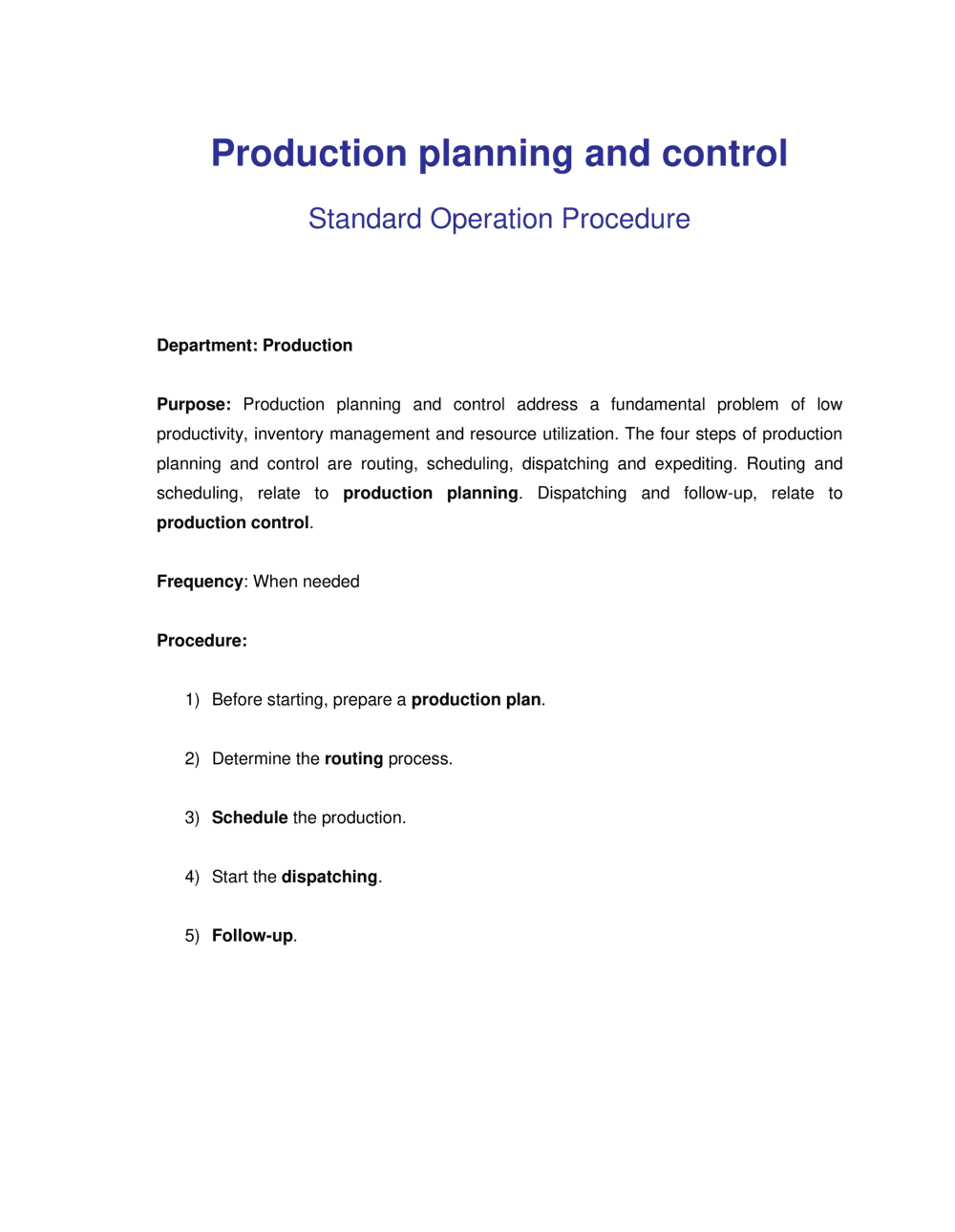
Define purpose, scope, and ownership
Fill in the company name, facility or product line covered, and the role responsible for maintaining the document. Keep scope specific — one document per product family or production line is more actionable than one document for the whole operation.
💡 Name the document owner by job title, not by person name — ownership survives staff turnover without requiring a document revision.
2
Document your demand forecasting inputs
List all data sources used to generate the production demand signal — ERP order data, sales team forecasts, seasonal patterns, and safety stock targets. Record the cadence of the demand review meeting and who attends.
💡 If your sales forecast accuracy is below 80%, add a buffer stock calculation to the demand inputs section rather than relying on the forecast alone.
3
Build and document the master production schedule logic
Specify the planning horizon, the day the MPS is published, the format it takes, and the approval process for changes inside the frozen window. Link to the MPS spreadsheet or ERP screen where the live schedule lives.
💡 Set the frozen window — the period when no changes are allowed without approval — to at least equal your longest single-item lead time.
4
Calculate and document available capacity
Record available machine hours and labor hours per shift, planned downtime for maintenance, and the target utilization percentage. Flag any lines or workstations that regularly run above 85% utilization as de-facto bottlenecks.
💡 Use 85% as your practical capacity ceiling — running above it consistently eliminates the buffer needed to absorb demand spikes without missed shipments.
5
Map materials requirements to the production schedule
For each product, reference the bill of materials and calculate order quantities and order-by dates based on supplier lead times. Document the trigger — MPS publication, reorder point, or manual review — that initiates procurement.
💡 Audit your BOM accuracy before relying on MRP outputs — a single stale component quantity in the BOM produces cascading procurement errors across every run.
6
Document the production sequence and changeover procedures
Map each production step in order, including the workstation, batch size, cycle time, and any changeover checklist required when switching between products or SKUs.
💡 Time actual changeovers on the floor rather than using estimates — actual times are typically 30–50% longer than the assumed standard.
7
Define quality checkpoints and non-conformance procedures
Identify every in-process and final inspection point, what is measured, tolerance limits, and the disposition process for rejected units. Assign responsibility for each checkpoint by role, not by name.
💡 Move at least one inspection point upstream of your highest-cost operation — catching defects before the most expensive step saves the most rework cost.
8
Set KPIs and the corrective action process
Choose four to six production metrics with specific numeric targets and reporting cadence. Document the threshold that triggers a root-cause analysis and the timeline for closing corrective actions.
💡 Review KPI targets against actual historical performance before publishing them — targets set at 100% of theoretical capacity are met so rarely they stop motivating teams within two months.