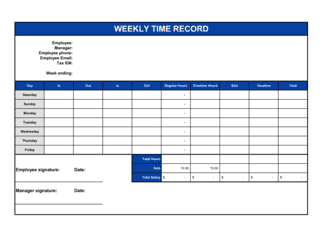
- Gross Pay
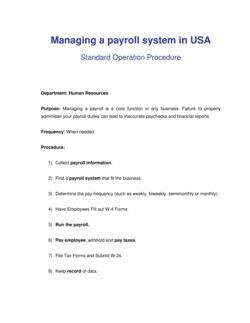
- An employee's total earnings before any taxes, benefits deductions, or garnishments are subtracted.
- Net Pay
- The amount an employee actually receives after all taxes, benefit contributions, and deductions have been withheld from gross pay.
- Pay Cycle
- The recurring schedule on which employees are paid — weekly, bi-weekly, semi-monthly, or monthly.
- Withholding
- Taxes and other amounts deducted from an employee's paycheck by the employer and remitted to the relevant tax authority on the employee's behalf.
- FICA
- Federal Insurance Contributions Act taxes in the US, covering Social Security (6.2%) and Medicare (1.45%) — matched equally by the employer.
- Payroll Register
- A detailed record listing each employee's gross pay, deductions, net pay, and year-to-date totals for a given pay period.
- W-4 / TD1
- Employee tax-withholding declaration forms — W-4 in the US, TD1 in Canada — that determine how much federal income tax to withhold per pay period.
- Garnishment
- A court-ordered deduction from an employee's wages to satisfy a debt, child support obligation, or tax levy.
- Remittance
- The act of forwarding withheld payroll taxes and statutory deductions to government tax authorities by their required deadlines.
- Direct Deposit
- Electronic transfer of net pay directly into an employee's bank account, replacing a physical paycheck.
- Year-to-Date (YTD)
- The cumulative total of an employee's pay, taxes, or deductions from the first pay period of the calendar year through the current period.