- Reimbursable Expense
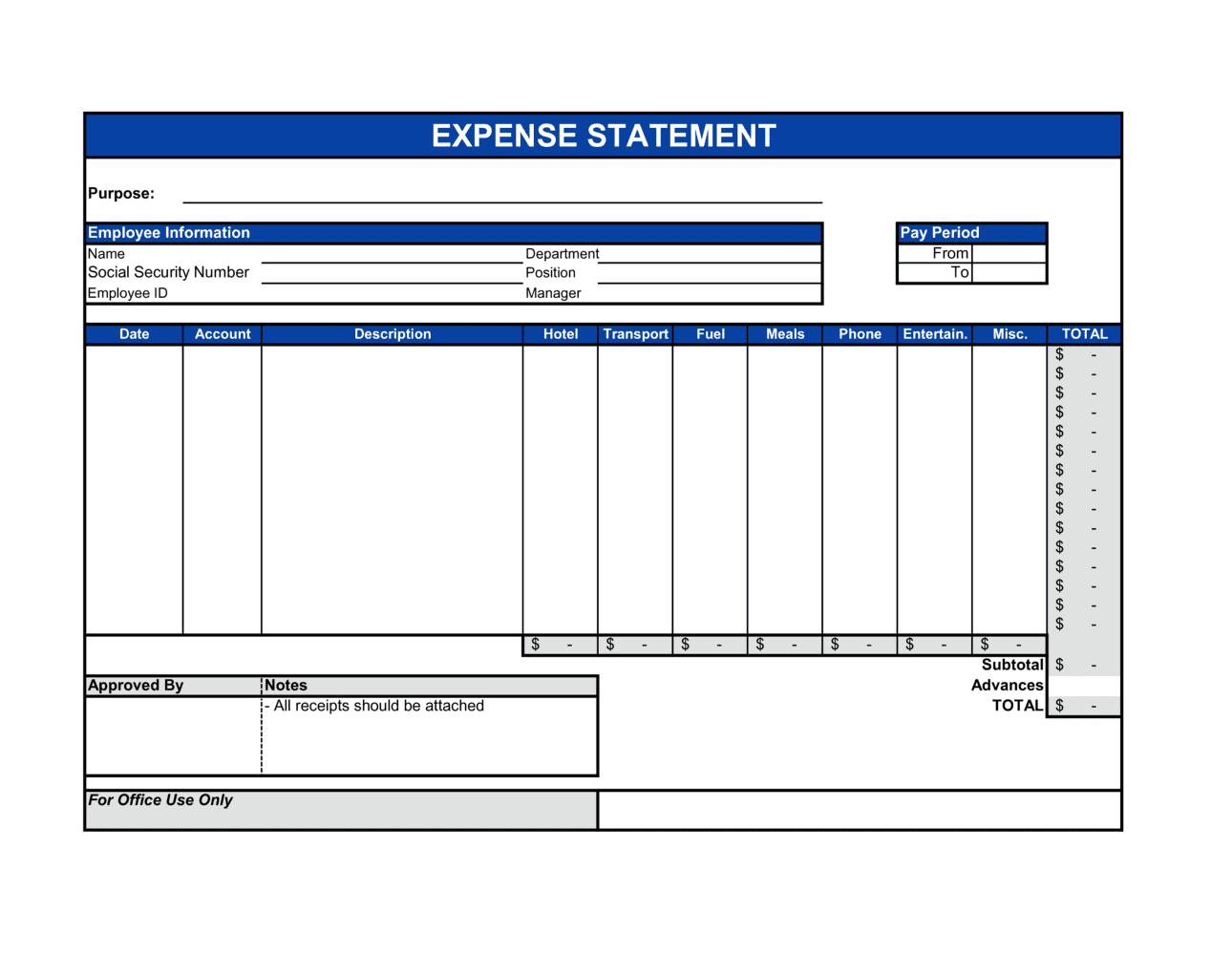
- A cost paid out of pocket by an employee or contractor that the organization agrees to repay in full under its expense policy.
- Substantiation
- The IRS and CRA requirement to provide documented proof — receipts, invoices, or records — for business expense deductions.
- Per Diem
- A fixed daily allowance set by an employer or government authority to cover meals and incidental expenses during travel, removing the need for itemized receipts.
- Expense Policy
- A company's written rules specifying which expenses are reimbursable, spending limits by category, required documentation, and the approval workflow.
- Cost Center
- An accounting code identifying the department, project, or budget line to which an expense is charged.
- Approval Workflow
- The defined chain of authority — typically direct manager, then finance — through which an expense statement must pass before reimbursement is authorized.
- Mileage Rate
- A per-kilometer or per-mile reimbursement rate set by the employer or a government authority (e.g., the IRS standard mileage rate) for business use of a personal vehicle.
- Non-Reimbursable Expense
- A personal or policy-excluded cost — such as alcohol, personal entertainment, or a spouse's travel — that the company will not repay.
- Petty Cash
- A small fund of physical cash held on-site to cover minor incidental purchases without requiring a formal reimbursement cycle.
- T&E (Travel and Entertainment)
- A standard accounting category covering employee travel, accommodation, meals, and business entertainment, subject to strict IRS and HMRC documentation requirements.
- Receipt
- An original or digital proof of purchase — showing vendor, date, amount, and description — required to substantiate most reimbursable expenses.