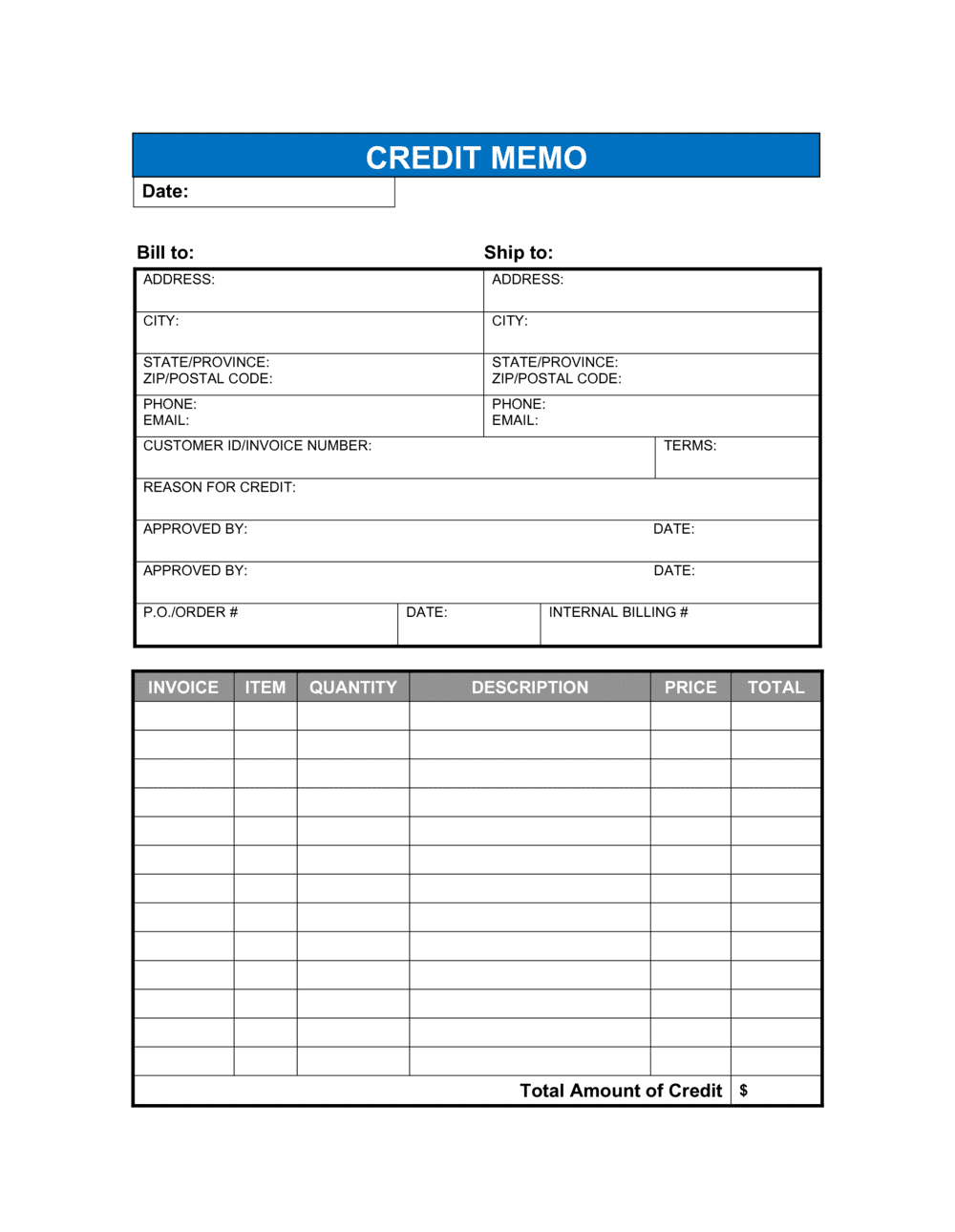
- Credit Memo
- A document issued by a seller that reduces the amount a buyer owes, either by applying the credit to a future invoice or triggering a cash refund.
- Accounts Receivable (AR)
- Money owed to a business by its customers for goods or services already delivered but not yet paid for.
- Original Invoice Reference
- The invoice number of the bill being adjusted, which links the credit memo to the correct transaction in both parties' accounting systems.
- Credit Memo Number
- A unique sequential identifier assigned to the credit memo for tracking, auditing, and matching to the buyer's accounts payable records.
- Net Amount
- The remaining balance a buyer owes after the credit memo amount is subtracted from the original invoice total.
- Tax Adjustment
- A correction to the sales tax, VAT, or GST originally charged, applied proportionally to the credited amount.
- Contra Revenue
- An accounting entry that reduces gross revenue to reflect returns, allowances, or discounts — the seller records a credit memo as contra revenue.
- Debit Memo
- The buyer-side equivalent of a credit memo — a document a buyer issues to notify a seller that the buyer is reducing the amount it will pay, typically for a short shipment or quality dispute.
- Aging Report
- An accounts-receivable report showing outstanding balances by age; unmatched credit memos cause AR aging to overstate what customers actually owe.
- Purchase Return
- A transaction in which a buyer sends goods back to the seller, typically triggering a credit memo for the returned item value.