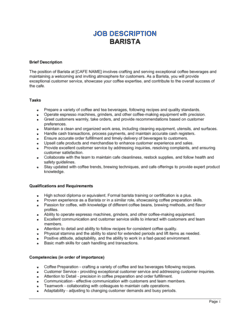
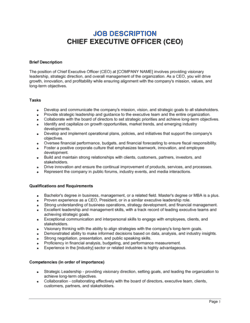
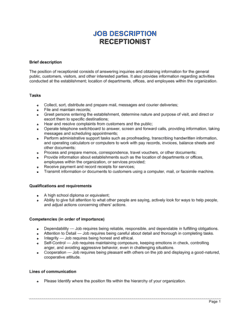
- Job Description
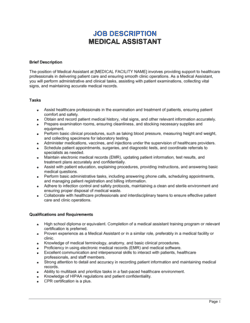
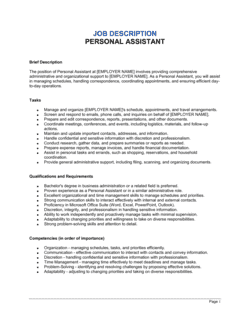
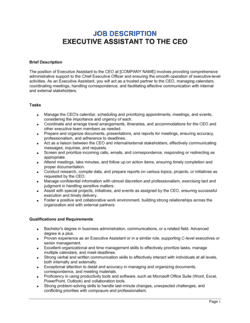
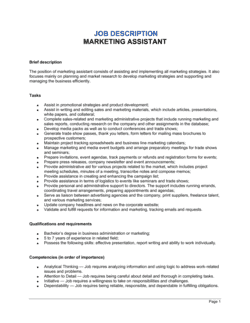
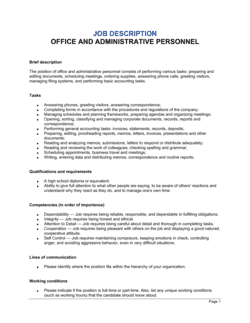
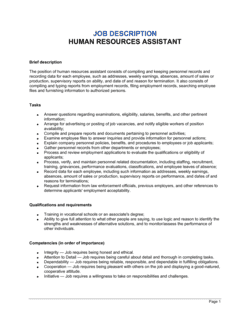
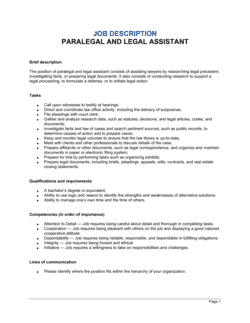
- A formal written document outlining the duties, qualifications, reporting structure, and terms of a specific role within an organization.
- FLSA Classification
- A designation under the US Fair Labor Standards Act identifying whether a role is exempt or non-exempt from overtime pay requirements.
- Exempt Employee
- An employee classified under the FLSA as not entitled to overtime pay, typically because they meet a salary threshold and perform executive, administrative, or professional duties.
- Non-Exempt Employee
- An employee entitled to overtime pay at 1.5× their regular rate for all hours worked beyond 40 in a workweek under the FLSA.
- Essential Functions
- The core duties of a position that the employee must be able to perform, with or without reasonable accommodation — a key concept under the ADA and similar statutes.
- ADA (Americans with Disabilities Act)
- US federal law requiring employers with 15 or more employees to provide reasonable accommodations to qualified individuals with disabilities and to document essential job functions.
- Equal Opportunity Employer (EEO) Statement
- A clause affirming that the employer does not discriminate on the basis of protected characteristics including race, sex, age, disability, or national origin.
- At-Will Employment
- An employment relationship that either party may end at any time for any lawful reason — the default standard in most US states.
- Reporting Structure
- The formal hierarchy indicating who the employee reports to directly and, where applicable, which roles report to them.
- Preferred vs. Required Qualifications
- Required qualifications are minimum standards a candidate must meet; preferred qualifications are desirable but not eliminatory, used to differentiate strong candidates.
- Reasonable Accommodation
- A modification to the work environment or job process that enables a qualified individual with a disability to perform the essential functions of the role.