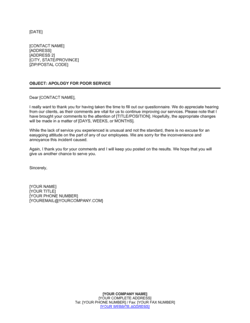
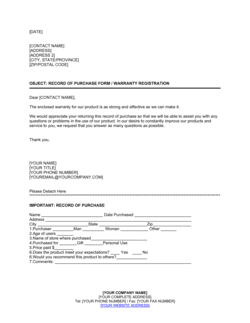
Please Complete the Enclosed Questionnaire Template

Free Word download β€’ Edit online β€’ Save & share with Drive β€’ Export to PDF

1 pageβ€’15–25 min to fillβ€’Difficulty: Standard
Learn more ↓
FreePlease Complete the Enclosed Questionnaire Template

At a glance

What it is
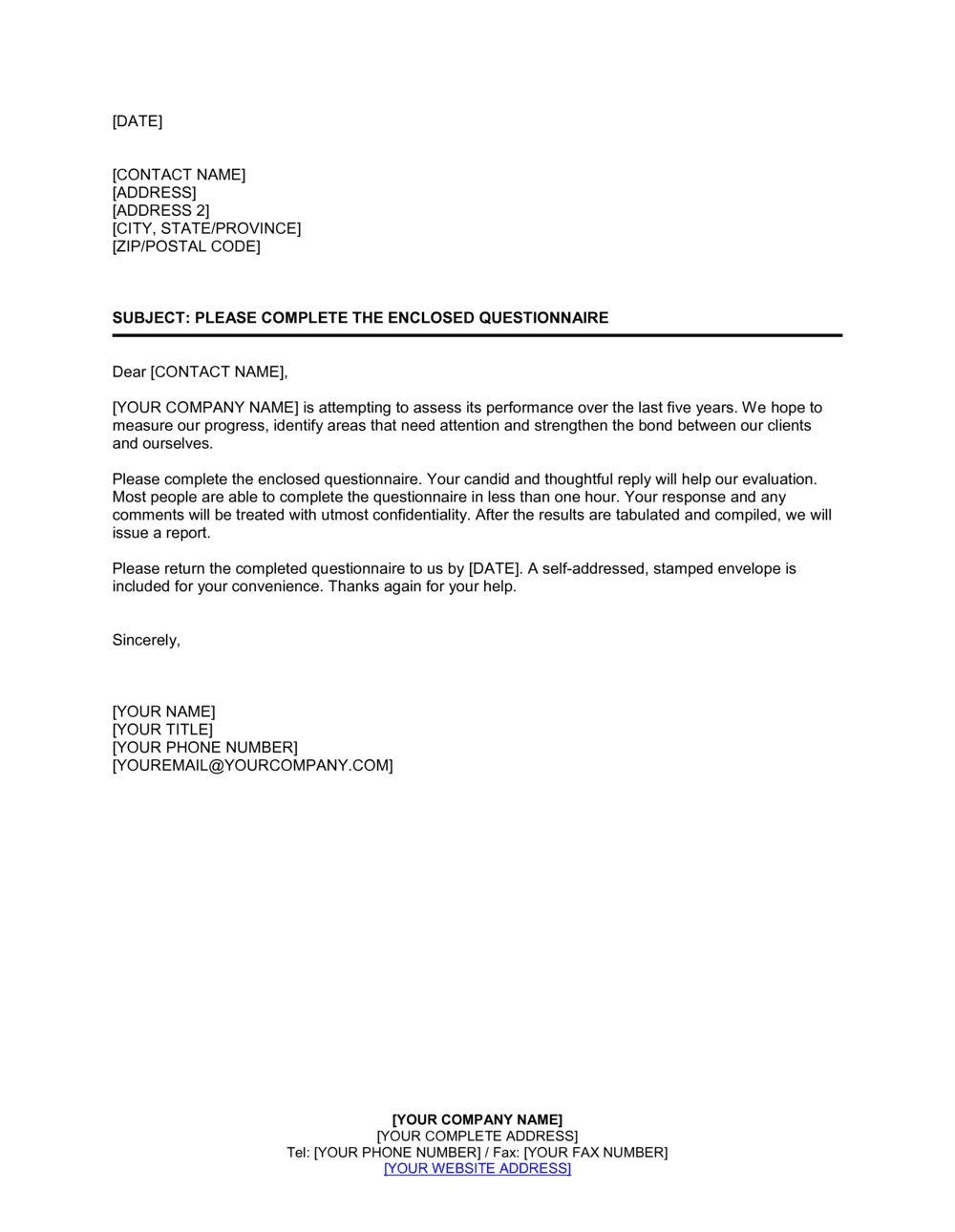
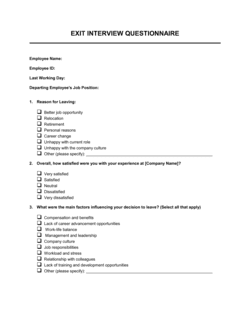
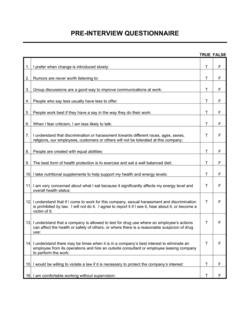
A "Please Complete The Enclosed Questionnaire" template is a structured form sent to clients, applicants, or respondents to collect specific information before a meeting, project kick-off, intake process, or decision. This free Word download gives you a ready-to-edit format you can customize with your own questions and export as PDF to send immediately.
When you need it
Use it whenever you need organized, consistent responses from multiple parties β€” for client onboarding, needs assessments, due diligence, HR pre-screening, or service intake β€” before committing time to calls or meetings.
What's inside
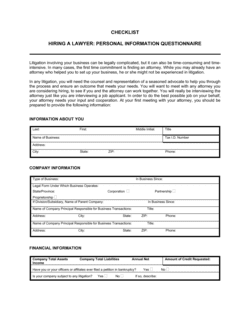
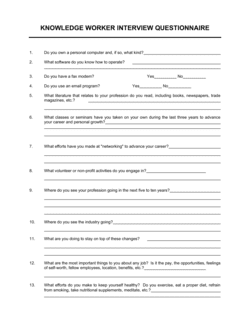
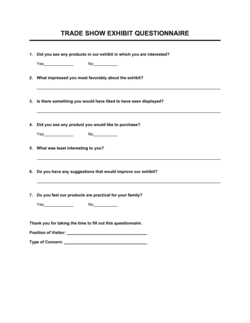
Cover instructions directing the respondent, clearly labeled question fields with response spaces, section headers grouping related questions, and a submission or return block with deadline and contact details.

What is a "Please Complete The Enclosed Questionnaire" Template?

A "Please Complete The Enclosed Questionnaire" template is a structured form sent to a named individual or organization to gather specific, organized information before a meeting, intake process, or decision. It combines a clear cover instruction β€” explaining who sent the form and why β€” with labeled question fields, section headers, and a return block that specifies the deadline and submission method. Unlike an open-ended information request, a questionnaire ensures every respondent addresses the same topics in the same order, making responses easy to review, compare, and act on.

Why You Need This Document

Without a structured questionnaire, information gathering before client meetings, onboarding calls, or screening processes becomes inconsistent β€” some respondents share too little, others send disorganized emails that take time to parse, and key facts get missed entirely. The cost is real: meetings stall because basic background was not collected in advance, intake processes slow down while staff chase missing details, and decisions get made on incomplete information. A well-designed questionnaire sent before first contact compresses preparation time, signals professionalism to the recipient, and ensures that every conversation starts from the same factual baseline. This template gives you a ready-to-customize Word document you can adapt for any structured information-gathering purpose and send within minutes.

Which variant fits your situation?

If your situation is…Use this template
Gathering detailed background from a new paying clientClient Intake Form
Assessing employee satisfaction or internal team feedbackEmployee Survey
Collecting vendor or supplier qualification dataVendor Questionnaire
Screening job applicants before a formal interviewPre-Employment Questionnaire
Gathering post-project or post-service feedbackCustomer Satisfaction Survey
Capturing risk or compliance data from counterpartiesDue Diligence Questionnaire
Collecting health history before a medical or wellness appointmentPatient Intake Form

Common mistakes to avoid

❌ Including too many questions

Why it matters: Questionnaires with more than 15–20 questions see sharply lower completion rates. Respondents abandon long forms or rush through them, producing low-quality answers.

Fix: Audit every question before sending. Include only those where the answer will directly change what you do or prepare. Cut the rest.

❌ Using double-barreled questions

Why it matters: A question like 'How would you rate our speed and accuracy?' forces the respondent to average two separate assessments, making the answer meaningless for either dimension.

Fix: Split every compound question into two separate items, each addressing a single subject.

❌ No stated deadline or return method

Why it matters: Without a specific due date and clear instructions for returning the form, responses trickle in unpredictably and delay the process the questionnaire was meant to accelerate.

Fix: Always state a specific calendar deadline and at least two return options β€” for example, email and a secure upload link.

❌ Omitting a confidentiality or data-use notice

Why it matters: Respondents asked for sensitive business or personal information without knowing how it will be used are more likely to leave those fields blank or provide vague answers.

Fix: Add a one- to two-sentence privacy statement explaining who will see the responses and how they will be stored or used.

The 9 key fields, explained

Cover instruction block

Respondent identification

Date of completion

Section headers and grouped questions

Open-ended question fields

Closed-ended / multiple-choice fields

Confidentiality and data-use notice

Return instructions and deadline

Acknowledgment or signature line (optional)

How to fill it out

  1. 1

    Define the purpose and audience

    Before editing, write one sentence stating exactly why you are sending this questionnaire and who will receive it. Every question should serve that purpose directly.

    πŸ’‘ If a question does not change what you do with the response, cut it β€” shorter forms get higher completion rates.

  2. 2

    Write the cover instruction block

    Enter your company name, the reason for the questionnaire, the respondent's name or role, and the return deadline and method.

    πŸ’‘ Name the person who will receive the completed form and provide a direct email or phone number β€” anonymous return addresses reduce trust and response rates.

  3. 3

    Add respondent identification fields

    Include full name, organization, title, and at least one contact field. Add a client or case reference number if the form will feed into a file management system.

    πŸ’‘ Pre-fill the respondent's name if you are sending individual copies β€” it signals the form was prepared specifically for them.

  4. 4

    Organize questions into labeled sections

    Group related questions under clear headers such as Background, Current Situation, and Objectives. Aim for no more than five to seven questions per section.

    πŸ’‘ Put the easiest, most factual questions first to build momentum before asking for more detailed or sensitive information.

  5. 5

    Write clear, single-topic questions

    Each question should ask about one thing only. Avoid double-barreled questions such as 'How satisfied are you with our price and delivery?' β€” split them into two.

    πŸ’‘ Read each question aloud. If you pause and think 'which part should I answer?', the question needs to be split.

  6. 6

    Add the confidentiality notice and return instructions

    Include a one-sentence data-use statement and specify the return method, recipient, and deadline at the bottom of the form.

    πŸ’‘ If the questionnaire is sent by email, paste the return deadline into the subject line of the covering message as well as the form itself.

  7. 7

    Export as PDF and send with a covering message

    Save the completed template as a PDF and attach it to a brief email restating the purpose, deadline, and who to contact with questions.

    πŸ’‘ Send a single calendar reminder two days before the deadline β€” one polite nudge typically doubles the on-time return rate.

Frequently asked questions

What is a questionnaire template?

A questionnaire template is a pre-structured form you send to clients, applicants, or respondents to collect specific information in a consistent format. It includes instruction text, labeled question fields, and a return block. Using a template means every respondent receives the same questions in the same order, making responses easier to compare and act on.

When should I send a questionnaire instead of scheduling a call?

Send a questionnaire when you need factual background information before a meeting, when you are collecting the same data from multiple people, or when respondents need time to look up details β€” financials, dates, or specific facts β€” that they cannot answer off the top of their heads. Calls are better for nuanced discussion; questionnaires are better for structured data collection.

How many questions should a business questionnaire include?

For most intake or pre-meeting questionnaires, 10–15 questions across two to three sections is the practical ceiling. Response quality drops noticeably above 20 questions as respondents rush or abandon the form entirely. Focus on questions whose answers will directly change how you prepare or what you recommend.

Should a questionnaire be signed by the respondent?

A signature is not required for routine information-gathering questionnaires and adding one reduces completion rates. Include an acknowledgment or signature line only when the answers feed into a formal process β€” such as a legal intake, compliance assessment, or contract qualification β€” where confirming accuracy matters.

What is the difference between a questionnaire and a survey?

A questionnaire collects structured information from a specific individual or organization β€” typically for intake, qualification, or due diligence. A survey aggregates anonymous responses from a larger group to identify trends or measure sentiment. Questionnaires are personal and targeted; surveys are statistical and broad.

How do I increase the response rate on a questionnaire I send to clients?

Keep it to 15 questions or fewer, explain the purpose clearly in the cover instruction, set a specific deadline, and name the person the completed form should be returned to. Sending a single reminder two days before the deadline typically doubles on-time return rates without feeling pushy.

Can I use this template for compliance or due diligence purposes?

Yes β€” the template structure works well as a starting point for vendor due diligence, client suitability, or compliance screening questionnaires. For regulated industries or processes with legal consequences, have a compliance officer or legal adviser review the final question set to ensure it captures all required disclosures and meets applicable standards.

What file format should I use when sending a questionnaire?

PDF is the most reliable format for sending a questionnaire as it preserves layout across devices. If you want respondents to type directly into the form, share a Word or Google Docs version with editable fields. Avoid sending an unprotected Word file when consistent formatting matters, as recipients may inadvertently alter the structure.

How this compares to alternatives

vs Client Intake Form

A client intake form is specific to onboarding a new paying client and typically includes service agreement references, billing details, and consent language. A general questionnaire collects structured information for any purpose β€” research, screening, or preparation β€” without the billing and consent elements. Use the intake form when a formal client relationship is being established; use the questionnaire when you simply need organized responses.

vs Survey Form

A survey is designed for anonymous, large-group response aggregation and statistical analysis. A questionnaire is directed at a named individual or organization and expects a complete, attributable response. Surveys measure trends; questionnaires gather specific facts from a specific party.

vs Due Diligence Questionnaire

A due diligence questionnaire is a formal instrument used in M&A, vendor qualification, or compliance contexts β€” typically longer, legally reviewed, and tied to a contractual process. A general questionnaire is lighter-weight and suitable for routine intake, pre-meeting preparation, or needs assessment. Both share a structured question-and-answer format but differ significantly in scope, length, and consequence.

vs Application Form

An application form is tied to a specific decision β€” admission, employment, credit β€” and typically triggers a formal evaluation and response. A questionnaire gathers information to inform a conversation or process without necessarily requiring a pass/fail decision. Use an application form when there is a formal outcome; use the questionnaire when you need background before deciding on next steps.

Industry-specific considerations

Legal and professional services

Client intake questionnaires capture matter-specific facts, conflict-check data, and budget expectations before the first billable meeting.

Healthcare and wellness

Patient or client health history forms gather symptoms, medications, and lifestyle factors that practitioners must review before an appointment.

Human resources

Pre-employment and onboarding questionnaires collect emergency contacts, tax details, equipment preferences, and role-specific disclosures before an employee's start date.

Financial services

Know-your-client and suitability questionnaires gather income, risk tolerance, investment objectives, and identity verification data required before account opening.

Template vs pro β€” what fits your needs?

PathBest forCostTime
Use the templateAny business or professional needing to collect structured information from clients, applicants, or respondentsFree15–30 minutes to customize and send
Template + professional reviewQuestionnaires collecting sensitive personal data or feeding into a regulated intake process$100–$300 for a compliance or legal review1–2 days
Custom draftedRegulated industries requiring validated instruments β€” clinical research, financial suitability, or formal audit processes$500–$2,000+1–2 weeks

Glossary

Respondent
The individual or organization asked to complete and return the questionnaire.
Open-ended question
A question that invites a free-text answer rather than a predefined choice, used to gather nuanced detail.
Closed-ended question
A question with a fixed set of answer options β€” yes/no, multiple choice, or a rating scale β€” that makes responses easy to compare.
Likert scale
A rating scale, typically 1–5 or 1–7, used to measure the degree of agreement, satisfaction, or frequency of a behavior.
Intake process
The structured sequence a business uses to collect, review, and act on information from a new client, patient, or applicant before service begins.
Response deadline
The specific date by which the completed questionnaire must be returned, used to keep workflows and schedules on track.
Section header
A labeled divider within the questionnaire that groups related questions, making the form easier to navigate and complete.
Confidentiality notice
A statement explaining how responses will be stored, who can access them, and whether they will be shared with third parties.
Return instruction
Clear directions telling the respondent how to submit the completed form β€” by email, post, secure portal, or in person.

Part of your Business Operating System

This document is one of 3,000+ business & legal templates included in Business in a Box.

  • Fill-in-the-blanks β€” ready in minutes
  • 100% customizable Word document
  • Compatible with all office suites
  • Export to PDF and share electronically

Create your document in 3 simple steps.

From template to signed document β€” all inside one Business Operating System.
1
Download or open template

Access over 3,000+ business and legal templates for any business task, project or initiative.

2
Edit and fill in the blanks with AI

Customize your ready-made business document template and save it in the cloud.

3
Save, Share, Send, Sign

Share your files and folders with your team. Create a space of seamless collaboration.

Save time, save money, and create top-quality documents.

β˜…β˜…β˜…β˜…β˜…

"Fantastic value! I'm not sure how I'd do without it. It's worth its weight in gold and paid back for itself many times."

Managing Director Β· Mall Farm
Robert Whalley
Managing Director, Mall Farm Proprietary Limited
β˜…β˜…β˜…β˜…β˜…

"I have been using Business in a Box for years. It has been the most useful source of templates I have encountered. I recommend it to anyone."

Business Owner Β· 4+ years
Dr Michael John Freestone
Business Owner
β˜…β˜…β˜…β˜…β˜…

"It has been a life saver so many times I have lost count. Business in a Box has saved me so much time and as you know, time is money."

Owner Β· Upstate Web
David G. Moore Jr.
Owner, Upstate Web

Run your business with a system β€” not scattered tools

Stop downloading documents. Start operating with clarity. Business in a Box gives you the Business Operating System used by over 250,000 companies worldwide to structure, run, and grow their business.

Free Forever PlanΒ Β·Β No credit card required