- Internal Control
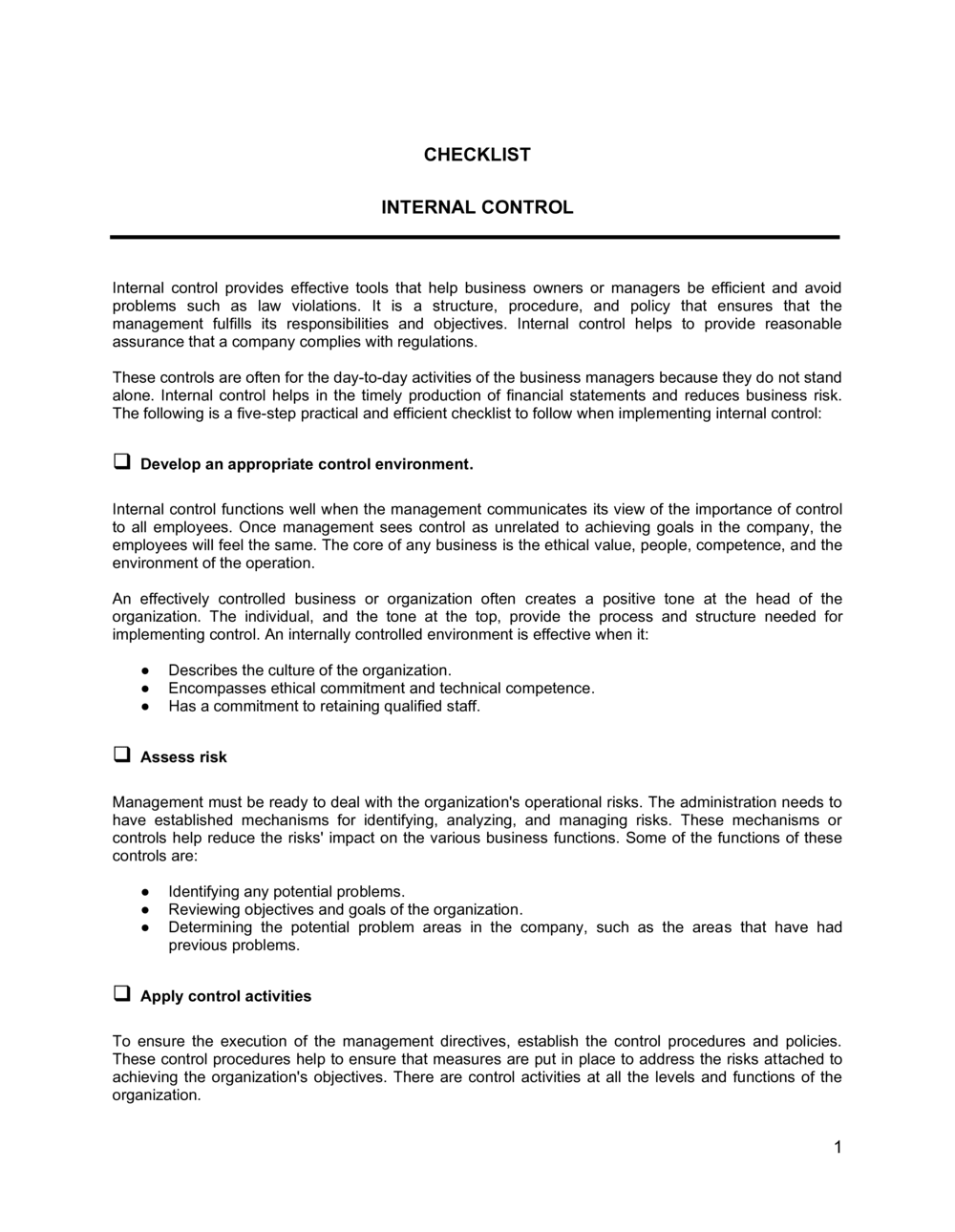
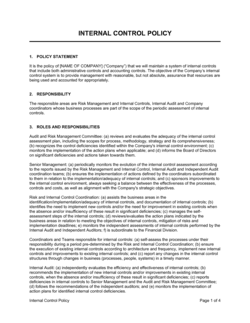
- A policy, procedure, or mechanism designed to prevent errors or fraud, ensure accurate financial reporting, and promote operational efficiency.
- Segregation of Duties
- Dividing key tasks — such as authorizing, recording, and custody of assets — among different employees so no single person can complete a transaction and conceal an error or fraud.
- Control Owner
- The individual responsible for ensuring a specific control is operating as designed and for providing evidence of that operation.
- Control Activity
- A specific action taken to mitigate a risk — such as a required manager approval, a reconciliation, or a system access restriction.
- Preventive Control
- A control designed to stop an error or irregularity from occurring in the first place, such as a dual-signature requirement on checks above $5,000.
- Detective Control
- A control designed to identify an error or irregularity after it has occurred, such as a monthly bank reconciliation or expense report review.
- Risk Rating
- A classification — typically High, Medium, or Low — assigned to a control gap based on the likelihood and potential financial impact of the associated risk.
- Control Gap
- A control activity that is absent, not functioning as intended, or not consistently applied, leaving the organization exposed to a specific risk.
- Remediation Action
- The specific corrective step assigned to address a control gap, including the responsible owner and target completion date.
- COSO Framework
- A widely adopted internal control framework from the Committee of Sponsoring Organizations of the Treadway Commission, defining five components: control environment, risk assessment, control activities, information and communication, and monitoring.