- Information Systems (IS) Strategy
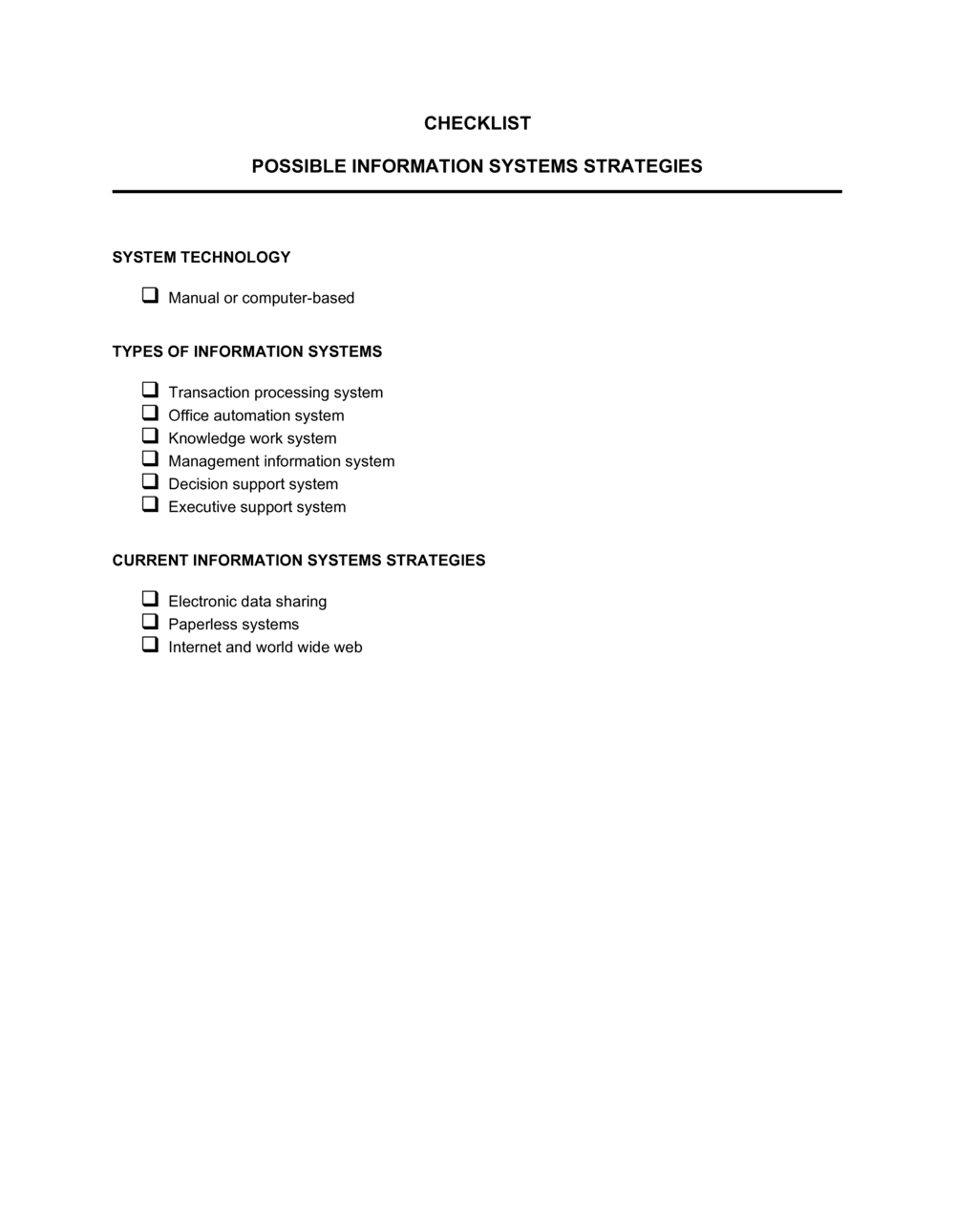
- A plan defining how an organization will use technology, data, and processes to support its business objectives over a defined time horizon.
- Infrastructure Strategy
- Decisions about the physical and virtual technology foundation — servers, cloud platforms, networks, and hardware — that IS runs on.
- Data Management Strategy
- Policies and practices governing how data is collected, stored, accessed, governed, and retired across the organization.
- Application Portfolio
- The complete set of software applications in use across an organization, evaluated collectively for fit, overlap, cost, and strategic alignment.
- Systems Integration
- The process of connecting separate software systems so they share data and workflows without manual re-entry or duplication.
- IT Governance
- The framework of policies, roles, and decision-making processes that ensure IT investments and risks are managed in line with organizational priorities.
- Scalability
- The ability of an IS component — software, infrastructure, or process — to handle increased workload without redesign or proportional cost increase.
- Total Cost of Ownership (TCO)
- The full cost of an IS strategy over its lifetime, including acquisition, implementation, training, maintenance, and eventual replacement.
- Disaster Recovery (DR)
- The strategy and procedures for restoring IS operations after a failure, cyberattack, or natural event — typically expressed as RTO and RPO targets.
- Make vs. Buy
- The strategic decision between building a custom IS solution internally versus purchasing or licensing an existing product from a vendor.