- Deep Work
- Focused, uninterrupted cognitive effort on a single high-value task — the type of work that produces the most output per hour but is most easily disrupted by interruptions.
- Time Boxing
- A scheduling technique that assigns a fixed, non-negotiable time block to a specific task, preventing it from expanding indefinitely.
- Parkinson's Law
- The observation that work expands to fill the time available for its completion — the practical reason why deadlines and time boxes improve output.
- Decision Fatigue
- The deteriorating quality of decisions made after a long session of decision-making, caused by the depletion of mental energy.
- Multitasking
- The practice of switching between two or more tasks simultaneously — research consistently shows it reduces the quality and speed of output on both tasks compared to sequential focused work.
- Reactive Work Mode
- A work pattern driven entirely by incoming requests, notifications, and interruptions rather than a planned priority list — the opposite of proactive scheduling.
- Delegation
- Assigning a task to another person who has the skills to complete it, freeing the delegator for higher-value activities only they can perform.
- Meeting Audit
- A structured review of all recurring and ad-hoc meetings on a team's calendar to identify which ones can be eliminated, shortened, or replaced with asynchronous communication.
- Asynchronous Communication
- Information exchange that does not require both parties to be available simultaneously — email, recorded video updates, and project comments are common examples.
- Perfectionism Tax
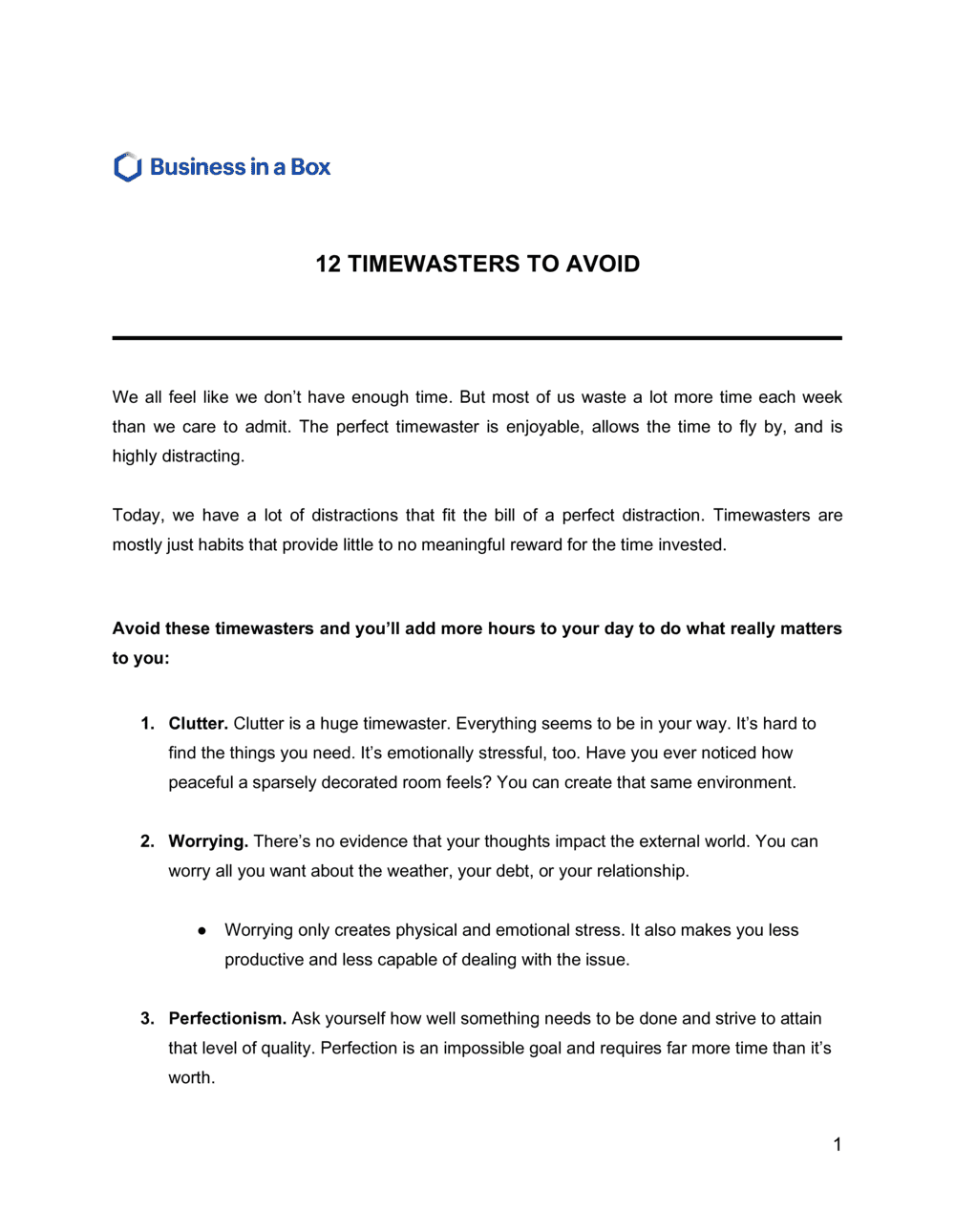
- The extra time spent refining work beyond the point where additional effort produces meaningful improvement — a common and underacknowledged productivity drain.