- Non-Exempt Employee
- An employee covered by the FLSA's minimum wage and overtime provisions — entitled to 1.5× their regular rate for hours worked beyond 40 in a workweek.
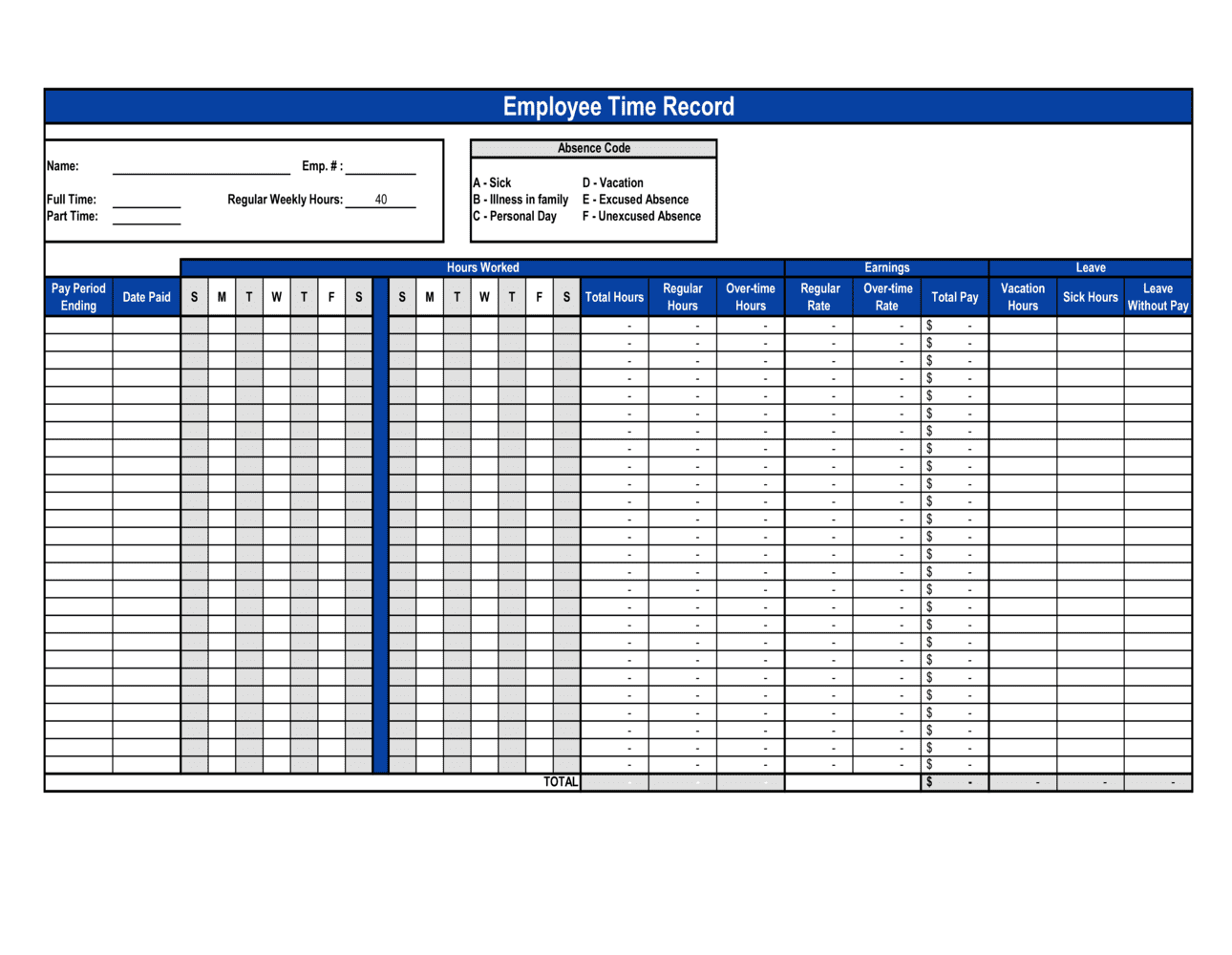
- Overtime
- Hours worked beyond a statutory threshold — typically 40 hours per week under US federal law or 44 hours per week in most Canadian provinces — compensated at a premium rate.
- Pay Period
- The recurring interval for which an employer calculates and pays wages — commonly weekly, bi-weekly, semi-monthly, or monthly.
- Regular Rate of Pay
- The hourly rate used as the base for calculating overtime premiums, including all remuneration except specific statutory exclusions.
- Break Deduction
- An unpaid rest period, typically 30 minutes or more, subtracted from total hours worked when the employee is completely relieved of duties.
- FLSA (Fair Labor Standards Act)
- The US federal law setting minimum wage, overtime pay, recordkeeping, and child labor standards for covered private and public sector employees.
- Recordkeeping Obligation
- A statutory duty requiring employers to create and retain accurate records of hours worked and wages paid for a specified retention period.
- Certified Payroll
- A weekly payroll report required on federally funded construction projects under the Davis-Bacon Act, certifying that workers were paid prevailing wages.
- Split Shift
- A work schedule divided into two or more distinct periods in a single day, separated by a non-paid interval longer than a standard meal break.
- Time and a Half
- The overtime premium rate equal to 1.5 times the employee's regular hourly rate, required for non-exempt employees under FLSA and most provincial statutes.
- Workweek
- A fixed, regularly recurring period of 168 hours — seven consecutive 24-hour periods — established by the employer for overtime calculation purposes.