- Time Block
- A dedicated, uninterrupted segment of the workday reserved for a specific task or category of work — typically 60 to 120 minutes.
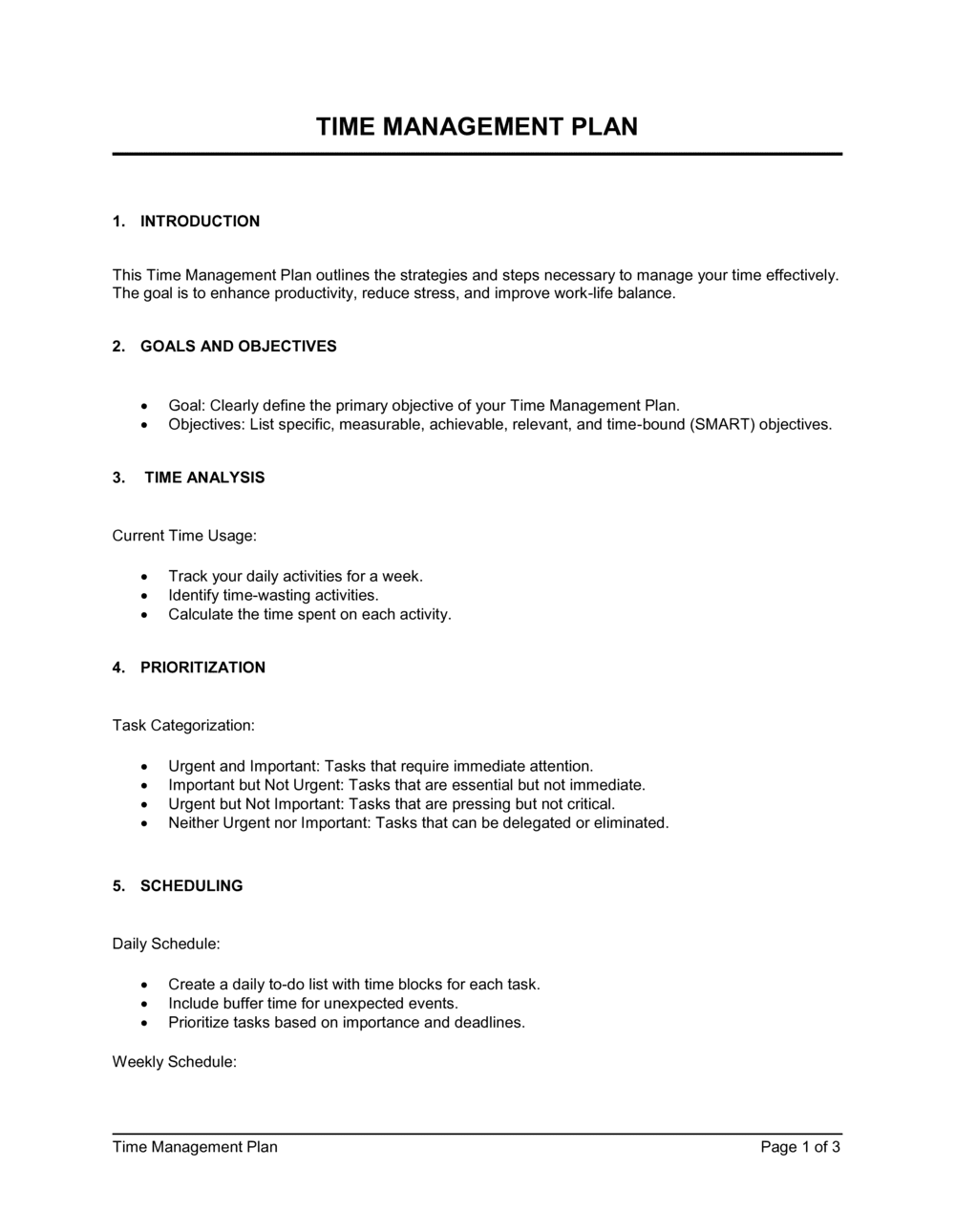
- Priority Matrix
- A 2x2 grid that classifies tasks by urgency and importance (based on the Eisenhower method) to determine which to do first, schedule, delegate, or eliminate.
- Deep Work
- Cognitively demanding tasks requiring sustained, uninterrupted focus — such as writing, analysis, or coding — that produce the highest-value output per hour.
- Shallow Work
- Low-cognitive-load tasks — email, routine admin, status updates — that are necessary but do not directly advance strategic goals.
- Parkinson's Law
- The observation that work expands to fill the time available for its completion — the principle behind using fixed time blocks to create productive constraints.
- Delegation Log
- A record of tasks assigned to others, including the assignee, deadline, and expected output, used to track handoffs without losing accountability.
- Review Cadence
- A scheduled recurring check — daily, weekly, or monthly — to measure actual time use against planned allocations and adjust the plan accordingly.
- Buffer Time
- Unscheduled time built into the plan to absorb unexpected tasks, overruns, or urgent requests without collapsing the rest of the schedule.
- Focus Ratio
- The percentage of total working hours spent on deep, high-priority work versus shallow or reactive tasks — a key metric for evaluating time plan effectiveness.
- Cognitive Load
- The total mental effort being used at any given moment; high cognitive load from task-switching reduces accuracy and output quality.