1
Set the sequence timeline and sending schedule
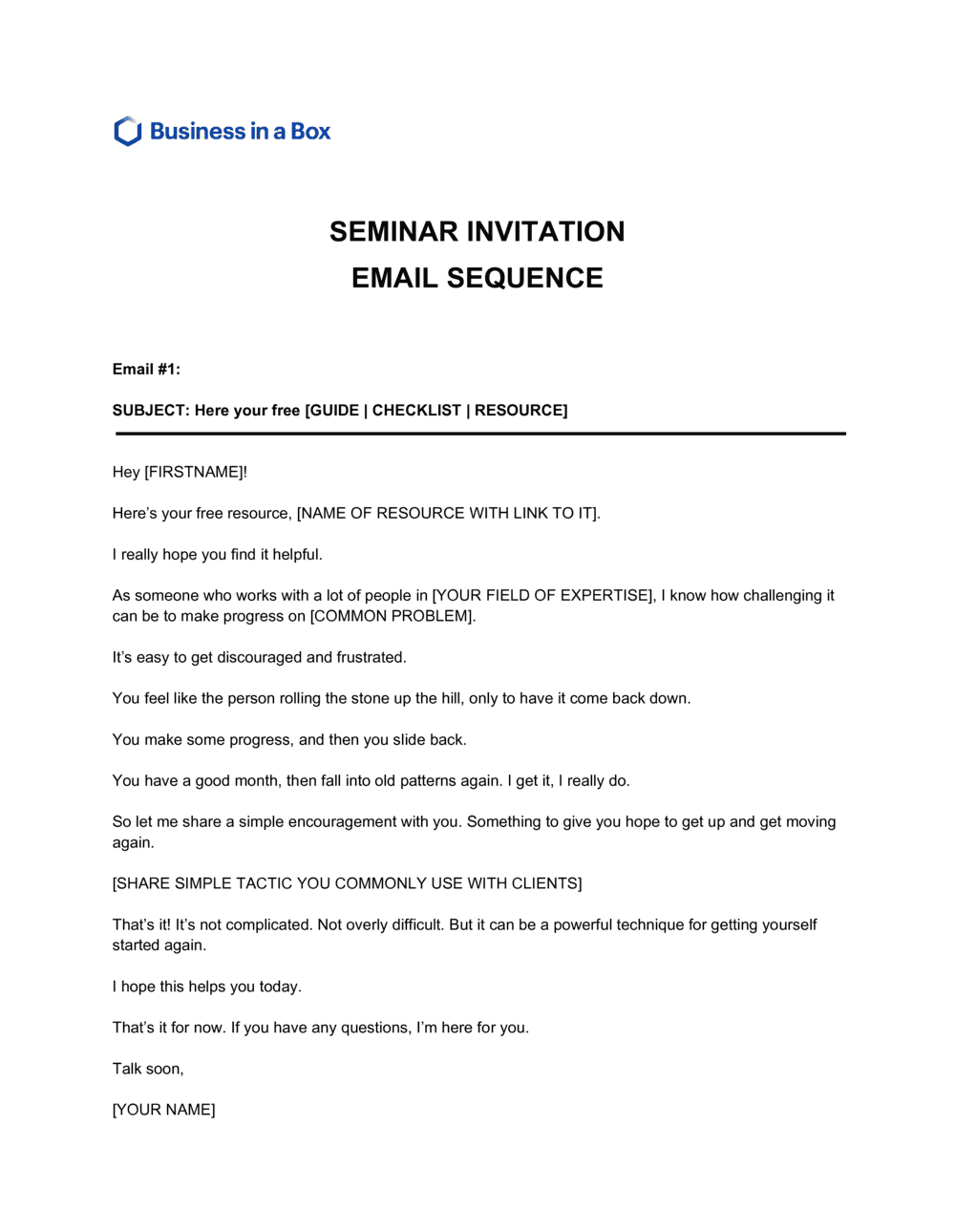
Map out the five emails against your event date — typically: initial invitation (4–6 weeks out), early-bird reminder (1–2 weeks before early-bird deadline), last-chance alert (48–72 hours before registration closes), day-of logistics (morning of the event), and post-event follow-up (24–48 hours after).
💡 For events with a paid registration, add a sixth email 7 days before the event reminding registered attendees what to prepare — no-show rates drop by 20–30% with a pre-event prep email.
2
Replace all placeholders with specific event details
Work through each email and substitute every bracketed placeholder — event title, date, time zone, venue or platform link, speaker name, pricing, and registration URL. Use the find-and-replace function in Word to catch every instance.
💡 Send a test email to yourself before loading the sequence into your email platform. Broken registration links and incorrect dates in live emails cannot be unsent.
3
Tailor the value proposition to your specific audience
Rewrite the learning outcomes and agenda summary in the initial invitation using language that matches your audience's actual pain points — not generic descriptions of what will be covered.
💡 Mirror the language your audience uses to describe the problem you are solving. If your target attendees search for 'cash flow forecasting for small businesses,' use that phrase, not 'advanced financial planning techniques.'
4
Add sender identification and unsubscribe compliance language
Confirm that every email in the sequence includes your organization's legal name, physical address, and a functioning unsubscribe link. Verify the unsubscribe mechanism processes opt-outs within 10 business days as required by CAN-SPAM.
💡 If you are emailing recipients in Canada or the EU, confirm you have documented consent for each contact before loading the list. Implied consent under CASL expires 2 years after the last business interaction.
5
Write unique subject lines for each email
Draft a distinct subject line and preheader for each of the five emails. Vary the angle — curiosity, benefit, urgency, social proof — across the sequence so recipients who opened the first email have a fresh reason to open the next.
💡 Keep subject lines under 50 characters for mobile preview. Test two subject-line variants on the initial invitation if your platform supports A/B testing — a 5–10% lift in open rate compounds across the entire sequence.
6
Confirm registration link and payment flow before launch
Click through the full registration process — from CTA button to confirmation email — to verify the link is live, the payment processor is working, and registrants receive an automated confirmation within minutes of signing up.
💡 Registration confirmation emails have open rates above 70%. Include the event date, time, location or login details, and a calendar invite attachment in the confirmation — it reduces day-of no-shows significantly.
7
Prepare the post-event follow-up email in advance
Draft and stage the post-seminar email before the event so it can be sent within 24 hours of conclusion. Include the promised resource links, feedback survey URL, and the next engagement CTA.
💡 If you are recording the seminar, note in the post-event email when the recording will be available rather than including a placeholder link that isn't live yet — broken links in follow-ups damage trust and unsubscribe rates spike.