1
Segment your dormant client list
Export contacts from your CRM who have not purchased, renewed, or responded within your defined dormancy window — typically 90, 180, or 365 days. Separate them by relationship type: past service clients, lapsed subscribers, and one-time buyers each warrant slightly different messaging.
💡 Remove any contacts who have previously unsubscribed, bounced, or been marked as spam complaints before running any sequence — sending to suppressed addresses is a compliance violation under CAN-SPAM and CASL.
2
Personalize the prior relationship reference
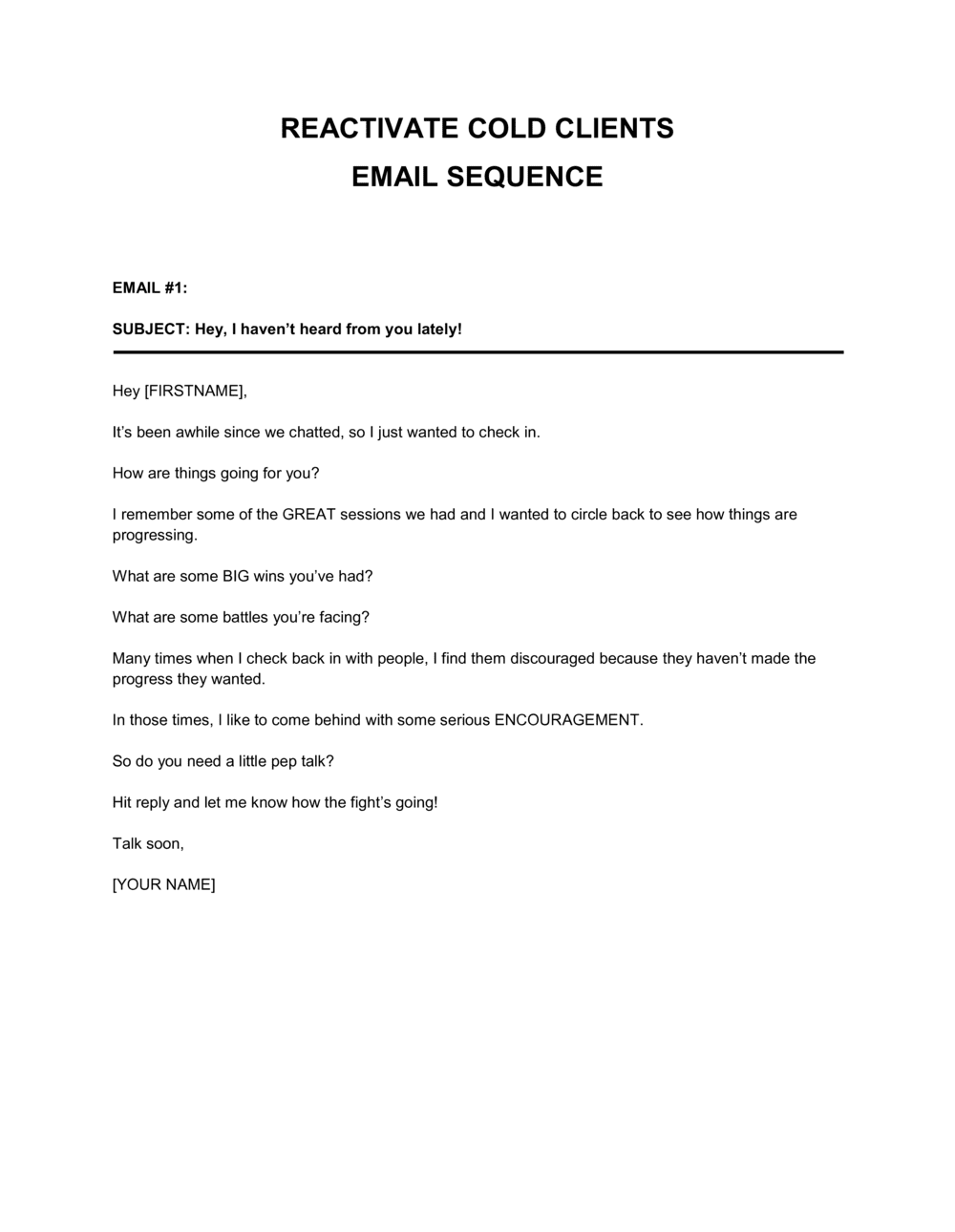
In the opening email, replace the [PROJECT / SERVICE / PURCHASE] placeholder with the specific engagement or product the client used. Pull this from your CRM or invoice history. The more specific the reference, the higher the open and reply rate.
💡 If you cannot recall the exact engagement, use a category-level reference ('your [TYPE OF SERVICE] work with us in [YEAR]') rather than leaving the placeholder blank.
3
Define a concrete win-back offer with an expiry date
Complete the re-engagement offer clause with a specific incentive — a discount percentage, a free deliverable, or a complimentary session — and set a hard expiry date no more than 14 days from the send date.
💡 Offers with a 7-day window consistently outperform open-ended offers in B2B reactivation sequences. Urgency drives response; generosity without a deadline does not.
4
Set the sequence cadence and email intervals
Decide how many emails the sequence will include — typically four to five — and the spacing between them: Day 1 (opening), Day 5 (value reminder), Day 10 (offer), Day 15 (objection handling), Day 20 (final close). Enter these dates in the cadence disclosure clause.
💡 Do not compress the sequence to fewer than 15 total days. Back-to-back emails from a dormant sender are perceived as spam and increase unsubscribe rates sharply.
5
Configure and test the unsubscribe mechanism
Replace the [UNSUBSCRIBE LINK] placeholder with a live, functional opt-out link from your email platform — Mailchimp, HubSpot, ActiveCampaign, or equivalent. Verify the link routes to a confirmation page and that your suppression list is updated automatically within 2 business days.
💡 Send a test version of every email in the sequence to yourself and click every link, including the unsubscribe. Non-functional opt-out links are a CAN-SPAM and CASL violation with per-email penalties.
6
Complete the sender identification block
Enter your company's registered legal name and current physical mailing address — not a P.O. box — in the sender identification clause at the footer of every email. This is a mandatory disclosure under CAN-SPAM and CASL regardless of the type of commercial email.
💡 If your business address has changed since the client last heard from you, add a brief note in the opening email ('We have relocated to [NEW ADDRESS]') to avoid confusion.
7
Add the privacy statement and data retention details
Replace [PLATFORM NAME] and [URL] placeholders with your actual CRM system and your published privacy policy URL. Ensure the policy covers the legal basis for processing under GDPR if any recipients are in the EU or UK.
💡 If you do not have a published privacy policy, use Business in a Box's Privacy Policy template to create one before launching any email sequence to EU or Canadian contacts.
8
Review, approve, and schedule the full sequence
Read every email in the sequence aloud to check tone — the goal is warm and professional, not desperate or salesy. Have a second reviewer confirm all placeholders are filled, all links are live, and the sequence is uploaded and scheduled in your email platform before sending the first message.
💡 A single unfilled placeholder like '[COMPANY NAME]' or '[CALENDAR LINK]' in a live email signals carelessness and undermines the trust the sequence is designed to rebuild.