1
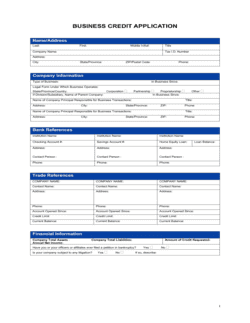
Enter the applicant's legal identification details
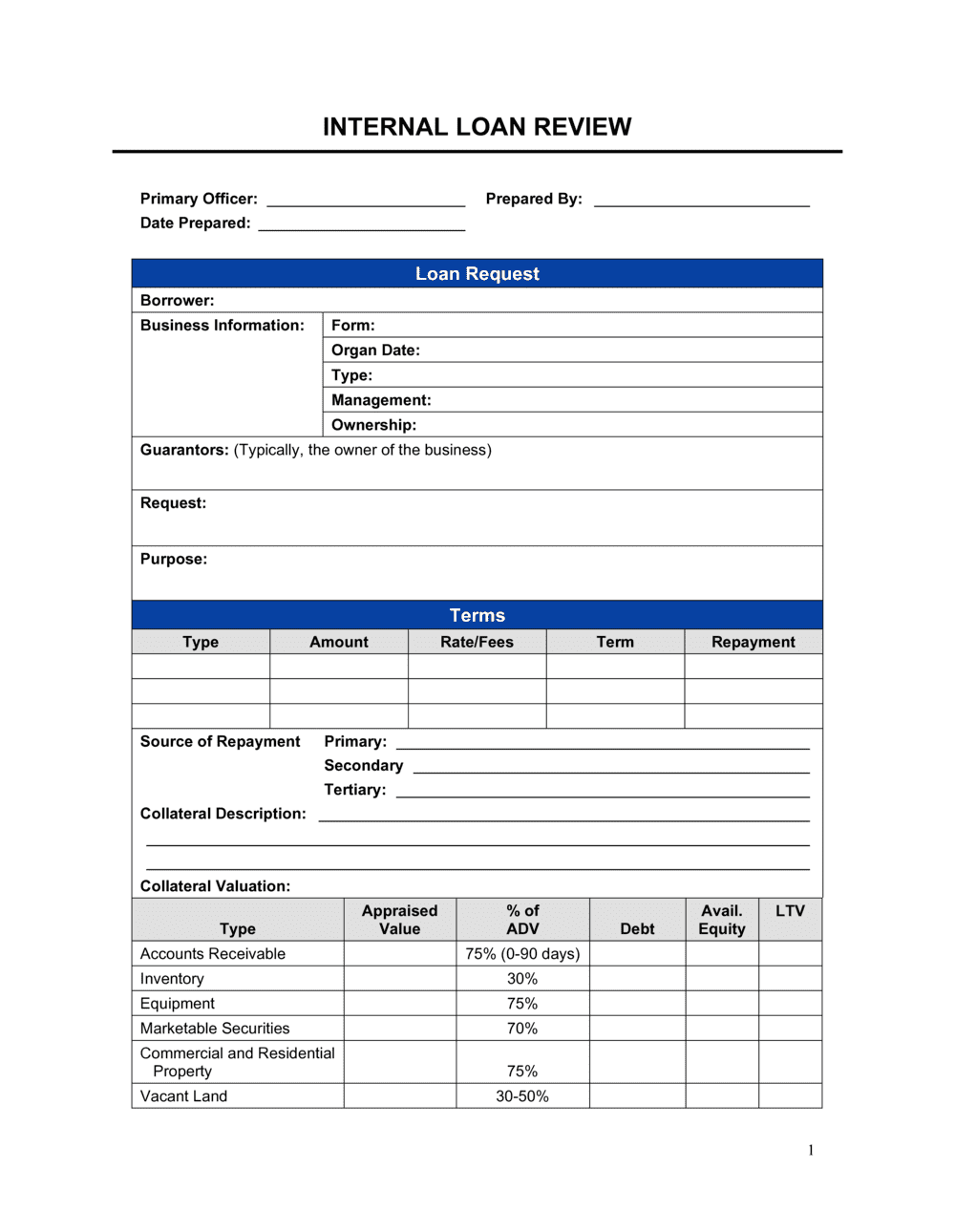
Record the borrower's full legal name, date of birth, government ID or tax ID number, and contact information. For business applicants, include the registered entity type and jurisdiction.
💡 Cross-reference the name against the government-issued ID before entering it — typos in legal names create document-matching problems at funding.
2
Record the loan request specifics
Document the exact amount requested, the stated purpose, the proposed repayment term, and the preferred repayment frequency. Avoid accepting vague purpose descriptions.
💡 Ask the borrower to specify how funds will be deployed — 'purchase of CNC equipment, $42,000' is actionable; 'business expansion' is not.
3
Verify and enter income and employment data
Record the employer, tenure, and gross monthly income. Note whether the figures are stated or verified and which documents (pay stubs, tax returns, bank statements) were used.
💡 For self-employed borrowers, use the two-year average from tax returns rather than the most recent year's net income, which may be artificially high or low.
4
Pull and log the credit report
Run the credit check, record the score, bureau, and pull date, and note the number of derogatory marks and open tradelines. Flag any recent hard inquiries that suggest the applicant is shopping multiple lenders.
💡 Pull all three bureaus for loan amounts above your institution's internal threshold — scores can vary by 50+ points across bureaus.
5
Calculate the debt-to-income ratio including the proposed loan
Sum all verified monthly debt obligations, add the proposed new loan payment, and divide by gross monthly income. Record both the current DTI and the post-loan DTI against your policy threshold.
💡 If the post-loan DTI exceeds policy, note whether any existing debts are being consolidated — the post-consolidation DTI may qualify.
6
Complete the collateral and document checklist
Describe any pledged collateral, record the appraised or estimated value, note existing liens, and calculate the LTV. Work through the document checklist and mark each item as received and verified — not just received.
💡 Flag any document dated more than 90 days ago as stale and request a current version before finalizing the review.
7
Write reviewer notes and assign a risk rating
Summarize the application's key strengths, any concerns identified, and mitigating factors. Assign an internal risk tier consistent with your lending policy. Sign and date the notes section.
💡 Write notes as if a compliance auditor will read them 18 months from now with no other context — be specific and evidence-based.
8
Record the final decision with conditions or decline reasons
Enter the decision (approved, conditionally approved, or declined), the approved amount and rate, and any conditions that must be met before funding. For declines, record the specific reason tied to the application data.
💡 For conditional approvals, set a deadline by which conditions must be satisfied — open-ended conditions create liability and delay pipeline management.