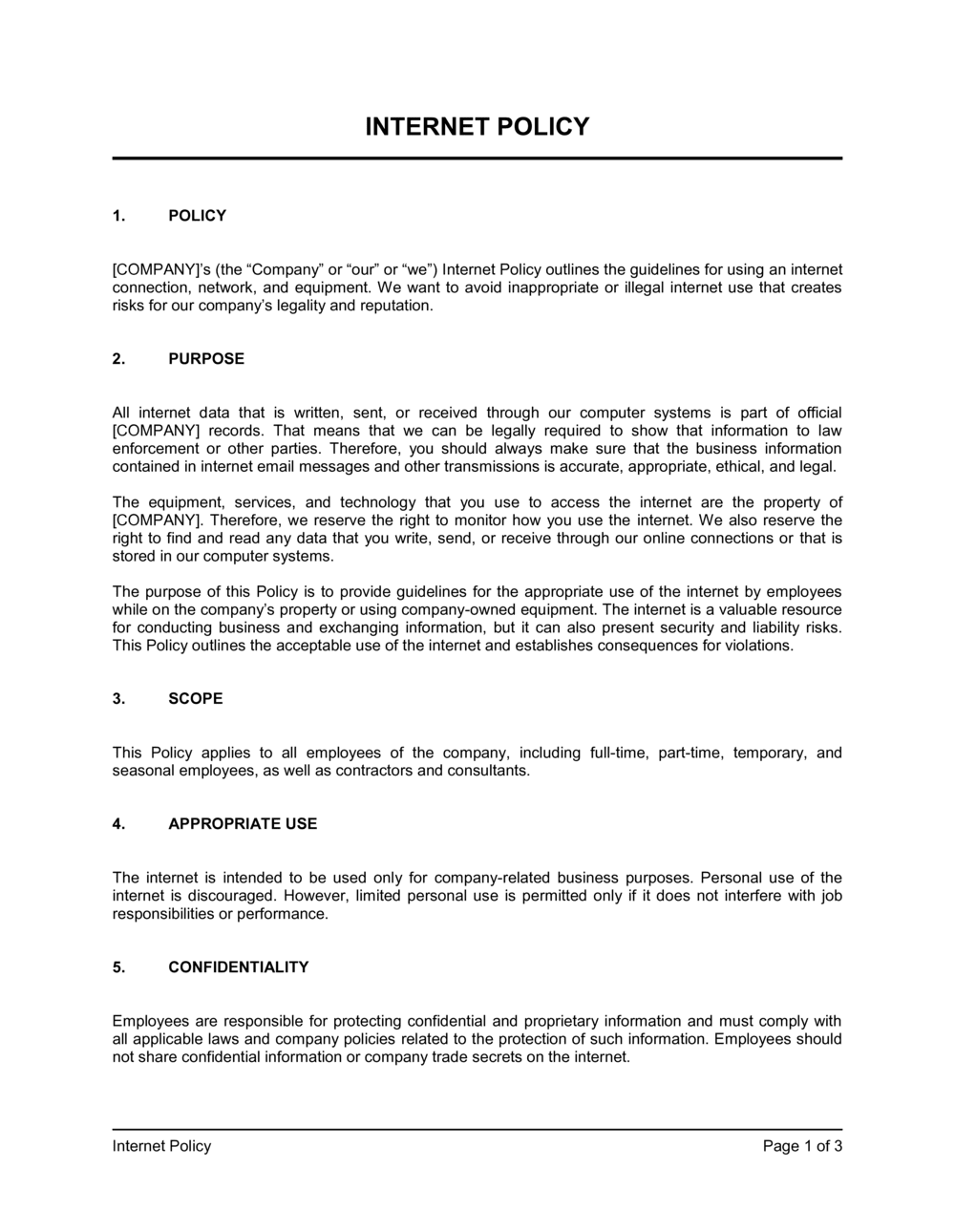
Internet Policy Template

Free Word download β€’ Edit online β€’ Save & share with Drive β€’ Export to PDF

3 pagesβ€’20–25 min to fillβ€’Difficulty: Standard
Learn more ↓
FreeInternet Policy Template

At a glance

What it is
An Internet Policy is a written operational document that defines how employees may use the company's internet access, networks, and connected devices during and outside of working hours. This free Word download gives you a structured, ready-to-edit template covering acceptable use, security obligations, social media guidelines, monitoring practices, and disciplinary consequences β€” exportable as PDF for distribution or inclusion in your employee handbook.
When you need it
Use it when onboarding new employees, updating your employee handbook, responding to a security incident, or formalizing informal practices that have grown alongside a remote or hybrid workforce.
What's inside
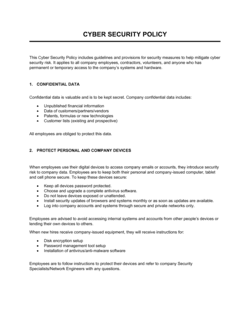
Purpose and scope, acceptable and prohibited use, personal device and BYOD rules, social media guidelines, data security obligations, monitoring and privacy notice, and enforcement and disciplinary procedures.

What is an Internet Policy?

An Internet Policy is a written operational document that establishes the rules governing how employees, contractors, and other personnel may use a company's internet connections, networks, and connected devices. It defines which activities are permitted, which are prohibited, what security practices are required, how activity on company systems may be monitored, and what disciplinary consequences follow from a violation. Beyond setting behavioral expectations, a well-drafted internet policy creates the documented framework an employer needs to enforce rules consistently, defend disciplinary decisions, and satisfy auditors or regulators who expect evidence of access controls.

Why You Need This Document

Without a written internet policy, employers face four concrete problems. First, they have no enforceable basis to discipline an employee for misusing company internet β€” a verbal warning backed by no written standard is easy to challenge and hard to escalate. Second, organizations in regulated industries such as healthcare, finance, and education are exposed to compliance failures when no documented acceptable-use controls exist. Third, employees connecting personal devices to company networks without defined security requirements become an unmanaged attack surface for phishing, malware, and data leaks. Fourth, monitoring employee internet activity without prior written notice violates privacy requirements in a growing number of jurisdictions. This template closes all four gaps in under two hours, giving HR and IT teams a consistent, defensible policy to distribute, acknowledge, and enforce.

Which variant fits your situation?

If your situation is…Use this template
Setting broad rules for all digital systems, not just internetAcceptable Use Policy
Specifically governing employee social media activitySocial Media Policy
Governing personal device use to access company systemsBYOD Policy
Addressing remote worker connectivity and security obligationsRemote Work Policy
Covering all workplace technology including phones and softwareIT and Technology Use Policy
Protecting sensitive company data and defining data-handling rulesData Protection Policy
Outlining rules for company-issued email accountsEmail Policy

Common mistakes to avoid

❌ Monitoring employees without prior written notice

Why it matters: Several US states, Canadian provinces, and EU member countries require employers to notify employees before monitoring their internet activity. Monitoring without notice can void evidence gathered and expose the company to privacy claims.

Fix: Include an explicit monitoring disclosure in the policy itself and have employees sign an acknowledgment before monitoring begins. Check jurisdiction-specific notification requirements before rollout.
❌ Blanket ban on all social media commentary

Why it matters: In the US, the National Labor Relations Act protects employees' rights to discuss working conditions β€” an overbroad social media clause can be struck down, undermining the entire policy section.

Fix: Limit social media restrictions to disclosing confidential information, impersonating the company, or making false statements β€” not to all commentary about the employer.

❌ No BYOD remote-wipe clause

Why it matters: When a personal device containing company data is lost or an employee departs, the company has no technical or contractual basis to remove its data without a prior written agreement.

Fix: Add a BYOD section requiring employees to consent to remote wipe of company data as a condition of connecting personal devices to company systems.

❌ Vague prohibited-use language with no specific examples

Why it matters: Terms like 'inappropriate websites' or 'misuse of company resources' are too ambiguous to enforce in a disciplinary hearing and may not hold up if challenged.

Fix: List specific prohibited categories β€” illegal content, unauthorized file sharing, gambling, personal commercial activity β€” so both managers and employees understand exactly where the line is.

❌ No policy review cycle

Why it matters: A policy that hasn't been updated since before widespread remote work, AI tools, or cloud storage doesn't address the actual risks employees encounter today β€” and signals to auditors that governance is neglected.

Fix: Assign a named owner and a fixed annual review month. Trigger an out-of-cycle review any time a significant security incident occurs or a major new technology is deployed.

❌ Omitting a reporting mechanism for security incidents

Why it matters: Employees who suspect a phishing attack or witness a data leak but have no clear escalation path often do nothing, allowing a containable incident to become a breach.

Fix: Include a specific contact name, email address, or helpdesk link for reporting suspected phishing, malware, or unauthorized access β€” and reference it in both the data security and prohibited-use sections.

The 9 key sections, explained

Purpose and scope

Acceptable use

Prohibited activities

Personal device and BYOD rules

Social media guidelines

Data security obligations

Monitoring and privacy notice

Enforcement and disciplinary procedures

Policy review and updates

How to fill it out

  1. 1

    Define the scope and effective date

    Identify every category of personnel the policy covers β€” employees, contractors, temps, and vendors β€” and every system type, including personal devices that connect to company networks. Enter the effective date.

    πŸ’‘ If your organization uses contractors extensively, name them explicitly in the scope clause rather than relying on 'all personnel' β€” ambiguity creates enforcement gaps.

  2. 2

    List permitted uses and clarify personal use

    Write out the primary business purposes for internet access and make a deliberate decision about incidental personal use. If you allow it, define the limits β€” for example, 'no more than 30 minutes per day, no streaming video.'

    πŸ’‘ Policies that ban all personal use are rarely enforced consistently and damage morale. A defined allowance is easier to manage than a blanket prohibition.

  3. 3

    Enumerate prohibited activities specifically

    List prohibited categories in concrete terms: illegal downloads, gambling sites, unauthorized cloud storage services, accessing competitor systems, and transmitting confidential data outside approved channels.

    πŸ’‘ Include a specific list of banned tools or services if your industry has compliance requirements β€” for example, forbidding the upload of customer data to unapproved AI tools.

  4. 4

    Set BYOD security requirements

    Specify the minimum security configuration required for personal devices β€” screen lock, encryption, current OS version, antivirus β€” and state the company's remote-wipe rights explicitly.

    πŸ’‘ Have employees sign a separate BYOD acknowledgment rather than burying consent in the main policy β€” it creates a cleaner record if a wipe or data dispute arises.

  5. 5

    Write the monitoring and privacy disclosure

    State clearly that company devices and networks are subject to monitoring. Specify what is logged (URLs visited, bandwidth used, email headers) and confirm that no expectation of privacy exists on company systems.

    πŸ’‘ Check your local jurisdiction's employee-monitoring notification requirements before finalizing this section β€” some require separate written notice.

  6. 6

    Define the disciplinary ladder

    Map violations to consequences β€” minor (verbal warning), moderate (written warning, privilege suspension), and serious (immediate termination, legal referral). Preserve management discretion to skip steps for severe breaches.

    πŸ’‘ Align the disciplinary language with your existing HR disciplinary policy so both documents reference each other and don't conflict.

  7. 7

    Set a review schedule and assign ownership

    Name the department responsible for annual reviews (typically IT or HR), set the review month, and document how employees will be notified and asked to re-acknowledge the updated policy.

    πŸ’‘ Schedule the review to coincide with your fiscal year-end or annual handbook update β€” it reduces the number of separate employee acknowledgment cycles.

Frequently asked questions

What is an internet policy?

An internet policy is a written workplace document that defines how employees may use company internet access, networks, and connected devices. It sets out permitted and prohibited activities, security obligations, social media rules, monitoring practices, and the consequences of violations. It is typically distributed as part of the employee handbook and acknowledged in writing by each employee.

Is an internet policy legally required?

No federal US law mandates a written internet policy, but several industry-specific regulations β€” HIPAA, PCI-DSS, SOC 2 β€” require documented acceptable-use controls as part of broader compliance frameworks. In practice, any employer who monitors employee internet activity should have a prior written policy in place to limit privacy liability and provide a basis for enforcement.

Can an employer monitor employee internet use?

In most jurisdictions, employers may monitor internet activity on company-owned devices and networks, provided employees have been given prior written notice. Some US states, Canadian provinces, and EU countries have specific notification requirements. Monitoring personal devices β€” even those connected to company Wi-Fi β€” is more restricted and should be limited to network-level traffic data rather than device content.

What should an internet policy include?

A complete internet policy covers: purpose and scope, acceptable uses, prohibited activities, personal device and BYOD rules, social media guidelines, data security obligations, monitoring and privacy disclosure, and enforcement and disciplinary procedures. A review cycle and named policy owner should also be included so the document stays current.

Should employees sign the internet policy?

Yes. Having employees sign or electronically acknowledge the policy creates a record that they received, read, and understood the rules. This acknowledgment is essential if you ever need to enforce the policy in a disciplinary proceeding or dispute an employee's claim that they were unaware of a restriction. Collect a new acknowledgment whenever the policy is materially updated.

How often should an internet policy be updated?

At minimum, review the policy annually. Also trigger an out-of-cycle review after any significant security incident, when a major new technology is deployed company-wide (such as AI tools or a new cloud storage platform), or when your legal counsel flags a relevant regulatory change. A policy more than two years old is unlikely to address current threats or tools accurately.

Can an employer restrict personal internet use at work?

Employers can restrict or limit personal internet use on company devices and networks, but a blanket prohibition is difficult to enforce consistently and can harm morale. Most employers permit incidental personal use β€” typically defined as brief, non-disruptive activity that does not involve prohibited content β€” and rely on content filtering and bandwidth controls to manage excess rather than attempting to eliminate all personal use.

What is the difference between an internet policy and an acceptable use policy?

An internet policy focuses specifically on internet and web access β€” browsing, downloads, social media, and network security. An acceptable use policy (AUP) is broader, covering all company technology: computers, phones, email, software, and internal systems, in addition to internet access. For most small and mid-sized businesses, a well-written internet policy covers the highest-risk activities; larger organizations with complex IT environments typically need a full AUP.

How this compares to alternatives

vs Acceptable Use Policy

An acceptable use policy governs all company technology β€” devices, software, email, and internal systems β€” not just internet access. An internet policy is narrower in scope, focusing on web browsing, downloads, and network security. If your primary concern is online activity and social media, an internet policy is sufficient; if you need to govern all digital assets, use a full AUP.

vs Social Media Policy

A social media policy focuses exclusively on how employees represent themselves and the company on social platforms β€” tone, disclosure, and what may or may not be shared publicly. An internet policy addresses social media as one component within a broader framework of internet use, security, and prohibited activities. Organizations with active public-facing roles often need both.

vs Remote Work Policy

A remote work policy covers the full operational arrangement of working outside the office β€” hours, communication expectations, equipment provision, and home workspace requirements. An internet policy addresses how employees use internet access regardless of location. The two documents complement each other and are typically cross-referenced in the employee handbook.

vs Data Protection Policy

A data protection policy defines how the organization collects, stores, processes, and protects personal or sensitive data β€” driven by regulations like GDPR or HIPAA. An internet policy addresses the behavioral rules for internet use that reduce the risk of data exposure. Both are needed: the internet policy governs employee behavior; the data protection policy governs how the organization handles data it holds.

Industry-specific considerations

Healthcare

HIPAA requires documented access controls β€” internet policies must explicitly prohibit transmitting patient data over unsecured connections and mandate VPN use for remote access to clinical systems.

Financial services

SEC, FINRA, and PCI-DSS requirements mean internet policies in finance must address prohibited use of unapproved communication channels and restrict access to trading platforms or financial data from personal devices.

Education

K-12 schools must comply with CIPA (Children's Internet Protection Act), which mandates content filtering and a written acceptable-use policy as conditions of federal E-rate funding.

Professional services

Law firms and consultancies handle highly confidential client data β€” internet policies must prohibit uploading client documents to personal cloud storage and require encrypted connections for any remote work.

Template vs pro β€” what fits your needs?

PathBest forCostTime
Use the templateSmall to mid-sized businesses establishing internet use rules for the first time or updating an outdated policyFree1–2 hours
Template + professional reviewOrganizations in regulated industries (healthcare, finance, education) or those with remote and BYOD workforces$200–$600 (HR consultant or employment counsel review)2–5 days
Custom draftedLarge employers with complex IT environments, formal compliance programs (SOC 2, ISO 27001), or multi-jurisdiction workforces$1,000–$3,500+1–3 weeks

Glossary

Acceptable Use Policy (AUP)
A written policy defining the permitted and prohibited ways employees may use company-provided technology and network resources.
BYOD (Bring Your Own Device)
A practice allowing employees to use personal smartphones, laptops, or tablets to access company systems, subject to defined security requirements.
Network Monitoring
The practice of logging and inspecting traffic on a company's internet and network infrastructure to detect security threats or policy violations.
Bandwidth
The amount of data that can be transmitted over a network connection in a given time β€” excessive personal streaming or downloads can degrade performance for business use.
VPN (Virtual Private Network)
An encrypted connection that routes internet traffic through a secure server, protecting data transmitted over public or unsecured networks.
Phishing
A cyberattack technique in which a malicious actor impersonates a trusted source via email or website to trick employees into revealing credentials or downloading malware.
Data Breach
An incident in which unauthorized parties gain access to confidential company or customer data, often triggered by insecure internet practices.
Incidental Personal Use
Limited, non-disruptive personal internet activity permitted during work hours β€” such as checking personal email briefly β€” as explicitly allowed by company policy.
Content Filtering
A technical control that blocks access to categories of websites β€” such as adult content, gambling, or malware sources β€” on company networks or devices.
Digital Footprint
The traceable record of an employee's online activity conducted on company systems, which may be reviewed by the employer in accordance with the monitoring policy.

Part of your Business Operating System

This document is one of 3,000+ business & legal templates included in Business in a Box.

  • Fill-in-the-blanks β€” ready in minutes
  • 100% customizable Word document
  • Compatible with all office suites
  • Export to PDF and share electronically

Create your document in 3 simple steps.

From template to signed document β€” all inside one Business Operating System.
1
Download or open template

Access over 3,000+ business and legal templates for any business task, project or initiative.

2
Edit and fill in the blanks with AI

Customize your ready-made business document template and save it in the cloud.

3
Save, Share, Send, Sign

Share your files and folders with your team. Create a space of seamless collaboration.

Save time, save money, and create top-quality documents.

β˜…β˜…β˜…β˜…β˜…

"Fantastic value! I'm not sure how I'd do without it. It's worth its weight in gold and paid back for itself many times."

Managing Director Β· Mall Farm
Robert Whalley
Managing Director, Mall Farm Proprietary Limited
β˜…β˜…β˜…β˜…β˜…

"I have been using Business in a Box for years. It has been the most useful source of templates I have encountered. I recommend it to anyone."

Business Owner Β· 4+ years
Dr Michael John Freestone
Business Owner
β˜…β˜…β˜…β˜…β˜…

"It has been a life saver so many times I have lost count. Business in a Box has saved me so much time and as you know, time is money."

Owner Β· Upstate Web
David G. Moore Jr.
Owner, Upstate Web

Run your business with a system β€” not scattered tools

Stop downloading documents. Start operating with clarity. Business in a Box gives you the Business Operating System used by over 250,000 companies worldwide to structure, run, and grow their business.

Start freeΒ Β·Β No credit card required