1
Define the scope and identify in-scope systems
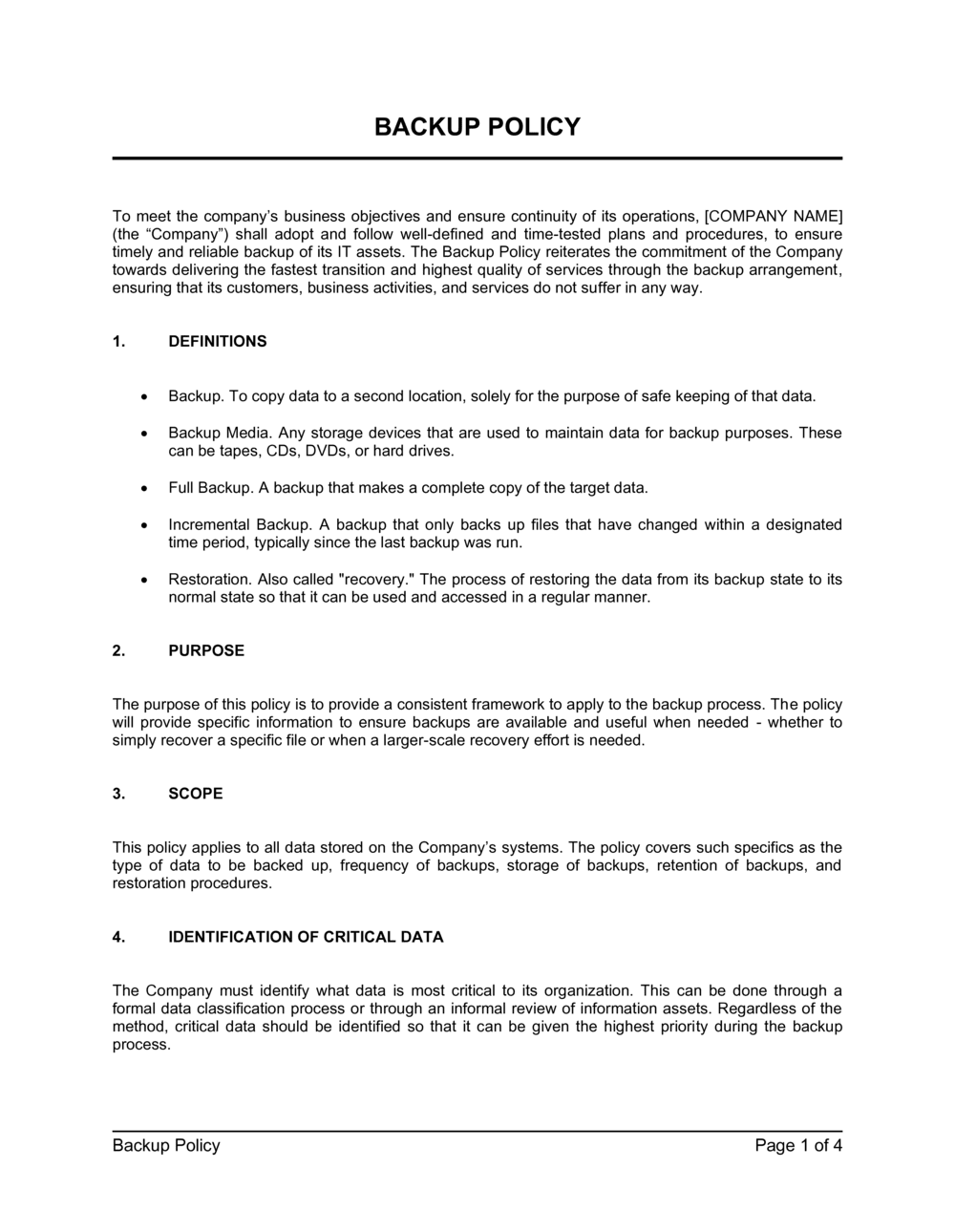
List every system, application, and data store the policy will cover. Include cloud services, third-party SaaS platforms, and any systems managed by vendors on your behalf.
💡 Start from your asset inventory, not from memory — systems that are not in scope are not backed up, and gaps only surface during an incident.
2
Classify your data by criticality
Divide data into at least two tiers — critical and standard — based on the business impact of losing it. Assign each tier a backup frequency and minimum retention period.
💡 Ask: 'How much data loss is acceptable, and for how long can we operate without this system?' The answers become your RPO and RTO targets.
3
Set the backup schedule for each tier
Choose full, incremental, or differential backup types and assign specific run times for each tier. Confirm the schedule does not overlap with peak system load periods.
💡 Stagger backup jobs for different systems by at least 30 minutes to avoid competing for network bandwidth and storage write capacity simultaneously.
4
Specify storage locations and redundancy requirements
Define where each backup copy will reside — local NAS, cloud storage, tape, or offsite facility — and confirm at least one copy is geographically separated from the primary site.
💡 Name the specific cloud provider and bucket or service, not just 'cloud storage.' Ambiguity in the policy means staff make their own choices during execution.
5
Document the retention and deletion schedule
Enter the exact retention duration for each backup type — daily, weekly, monthly, and annual — and specify the deletion method to be used at expiration.
💡 Cross-reference your data retention policy and any applicable regulations (GDPR, HIPAA, PCI-DSS) before setting retention periods — regulatory minimums may exceed your operational preference.
6
Assign roles and name accountable individuals
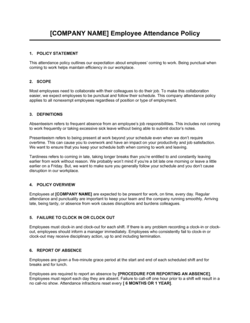
Replace generic role titles with specific names or job titles for each responsibility — configuration, monitoring, failure response, and policy exception approval.
💡 Include an escalation path: if the primary backup administrator is unavailable overnight, who is the secondary contact? Document it explicitly.
7
Write the recovery procedure step by step
Document each restore step in sequence, including how to authorize a restore, which backup version to use, how to validate the recovered data, and where to log the event.
💡 Write the procedure at a level of detail that a competent but unfamiliar IT staff member could execute it at 2 a.m. without calling anyone.
8
Schedule the first test restore and set a recurring review date
Book a test restore on the calendar before publishing the policy. Set a recurring annual review date and name the approver responsible for signing off on updates.
💡 Running the first test restore within 30 days of publishing will almost always surface at least one gap — that is the point, and catching it in a drill is far cheaper than discovering it during a real incident.