- Acceptable Use Policy (AUP)
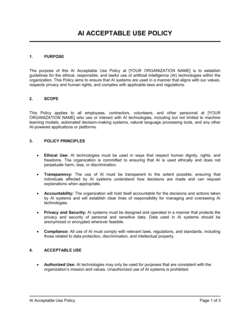
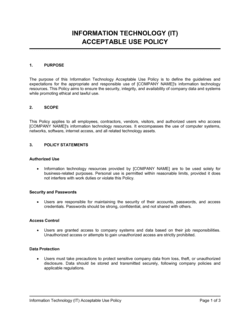
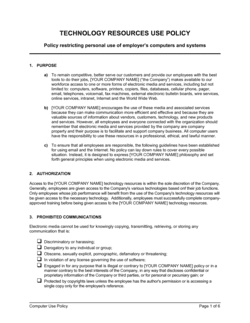
- A written set of rules specifying how an organization's IT systems, networks, and data may and may not be used by authorized individuals.
- Authorized User
- Any employee, contractor, or third party who has been granted explicit permission to access the organization's IT systems or data.
- Company Systems
- All hardware, software, networks, servers, cloud services, email accounts, and data storage owned, leased, or operated by the organization.
- Prohibited Conduct
- A defined list of actions that authorized users are expressly forbidden from performing on company systems, such as installing unauthorized software or accessing illegal content.
- Monitoring
- The organization's right to observe, log, and review activity on its systems and networks, including emails, browsing history, and file access.
- Data Classification
- A system for labeling data by sensitivity level — typically public, internal, confidential, and restricted — to determine how it must be handled and protected.
- Incident
- Any event that violates the AUP or poses a threat to the confidentiality, integrity, or availability of company systems or data.
- BYOD (Bring Your Own Device)
- A policy arrangement allowing employees to use personal devices to access company systems, subject to specific security and usage conditions.
- Least Privilege
- A security principle requiring that users are granted only the minimum level of system access necessary to perform their job duties.
- Social Engineering
- A manipulation technique used by attackers to trick authorized users into revealing credentials or performing actions that compromise system security.