How To Use AI For Business

Free to read β€’ Save or share with one click

FreeHow To Use AI For Business Template

At a glance

What it is
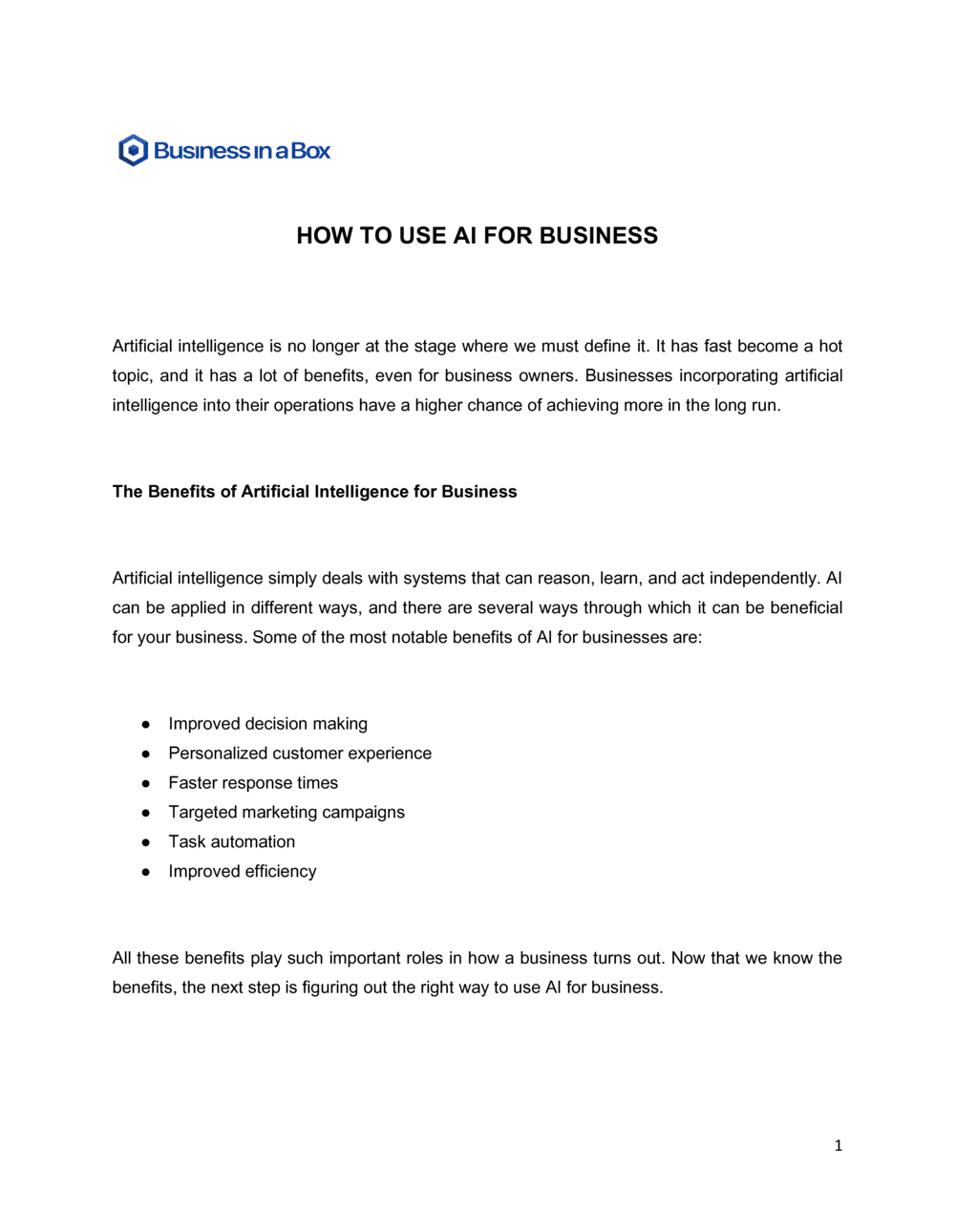
A How To Use AI For Business document is a structured operational guide that maps a company's AI strategy, prioritized use cases, governance rules, implementation roadmap, and success metrics into a single reference plan. This free Word download gives teams and leaders a clear, editable framework they can adapt to their industry and scale, then export as PDF for internal alignment or stakeholder review.
When you need it
Use it when your organization is beginning to evaluate AI tools, rolling out its first AI-powered workflows, or formalizing a scattered set of ad-hoc AI experiments into a coherent business strategy. It is equally useful for leadership teams setting policy and for operations managers building a deployment checklist.
What's inside
Business objectives and AI alignment, a prioritized use-case inventory, tool selection criteria, data readiness assessment, governance and acceptable-use policy, an implementation roadmap with milestones, risk and compliance considerations, and KPIs for measuring AI performance.

What is a How To Use AI For Business Document?

A How To Use AI For Business document is a structured operational plan that guides an organization through identifying the right AI use cases, selecting tools, preparing data, setting governance rules, and measuring results β€” all tied directly to defined business objectives. It turns scattered AI experimentation into a repeatable, accountable process with a clear owner, timeline, and success criteria for each initiative. Rather than prescribing a specific technology stack, it gives leaders and managers a reusable framework they can apply as AI capabilities and business priorities evolve.

Why You Need This Document

Without a structured AI plan, most businesses end up with a collection of disconnected tool subscriptions, no clear policy on data handling, and no way to measure whether AI is actually saving time or money. Teams make inconsistent decisions about which data to share with AI systems, compliance gaps go unnoticed until an incident occurs, and promising use cases stall because no one owns the rollout. A formal AI plan closes these gaps before they become expensive: it aligns stakeholders on priorities, protects the business with documented governance, and gives every AI initiative a measurable target so you know within weeks whether it is working β€” not after a year of sunk costs.

Which variant fits your situation?

If your situation is…Use this template
Setting company-wide rules for how employees may use AI toolsAI Acceptable Use Policy
Evaluating and selecting a specific AI software vendorSoftware Evaluation Report
Deploying AI within a customer service or support functionCustomer Service Standard Operating Procedure
Mapping AI adoption as part of a broader digital transformationDigital Transformation Plan
Training employees on new AI tools and workflowsEmployee Training Plan
Tracking AI project milestones and team accountabilityProject Implementation Plan
Presenting the AI business case to board members or investorsBusiness Case Report

Common mistakes to avoid

❌ Adopting tools before defining objectives

Why it matters: Deploying AI without a clear business goal produces activity metrics but no measurable value. Budget and goodwill are spent with nothing to show leadership.

Fix: Write your top three business objectives first. Every tool evaluation must link directly to one of them before it proceeds past discovery.

❌ Skipping the data readiness step

Why it matters: AI tools perform only as well as the data they are given. Connecting an LLM to a disorganized CRM or inconsistently formatted document library produces unreliable outputs and erodes employee trust in the technology.

Fix: Audit the primary data source for each use case before procurement. Estimate and budget the cleaning effort as part of the implementation timeline.

❌ Launching all use cases simultaneously

Why it matters: A simultaneous rollout overwhelms IT support, training resources, and change management capacity. Adoption stalls and problems compound across multiple workflows at once.

Fix: Phase releases with four- to eight-week windows between them. Treat Phase 1 as a controlled pilot with a defined success threshold before expanding.

❌ Measuring adoption rather than outcomes

Why it matters: Reporting that 80% of staff have logged into an AI tool says nothing about whether the business is faster, cheaper, or more accurate. Stakeholders lose confidence when results cannot be quantified.

Fix: Set a baseline metric before deployment and a specific improvement target for each use case. Track the business outcome, not the login count.

❌ Writing a governance policy that bans all AI use

Why it matters: A blanket ban does not stop employees from using AI β€” it pushes usage underground where it is unmonitored and unprotected, increasing data privacy and output accuracy risk.

Fix: Approve a defined list of tools for defined purposes. Establish clear guardrails on data handling and review requirements rather than prohibitions.

❌ Running a single training session at launch with no follow-up

Why it matters: AI tools update their capabilities and interfaces every four to eight weeks. Skills learned at launch become outdated quickly, and teams revert to old habits without reinforcement.

Fix: Schedule quarterly refreshers tied to tool updates. Designate internal AI champions who stay current and share new capabilities with their teams on a regular cadence.

The 9 key sections, explained

Business objectives and AI alignment

AI use-case inventory

Tool selection criteria

Data readiness assessment

Governance and acceptable-use policy

Implementation roadmap

Risk and compliance considerations

KPIs and performance measurement

Employee training and change management

How to fill it out

  1. 1

    Define your top business objectives

    Write down your organization's three to five most pressing operational or growth goals for the next 12 months. Be specific β€” 'reduce invoice processing time by 50%' is actionable; 'improve efficiency' is not.

    πŸ’‘ Anchor every AI initiative to one of these objectives. If you cannot draw a line from a proposed AI tool to a listed objective, remove it from scope.

  2. 2

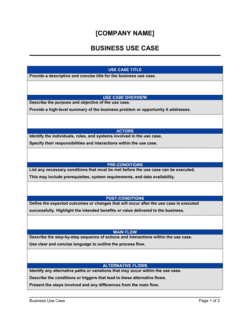
    Inventory your candidate use cases

    Gather input from department heads on repetitive, time-consuming tasks that involve text, data, or pattern recognition. List each one with an estimated time cost per week and the team affected.

    πŸ’‘ Score each use case on a 1–3 scale for impact and effort. Start with high-impact, low-effort use cases to build momentum and prove ROI fast.

  3. 3

    Assess your data readiness

    For each use case, identify the data source the AI will rely on and evaluate its quality, format, and completeness. Flag gaps that need remediation before any AI tool is connected.

    πŸ’‘ A 30-minute audit of one data source with a sample of 100 records will reveal quality issues faster than any vendor assessment.

  4. 4

    Define your tool selection criteria

    Set non-negotiable requirements (data privacy certification, integration with existing systems, cost ceiling) before evaluating any vendor. This prevents demo bias from driving decisions.

    πŸ’‘ Request a proof-of-concept test using a sanitized sample of your own data β€” not the vendor's demo dataset.

  5. 5

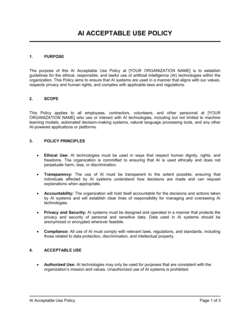
    Draft the governance and acceptable-use policy

    Specify which tools are approved, which data categories are off-limits, who reviews AI outputs before external use, and how employees report AI errors or misuse.

    πŸ’‘ Keep the policy to one page for employees. A lengthy policy goes unread; a clear one-page reference gets followed.

  6. 6

    Build the phased implementation roadmap

    Sequence your use cases into phases of four to eight weeks each. Assign an owner, a training requirement, and a measurable success metric to every phase.

    πŸ’‘ Treat Phase 1 as a pilot with a defined kill condition β€” if the KPI does not improve by X% within eight weeks, pause and reassess before expanding.

  7. 7

    Set KPIs and establish a measurement cadence

    For each use case, record a baseline metric before deploying AI and define a specific target. Schedule monthly check-ins to review results and adjust the approach.

    πŸ’‘ Use a shared dashboard visible to all stakeholders so that results β€” good or bad β€” are transparent and drive fast decisions.

  8. 8

    Plan training and communicate the change

    Schedule training before each phase launch, not after. Address the 'will AI replace my job?' concern directly in your communications β€” teams that feel informed adopt tools faster than teams that feel surveilled.

    πŸ’‘ Identify two or three internal AI champions per department early. Peer adoption is consistently more effective than top-down mandates.

Frequently asked questions

What is an AI for business guide or plan?

An AI for business plan is an operational document that defines how a company will identify, evaluate, deploy, and govern artificial intelligence tools across its workflows. It covers business objectives, prioritized use cases, tool selection criteria, data readiness, governance policy, a phased implementation roadmap, and KPIs. It replaces ad-hoc AI experimentation with a structured approach that produces measurable business results.

Which business functions benefit most from AI?

The highest-ROI areas for most small and mid-size businesses are customer support (AI-assisted responses), marketing (content drafting and segmentation), sales (proposal generation and lead scoring), finance (invoice processing and anomaly detection), and HR (job description drafting and candidate screening). The right starting point depends on where your team currently spends the most time on repetitive, structured tasks.

How do I choose the right AI tools for my business?

Start with your use case, not the tool. Define what specific task you want to automate or accelerate, then evaluate tools against non-negotiable criteria: data privacy certification (SOC 2 or ISO 27001), integration with your existing systems, per-seat cost, and vendor support quality. Always test on a sanitized sample of your own data before committing to a contract.

What data privacy risks should businesses be aware of when using AI?

The primary risks are entering confidential business data β€” client PII, financial records, unreleased IP β€” into AI systems that may use it to train future models or that store it on third-party servers outside your control. Mitigate these risks by reviewing each vendor's data processing agreement, selecting tools with enterprise-grade privacy controls, and establishing a clear acceptable-use policy that specifies which data categories employees may not enter into any AI system.

How long does it take to implement AI in a small business?

A first AI use case β€” such as AI-assisted email drafting or customer FAQ automation β€” can typically be deployed and producing results within four to six weeks, including tool selection, data preparation, training, and a pilot period. Broader AI transformation across multiple departments typically takes six to eighteen months, depending on data readiness, team size, and the complexity of workflows being automated.

Do I need a technical team to implement AI tools?

For most modern SaaS AI tools, no dedicated technical team is required. Tools like ChatGPT, Jasper, or HubSpot AI features are designed for business users with no coding background. You will need IT involvement when integrating AI with internal databases, APIs, or enterprise systems, or when building a custom RAG pipeline on proprietary data. The use-case inventory in your plan should flag which deployments require technical resources.

How do I measure whether AI is delivering ROI?

Set a baseline metric before deploying any AI tool β€” time per task, cost per output, error rate, or customer satisfaction score. After eight to twelve weeks of use, compare the post-deployment figure against the baseline. Divide the productivity or cost saving by the total cost of the tool (license, implementation, training) to calculate ROI. A well-structured KPI section in your AI plan makes this calculation straightforward rather than retroactive.

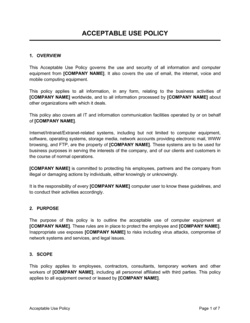
What is an AI acceptable-use policy and does my business need one?

An AI acceptable-use policy is an internal document specifying which AI tools employees may use, for which purposes, and which data categories they may not enter into AI systems. Any business with more than a handful of employees using AI tools needs one. Without it, employees make inconsistent decisions about data handling, and the company has no enforceable standard to point to when a breach or error occurs.

What are the biggest risks of using AI in business?

The four most common risks are: AI hallucinations producing factually incorrect outputs that get used without review; data privacy breaches from entering confidential information into consumer-grade AI tools; vendor lock-in from building critical workflows on a single AI provider; and employee resistance that prevents adoption. Each risk has a documented mitigation β€” human-in-the-loop review, data handling policy, multi-vendor evaluation, and change management β€” that should be addressed in your governance section.

How this compares to alternatives

vs Digital Transformation Plan

A digital transformation plan covers the full spectrum of technology modernization β€” cloud migration, process digitization, system integration, and workforce change. An AI for business plan is narrower, focused specifically on identifying and deploying AI use cases within existing or modernized workflows. Use both when undertaking a broad transformation; use the AI plan alone when targeting specific productivity gains without a full technology overhaul.

vs IT Strategic Plan

An IT strategic plan governs the entire technology infrastructure β€” hardware, software, security, and vendor relationships β€” over a multi-year horizon. An AI for business plan is operationally focused on specific use cases, deployment timelines, and business KPIs. The IT plan sets the technical environment; the AI plan defines what runs within it.

vs Employee Training Plan

An employee training plan covers the full scope of staff learning and development across all skills. An AI for business plan includes a training component but its primary purpose is strategy, governance, and implementation β€” not learning design. When AI adoption is the only training initiative in scope, the AI plan's training section is sufficient; when it is one of many, a standalone training plan handles the details.

vs Standard Operating Procedure (SOP)

An SOP documents a specific workflow step by step for consistent execution. An AI for business plan sets the strategic framework that determines which workflows get AI-enhanced SOPs. The plan comes first; AI-updated SOPs follow once each use case is deployed and validated.

Industry-specific considerations

Professional Services

AI accelerates proposal drafting, client research summaries, and contract review, with human-in-the-loop sign-off required before any client-facing output is sent.

Retail / E-commerce

AI drives product description generation, customer service chatbots, dynamic pricing recommendations, and personalized email campaigns at scale.

Healthcare / MedTech

AI is applied to administrative workflows β€” scheduling, documentation, and coding β€” with strict HIPAA-compliant data handling and mandatory clinician review of any clinical output.

SaaS / Technology

AI tools accelerate code review, documentation generation, support ticket triage, and product roadmap analysis, with governance focused on IP protection and model output accuracy.

Marketing and Creative Agencies

AI handles first-draft content generation, SEO brief creation, and audience segmentation, with brand voice guidelines embedded in every approved prompt template.

Manufacturing

AI is deployed for predictive maintenance alerts, supply chain anomaly detection, and quality control documentation, typically integrated with existing ERP and IoT data sources.

Template vs pro β€” what fits your needs?

PathBest forCostTime
Use the templateSmall businesses, startups, and operations teams deploying their first one to three AI use casesFree4–8 hours to complete
Template + professional reviewMid-size businesses rolling out AI across multiple departments or requiring a formal governance policy$500–$2,000 for a technology consultant or fractional CTO review1–2 weeks
Custom draftedEnterprises with complex compliance requirements, custom AI model development, or board-level AI governance accountability$5,000–$25,000+ for a specialized AI strategy consultancy4–10 weeks

Glossary

Generative AI
AI systems that produce new text, images, code, or data in response to a prompt, such as ChatGPT, Claude, or Gemini.
Use Case
A specific, defined business task or workflow where an AI tool is applied to deliver a measurable improvement.
Prompt Engineering
The practice of writing precise instructions to an AI model to consistently produce accurate, relevant, and useful outputs.
AI Governance
The policies, roles, and processes an organization establishes to ensure AI is used responsibly, legally, and in line with company values.
Hallucination
When an AI model generates plausible-sounding but factually incorrect information β€” a key risk requiring human review checkpoints.
Training Data
The dataset an AI model learned from, which determines the scope of its knowledge and the boundaries of its accuracy.
RAG (Retrieval-Augmented Generation)
An AI architecture that grounds model responses in a specific, up-to-date knowledge base rather than relying solely on the model's pre-trained data.
LLM (Large Language Model)
A type of AI trained on large volumes of text to understand and generate human language, forming the backbone of most generative AI business tools.
AI Acceptable Use Policy
An internal document specifying which AI tools employees may use, for what purposes, and what data they are prohibited from entering into AI systems.
ROI (Return on Investment)
A measure comparing the financial or productivity gain from an AI tool against the cost of adopting and running it.
Human-in-the-Loop
A workflow design where a human reviews, approves, or corrects AI outputs before they are acted upon or published.

Part of your Business Operating System

This document is one of 3,000+ business & legal templates included in Business in a Box.

  • Fill-in-the-blanks β€” ready in minutes
  • Compatible with all office suites
  • Export to PDF and share electronically

Create your document in 3 simple steps.

From template to signed document β€” all inside one Business Operating System.
1
Download or open template

Access over 3,000+ business and legal templates for any business task, project or initiative.

2
Edit and fill in the blanks with AI

Customize your ready-made business document template and save it in the cloud.

3
Save, Share, Send, Sign

Share your files and folders with your team. Create a space of seamless collaboration.

Save time, save money, and create top-quality documents.

β˜…β˜…β˜…β˜…β˜…

"Fantastic value! I'm not sure how I'd do without it. It's worth its weight in gold and paid back for itself many times."

Managing Director Β· Mall Farm
Robert Whalley
Managing Director, Mall Farm Proprietary Limited
β˜…β˜…β˜…β˜…β˜…

"I have been using Business in a Box for years. It has been the most useful source of templates I have encountered. I recommend it to anyone."

Business Owner Β· 4+ years
Dr Michael John Freestone
Business Owner
β˜…β˜…β˜…β˜…β˜…

"It has been a life saver so many times I have lost count. Business in a Box has saved me so much time and as you know, time is money."

Owner Β· Upstate Web
David G. Moore Jr.
Owner, Upstate Web

Run your business with a system β€” not scattered tools

Stop downloading documents. Start operating with clarity. Business in a Box gives you the Business Operating System used by over 250,000 companies worldwide to structure, run, and grow their business.

Free Forever PlanΒ Β·Β No credit card required