- Data Loss Prevention (DLP)
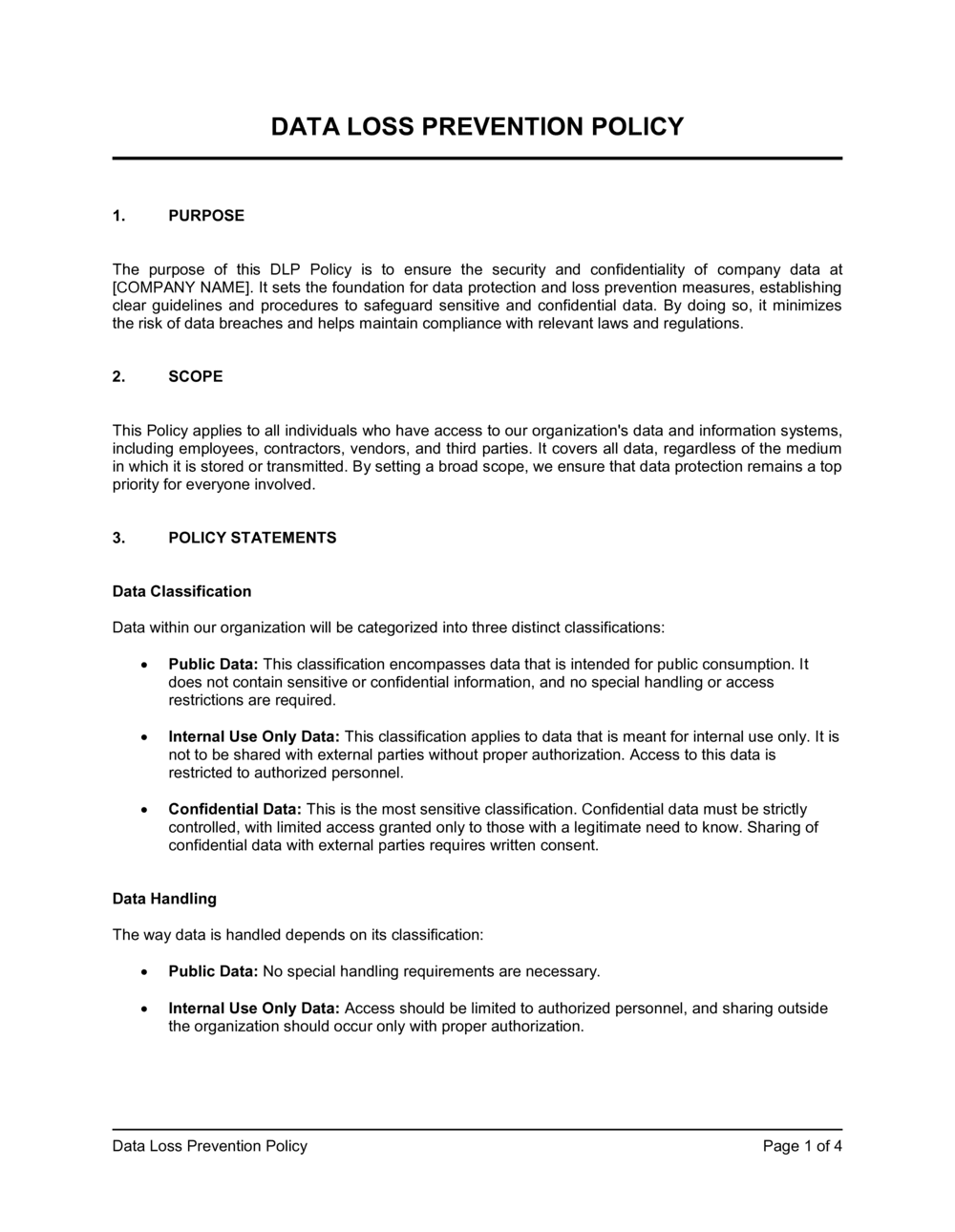
- A set of tools, processes, and policies designed to detect and prevent unauthorized access, transmission, or destruction of sensitive data.
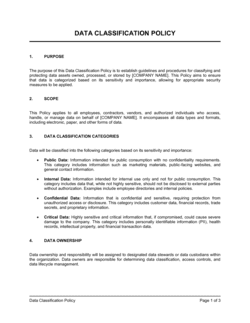
- Data Classification
- The process of labeling data by sensitivity level — typically Public, Internal, Confidential, and Restricted — to determine appropriate handling rules for each tier.
- Personally Identifiable Information (PII)
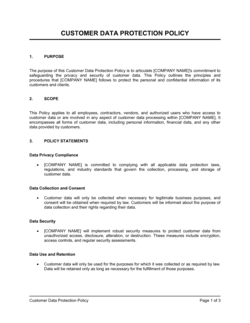
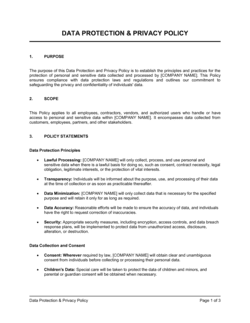
- Any data that can be used on its own or in combination with other data to identify a specific individual, such as name, email address, or social security number.
- Endpoint
- Any device that connects to a corporate network — laptops, smartphones, tablets, and USB drives — that can store or transmit company data.
- Data Exfiltration
- The unauthorized transfer of data from an organization to an external destination, whether intentional (insider threat) or accidental (misconfigured cloud storage).
- Data at Rest
- Stored data that is not actively moving — files on a hard drive, database records, or archived backups — as opposed to data in transit or in use.
- Data in Transit
- Data actively moving between systems, applications, or networks — such as an email attachment or an API call — which is vulnerable to interception.
- Least Privilege
- A security principle that grants users only the minimum level of access rights needed to perform their job functions, limiting the blast radius of a breach.
- Shadow IT
- Software, cloud services, or devices used by employees without IT department approval, creating data security blind spots outside the organization's control.
- Data Retention
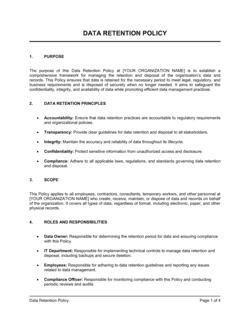
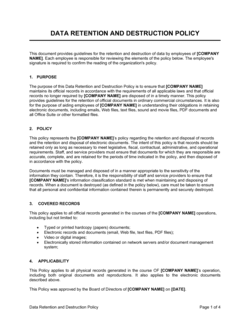
- The policy governing how long data is kept before it must be securely deleted or archived, balancing legal obligations with storage cost and risk.
- Encryption
- The process of encoding data so that only authorized parties with the correct decryption key can read it, protecting data at rest and in transit.