- Handle
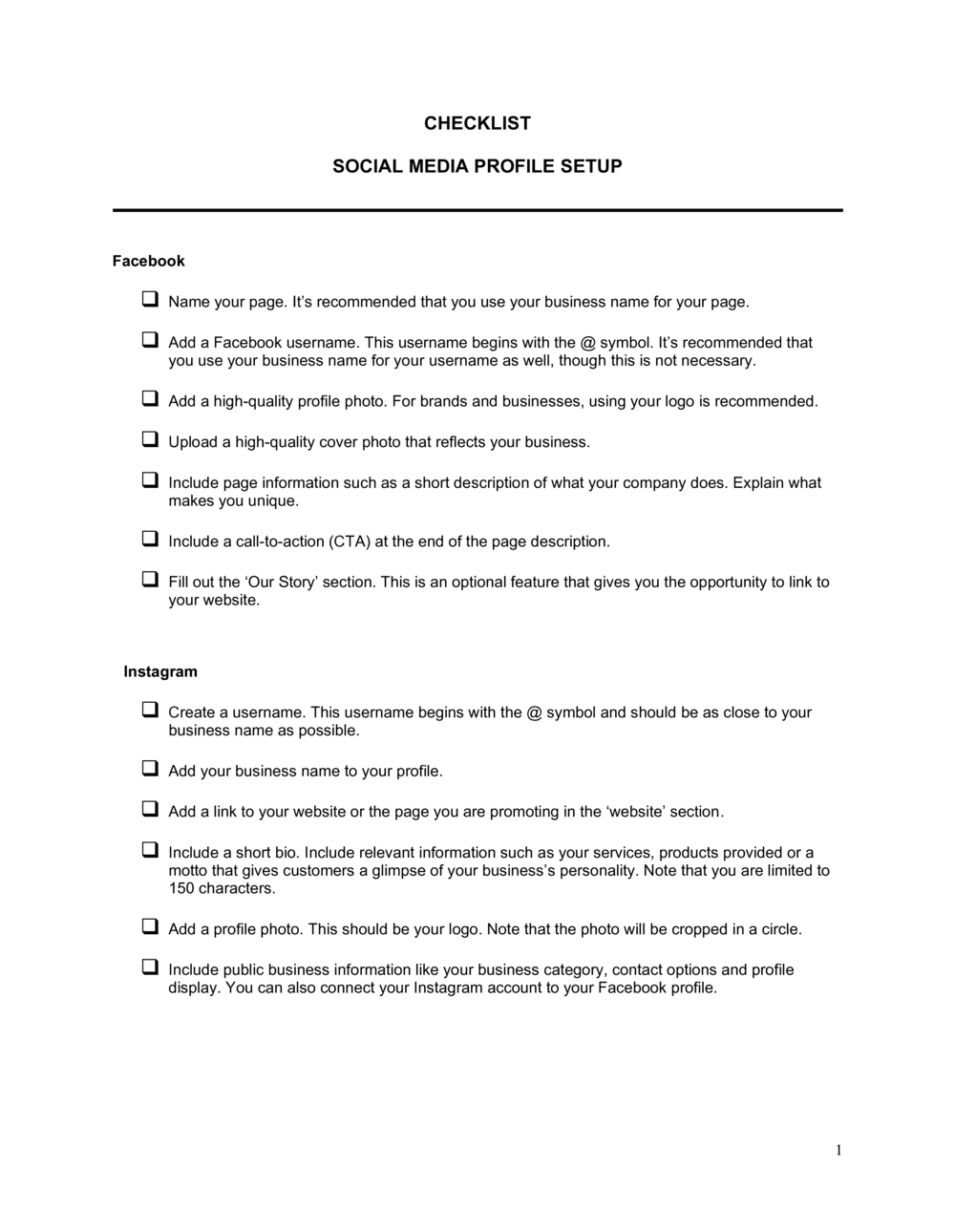
- The unique @username that identifies an account on a given platform, used in mentions, tags, and profile URLs.
- Bio
- A short text description in a social media profile that explains who you are or what your business does, typically limited to 150–300 characters.
- Profile Photo
- The primary square or circular image representing an account — usually a logo for business accounts — displayed beside every post and comment.
- Cover Image
- A large banner or header image displayed at the top of a profile page, used to reinforce brand visuals or promote a current campaign.
- Call-to-Action (CTA) Button
- A platform-provided button on a business profile — such as 'Contact,' 'Book Now,' or 'Shop' — that directs visitors to a specific action.
- Vanity URL
- A customized, human-readable profile URL using the business name instead of a platform-generated string of numbers — for example, facebook.com/yourbrandname.
- Platform Category
- A classification selected during profile setup (e.g., 'Local Business,' 'Software,' 'Consultant') that helps platforms surface the account to relevant audiences.
- Pinned Post
- A post manually fixed to the top of a profile feed so it is the first piece of content visitors see, regardless of posting date.
- Link in Bio
- The single clickable URL most platforms allow in a profile bio, often used with a link aggregator to route visitors to multiple destinations.
- Two-Factor Authentication (2FA)
- A security setting requiring a second verification step — such as a text code or authenticator app — to log into an account beyond just a password.