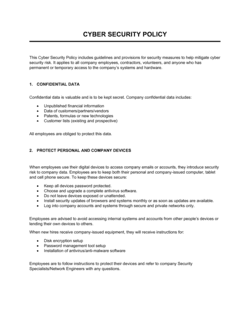
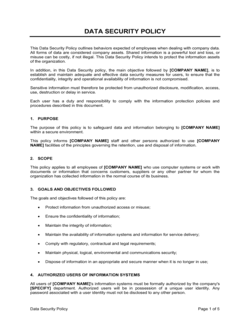
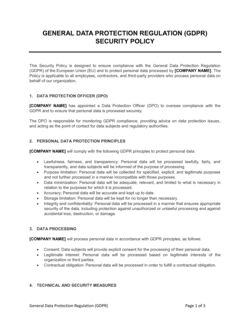
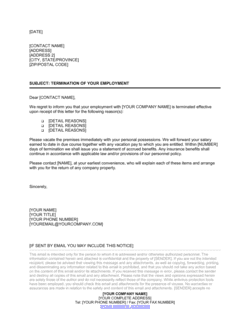
- BYOD (Bring Your Own Device)
- A policy allowing employees to use personal smartphones, laptops, or tablets to access company systems, subject to defined security requirements.
- VPN (Virtual Private Network)
- An encrypted tunnel that routes internet traffic through a company server, masking the user's IP address and protecting data in transit on unsecured networks.
- MDM (Mobile Device Management)
- Software that allows IT teams to remotely monitor, manage, lock, or wipe company data from enrolled employee devices.
- Endpoint Security
- Security software installed on individual devices — laptops, phones, tablets — to detect and block malware, unauthorized access, and data leaks.
- Data Classification
- A system that labels company data by sensitivity level — typically Public, Internal, Confidential, and Restricted — to determine handling and access rules.
- Multi-Factor Authentication (MFA)
- A login security requirement that combines something the user knows (password) with something they have (authenticator app or token) before granting access.
- Incident Response
- The documented process for detecting, containing, investigating, and recovering from a cybersecurity event such as a data breach or device theft.
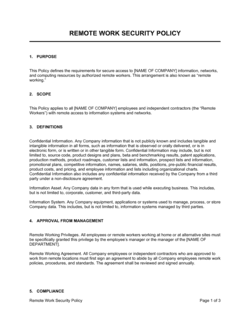
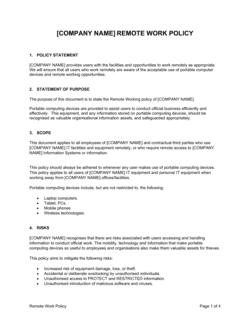
- Acceptable Use Policy (AUP)
- A policy specifying permitted and prohibited uses of company-issued technology, software, and network resources.
- Clean Desk / Clear Screen Rule
- A physical security practice requiring employees to secure sensitive documents and lock screens when stepping away from their workstation.
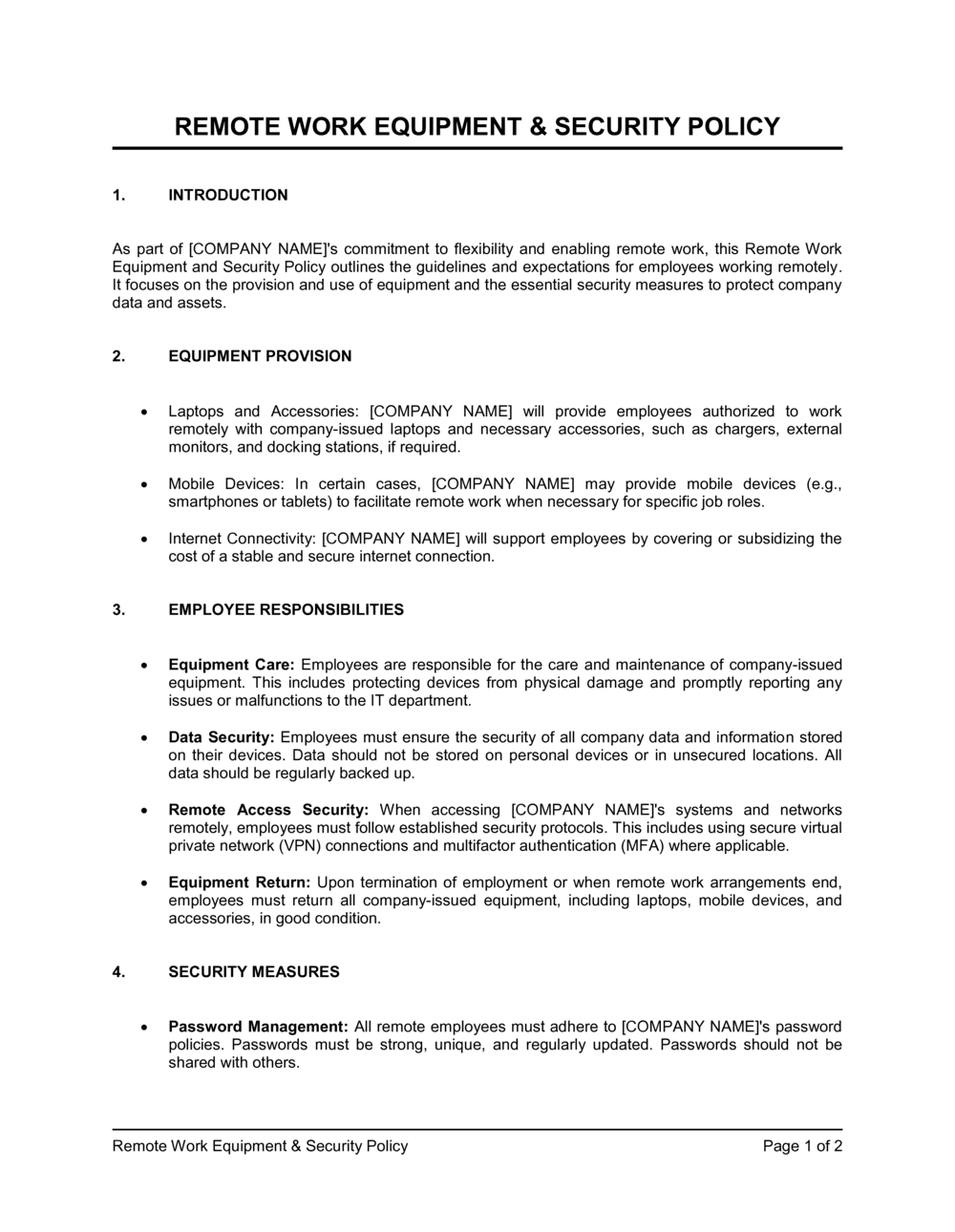
- Equipment Provisioning
- The process by which the company selects, configures, and issues hardware to employees, typically documented with an asset tag and sign-off record.