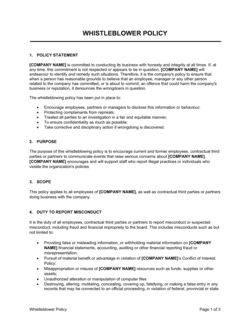
- Information Security Policy
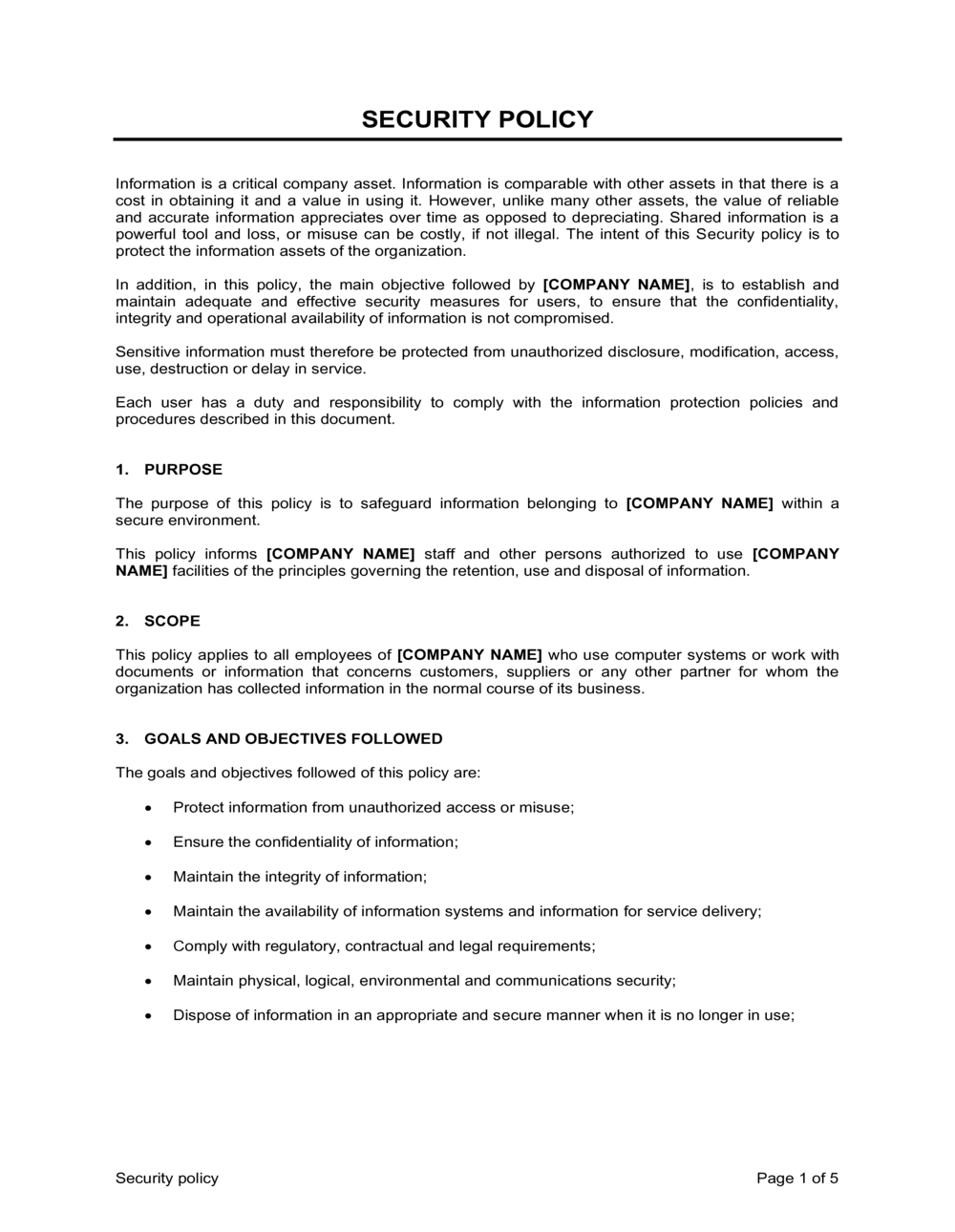
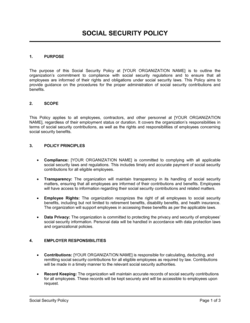
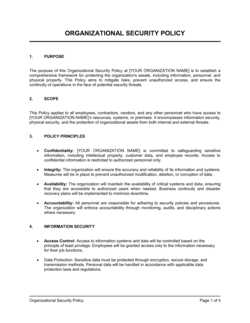
- The master document that establishes management's intent and direction for protecting an organization's information assets.
- Asset Classification
- The process of categorizing data and systems by sensitivity level — typically Public, Internal, Confidential, and Restricted — to determine appropriate handling controls.
- Access Control
- The set of rules and technical mechanisms that restrict who can view, modify, or transmit specific data or systems, based on role and need-to-know.
- Principle of Least Privilege
- Granting each user or system the minimum level of access required to perform their job function — no more.
- Incident Response
- A defined process for detecting, containing, eradicating, and recovering from a security incident, and for notifying affected parties.
- SOC 2
- A third-party audit framework developed by the AICPA that evaluates a service organization's controls across five Trust Services Criteria: security, availability, processing integrity, confidentiality, and privacy.
- ISO 27001
- An international standard for establishing, implementing, and maintaining an information security management system (ISMS), published by the International Organization for Standardization.
- Multi-Factor Authentication (MFA)
- An authentication method requiring users to present two or more verification factors — typically a password plus a one-time code or biometric — before gaining access.
- Data Classification
- The practice of labeling data according to its sensitivity and the business impact of unauthorized disclosure, alteration, or destruction.
- Third-Party Risk Management
- The process of identifying, assessing, and mitigating security risks introduced by vendors, contractors, and partners who have access to company systems or data.
- Security Incident
- Any actual or suspected unauthorized access, disclosure, modification, or destruction of information assets, or any event that violates the security policy.
- NIST CSF
- The National Institute of Standards and Technology Cybersecurity Framework — a voluntary set of guidelines organized around five functions: Identify, Protect, Detect, Respond, and Recover.