1
Verify the designated family contact's identity and authority
Before completing the template, confirm the family contact's full legal name, relationship to the employee, and whether the employee has previously authorized them as an emergency or next-of-kin contact in their HR file.
💡 Cross-reference the employee's most recent emergency contact form — using an unverified contact can expose the employer to privacy violations if sensitive information is shared with the wrong person.
2
Enter employer and employee identifying details
Fill in the employer's full registered legal name, the employee's full name, job title, department, and start date. Use the same legal entity name that appears on the employee's contract and payroll records.
💡 Do not use a brand name or trade name in place of the registered entity name — inconsistency with payroll records can complicate any subsequent benefits or legal proceedings.
3
Describe the current leave and benefit status accurately
State whether the employee is on paid or unpaid leave, the approved leave start date, and the current expected end date. Confirm with payroll and benefits administration the exact dates health coverage remains active.
💡 Pull the exact benefit termination date from your carrier before completing this section — quoting an incorrect date exposes the company to a bad-faith claim if coverage lapses earlier than stated.
4
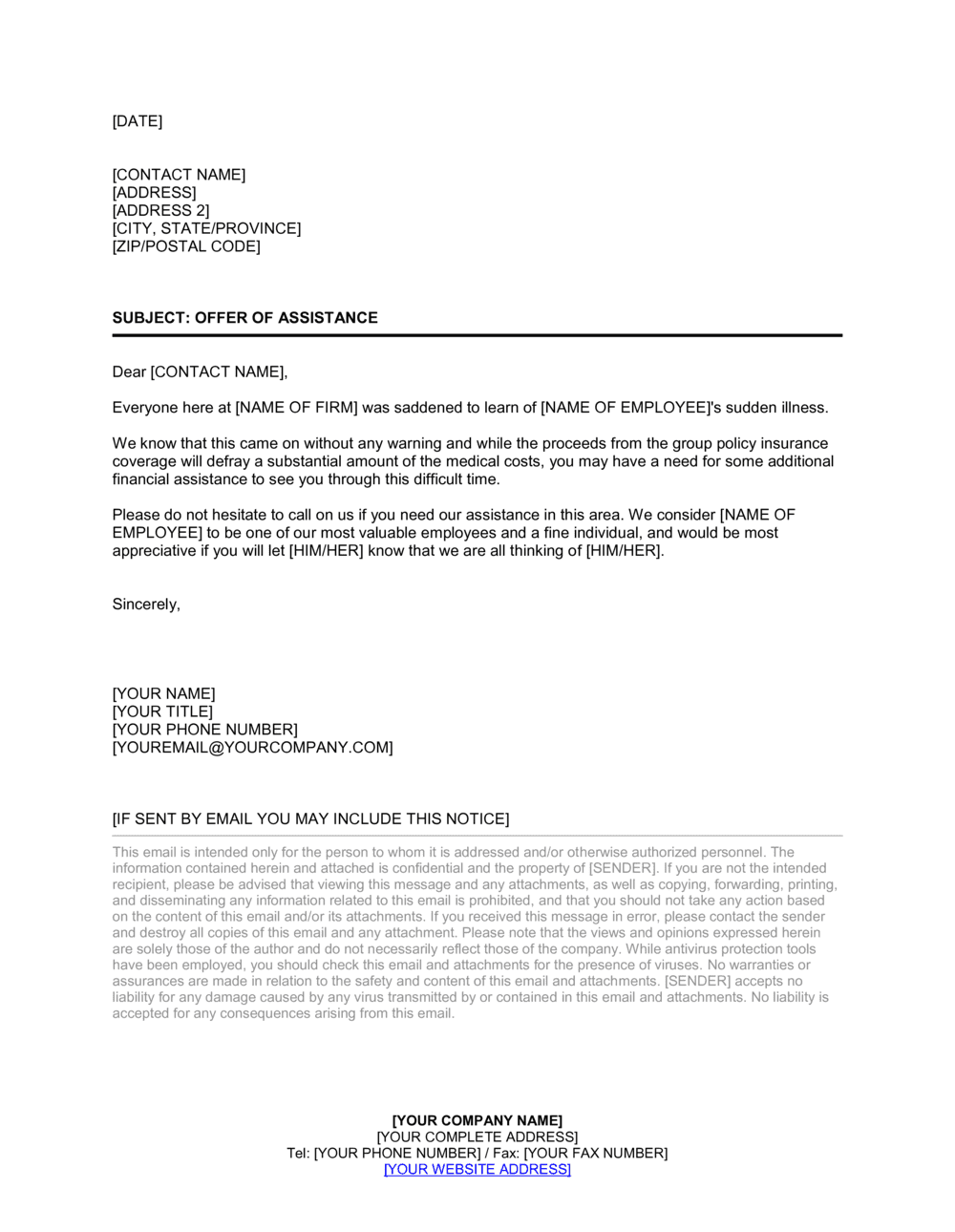
Enumerate the assistance offered with specific amounts and dates
List each form of support with a precise dollar amount or percentage, a specific duration or end date, and any conditions attached. Attach a separate Salary Advance Agreement if a pay advance is included.
💡 Avoid the phrase 'as much as possible' — every assistance item should have a defined ceiling so the offer does not become an open-ended financial commitment.
5
Insert the named HR point of contact
Provide the full name, title, direct phone number, and email of the specific HR representative responsible for this case. State the hours they are reachable and the response time commitment.
💡 Choose someone who will remain available for the expected duration of the employee's absence — assigning a contact who is about to go on leave themselves creates gaps in family support.
6
Confirm the applicable privacy framework and complete the confidentiality clause
Identify which privacy law governs the arrangement — HIPAA (US), PIPEDA (Canada), GDPR (UK/EU) — and ensure the confidentiality clause references the correct statute. Review with your legal or compliance team if the employee works across jurisdictions.
💡 If the employee is based in California, also reference CCPA protections — California privacy obligations extend to employment-related data handling.
7
Set the offer duration and modification terms
Enter a specific expiration date for the offer — typically aligned with the next leave review date — and confirm the notice period the company will give before modifying or withdrawing any assistance.
💡 Tie the offer duration to your standard leave review cycle (e.g., 30 or 60 days) so the document naturally prompts a follow-up conversation rather than silently lapsing.
8
Obtain signatures before delivering any assistance
Have the HR representative sign the document and send it to the family contact for countersignature before any financial assistance is extended. Retain a fully executed copy in the employee's HR file.
💡 Use a timestamped electronic signature service to create an auditable record — paper signatures exchanged during a crisis are often lost or undated.