- Structured Interview
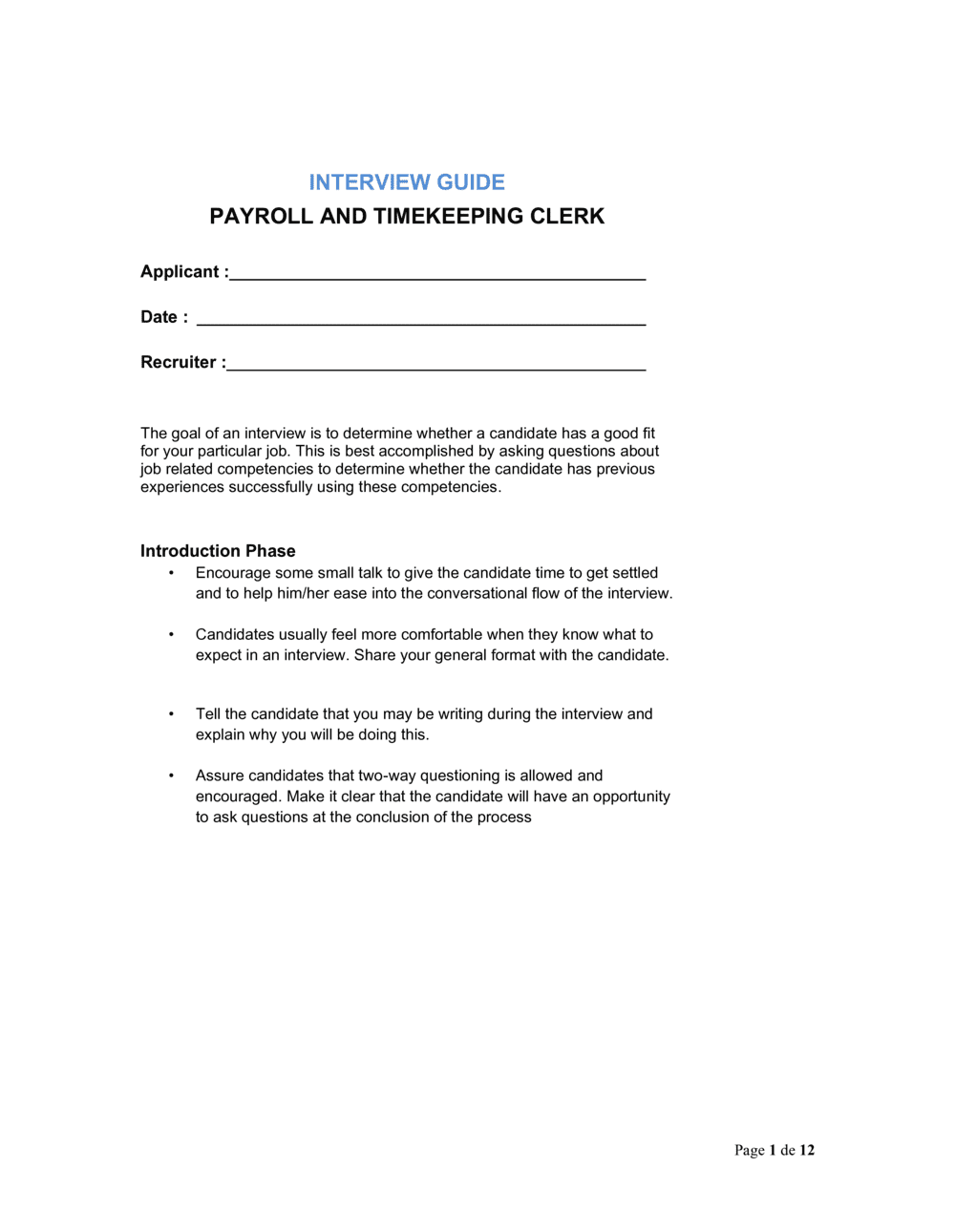
- An interview format in which every candidate is asked the same predetermined questions in the same order, scored against identical criteria.
- Behavioral Question
- A question that asks candidates to describe a specific past situation to predict future performance — typically framed as 'Tell me about a time when...'
- STAR Method
- A response framework — Situation, Task, Action, Result — used to evaluate the quality and completeness of behavioral interview answers.
- Competency Framework
- A defined set of skills, behaviors, and knowledge areas a role requires, used as the scoring basis for interview questions.
- Scoring Rubric
- A numerical or descriptive scale (e.g., 1–5) that defines what a strong, adequate, or weak answer looks like for each question.
- Payroll Processing Cycle
- The recurring schedule — weekly, bi-weekly, or semi-monthly — by which employee hours are collected, verified, and converted into pay.
- Time and Attendance System
- Software or hardware used to record employee clock-in and clock-out data, which feeds directly into the payroll calculation process.
- Reconciliation
- The process of comparing two sets of records — for example, timesheet totals against payroll register figures — to identify and resolve discrepancies.
- Gross-to-Net Calculation
- The payroll computation that starts with an employee's gross earnings and deducts taxes, benefits, garnishments, and other withholdings to arrive at net pay.
- Panel Interview
- An interview conducted by two or more interviewers simultaneously, requiring a shared guide to ensure consistent questioning and independent scoring.