1
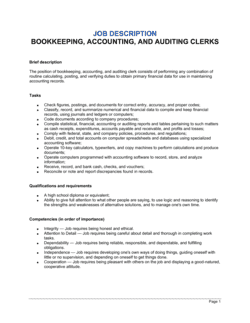
Confirm the role scope before customizing questions
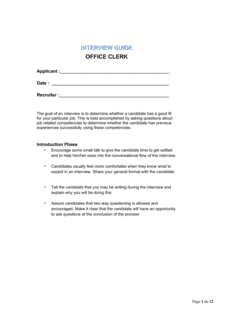
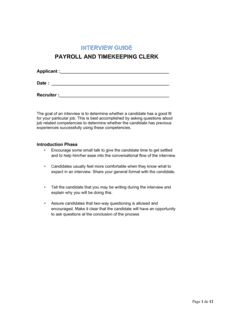
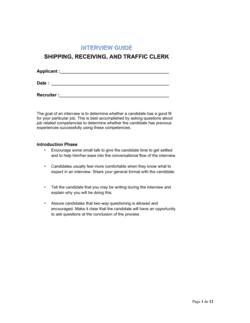
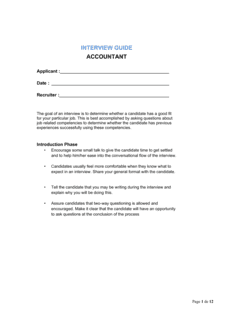
Review the job description and identify the three to four competencies most critical for this specific position — a clerk focused on AP coding has different priorities than one managing month-end close. Adjust or remove questions that do not map to the actual role.
💡 If the role requires a specific accounting platform (QuickBooks, Sage, NetSuite), add one dedicated technical question for that system before your first interview.
2
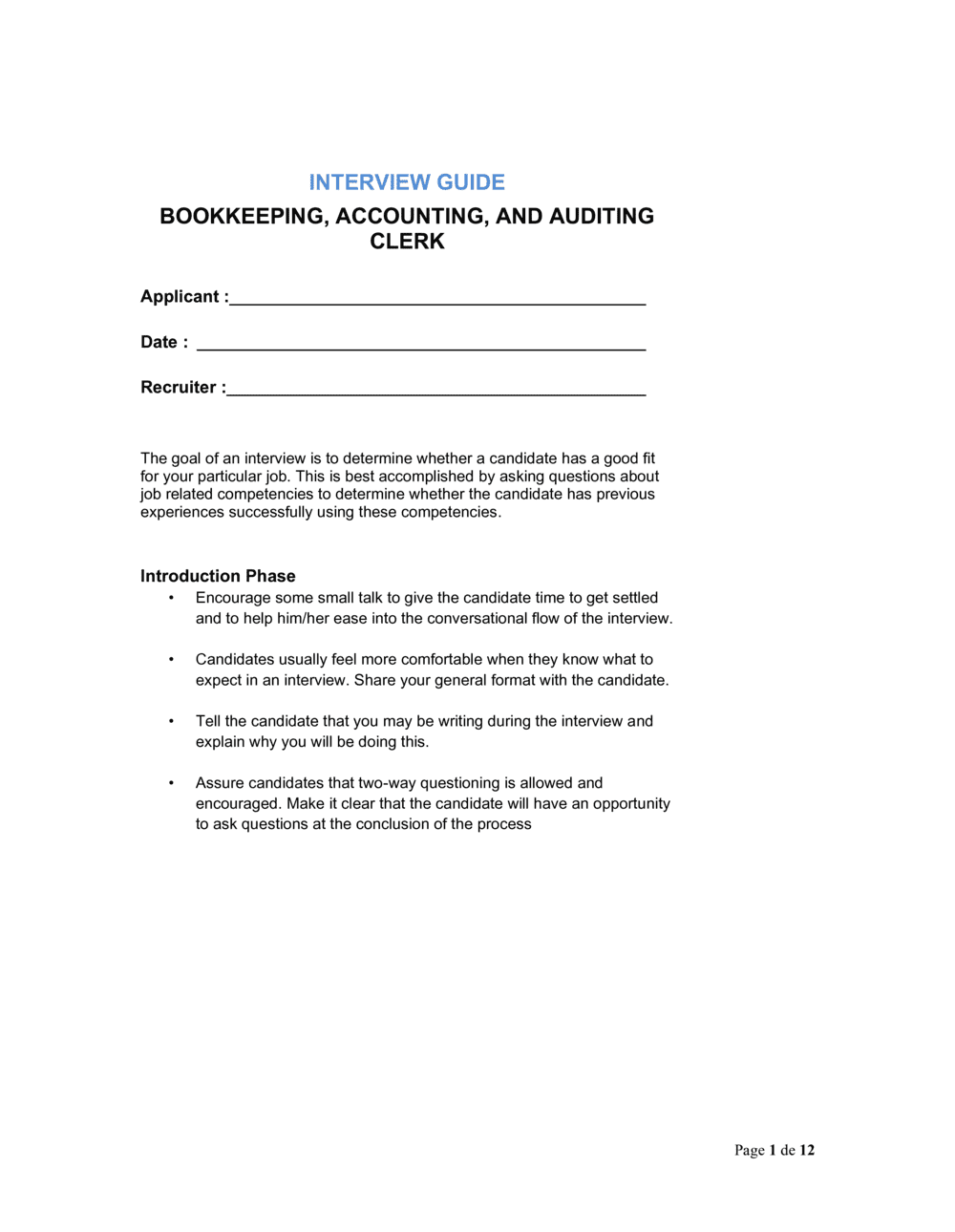
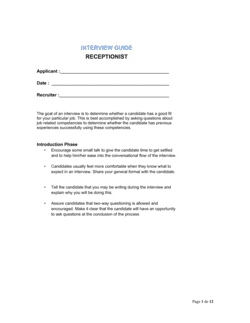
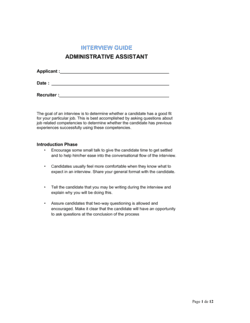
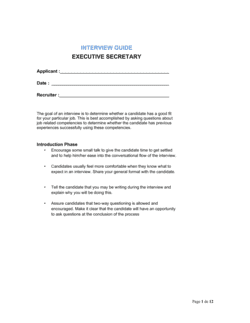
Complete the candidate information block before the interview starts
Fill in the candidate's name, the interview date, your name, and the round (phone screen, first interview, final). This takes 60 seconds and prevents the most common filing error.
💡 If you conduct back-to-back interviews, pre-fill the candidate block for all guides before the day begins so you are not scrambling between sessions.
3
Read the role overview section aloud to set context
Spend the first two minutes of the interview summarizing the role's core responsibilities from the overview section. This ensures the candidate's answers are grounded in the actual job, not a generic accounting role.
💡 Candidates who self-adjust their answers based on your overview — referencing the specific software or close cycle you mention — are demonstrating active listening, which is a signal worth noting.
4
Ask behavioral questions using the STAR prompt
For each behavioral question, prompt the candidate explicitly: 'Can you walk me through a specific situation, your role, what you did, and the outcome?' Write brief notes in the notes field as they respond — you will not remember the detail accurately after four interviews.
💡 If a candidate gives a vague answer, follow up with 'What was the actual dollar amount involved?' or 'How many accounts did that affect?' — specificity separates real experience from rehearsed generalities.
5
Score each question immediately after the candidate finishes
Fill in the score for each question before moving to the next one. Do not leave scoring for after the interview — recall degrades quickly and interviewers tend to over-weight their final impressions.
💡 Use a half-point if the rubric allows it. A 3.5 is more informative than forcing a 3 or 4 when the answer genuinely fell between levels.
6
Complete the overall scoring summary and weight critical competencies
Add up question scores and apply any weighting you defined in advance. Flag the candidate's strongest and weakest areas in the summary fields before you close the guide.
💡 Agree on competency weights with your hiring committee before interviews begin — not after — to prevent post-hoc rationalization.
7
Write the hiring recommendation with evidence
Select advance, hold, or do not advance, then write two to three sentences that cite specific evidence from the interview. Reference a question number and the candidate's actual response, not your general impression.
💡 A recommendation that reads 'Strong candidate — advance' without evidence is useless in a committee review. One that reads 'Scored 4/5 on reconciliation walkthrough; correctly identified timing difference and corrected entry method' is actionable.
8
File the completed guide with the candidate's application materials
Save the completed PDF alongside the resume and any assessment results before the next interview. Many jurisdictions require documented, consistent interview records for a defined period after a hire decision.
💡 Store guides centrally — a shared HR folder, your ATS, or BIB Drive — so the full hiring committee sees a consistent set of materials before the debrief call.