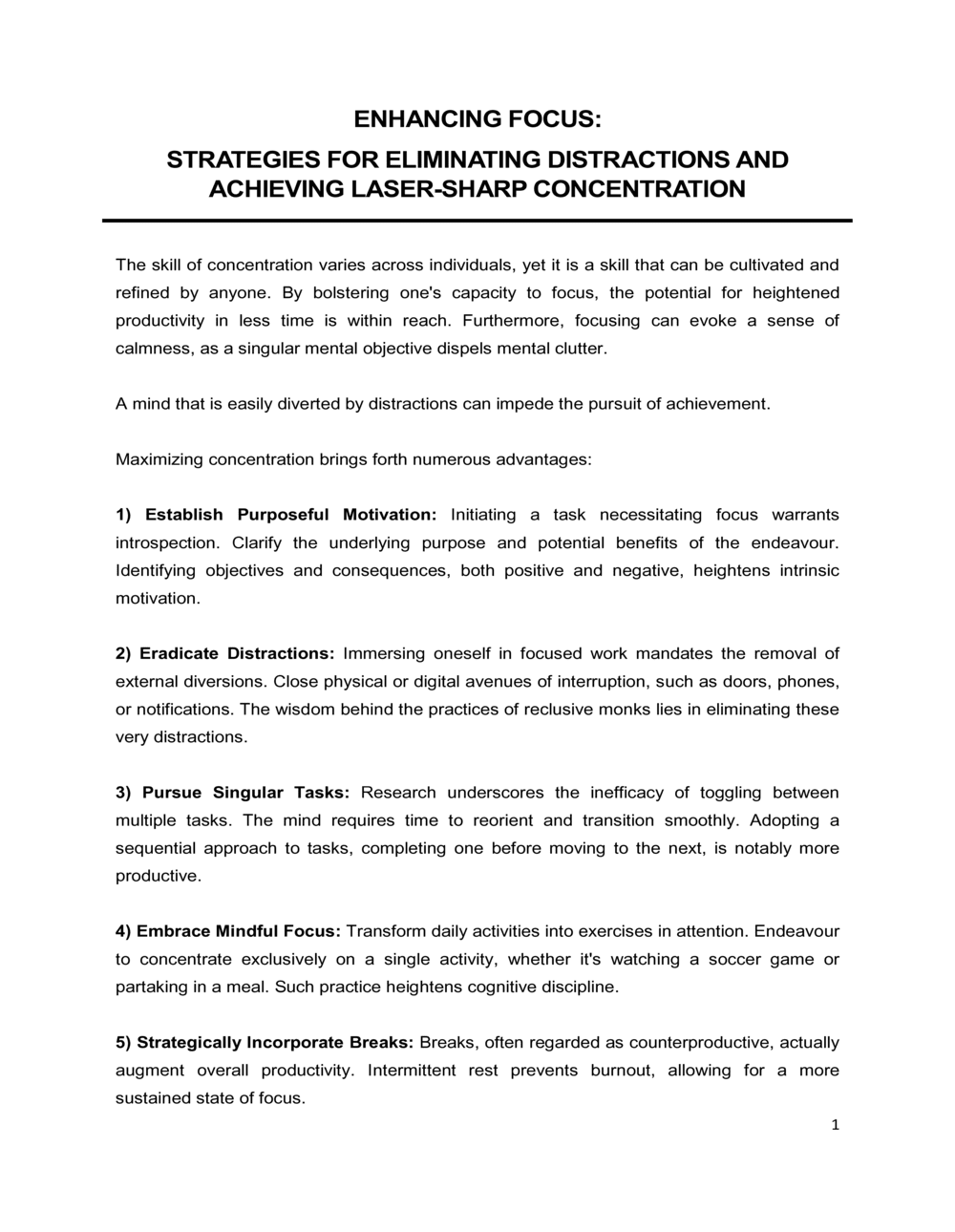
Enhancing Focus Strategies For Eliminating Distractions

Free Word download β€’ Edit online β€’ Save & share with Drive β€’ Export to PDF

2 pagesβ€’20–25 min to fillβ€’Difficulty: Standard
Learn more ↓
FreeEnhancing Focus Strategies For Eliminating Distractions Template

At a glance

What it is
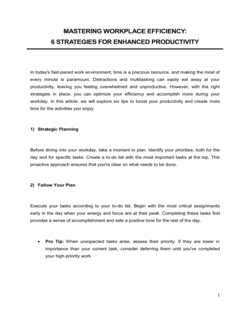
An Enhancing Focus Strategies For Eliminating Distractions plan is an operational document that identifies the primary sources of distraction affecting individuals or teams and prescribes structured tactics to reduce them. This free Word download gives you a ready-to-edit framework covering environment design, digital hygiene, scheduling, and accountability β€” export as PDF to share with your team or manager.
When you need it
Use it when declining productivity, missed deadlines, or frequent interruptions signal that unmanaged distractions are costing meaningful work time. It is equally applicable to individual contributors building personal systems and managers rolling out team-wide focus policies.
What's inside
A distraction audit, environment and workspace guidelines, digital and device protocols, time-blocking schedules, communication norms, task prioritization methods, accountability checkpoints, and a progress tracking mechanism.

What is an Enhancing Focus Strategies For Eliminating Distractions plan?

An Enhancing Focus Strategies For Eliminating Distractions plan is an operational document that systematically identifies the sources of distraction affecting an individual or team and prescribes concrete tactics to reduce their frequency and impact. It functions as a written, reviewable framework β€” covering physical environment design, digital notification protocols, time-blocking schedules, team communication norms, and accountability structures β€” that converts vague intentions to "focus more" into a measurable, repeatable system. Unlike a general productivity guide, this document is tailored to the specific distraction profile of the user, built from an initial audit, and designed to be updated as work patterns evolve.

Why You Need This Document

Unmanaged distraction is one of the most measurable drains on knowledge-work output: research on office environments consistently finds that workers are interrupted or self-interrupt every three to five minutes during nominal work hours, and that recovering full concentration after each interruption takes an average of 23 minutes. Without a written plan, individuals attempt to manage focus through willpower alone β€” which research shows degrades across the day regardless of intent. A focus strategy plan closes that gap by changing the environment, tools, and social agreements that generate interruptions in the first place. For managers, a team-level plan prevents the uncoordinated individual habits that create perpetual noise for everyone. For remote workers, it provides the structural cues that an office environment supplies automatically. This template gives you the complete framework to conduct the audit, set measurable goals, and implement changes that produce documented improvements in concentrated work time β€” without starting from a blank page.

Which variant fits your situation?

If your situation is…Use this template
Building a personal daily focus and task management routineDaily Planner
Rolling out a team-wide productivity improvement initiativeTeam Productivity Improvement Plan
Structuring deep-work time blocks across a full work weekWeekly Schedule Template
Addressing chronic meeting overload as a distraction sourceMeeting Agenda Template
Setting digital communication norms across a departmentCommunication Policy
Tracking individual productivity goals and milestonesPerformance Improvement Plan
Integrating focus strategies into a broader wellness programEmployee Wellness Plan

Common mistakes to avoid

❌ Skipping the distraction audit

Why it matters: Without a documented baseline, you cannot identify which distraction source is costing the most time β€” meaning you may invest significant effort fixing a minor problem while the real productivity drain goes unaddressed.

Fix: Commit to a minimum five-day audit before implementing any changes. Use a simple log with four columns: time, distraction source, duration, and recovery time.

❌ Setting focus blocks without protecting them in the shared calendar

Why it matters: An unblocked slot in a shared calendar is an open invitation for meeting requests, and focus time evaporates before the first week is out.

Fix: Mark all deep-work blocks as busy with a descriptive title and set them as recurring. Communicate their meaning to your team in advance.

❌ Implementing digital protocols unilaterally without team alignment

Why it matters: A colleague who does not know about your focus protocol will interpret a two-hour non-response as disengagement or unavailability, creating interpersonal friction that undermines the plan.

Fix: Present the communication norms section in a short team meeting, agree on emergency bypass channels, and document the consensus in a shared location.

❌ Filling deep-work blocks with low-complexity tasks

Why it matters: Completing easy tasks during protected deep-work time feels productive but wastes the highest-quality attention on work that could be done in any shallow-work window.

Fix: Identify your single Most Important Task (MIT) the evening before and assign it to the first deep-work block of the day β€” before you open email or messaging apps.

❌ Never revising the plan after the first month

Why it matters: Distraction sources evolve as tools, team compositions, and work arrangements change. A static plan becomes misaligned with reality within one to two quarters.

Fix: Set a recurring calendar reminder for a full plan review every four weeks. Replace any tactic that has not produced measurable improvement within two review cycles.

❌ Adding too many tactics at launch

Why it matters: Implementing environment redesign, digital protocols, time-blocking, a new prioritization framework, and accountability systems simultaneously makes it impossible to identify which change drove improvement β€” or which caused friction.

Fix: Implement changes in two phases: environment and digital protocols first, then scheduling and communication norms two weeks later. Evaluate each phase before adding the next.

The 9 key sections, explained

Distraction audit and baseline assessment

Focus goals and success metrics

Physical environment design

Digital and device protocols

Time-blocking schedule

Communication norms and response expectations

Task prioritization framework

Accountability and check-in structure

Progress tracking and plan review

How to fill it out

  1. 1

    Run the distraction audit for at least five days

    Before editing any other section, log every interruption you experience for a full work week β€” noting the source, time of day, and how long it took to refocus. Tally the results by category.

    πŸ’‘ Use a simple tally sheet or a time-tracking app like Toggl to capture interruptions passively β€” manual logging mid-task creates its own distraction.

  2. 2

    Set specific, measurable focus goals

    Translate your audit findings into a concrete improvement target β€” for example, increasing daily deep-work time from 1.5 hours to 3 hours within 30 days. Attach a tracking metric to each goal.

    πŸ’‘ Limit yourself to two focus goals at launch. Addressing three or more simultaneously dilutes effort and makes it hard to attribute improvement to any single change.

  3. 3

    Redesign your physical workspace

    Apply the environment design section to your actual desk and room setup. Remove visual clutter, test noise-canceling options, and establish a physical signal β€” closed door, headphones, a desk indicator β€” that communicates focus mode to others.

    πŸ’‘ Make the signal visible and explain it to colleagues before you start. An unexplained closed door generates more interruptions, not fewer.

  4. 4

    Configure digital and device protocols

    Turn off all non-essential notifications on every device used for work. Set up scheduled Do Not Disturb windows that match your planned focus blocks. Test the setup for one full day before rolling it out permanently.

    πŸ’‘ Allow one dedicated emergency bypass β€” a specific contact or channel β€” so colleagues know how to reach you in genuine urgent situations without you feeling obligated to monitor everything else.

  5. 5

    Block focus time in your shared calendar

    Enter your deep-work blocks as recurring calendar events marked as busy. Title them descriptively β€” 'Deep Work β€” No Meetings' β€” so colleagues understand the block is intentional, not an oversight.

    πŸ’‘ Schedule your most demanding deep-work block during the time of day when your own energy and alertness are historically highest β€” for most people this is the first 2–3 hours of the working day.

  6. 6

    Agree on communication norms with your team

    Share the communication norms section with your immediate team and reach explicit agreement on response-time expectations, status indicator meanings, and the correct channel for urgent interruptions.

    πŸ’‘ Frame the conversation around shared benefit β€” protecting everyone's focus time β€” rather than personal preference. Team buy-in determines whether the norms last.

  7. 7

    Schedule weekly accountability check-ins

    Set a recurring 15-minute self-review at the end of each week to complete the focus log and compare results against your baseline. Identify one specific adjustment to make the following week.

    πŸ’‘ Pair with an accountability partner inside or outside your organization. External commitment raises follow-through rates significantly compared to self-reporting alone.

  8. 8

    Conduct a formal plan review every four weeks

    Compare four weeks of focus metrics against your stated goals. If a tactic is not producing measurable improvement, replace it rather than adding more tactics on top of it.

    πŸ’‘ Document what changed and why in the plan itself β€” this version history helps you avoid re-testing approaches that already proved ineffective.

Frequently asked questions

What is an enhancing focus strategies document?

An enhancing focus strategies document is a structured operational plan that identifies the specific distraction sources affecting an individual or team and prescribes concrete, measurable tactics to reduce them. It typically covers workspace design, digital notification management, time-blocking schedules, communication norms, task prioritization, and accountability mechanisms β€” turning scattered productivity intentions into a written, reviewable system.

Who should use a focus strategy plan?

Anyone whose work requires sustained concentration benefits from a structured focus plan β€” knowledge workers, analysts, writers, developers, and executives all face distraction costs. Managers can use it to establish team-wide focus norms. Remote workers find it especially useful for separating home life from work without the environmental cues an office provides. HR teams use it as part of onboarding or productivity improvement initiatives.

How long does it take to see results from a focus strategy?

Most people notice measurable improvement in uninterrupted work time within two to three weeks of consistently applying the plan. Full habit formation β€” where the tactics no longer require conscious effort β€” typically takes four to eight weeks. Tracking your focus log weekly is the most reliable way to confirm whether specific tactics are generating real change or just initial novelty effects.

What are the most common sources of workplace distraction?

Research consistently identifies four major categories: digital notifications (email, messaging apps, and social media), colleague interruptions (drop-by questions and unplanned meetings), environment factors (noise, open-plan layouts, and visual clutter), and self-interruption (task-switching driven by boredom, anxiety, or habit). An effective focus strategy addresses all four rather than optimizing only for one.

Can a focus strategy plan be used for a whole team, not just one person?

Yes β€” and team-level adoption is often more effective than individual implementation because it eliminates the single biggest source of interruption: colleagues. A team focus plan adds a communication norms section that establishes shared response-time expectations, status indicator meanings, and agreed emergency escalation channels. Getting the full team to commit to the same focus blocks amplifies the benefit for every member.

How does this template differ from a standard productivity plan?

A general productivity plan focuses on goal-setting, task management, and output targets. This focus strategy template specifically addresses the distraction side of productivity β€” identifying what breaks concentration, how long recovery takes, and what environmental, digital, and social changes reduce interruption frequency. The two documents complement each other: a productivity plan sets the destination; a focus strategy plan clears the road.

How often should the focus strategy plan be reviewed and updated?

A formal review every four weeks is the recommended cadence for the first quarter of implementation, when tactics are being tested and refined. After the initial period, a quarterly review is usually sufficient unless there is a significant change in work environment, tools, or team composition. Document each revision so you can track which changes produced lasting improvement.

What is the difference between time-blocking and the Pomodoro Technique?

Time-blocking reserves specific calendar windows for defined categories of work β€” a 9–11 a.m. deep-work block, a noon email block, a 2–3 p.m. shallow-work window. The Pomodoro Technique structures the work within those windows into 25-minute focused intervals separated by 5-minute breaks. They are complementary: time-blocking protects when you focus; Pomodoro governs how you sustain focus within that time.

Do I need special software to implement a focus strategy plan?

No specialized software is required. The plan itself is a Word document you complete and share. Implementation uses tools you likely already have: a shared calendar for time-blocking, your device's built-in Do Not Disturb settings for digital protocols, and your team's existing messaging platform for communication norms. Optional productivity apps like website blockers or focus timers can support the plan but are not prerequisites.

How this compares to alternatives

vs Performance Improvement Plan

A Performance Improvement Plan addresses documented underperformance with specific behavioral and output targets, typically in a manager-employee remediation context. A focus strategy plan is a proactive productivity tool β€” used before performance suffers β€” that any individual or team can self-initiate. The two serve different purposes but can be used together when distraction is identified as a contributing factor in a performance gap.

vs Daily Planner

A daily planner organizes tasks, appointments, and to-do lists for a single day. A focus strategy plan is a sustained operational framework that redesigns environment, digital habits, and team norms to protect concentrated work across every day. The daily planner operates within whatever conditions exist; the focus strategy plan changes those conditions.

vs Meeting Agenda

A meeting agenda structures a single meeting to make it efficient and outcome-focused. A focus strategy plan addresses the broader issue of meeting overload as one of several distraction categories β€” defining when meetings are permitted and which communication belongs in a meeting versus an asynchronous message. The agenda improves individual meetings; the focus plan controls how many meetings occur in the first place.

vs Strategic Planning Template

A strategic plan sets organizational goals, initiatives, and resource allocation across a 1–3 year horizon. A focus strategy plan is a tactical operational document that helps individuals and teams execute that strategy by protecting the attention required for high-value work. Strategy sets direction; a focus plan preserves the capacity to move in that direction.

Industry-specific considerations

Technology / SaaS

Engineers and product managers use focus protocols to protect coding and design sprints from Slack overload and ad-hoc standup requests outside scheduled ceremonies.

Professional Services

Consultants and analysts rely on uninterrupted blocks for research and report writing β€” a focus strategy reduces the client-deliverable delays caused by reactive email and meeting culture.

Education

Teachers and academic staff apply focus strategies to carve out preparation and grading time separate from student-contact and administrative hours.

Creative and Marketing Agencies

Copywriters, designers, and strategists use time-blocking and digital hygiene protocols to protect creative work from account-management interruptions and client Slack channels.

Template vs pro β€” what fits your needs?

PathBest forCostTime
Use the templateIndividual contributors, remote workers, and small teams building personal or team-level focus systemsFree1–2 hours to complete, 5 days for the distraction audit
Template + professional reviewManagers rolling out focus policies across departments or integrating norms into team charters$200–$600 for an organizational effectiveness consultant or HR advisor review1–2 weeks including stakeholder alignment
Custom draftedEnterprises implementing organization-wide focus culture programs, often alongside digital workplace or wellbeing initiatives$2,000–$8,000 for a productivity consultant or organizational behavior specialist4–8 weeks

Glossary

Deep Work
Cognitively demanding tasks performed in a state of distraction-free concentration that push your skills to their limit and create real value.
Time Blocking
A scheduling method where specific calendar segments are reserved exclusively for defined tasks, preventing reactive interruptions from consuming the day.
Distraction Audit
A structured self-assessment that catalogs the frequency, source, and impact of interruptions over a defined period β€” typically one to two weeks.
Cognitive Load
The total mental effort being used in working memory at a given moment; high cognitive load from multitasking reduces decision quality and output speed.
Digital Hygiene
Deliberate practices for managing notifications, app usage, and device access to prevent technology from becoming a source of constant interruption.
Pomodoro Technique
A time-management method that alternates 25-minute focused work intervals with 5-minute breaks, using structured rhythm to sustain attention.
Flow State
A mental state of complete absorption in a task where performance is high and the sense of effort is low β€” typically achieved after 15–20 uninterrupted minutes.
Attention Residue
The cognitive carry-over that occurs when part of your attention remains on a previous task after switching to a new one, reducing effectiveness on both.
Accountability Partner
A designated colleague or peer who checks in on progress toward stated focus goals, providing external motivation to maintain commitments.
Focus Protocol
A written set of rules and rituals an individual or team follows to initiate and protect concentrated work sessions.

Part of your Business Operating System

This document is one of 3,000+ business & legal templates included in Business in a Box.

  • Fill-in-the-blanks β€” ready in minutes
  • 100% customizable Word document
  • Compatible with all office suites
  • Export to PDF and share electronically

Create your document in 3 simple steps.

From template to signed document β€” all inside one Business Operating System.
1
Download or open template

Access over 3,000+ business and legal templates for any business task, project or initiative.

2
Edit and fill in the blanks with AI

Customize your ready-made business document template and save it in the cloud.

3
Save, Share, Send, Sign

Share your files and folders with your team. Create a space of seamless collaboration.

Save time, save money, and create top-quality documents.

β˜…β˜…β˜…β˜…β˜…

"Fantastic value! I'm not sure how I'd do without it. It's worth its weight in gold and paid back for itself many times."

Managing Director Β· Mall Farm
Robert Whalley
Managing Director, Mall Farm Proprietary Limited
β˜…β˜…β˜…β˜…β˜…

"I have been using Business in a Box for years. It has been the most useful source of templates I have encountered. I recommend it to anyone."

Business Owner Β· 4+ years
Dr Michael John Freestone
Business Owner
β˜…β˜…β˜…β˜…β˜…

"It has been a life saver so many times I have lost count. Business in a Box has saved me so much time and as you know, time is money."

Owner Β· Upstate Web
David G. Moore Jr.
Owner, Upstate Web

Run your business with a system β€” not scattered tools

Stop downloading documents. Start operating with clarity. Business in a Box gives you the Business Operating System used by over 250,000 companies worldwide to structure, run, and grow their business.

Start freeΒ Β·Β No credit card required