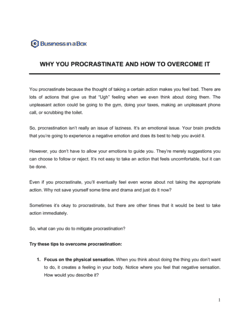
- Attention Residue
- The cognitive carry-over from a previous task that reduces performance on the current one — coined by organizational psychologist Sophie Leroy.
- Deep Work
- Cognitively demanding, distraction-free work performed at full concentration — the kind that produces work of real value and is hard to replicate.
- Shallow Work
- Logistical, low-cognitive-demand tasks — answering emails, scheduling, formatting — that can be done while distracted and are easy to replicate.
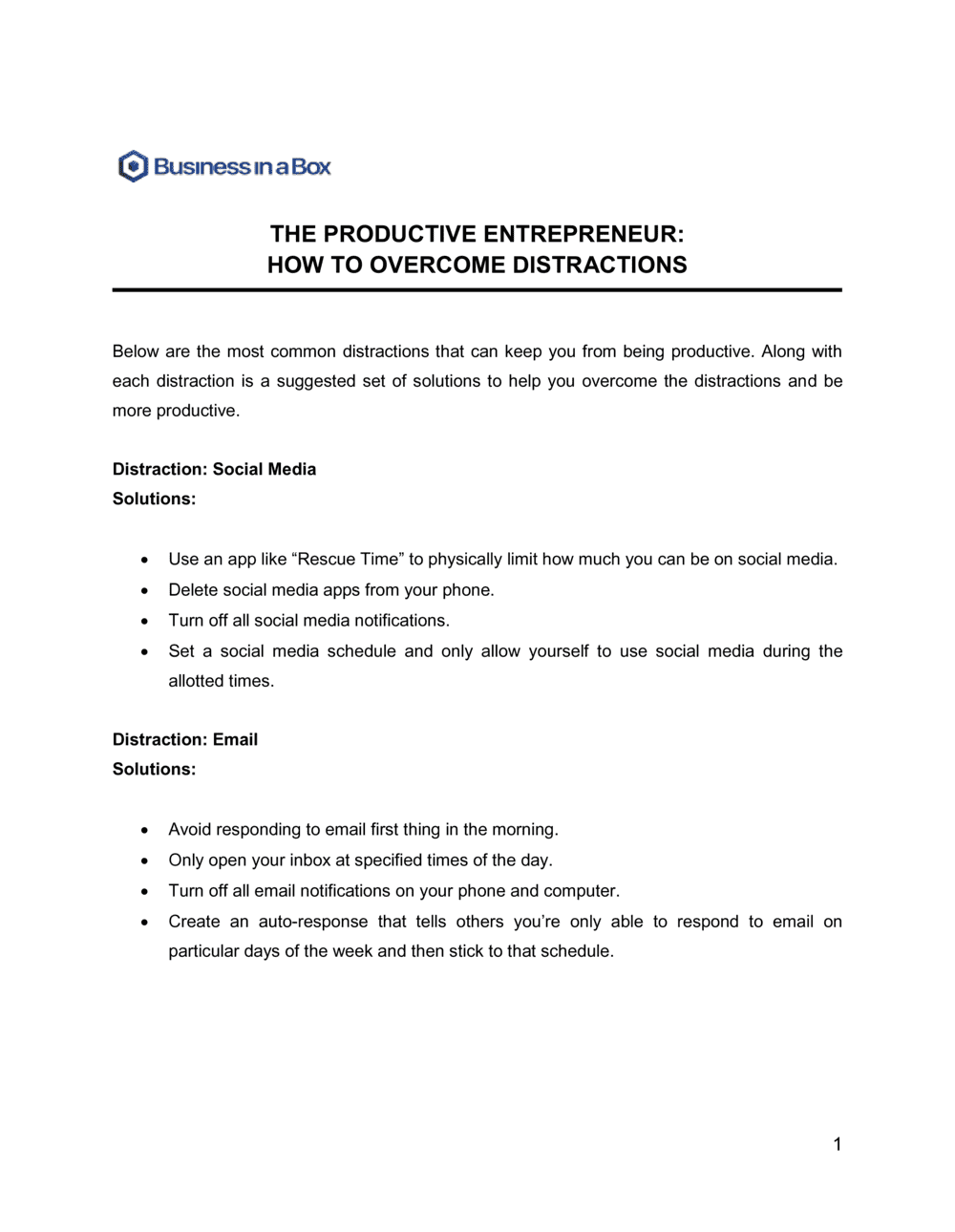
- Time Blocking
- Scheduling specific calendar blocks for defined task types, preventing reactive tasks from colonizing time reserved for deep work.
- Notification Triage
- A deliberate audit and configuration of all app notifications to eliminate non-essential interruptions at the operating-system and app level.
- Inbox Zero
- A processing discipline — not necessarily an empty inbox — in which every email is actioned (deleted, archived, delegated, or scheduled) in defined triage windows rather than on demand.
- Pomodoro Technique
- A time-boxing method using 25-minute focused work intervals separated by 5-minute breaks, repeated four times before a longer 15–30 minute rest.
- Distraction Audit
- A structured self-assessment identifying the sources, frequency, and cost of interruptions to a person's focused work time over a defined period.
- Environment Design
- The deliberate arrangement of physical and digital workspaces to make distraction harder and focused work easier by default.
- Cognitive Load
- The total amount of mental effort being used in working memory at any given moment — excessive cognitive load degrades decision quality and focus depth.