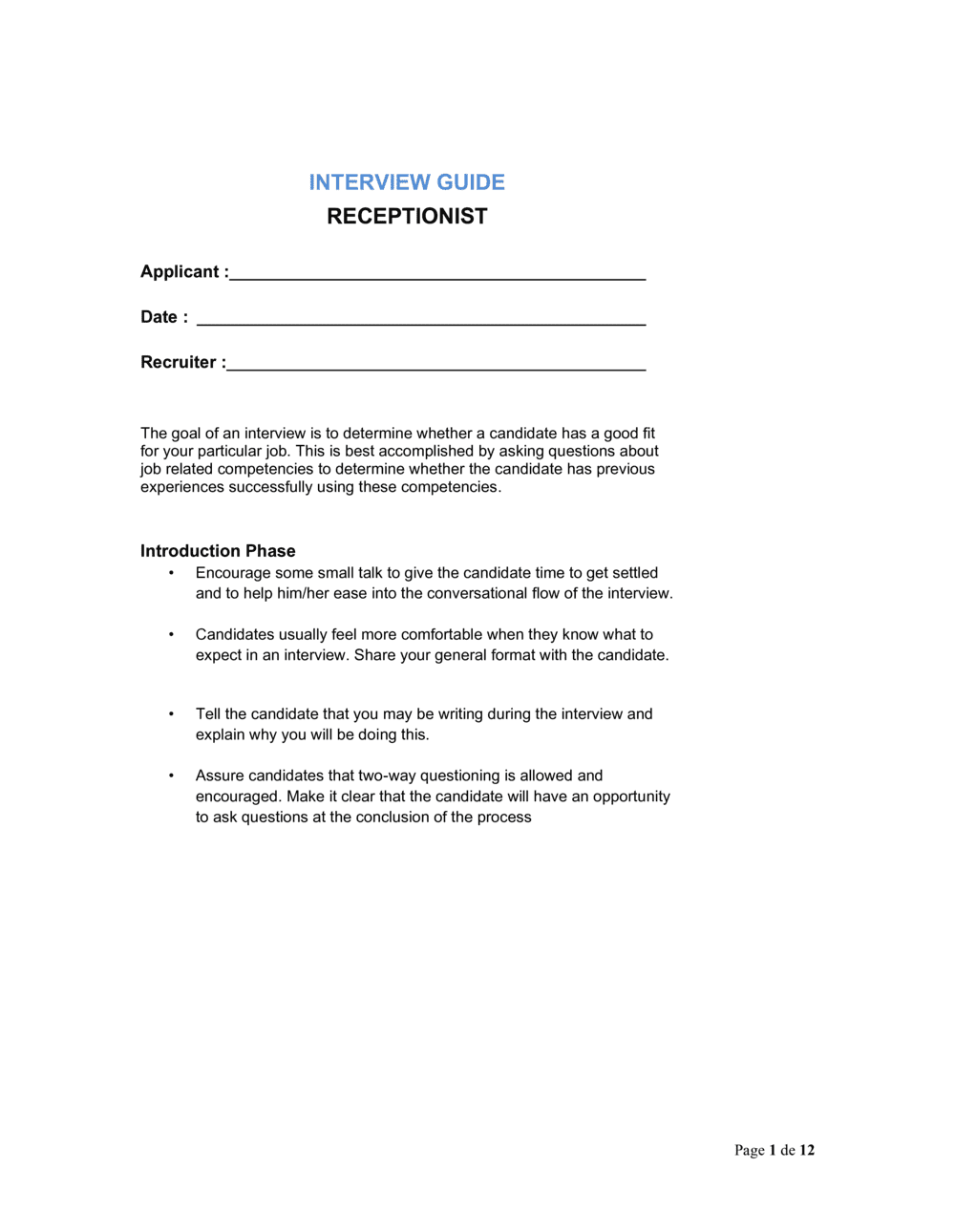
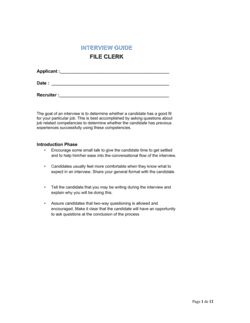
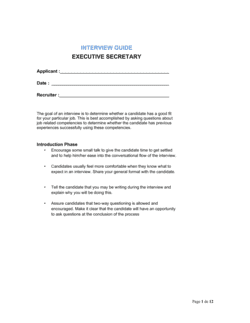
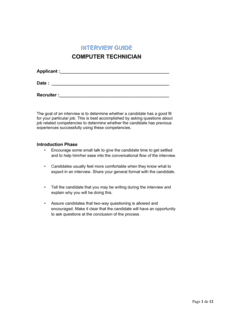
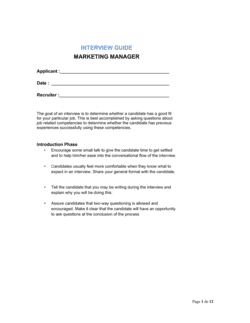
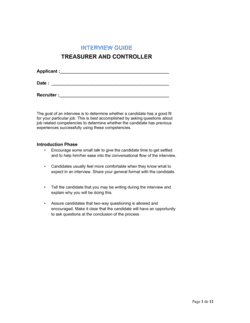
Interview Guide Receptionist

Free to read β€’ Save or share with one click

FreeInterview Guide Receptionist Template

At a glance

What it is
A Receptionist Interview Guide is a structured operational document that gives hiring managers a consistent set of interview questions, scoring rubrics, and evaluation criteria for assessing front-desk candidates. This free Word download is fully editable online and exports as PDF, covering every stage from candidate introduction through final scoring.
When you need it
Use it whenever you are hiring a receptionist, front-desk coordinator, or administrative support professional and need a repeatable, defensible process across multiple interviewers or candidate rounds.
What's inside
A candidate information header, role-context briefing, structured behavioral and situational questions with follow-up probes, a scored competency rubric, and an overall hiring recommendation section.

What is a Receptionist Interview Guide?

A Receptionist Interview Guide is a structured operational document that gives hiring managers a pre-set sequence of behavioral and situational questions, scoring rubrics, and evaluation criteria for assessing front-desk candidates consistently. Rather than relying on informal conversation, it translates the role's competency requirements β€” communication, multitasking, technology proficiency, and discretion β€” into scoreable questions that every interviewer applies in the same way. The result is a documented, comparable record of each candidate's performance that supports fair, defensible hiring decisions.

Why You Need This Document

Hiring without a structured guide creates four compounding problems: interviewers ask different questions to different candidates, making post-interview comparisons unreliable; scoring defaults to gut feel, which systematically favors confident candidates over competent ones; legal exposure increases whenever questions stray into protected-class territory without documentation to show otherwise; and institutional knowledge about what "good" looks like for the role stays locked in one person's head. A completed interview guide solves all four β€” it produces consistent, scored evidence for every candidate, keeps questions legally compliant, and gives new hiring managers the same evaluative standard a seasoned interviewer would apply. This template gives you a ready-to-use starting point you can customize to your office environment, role volume, and specific tool requirements in under 30 minutes.

Which variant fits your situation?

If your situation is…Use this template
Hiring a general front-desk receptionist for a corporate officeInterview Guide Receptionist
Interviewing a medical or clinical receptionistMedical Receptionist Interview Guide
Assessing a candidate for a combined receptionist and admin roleAdministrative Assistant Interview Guide
Evaluating multiple candidates with a standardized scoring sheetInterview Scorecard Template
Conducting a phone screen before the in-person interviewPhone Screen Interview Guide
Onboarding the hired receptionist after selectionEmployee Onboarding Checklist
Documenting the job requirements before advertising the roleJob Description β€” Receptionist

Common mistakes to avoid

❌ Scoring all candidates in the middle of every rubric

Why it matters: Central tendency bias eliminates the scoring differentiation the guide was designed to create, making every candidate appear equally suitable and forcing decisions on gut feel alone.

Fix: Anchor scores before the interview by reviewing what a 1 and a 4 look like for each competency β€” contrast examples make interviewers more willing to use the full scale.

❌ Skipping the follow-up probes on behavioral questions

Why it matters: Without probes, vague answers like 'I always stay professional' go unscored or score artificially high β€” rewarding candidates who speak confidently over those who perform reliably.

Fix: Print the follow-up probes in the guide and treat them as mandatory, not optional. Ask at least one probe for every behavioral question that produces a general answer.

❌ Asking different questions to different candidates

Why it matters: Unstructured interviews create legal exposure for adverse-impact claims and make post-interview comparisons unreliable β€” you are no longer evaluating the same competencies.

Fix: Treat the printed question list as a script. Add observations in the notes fields, but do not substitute or skip questions mid-interview.

❌ Completing the scoring rubric after all interviews are finished

Why it matters: Memory degrades within hours; scoring four candidates at the end of the day conflates details and systematically favors the most recent interview.

Fix: Score each candidate immediately after they leave, before the next interview begins. A five-minute scoring window per candidate is sufficient.

The 10 key sections, explained

Candidate and role information header

Role context briefing

Work experience and background questions

Communication and professionalism questions

Multitasking and prioritization questions

Technology and tools proficiency questions

Confidentiality and discretion questions

Competency scoring rubric

Candidate questions and closing

Overall recommendation and notes

How to fill it out

  1. 1

    Complete the candidate and role information header

    Before the interview begins, fill in the candidate's full name, the date, your name, and the exact role and location being hired for.

    πŸ’‘ Print or open the guide before the candidate arrives β€” completing the header during the interview signals disorganization.

  2. 2

    Read or paraphrase the role context briefing

    Deliver the briefing at the start of the session so the candidate understands the role's scope and what the interview will cover. Keep it under two minutes.

    πŸ’‘ Adapt the briefing to reflect any specifics about your office β€” volume of visitors, type of callers, or tools the candidate will use β€” so responses are relevant.

  3. 3

    Ask the work experience questions and take brief notes

    Work through the background questions in order, noting specific volume figures, tools, and tenures the candidate mentions β€” not just yes/no answers.

    πŸ’‘ Write down numbers: '80 calls per day' is more useful in post-interview scoring than 'said they handled high call volume.'

  4. 4

    Ask behavioral and situational questions with follow-up probes

    For each behavioral question, wait for a STAR-structured answer. If the candidate gives a vague response, use the printed follow-up probe to draw out specifics before moving on.

    πŸ’‘ Allow silence after a question β€” candidates who pause to think typically give more accurate answers than those who fill the silence immediately.

  5. 5

    Score each competency area immediately after the relevant questions

    Fill in the rubric score for each competency section as you complete it, while the answers are still fresh. Do not leave scoring until after the interview ends.

    πŸ’‘ If two questions cover the same competency, average the evidence β€” one strong answer and one weak answer should yield a middle score, not the higher one.

  6. 6

    Allow time for the candidate's questions

    Give the candidate at least five minutes to ask their own questions. Note the quality and relevance of what they ask β€” it is a legitimate data point for the 'judgment' competency.

    πŸ’‘ A candidate who asks nothing typically signals either low preparation or low interest; probe gently: 'Is there anything specific about the day-to-day role you'd like to know more about?'

  7. 7

    Complete the overall recommendation section after the candidate leaves

    Sum the rubric scores, write a two-to-four sentence rationale, and check the hiring recommendation box. Do this before your next interview so candidates don't blur together.

    πŸ’‘ Share completed guides with other interviewers or the hiring manager before the debrief meeting β€” it prevents one loud opinion from overriding quieter but equally valid assessments.

  8. 8

    File the completed guide with the candidate's application materials

    Retain the signed, scored guide with the candidate file for at least one year. Documented interview records are your primary defense in a hiring discrimination complaint.

    πŸ’‘ Use a consistent file-naming convention β€” e.g., YYYYMMDD_CandidateName_Role β€” so records are retrievable without a manual search.

Frequently asked questions

What is a receptionist interview guide?

A receptionist interview guide is a structured document that gives interviewers a consistent set of questions, scoring rubrics, and evaluation criteria for assessing front-desk candidates. It replaces ad hoc conversations with a repeatable process that produces comparable scores across candidates and interviewers, reducing bias and improving hiring accuracy.

What questions should I ask in a receptionist interview?

Effective receptionist interviews cover five competency areas: prior experience and call or visitor volume, communication and professionalism under pressure, multitasking and prioritization skills, technology proficiency with phone systems and scheduling tools, and discretion with confidential information. Behavioral questions asking for specific past examples β€” not hypotheticals β€” produce the most reliable data.

What is the difference between a behavioral and a situational interview question?

A behavioral question asks about something that already happened: "Tell me about a time a visitor arrived upset." A situational question poses a hypothetical: "What would you do if two calls arrived at the same time a visitor walked in?" Behavioral questions are generally more predictive because past performance is a more reliable indicator than stated intentions. A strong interview guide uses both types.

How do I score a receptionist interview fairly?

Use a defined rubric that describes what a weak, acceptable, and strong response looks like for each competency β€” not just a number scale. Score each section immediately after the relevant questions, before memory fades. Debrief with other interviewers using scores first to prevent one person's opinion from anchoring the group.

How many interview rounds are typical for a receptionist role?

Most receptionist hires involve two rounds: a 20–30 minute phone or video screen to confirm basic fit, followed by a 45–60 minute structured in-person interview using a guide like this one. For roles with significant patient, client, or executive contact, a panel interview or working interview β€” where the candidate handles a simulated task at the desk β€” adds useful data.

Can this template be used for panel interviews?

Yes. Print one copy of the guide for each panel member and have each interviewer score independently during the session. Collect all completed guides before the debrief discussion to prevent individual scores from being revised to match the group. Averaging independent scores produces more accurate assessments than a single interviewer's judgment.

How is a receptionist interview guide different from a job description?

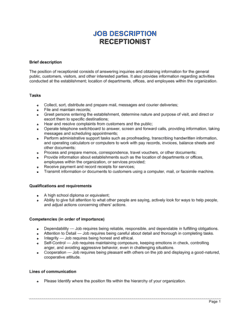
A job description defines what the role requires and is used to attract applicants. An interview guide is used after candidates apply β€” it translates the job's competency requirements into specific questions and scoring criteria so interviewers can evaluate whether a candidate meets the standard. Both documents should be created before the role is posted, so the interview criteria align directly with what the job description promises.

Should I share the interview questions with candidates in advance?

Sharing general topic areas β€” such as 'we will ask about your experience managing high call volume and handling competing priorities' β€” is acceptable and helps candidates prepare more substantive answers. Sharing the exact questions in advance undermines the behavioral data you are trying to collect, since candidates will rehearse answers that may not reflect their actual experience. Share topics, not questions.

How this compares to alternatives

vs Job Description β€” Receptionist

A job description defines the role's requirements and is used to attract and screen applicants before interviews begin. An interview guide is used during the interview itself to evaluate candidates against those requirements. Both documents should be built together so the interview criteria map directly to the advertised competencies.

vs Administrative Assistant Interview Guide

An administrative assistant guide covers a broader range of competencies β€” document management, project coordination, and executive support β€” in addition to front-desk skills. A receptionist guide focuses specifically on visitor handling, multi-line phones, and the communication skills required for the primary public-facing role. Use the administrative assistant guide when the hire will spend more than 50% of their time on non-reception duties.

vs Employee Onboarding Checklist

An onboarding checklist is used after a hire decision is made to set up the new receptionist with tools, access, and training. An interview guide is used before the hire decision to evaluate candidates. They are sequential steps in the same hiring process, not alternatives.

vs Performance Review β€” Receptionist

A performance review evaluates a receptionist's on-the-job output against role expectations after they have been hired and are working. An interview guide evaluates candidates before a hire decision. The competency areas overlap β€” which means a well-designed interview guide predicts what the performance review will measure, creating continuity from hiring through development.

Industry-specific considerations

Healthcare and medical practices

Patient-facing receptionists must demonstrate HIPAA awareness, calm under distress, and familiarity with appointment scheduling and insurance verification systems.

Professional services

Law firms and accounting practices require receptionists who handle confidential client inquiries, manage complex partner calendars, and maintain strict discretion.

Hospitality and property management

Front-desk staff in hotels or residential buildings manage high visitor volume, security protocols, and service recovery for dissatisfied guests or residents.

Corporate and enterprise offices

Enterprise receptionists coordinate visitor badging, executive scheduling, and multi-line phone systems while representing the brand to senior external stakeholders.

Template vs pro β€” what fits your needs?

PathBest forCostTime
Use the templateHR managers, office managers, and small business owners hiring one or a few receptionists per yearFree30 minutes to customize, 45–60 minutes per interview
Template + professional reviewCompanies hiring at scale across multiple locations who need rubric calibration and interviewer training$200–$800 for an HR consultant or talent acquisition specialist to review and calibrate2–5 days
Custom draftedEnterprises with legal or compliance requirements around structured hiring, or organizations subject to EEOC audit$1,000–$3,000 for a custom competency framework and interviewer certification program2–4 weeks

Glossary

Structured Interview
An interview format in which every candidate is asked the same predetermined questions in the same order, enabling fair, apples-to-apples comparison.
Behavioral Question
A question asking the candidate to describe a past situation and how they handled it β€” based on the premise that past behavior predicts future performance.
Situational Question
A hypothetical question presenting a realistic workplace scenario to assess how a candidate would respond in that context.
Competency Rubric
A scoring grid that defines what a weak, acceptable, and strong response looks like for each evaluated skill or trait.
STAR Method
A structured response framework β€” Situation, Task, Action, Result β€” used to guide candidates toward complete, evidence-based answers.
Follow-up Probe
A secondary question used to draw out more detail when a candidate's initial answer is vague or incomplete.
Adverse Impact
A situation where a hiring practice disproportionately screens out candidates in a protected class, even if unintentionally β€” a legal risk of unstructured interviews.
Hiring Recommendation
The interviewer's documented conclusion β€” hire, hold for further review, or do not hire β€” supported by scores and notes from the guide.
Panel Interview
A format in which two or more interviewers assess the candidate simultaneously, each completing their own copy of the guide.
Candidate Scorecard
A summary form that aggregates scores across all competency areas into a single comparable rating for decision-making purposes.

Part of your Business Operating System

This document is one of 3,000+ business & legal templates included in Business in a Box.

  • Fill-in-the-blanks β€” ready in minutes
  • Compatible with all office suites
  • Export to PDF and share electronically

Create your document in 3 simple steps.

From template to signed document β€” all inside one Business Operating System.
1
Download or open template

Access over 3,000+ business and legal templates for any business task, project or initiative.

2
Edit and fill in the blanks with AI

Customize your ready-made business document template and save it in the cloud.

3
Save, Share, Send, Sign

Share your files and folders with your team. Create a space of seamless collaboration.

Save time, save money, and create top-quality documents.

β˜…β˜…β˜…β˜…β˜…

"Fantastic value! I'm not sure how I'd do without it. It's worth its weight in gold and paid back for itself many times."

Managing Director Β· Mall Farm
Robert Whalley
Managing Director, Mall Farm Proprietary Limited
β˜…β˜…β˜…β˜…β˜…

"I have been using Business in a Box for years. It has been the most useful source of templates I have encountered. I recommend it to anyone."

Business Owner Β· 4+ years
Dr Michael John Freestone
Business Owner
β˜…β˜…β˜…β˜…β˜…

"It has been a life saver so many times I have lost count. Business in a Box has saved me so much time and as you know, time is money."

Owner Β· Upstate Web
David G. Moore Jr.
Owner, Upstate Web

Run your business with a system β€” not scattered tools

Stop downloading documents. Start operating with clarity. Business in a Box gives you the Business Operating System used by over 250,000 companies worldwide to structure, run, and grow their business.

Start freeΒ Β·Β No credit card required