1
Define scope and covered locations
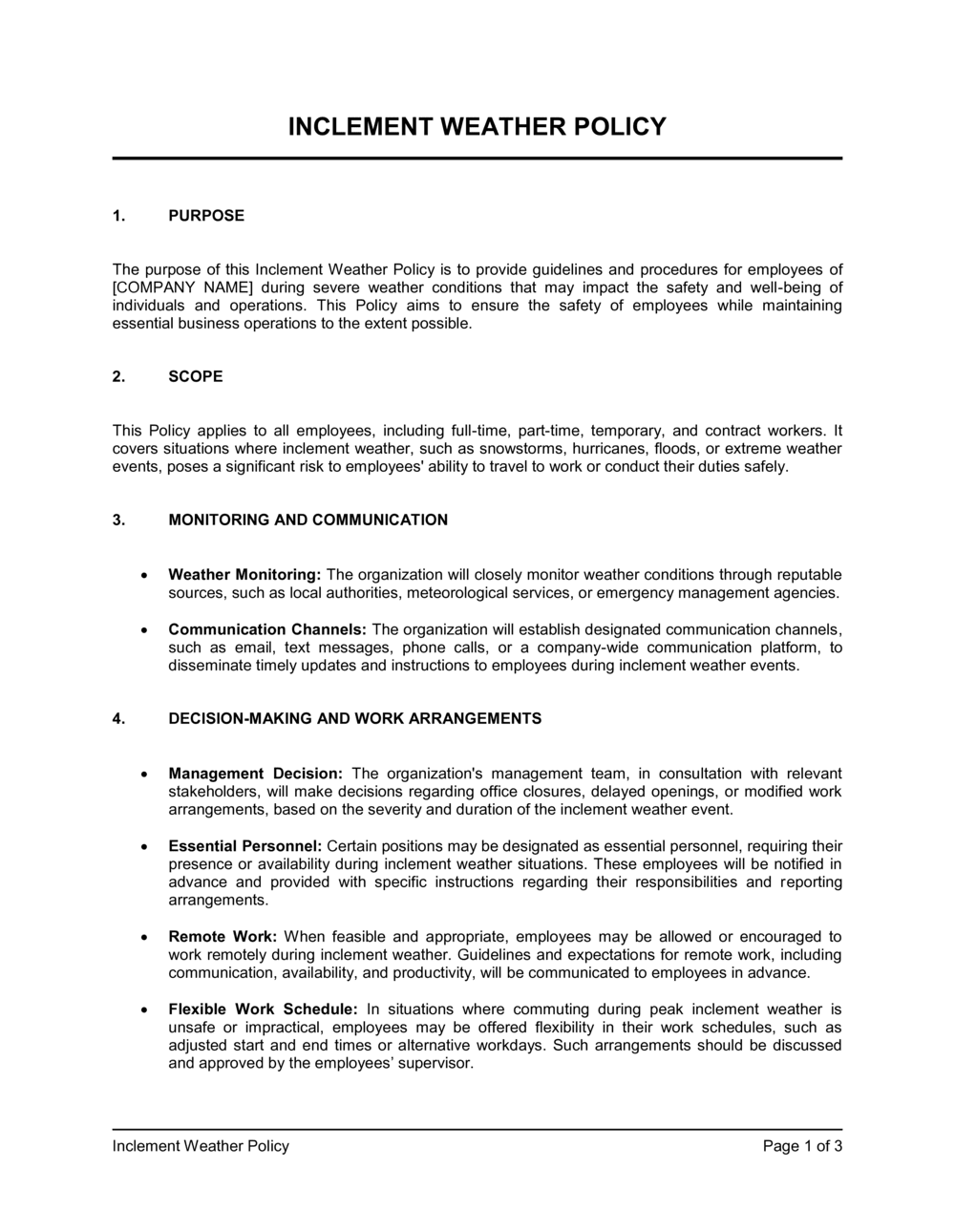
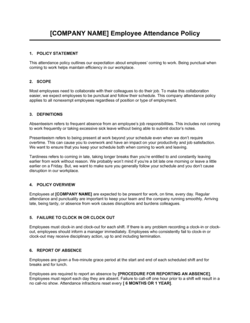
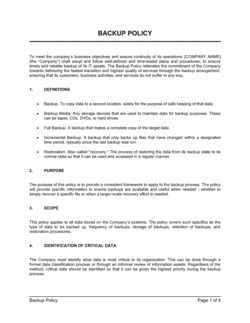
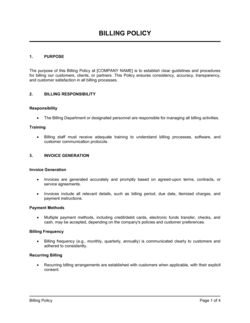
Enter your company name, all covered office locations, and the geographic regions whose weather alerts will trigger the policy. Be specific about which employee groups are included — on-site, remote, part-time, and contractors.
💡 List the specific counties or metropolitan areas whose National Weather Service or Environment Canada advisories trigger each closure level — vague geographic references create disputes.
2
Set your closure level definitions
Choose two or three tiered levels (open, delayed opening, closed) and write a plain-language description of employee obligations at each level. Match the levels to your local weather patterns — a business in Phoenix needs different triggers than one in Minneapolis.
💡 Tie Level 2 and Level 3 declarations to specific external benchmarks — for example, a Level 3 declaration when a state of emergency is in effect for your county — so decisions are objective rather than managerial judgment calls.
3
Name the decision-maker and the communication deadline
Specify the title of the person authorized to declare each closure level and the latest time by which that decision must be communicated to employees. Include a backup decision-maker in case the primary is unavailable.
💡 Set the communication deadline at least 90 minutes before the earliest commuting employee's normal departure time.
4
Configure notification channels
List at least two independent communication channels — for example, company email plus an SMS alert platform — and state each employee's responsibility to monitor them on weather-advisory days.
💡 Test your notification system at least once before storm season. Employees who claim they never received the message on day one of a storm are much harder to manage when the policy is silent on monitoring obligations.
5
Fill in pay treatment by employee type
Complete the compensation section separately for exempt salaried employees and non-exempt hourly employees. State whether PTO is drawn down for employer-initiated closures and what happens when an employee chooses not to report on an open office day.
💡 Have your payroll provider or an HR consultant review this section before publishing — FLSA salary-basis rules are the most common source of legal exposure in weather policies.
6
Identify essential roles and their premiums
List the specific job titles designated as essential in Schedule B and document the additional compensation or paid time off provided for reporting during a closure. Confirm these premiums are reflected in your payroll system.
💡 Review the essential-employee list annually — roles that were non-essential two years ago may now be critical, and vice versa.
7
Distribute and collect acknowledgments
Send the completed policy to all employees, require a signed or digital acknowledgment, and save completed acknowledgments in each employee's HR file. Set a calendar reminder to re-distribute after any material update.
💡 Store acknowledgments in the same HR system as your other employment records so they are retrievable if a pay dispute goes to a labor board.
8
Review the policy annually before storm season
Schedule an annual review each September or October to update closure-level triggers, decision-maker names, notification channels, and pay rules before the first major weather event of the year.
💡 Cross-reference your state or province's latest wage-payment regulations each year — pay continuation rules for weather closures change more often than most HR teams expect.