- Time Audit
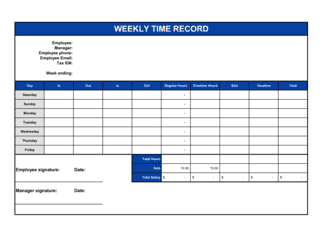
- A structured review of how your working hours are actually spent, recorded over 3–5 days, used to identify gaps between intended and real priorities.
- Deep Work
- Cognitively demanding, distraction-free work performed in long, uninterrupted blocks — the type of work that produces the highest output per hour.
- Time Blocking
- Scheduling specific tasks or task types into dedicated calendar slots so that execution time is reserved in advance, not found opportunistically.
- MIT (Most Important Task)
- The single highest-priority task for the day — the one item whose completion makes the day a success regardless of what else gets done.
- Parkinson's Law
- The principle that work expands to fill the time available for its completion — meaning tasks without time constraints take longer than necessary.
- 80/20 Rule (Pareto Principle)
- The observation that roughly 80% of results come from 20% of efforts — used in productivity planning to identify and protect high-leverage activities.
- Delegation Matrix
- A framework for deciding which tasks to keep, delegate, defer, or eliminate, typically organized by urgency and importance or by skill match.
- Distraction Audit
- A log of interruptions and context switches during a workday, used to quantify the time cost of reactive behavior and design countermeasures.
- Single-Tasking
- The practice of working on one task at a time to completion before switching, which reduces the cognitive switching cost that multitasking incurs.
- Weekly Review
- A scheduled end-of-week session to close open loops, update task lists, assess progress against goals, and plan the coming week's priorities.