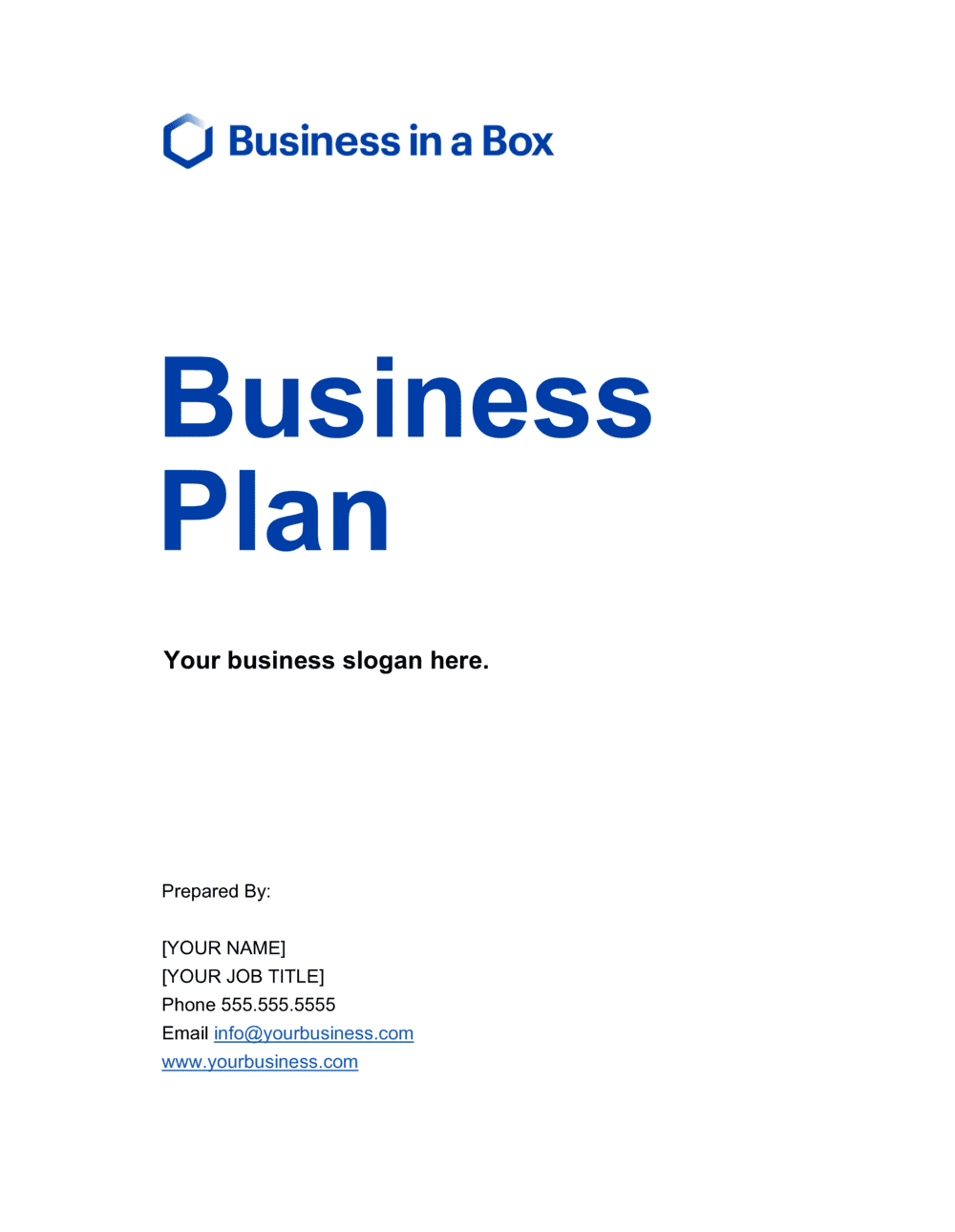
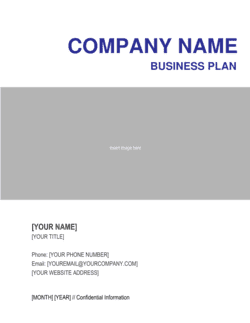
Business Plan - Cover Page White Template

Free Word download β€’ Edit online β€’ Save & share with Drive β€’ Export to PDF

1 pageβ€’40–55 min to fillβ€’Difficulty: Expert
Learn more ↓
FreeBusiness Plan - Cover Page White Template

At a glance

What it is
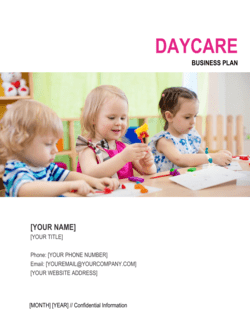
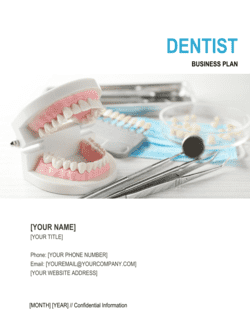
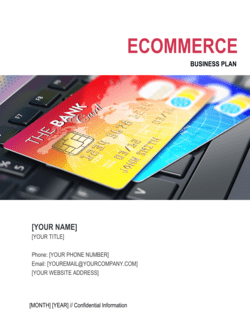
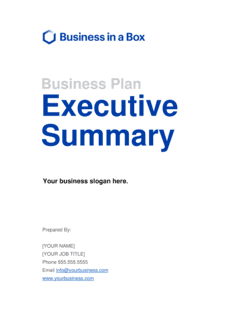
A Business Plan Cover Page is the title page that opens every formal business plan document. This free white-theme Word template gives you a clean, professionally formatted starting point β€” add your logo, company name, tagline, contact details, and date, then export as PDF and attach it to your plan in minutes.
When you need it
Use it any time you submit a business plan to an investor, lender, grant committee, or accelerator program that expects a polished, complete document. It is also the right choice when distributing an internal strategic or operating plan to your board or leadership team.
What's inside
Company name and logo placement, document title, subtitle or tagline, prepared-by and prepared-for fields, date, and optional confidentiality notice β€” all laid out on a clean white background that pairs with any business plan body format.

What is a Business Plan Cover Page?

A Business Plan Cover Page is the title page that opens a formal business plan document, identifying the company, the document's purpose, and its intended recipient before the reader encounters a single line of strategy or financials. It displays the company name and logo, the document title, a tagline or subtitle, prepared-by and prepared-for information, the finalization date, and a confidentiality notice β€” all on a clean white layout designed to pair with any business plan body format. A professional cover page signals to investors, lenders, and reviewers that the document was prepared with care and is worth reading in full.

Why You Need This Document

Submitting a business plan without a cover page is the document equivalent of arriving to a meeting without a business card β€” the content may be strong, but the presentation undermines it before anyone reads past the first line. Investors and loan officers who review dozens of plans simultaneously use the cover page to log, file, and retrieve documents; a plan with no title page, no date, and no contact details gets deprioritized or lost entirely. A properly completed cover page also establishes version control β€” when you are distributing a plan through multiple funding rounds or revisions, a dated and versioned cover page ensures every recipient knows exactly which iteration they are reading. This free Word template gives you a structured, white-theme starting point that takes under ten minutes to complete and immediately elevates the presentation quality of any business plan you submit.

Which variant fits your situation?

If your situation is…Use this template
Submitting to investors who expect a modern, branded presentationBusiness Plan Cover Page (Color)
Creating a full business plan from scratchBusiness Plan Template
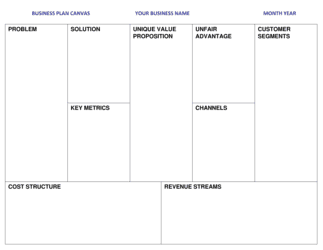
Need a one-page summary document instead of a full planOne-Page Business Plan
Opening a restaurant or food-service business planRestaurant Business Plan
Packaging a nonprofit program plan for a funderNonprofit Business Plan
Attaching a cover to a strategic planning documentStrategic Plan Template
Adding a title page to a formal proposal or reportBusiness Proposal Cover Page

Common mistakes to avoid

❌ Generic or undated document title

Why it matters: A cover page that reads only 'Business Plan' with no date or context makes version control impossible and gives recipients no immediate signal about what they are reading.

Fix: Add the funding stage, target market, or fiscal year to the title and always include the month and year of finalization.

❌ Missing contact information in the prepared-by block

Why it matters: An interested lender or investor who cannot find a direct email or phone number on the first page may not pursue follow-up β€” especially when reviewing dozens of plans simultaneously.

Fix: Include at minimum the primary contact's name, title, email address, and phone number in the prepared-by section.

❌ Leaving the prepared-for field blank or generic

Why it matters: A cover page addressed to 'potential investors' signals that the document was distributed broadly without personalization, which reduces perceived exclusivity and effort.

Fix: Create a uniquely addressed copy for each major recipient and update the prepared-for field before each submission.

❌ Distorting or low-resolution logo

Why it matters: A stretched or pixelated logo on the cover page immediately undermines the professional credibility the cover is intended to establish.

Fix: Use a vector file (SVG or EPS) or a high-resolution PNG exported at 150 DPI minimum; resize proportionally using the corner handle, not the side handle.

The 8 key sections, explained

Logo placement block

Company name

Document title

Tagline or subtitle

Prepared by block

Prepared for block

Date and version

Confidentiality notice

How to fill it out

  1. 1

    Insert your company logo

    Place your logo in the designated logo block at the top of the template. Use a PNG with a transparent background at 150 DPI or higher for clean print and PDF output.

    πŸ’‘ If you do not yet have a finalized logo, use your company name in your brand font at the same position β€” do not leave the block empty.

  2. 2

    Enter your company's legal name and tagline

    Type the full registered name of your business as it appears on your corporate documents. Add a one-line tagline or subtitle that describes the business or the plan's strategic focus.

    πŸ’‘ Match the exact legal entity name used in the body of the plan β€” inconsistencies between the cover page and the document interior raise questions during due diligence.

  3. 3

    Set the document title

    Confirm or update the document title to reflect the specific plan. Consider adding context such as the funding stage, target location, or fiscal year to make it instantly identifiable.

    πŸ’‘ 'Series A Business Plan β€” FY2027' is more useful than 'Business Plan' for both you and the recipient when managing multiple document versions.

  4. 4

    Complete the prepared-by and prepared-for fields

    Enter the primary author's name, title, email, and phone number in the prepared-by block. In the prepared-for block, name the specific investor, lender, or committee this copy is addressed to.

    πŸ’‘ Prepare a separate PDF for each major recipient with their name in the prepared-for field β€” it signals the plan was not mass-distributed.

  5. 5

    Add the date and version number

    Enter the finalization month and year. If you are on a second or later draft, add a version number such as v1.2 so recipients and your own team can track which iteration is current.

    πŸ’‘ Update the date every time you revise the plan β€” a cover page dated 14 months ago signals to investors that you have been unable to close.

  6. 6

    Review the confidentiality notice and adjust if needed

    Read the default confidentiality notice and confirm it reflects your intent. Adjust the company name placeholder and, if needed, add a non-disclosure reference directing recipients to a separately signed NDA.

    πŸ’‘ For highly sensitive IP disclosures, consider watermarking each page with the recipient's name rather than relying solely on the cover page notice.

Frequently asked questions

What should a business plan cover page include?

A business plan cover page should include the company name and logo, the document title (e.g., 'Business Plan' or 'Series A Business Plan'), a brief tagline or subtitle, the name and contact details of the person who prepared the document, the name of the intended recipient, the date of finalization, and a short confidentiality notice. These elements give any reader immediate context and a direct way to follow up.

Does a business plan need a cover page?

A cover page is not strictly required for a business plan to be read, but omitting it signals a lack of attention to presentation. Investors and lenders review many plans simultaneously β€” a clean, well-labeled cover page makes the document immediately identifiable and conveys that the founder takes the submission seriously. For formal submissions to banks, accelerators, or grant bodies, a cover page is effectively expected.

What is the white theme and when should I use it?

The white theme uses a predominantly white background with minimal color accents, creating a clean and formal look that suits any industry or brand palette. It is the safest choice for submissions to conservative audiences such as banks, law firms, and institutional investors, and works well when your company branding provides the primary visual identity through your logo and font choices.

Should the cover page include a confidentiality notice?

Yes, in most cases. A short confidentiality notice on the cover page signals to recipients that the document contains proprietary information and should not be forwarded without permission. It is not a substitute for a signed NDA for highly sensitive disclosures, but it establishes a clear expectation and provides a reference point if the document is shared inappropriately.

How do I add my logo to the Word template?

Click the logo placeholder in the template, then use Insert > Picture to locate your logo file. Choose a PNG with a transparent background for the cleanest result. Resize the image proportionally by dragging a corner handle while holding Shift β€” never drag a side handle, which distorts the aspect ratio. A recommended logo width of 2–3 inches works well for most cover page layouts.

Can I use this cover page with any business plan template?

Yes. The white cover page is designed to pair with any business plan body format. Ensure the font family and heading style on the cover page match the body of your plan for a consistent, professional appearance throughout the full document. The Business in a Box Business Plan template uses matching typography for seamless integration.

Should I prepare a separate cover page for each investor or lender?

Yes, when practicable. Updating the prepared-for field with each recipient's specific name and organization takes about 30 seconds per copy and meaningfully increases engagement β€” it signals that the plan was sent intentionally rather than mass-distributed. Export a separate PDF for each addressee and label your files accordingly to avoid sending the wrong version.

What version numbering format should I use on the cover page?

A simple major.minor format such as v1.0, v1.1, v2.0 is sufficient for most business plans. Increment the minor version (v1.1, v1.2) for updates that do not change the core strategy or financials; increment the major version (v2.0) when the business model, market, or financial projections have materially changed. Always update the date field at the same time as the version number.

How this compares to alternatives

vs Business Plan Template

The Business Plan Template is the full 20–35 page document covering market analysis, financials, strategy, and team. The cover page template is a single-page title document that opens the full plan. You need both β€” the cover page without the full plan is incomplete, and the full plan without a professional cover page looks unfinished.

vs One-Page Business Plan

A one-page business plan condenses the entire strategy onto a single canvas for rapid internal alignment or early ideation. A cover page is a presentation wrapper for a multi-page formal plan. The two serve entirely different purposes and are not interchangeable β€” attach a cover page to any document you submit externally.

vs Business Proposal Template

A business proposal is a client-facing document requesting approval or a contract for a specific project or service. A business plan cover page opens a strategic or funding document about the company itself. The audiences and objectives differ: proposals sell services, business plans raise capital or align leadership.

vs Executive Summary

An executive summary is the 1–2 page distillation of the full business plan that follows the cover page. The cover page identifies the document and its parties; the executive summary delivers the strategic pitch. Both are essential β€” the cover page is the first impression, the executive summary is the first argument.

Industry-specific considerations

Technology / SaaS

Typically includes a funding stage in the document title (e.g., 'Seed Round Business Plan') and a confidentiality notice referencing a separately signed NDA given the sensitivity of IP disclosures.

Food & Beverage / Restaurant

Cover pages for restaurant plans often include the proposed location or concept name as a subtitle, helping franchise reviewers and lenders immediately identify which location or brand the plan covers.

Retail / E-commerce

Retail plans submitted to landlords or shopping-center leasing committees benefit from including a brief concept tagline on the cover that communicates the brand positioning at a glance.

Professional Services

Consulting and agency plans submitted to bank lenders typically require the firm's full legal name, registration number, and principal contact on the cover page to meet lender intake requirements.

Template vs pro β€” what fits your needs?

PathBest forCostTime
Use the templateAny founder, owner, or operator who needs a professional cover page in under 10 minutesFree5–10 minutes
Template + professional reviewBusinesses submitting to institutional investors or lenders who want design consistency reviewed against the full plan$50–$200 for a graphic designer or document formatter1–2 hours
Custom draftedCompanies hiring a brand agency or business plan writer to produce a fully designed, pitch-ready document package$500–$3,000 as part of a full business plan design project3–7 days

Glossary

Cover Page
The title page of a formal document that identifies the document name, the organization that produced it, and the date β€” the first thing any reader sees.
Confidentiality Notice
A brief statement on the cover page informing readers that the document contains proprietary information and restricting its distribution without permission.
Tagline
A short phrase beneath the company name that communicates the core value proposition or market position in one sentence or less.
Prepared For / Prepared By
Fields identifying who created the document and who the intended recipient is β€” used to personalize a plan for a specific investor, lender, or committee.
Document Version
A version number or date stamp (e.g., v2.1 or April 2026) that distinguishes the current draft from prior iterations and prevents recipients from referencing outdated content.
White Theme
A cover page design using a predominantly white background with minimal color accents, giving a clean, formal appearance that suits any industry or brand palette.
Branding Placeholder
A designated space on the cover page β€” typically a logo box β€” where you insert your company's visual identity assets without reformatting the entire layout.
Executive Summary
The 1–2 page section immediately following the cover page that distills the entire business plan into its most critical points for a time-constrained reader.
Table of Contents
A navigational page listing each section of the business plan with its page number, typically placed directly after the cover page.
Header and Footer
Repeated elements at the top and bottom of every page β€” usually the company name, document title, page number, and confidentiality notice β€” that create visual consistency throughout the plan.

Part of your Business Operating System

This document is one of 3,000+ business & legal templates included in Business in a Box.

  • Fill-in-the-blanks β€” ready in minutes
  • 100% customizable Word document
  • Compatible with all office suites
  • Export to PDF and share electronically

Create your document in 3 simple steps.

From template to signed document β€” all inside one Business Operating System.
1
Download or open template

Access over 3,000+ business and legal templates for any business task, project or initiative.

2
Edit and fill in the blanks with AI

Customize your ready-made business document template and save it in the cloud.

3
Save, Share, Send, Sign

Share your files and folders with your team. Create a space of seamless collaboration.

Save time, save money, and create top-quality documents.

β˜…β˜…β˜…β˜…β˜…

"Fantastic value! I'm not sure how I'd do without it. It's worth its weight in gold and paid back for itself many times."

Managing Director Β· Mall Farm
Robert Whalley
Managing Director, Mall Farm Proprietary Limited
β˜…β˜…β˜…β˜…β˜…

"I have been using Business in a Box for years. It has been the most useful source of templates I have encountered. I recommend it to anyone."

Business Owner Β· 4+ years
Dr Michael John Freestone
Business Owner
β˜…β˜…β˜…β˜…β˜…

"It has been a life saver so many times I have lost count. Business in a Box has saved me so much time and as you know, time is money."

Owner Β· Upstate Web
David G. Moore Jr.
Owner, Upstate Web

Run your business with a system β€” not scattered tools

Stop downloading documents. Start operating with clarity. Business in a Box gives you the Business Operating System used by over 250,000 companies worldwide to structure, run, and grow their business.

Start freeΒ Β·Β No credit card required