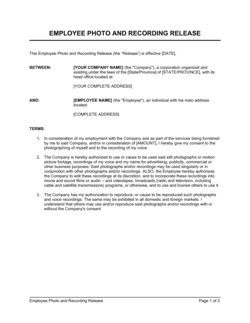
Media Consent Form Template

Free Word download β€’ Edit online β€’ Save & share with Drive β€’ Export to PDF

1 pageβ€’15–25 min to fillβ€’Difficulty: Standard
Learn more ↓
FreeMedia Consent Form Template

At a glance

What it is
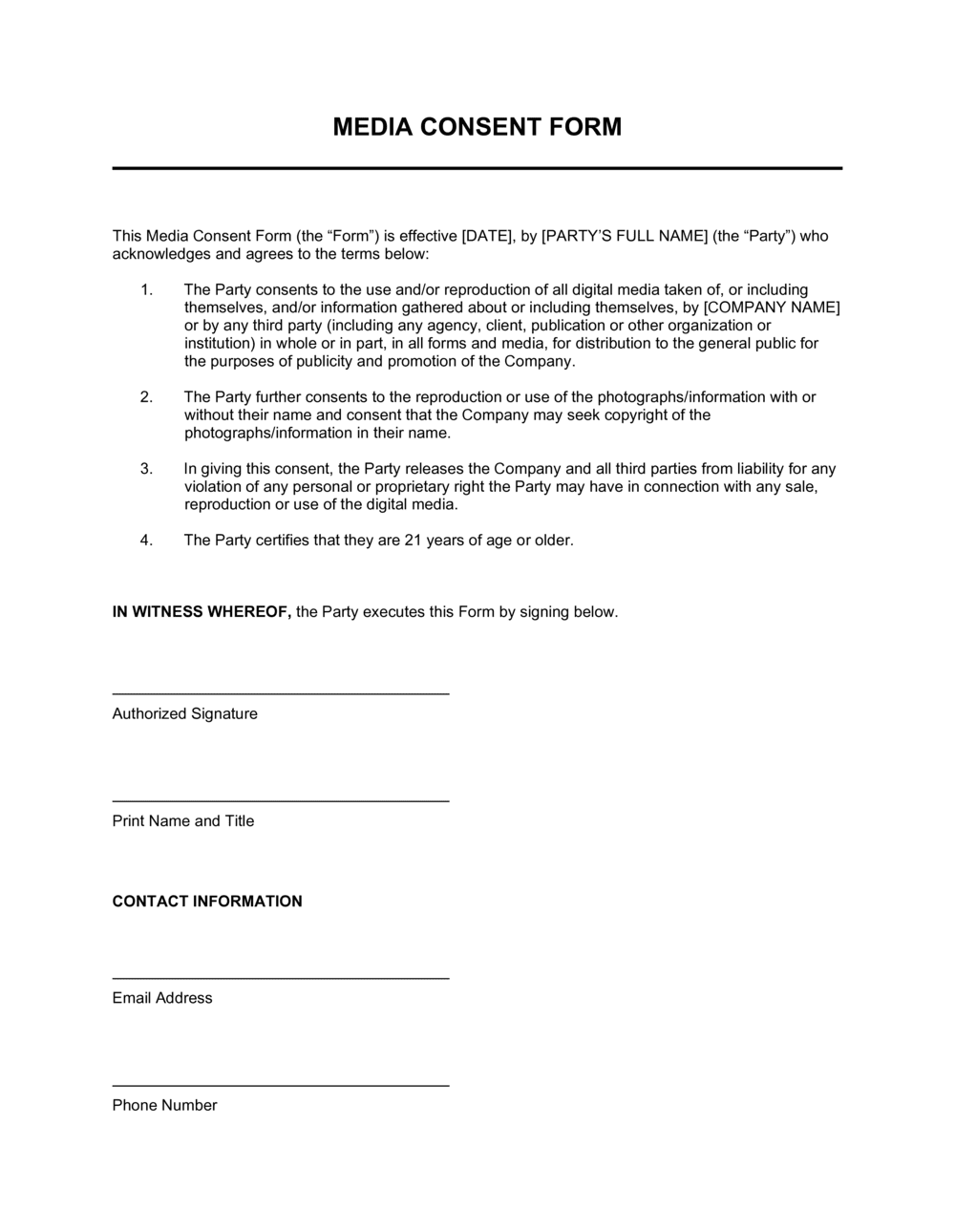
A Media Consent Form is a structured document an organization uses to obtain written permission from an individual before capturing, using, or distributing their likeness β€” photos, video, audio recordings, or quotes β€” in marketing, training, or public-facing materials. This free Word download is editable online and exportable as PDF, ready to collect signatures at events, on-site, or digitally.
When you need it
Use it any time you photograph, film, or record individuals for promotional content, social media, internal training materials, or press β€” especially when minors are involved or when the content will be published publicly.
What's inside
Subject identification, description of the media being captured, a clear statement of permitted uses, geographic and time scope of the release, compensation disclosure, and a signature block for the subject or their legal guardian.

What is a Media Consent Form?

A Media Consent Form is a structured document an organization collects from an individual before photographing, filming, or recording them β€” and before using that media in any public or internal-facing context. It identifies the subject, describes the specific media being captured, defines the permitted uses and distribution channels, sets geographic and time boundaries on the release, and records a dated signature confirming voluntary agreement. Rather than relying on implied consent or a general notice posted at an event, the form creates a clear, individualized record of what was agreed between the organization and the person whose likeness will appear.

Why You Need This Document

Publishing identifiable photos or video of real people without documented consent exposes your organization to privacy claims, reputational disputes, and potential legal action β€” particularly when minors are involved or when the content is used commercially. Verbal permission is difficult to prove and easily disputed; a vague "photography may occur" notice at an event entrance does not constitute individual consent for targeted use in a marketing campaign. A completed media consent form eliminates ambiguity by recording exactly what the subject agreed to, in which channels, and for how long. For healthcare providers and schools, it also demonstrates compliance with privacy expectations that regulators and accrediting bodies increasingly scrutinize. This template gives you a ready-to-use form you can hand out at events, attach to onboarding packets, or send digitally β€” so every piece of content you publish is backed by documented, specific permission.

Which variant fits your situation?

If your situation is…Use this template
Photographing or filming minors at a school or youth programMinor Media Consent Form
Filming a client testimonial or case study videoVideo Release Form
Using an employee's image in marketing or the company websiteEmployee Photo Release Form
Recording a speaker or presenter at a public eventEvent Media Release Form
Capturing patient or client testimonials in a healthcare settingPatient Media Consent Form
Licensing existing photos or video from a third partyPhoto License Agreement
Obtaining model consent for a commercial product shootModel Release Form

Common mistakes to avoid

❌ Collecting consent after media has already been captured

Why it matters: Retroactive consent is weaker than prior consent and may be challenged if the subject claims they felt pressured after the fact. Some jurisdictions treat it as no consent at all.

Fix: Make form completion a required step before any photography or filming begins β€” at the registration desk or as part of a digital pre-event workflow.

❌ Using a minor's signature as the sole consent

Why it matters: Minors cannot legally enter contracts in any jurisdiction. A release signed only by the child is unenforceable, leaving the organization exposed to claims from the parents.

Fix: Always include a separate guardian block and collect a parent or legal guardian's signature for every subject under 18.

❌ Listing 'any and all purposes' as the permitted use

Why it matters: Overly broad scope language can be read against the drafter in a dispute, and subjects may later argue they never intended to consent to uses they did not anticipate.

Fix: List specific channels and formats β€” website, social media, print, broadcast, training videos β€” so the scope is unambiguous.

❌ Not providing the subject a copy of the signed form

Why it matters: If the subject later disputes the terms, not having a copy undermines their ability to verify what they agreed to β€” and courts look unfavorably on this asymmetry.

Fix: Email a PDF of the completed, signed form to the subject's address immediately after signing, or provide a printed copy on the day.

The 9 key fields, explained

Subject Information

Organization / Requester Information

Description of Media Being Captured

Permitted Uses and Channels

Geographic and Time Scope

Compensation Disclosure

Opt-Out and Revocation Terms

Minor / Guardian Block

Subject Signature and Date

How to fill it out

  1. 1

    Fill in your organization's details

    Enter the legal name of your organization, the name and title of the responsible contact, and a mailing or email address where the subject can reach you.

    πŸ’‘ Save a pre-filled master version with your organization's details so staff only need to complete the subject-specific fields at each event or shoot.

  2. 2

    Describe the media and context specifically

    Name the specific project, event, or campaign and check all applicable media types β€” still photos, video, and audio. Include the date and location.

    πŸ’‘ If the session could produce multiple media types, check them all now rather than seeking additional consent later.

  3. 3

    Define permitted uses and channels

    List every channel where the media may appear. Be specific β€” 'social media' should specify platforms (Instagram, LinkedIn, YouTube) rather than a single blanket term.

    πŸ’‘ Anticipate future uses. If there is any chance the media will be used in paid advertising, include that explicitly.

  4. 4

    Set the territory and duration

    Choose worldwide or a specific region, and set an expiration date or mark the release as perpetual. For most marketing use, perpetual and worldwide is standard.

    πŸ’‘ For short-term campaigns with external contractors, use a defined duration (e.g., 3 years) to limit exposure if the relationship ends.

  5. 5

    Complete the compensation disclosure

    State exactly what the subject receives β€” cash, product, or nothing. Even nominal consideration ($1) strengthens enforceability in jurisdictions that require it.

    πŸ’‘ For paid testimonials, ensure the compensation is disclosed publicly wherever the content appears to comply with FTC endorsement guidelines.

  6. 6

    Collect signatures β€” guardian form for minors

    Have the subject sign and date the completed form before any media is captured. For subjects under 18, use the guardian block and confirm the guardian's legal relationship to the minor.

    πŸ’‘ Use a tablet or e-signature tool at the check-in desk for events so the form is completed and stored before the subject enters the venue.

Frequently asked questions

Can I use a digital or electronic signature on a media consent form?

Yes. Electronic signatures are valid for media consent forms in the United States under the ESIGN Act, in Canada under PIPEDA and provincial e-commerce laws, and in the EU under eIDAS. Using an e-signature tool also timestamps the consent and creates an automatic record, which is more reliable than a paper form that may be lost or disputed later.

How this compares to alternatives

vs Model Release Form

A model release is designed for commercial photography involving paid talent, with detailed licensing terms, usage fees, and broader IP assignments. A media consent form is simpler and suited to organizational contexts β€” events, internal use, marketing β€” where the subject is not a professional model and compensation is nominal or absent. Use a model release for any paid commercial shoot; use a media consent form for everything else.

vs Photo License Agreement

A photo license agreement governs the use of existing images between a rights holder and a licensee β€” it is a commercial transaction. A media consent form is collected directly from the subject before any media is captured. They address different problems: licensing deals with intellectual property rights; consent deals with a person's right to control their own likeness.

vs Event Waiver and Release Form

An event waiver releases the organizer from liability for personal injury or property damage during the event. A media consent form grants permission specifically to capture and use the attendee's likeness. The two documents cover different risks and are often used together at events where photography is anticipated.

vs Privacy Policy

A privacy policy discloses how an organization collects and processes personal data at a broad, site-wide level. A media consent form is an individual, transaction-specific document capturing explicit opt-in permission for a defined media use. A privacy policy does not substitute for individual consent when publishing identifiable photos or video of real people.

Industry-specific considerations

Education

Schools and universities use media consent forms to collect annual parental permission for all student photography and video, covering yearbooks, websites, and social media.

Healthcare

Hospitals and clinics require patient-specific consent forms before using any photos, video, or testimonials in medical education, fundraising, or public health campaigns β€” separate from HIPAA authorizations.

Events and Hospitality

Event producers collect media consent at registration for conferences, weddings, and concerts, typically through a blanket notice plus an individual form for featured speakers or performers.

Marketing and Creative Agencies

Agencies use media consent forms for every client shoot involving real people β€” customers, employees, or hired talent β€” to protect both the agency and the end client from likeness disputes.

Template vs pro β€” what fits your needs?

PathBest forCostTime
Use the templateMarketing teams, event organizers, schools, and nonprofits collecting consent for standard photo and video useFree5 minutes to complete per subject
Template + professional reviewOrganizations using media in paid advertising, healthcare settings, or campaigns involving minors at scale$100–$300 (one-time legal review)1–2 days
Custom draftedLarge media companies, broadcasters, or organizations with complex multi-platform licensing and international distribution$500–$2,000+1–2 weeks

Glossary

Likeness
A person's recognizable appearance as captured in a photograph, video, or illustration β€” including their face, voice, and identifying features.
Release
A signed statement in which a subject grants another party the right to use their likeness or recorded media without further permission or compensation.
Scope of Use
The specific channels, formats, and contexts in which the captured media may be used β€” for example, social media only, print advertising, or internal training materials.
Perpetual License
Permission to use the media indefinitely with no expiration date, as opposed to a time-limited license.
Revocation
The act of withdrawing previously given consent, which may be limited or prohibited depending on the form's language and applicable law.
Guardian Consent
Written permission provided by a parent or legal guardian on behalf of a minor who cannot legally consent on their own.
Moral Rights
An individual's right to be attributed as the subject of a work and to object to uses that distort or damage their reputation β€” recognized more broadly in Canadian and EU law than in US law.
Compensation Disclosure
A statement clarifying whether the subject is receiving payment, a gift, or no compensation in exchange for their consent β€” required for the release to be legally clear.
Opt-Out Clause
A provision allowing the subject to request removal of their likeness from future uses, typically with written notice to the organization.
Intended Use Statement
A plain-language description of the specific project or campaign for which the media will be captured and used.

Part of your Business Operating System

This document is one of 3,000+ business & legal templates included in Business in a Box.

  • Fill-in-the-blanks β€” ready in minutes
  • 100% customizable Word document
  • Compatible with all office suites
  • Export to PDF and share electronically

Create your document in 3 simple steps.

From template to signed document β€” all inside one Business Operating System.
1
Download or open template

Access over 3,000+ business and legal templates for any business task, project or initiative.

2
Edit and fill in the blanks with AI

Customize your ready-made business document template and save it in the cloud.

3
Save, Share, Send, Sign

Share your files and folders with your team. Create a space of seamless collaboration.

Save time, save money, and create top-quality documents.

β˜…β˜…β˜…β˜…β˜…

"Fantastic value! I'm not sure how I'd do without it. It's worth its weight in gold and paid back for itself many times."

Managing Director Β· Mall Farm
Robert Whalley
Managing Director, Mall Farm Proprietary Limited
β˜…β˜…β˜…β˜…β˜…

"I have been using Business in a Box for years. It has been the most useful source of templates I have encountered. I recommend it to anyone."

Business Owner Β· 4+ years
Dr Michael John Freestone
Business Owner
β˜…β˜…β˜…β˜…β˜…

"It has been a life saver so many times I have lost count. Business in a Box has saved me so much time and as you know, time is money."

Owner Β· Upstate Web
David G. Moore Jr.
Owner, Upstate Web

Run your business with a system β€” not scattered tools

Stop downloading documents. Start operating with clarity. Business in a Box gives you the Business Operating System used by over 250,000 companies worldwide to structure, run, and grow their business.

Start freeΒ Β·Β No credit card required