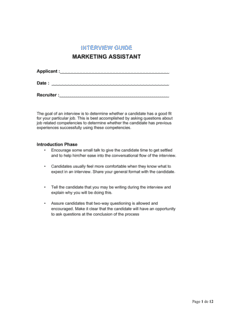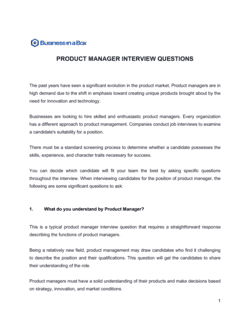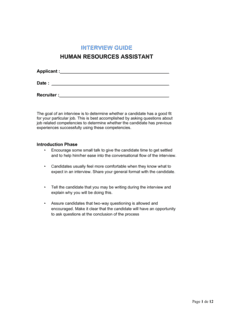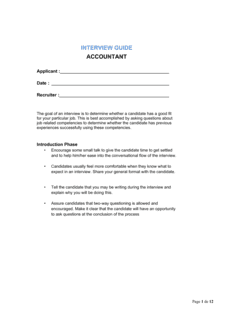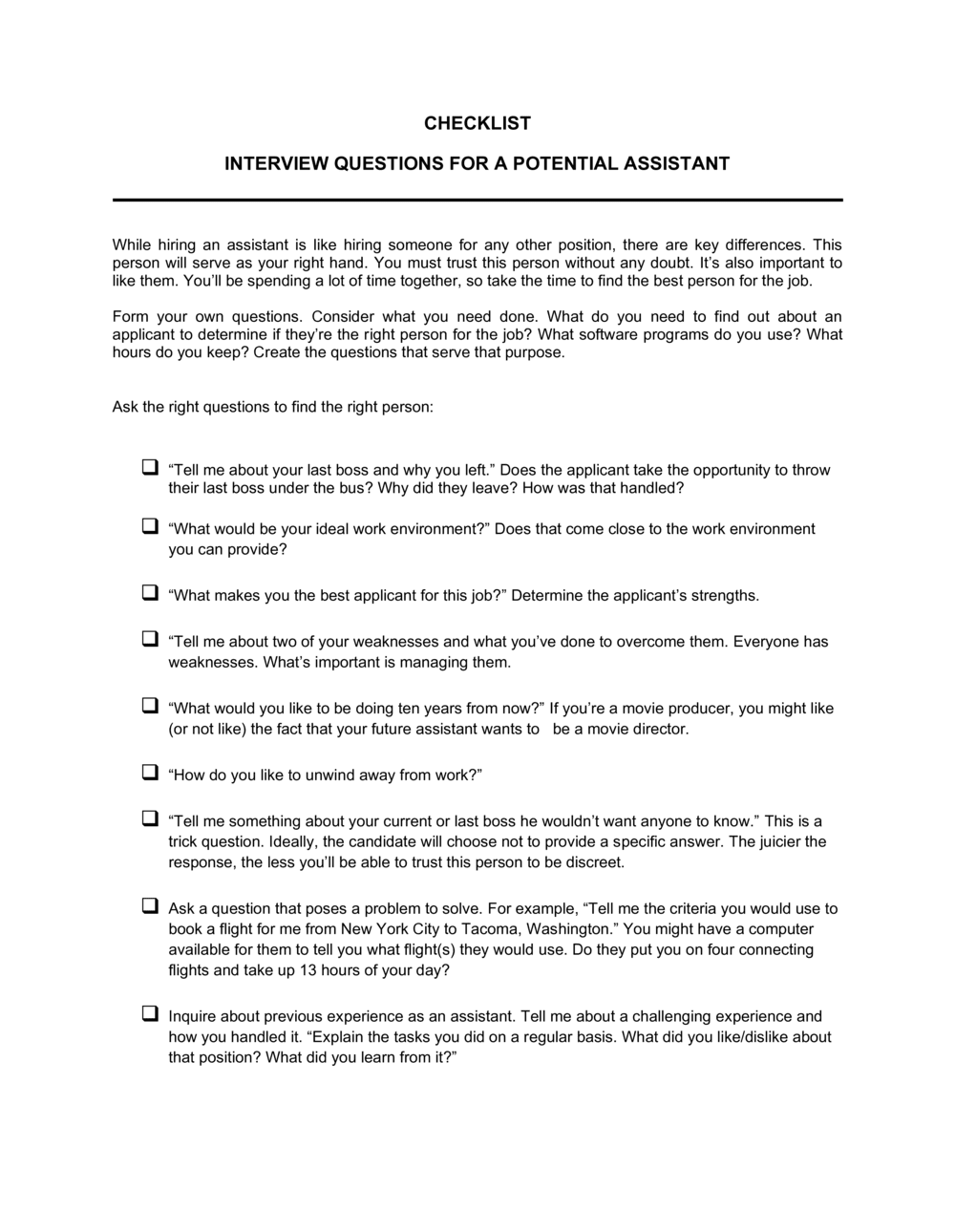
Interview Questions For A Potential Assistant Checklist

Free Word download β€’ Edit online β€’ Save & share with Drive β€’ Export to PDF

1 pageβ€’15–25 min to fillβ€’Difficulty: Standard
Learn more ↓
FreeInterview Questions For A Potential Assistant Checklist Template

At a glance

What it is
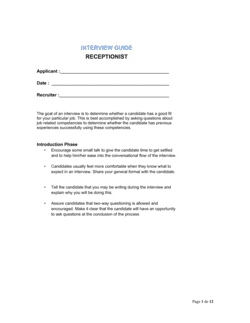
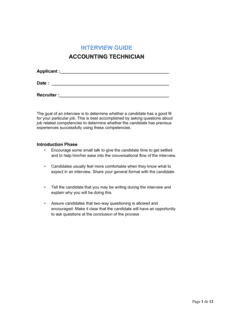
An Interview Questions For A Potential Assistant Checklist is a structured form that guides hiring managers through a consistent set of questions and scoring criteria when interviewing candidates for an assistant role. This free Word download lets you customize question sets, add scoring columns, and export as PDF to use in every interview session.
When you need it
Use it whenever you are screening candidates for an administrative, executive, or personal assistant position and need a repeatable framework that makes candidates objectively comparable after multiple interviews.
What's inside
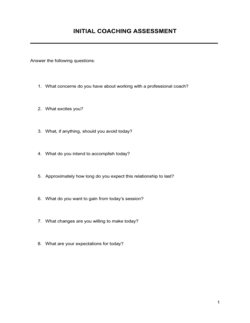
Candidate identification fields, role-specific and behavioral interview questions, a skills assessment section, availability and logistics questions, interviewer notes columns, and a summary scoring area for final comparison across candidates.

What is an Interview Questions For A Potential Assistant Checklist?

An Interview Questions For A Potential Assistant Checklist is a structured form that guides a hiring manager through a consistent, scored set of questions when evaluating candidates for an administrative or executive assistant position. It organizes questions by category β€” experience, technical skills, communication, organizational ability, and logistics β€” with space to record responses, assign scores, and capture notes in real time. Rather than relying on memory or informal conversation, the checklist creates a written record of each interview that makes candidates directly comparable after multiple sessions.

Why You Need This Document

Interviewing without a structured checklist means every conversation goes in a different direction, candidates answer different questions, and the hiring decision defaults to whoever made the strongest personal impression rather than who is most qualified. For an assistant role β€” where discretion, organizational skill, and tool proficiency are critical and hard to assess from a rΓ©sumΓ© alone β€” an unstructured interview consistently produces poor hiring outcomes. A completed checklist also protects the organization by documenting that the interview process was consistent and focused on job-relevant criteria, which matters if a hiring decision is ever questioned. This template gives you a ready-to-use framework you can customize in minutes and apply to every assistant interview from the first candidate to the last.

Which variant fits your situation?

If your situation is…Use this template
Hiring a general administrative assistant for office supportInterview Questions For A Potential Assistant Checklist
Interviewing candidates for a senior executive assistant roleExecutive Assistant Job Description
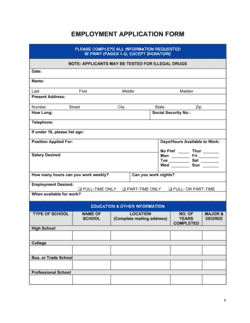
Screening applicants before the first interviewEmployment Application Form
Evaluating candidates after interviews are completeCandidate Evaluation Form
Onboarding the hired assistant after selectionNew Employee Onboarding Checklist
Documenting the offer after a candidate is selectedJob Offer Letter

Common mistakes to avoid

❌ Using an unstructured conversation instead of a scored checklist

Why it matters: Without consistent questions and scoring, you cannot objectively compare two candidates β€” the decision defaults to whoever made the strongest personal impression.

Fix: Ask every candidate the same questions in the same order and score each section before moving to the next.

❌ Skipping technical skills verification

Why it matters: Self-reported software proficiency is unreliable. Hiring an assistant who overstates their Excel or calendar management skills creates immediate productivity loss.

Fix: Add a brief practical task β€” draft a sample email, schedule a mock meeting in the calendar tool β€” as part of the interview or as a pre-screen assignment.

❌ Omitting confidentiality and discretion questions

Why it matters: Assistants routinely access executive schedules, compensation data, and sensitive correspondence. Skipping this section means you have no documented basis for trusting the hire with sensitive information.

Fix: Include at least one behavioral question on handling confidential information for every assistant role, not just executive-level positions.

❌ Completing the overall score before reviewing section scores

Why it matters: Recency bias causes interviewers to weight the final minutes of the conversation disproportionately, skewing the overall rating away from actual performance across all areas.

Fix: Score each section immediately after its question group, then calculate the overall rating as a review of all section scores rather than a single gut-feel number.

The 9 key fields, explained

Candidate Information

Work Experience Questions

Technical Skills Assessment

Organizational and Time Management Questions

Communication and Professionalism Questions

Availability and Logistics

Confidentiality and Discretion Questions

Salary and Compensation Expectations

Interviewer Notes and Overall Rating

How to fill it out

  1. 1

    Enter the role details and interview date

    Fill in the job title, interviewer name, and interview date before the candidate arrives. Pre-filling these fields takes 30 seconds and prevents mix-ups when reviewing multiple candidates later.

    πŸ’‘ If more than one person will conduct interviews, assign a unique interviewer ID or initials to each form so you can reconcile scores by reviewer.

  2. 2

    Review the question set and remove any non-applicable questions

    Read through the full checklist and cross out or delete any questions that do not apply to this specific assistant role. A checklist tailored to the role produces better signal than a generic one.

    πŸ’‘ Add one or two role-specific questions based on the actual tasks in the job description β€” generic checklists miss the nuances of specialized assistant roles.

  3. 3

    Ask availability and logistics questions early

    Cover start date, hours, and location preference in the first five minutes. If the candidate cannot meet a non-negotiable requirement, you preserve both parties' time.

    πŸ’‘ Frame logistics questions as informational β€” 'We want to make sure we find the right fit for both sides' β€” rather than as screening hurdles.

  4. 4

    Work through behavioral and situational questions in order

    Ask each question as written and record the candidate's response in the notes column before moving on. Resist the urge to paraphrase questions mid-interview β€” wording consistency is what makes candidates comparable.

    πŸ’‘ Use the STAR prompt (Situation, Task, Action, Result) to follow up on vague answers: 'Can you tell me more about what you specifically did in that situation?'

  5. 5

    Score each section immediately after the question group

    Assign a 1–5 score to each category β€” experience, technical skills, communication, organizational ability β€” while the answers are still fresh, rather than waiting until the interview ends.

    πŸ’‘ Write a one-line rationale next to each score. When comparing three candidates two days later, scores without notes are nearly meaningless.

  6. 6

    Complete the overall rating and next-steps recommendation

    After the candidate leaves, review your section scores and complete the overall rating. Note whether you recommend advancing to a second interview, extending an offer, or declining.

    πŸ’‘ Wait at least 15 minutes after the interview ends before assigning the overall rating β€” the halo effect from a strong finish can distort your total assessment if you score immediately.

Frequently asked questions

What is an interview questions checklist for an assistant?

It is a structured form that lists a standardized set of questions β€” covering experience, technical skills, communication, organizational ability, and logistics β€” along with scoring columns and notes fields to evaluate each assistant candidate consistently. Using the same checklist for every candidate makes side-by-side comparison objective and defensible.

What questions should you ask when interviewing an assistant?

A complete checklist covers five areas: work experience and scope of prior roles, technical tool proficiency (calendar software, email, document platforms), organizational and prioritization skills, communication and professionalism, and confidentiality. Add one or two role-specific questions based on the actual job description to surface candidates with directly relevant experience.

How is a structured interview checklist different from a standard interview?

A standard interview is a freeform conversation that varies by candidate and interviewer. A structured interview checklist asks every candidate the same questions in the same order and scores each response against a predefined rubric. Research consistently shows structured interviews predict job performance better than unstructured conversations, and they reduce the risk of unconscious bias affecting the hiring decision.

Should I score candidates during or after the interview?

Score each section immediately after its question group β€” before moving to the next topic β€” while the specific answers are still clear in your mind. Waiting until the interview ends and scoring everything at once allows recency bias to distort your section ratings. Review the section scores and assign an overall rating after the candidate has left.

Can this checklist be used for virtual assistant or remote assistant interviews?

Yes. Add a section covering remote work setup β€” reliable internet, dedicated workspace, and availability across time zones β€” and replace in-person logistics fields with video platform and communication tool preferences. The core behavioral and skills questions apply equally to remote and in-office assistant candidates.

How many questions should an assistant interview checklist include?

Between 10 and 20 questions is the practical range for a 30–60 minute interview. Fewer than 10 leaves gaps in key areas; more than 20 rushes candidates through answers and produces shallow responses. Prioritize behavioral questions over simple yes/no questions β€” one good behavioral question yields more information than five factual ones.

Do I need to share the checklist with candidates before the interview?

Sharing the general topic areas β€” experience, technical skills, communication, organizational ability β€” is good practice and reduces candidate anxiety without compromising the interview. You do not need to share the exact questions in advance. Providing topic areas gives candidates a fair opportunity to prepare relevant examples, which improves the quality of behavioral responses you receive.

Is this checklist legally compliant for hiring?

The checklist avoids questions that touch protected characteristics such as age, marital status, national origin, religion, or disability. Review your jurisdiction's employment discrimination laws before adding any custom questions β€” in the US, the EEOC prohibits pre-employment inquiries that could reveal protected-class membership. When in doubt, focus questions on the skills, behaviors, and experience required to perform the specific job.

How this compares to alternatives

vs Employment Application Form

An employment application form collects a candidate's background information β€” work history, education, references β€” before any interview takes place. The interview questions checklist is used during the live interview to evaluate that candidate through structured conversation and scoring. Both documents are used in sequence, not interchangeably.

vs Candidate Evaluation Form

A candidate evaluation form is completed after the interview to summarize overall impressions and a hiring recommendation. The interview questions checklist is used during the interview to guide questions and capture real-time notes. The checklist feeds the evaluation form β€” one documents the process, the other records the conclusion.

vs Job Description Template

A job description defines the role's responsibilities, qualifications, and reporting structure for posting and attracting applicants. The interview checklist is an internal tool used once applicants are in the room. The job description shapes which questions belong on the checklist, but the two documents serve entirely different purposes in the hiring workflow.

vs New Employee Onboarding Checklist

An onboarding checklist covers the steps required after a hiring decision is made β€” equipment setup, system access, training schedule, and paperwork. The interview questions checklist is used before the hiring decision to select the right candidate. They are sequential documents in the same hiring workflow, not alternatives.

Industry-specific considerations

Professional Services

Emphasis on client confidentiality, document management, billing software familiarity, and support for multiple senior professionals simultaneously.

Healthcare

Questions cover HIPAA awareness, patient scheduling systems, and the ability to handle sensitive clinical and administrative information with discretion.

Technology / SaaS

Proficiency with project management tools (Asana, Jira), remote communication platforms, and comfort operating in a fast-changing, asynchronous environment.

Retail and E-commerce

Availability for variable or weekend hours, experience coordinating vendors and logistics, and familiarity with order management or inventory tracking tools.

Template vs pro β€” what fits your needs?

PathBest forCostTime
Use the templateSmall business owners, managers, and HR teams hiring one or a few assistantsFree15–30 minutes to customize and use
Template + professional reviewCompanies building a repeatable hiring process or adding role-specific questions reviewed by HR$100–$300 (HR consultant review)1–2 days
Custom draftedOrganizations with formal structured-interview programs requiring validated scoring rubrics and bias audits$500–$2,000 (I/O psychologist or HR specialist)1–2 weeks

Glossary

Behavioral Interview Question
A question that asks a candidate to describe a specific past situation to predict how they will handle similar situations in the future.
Situational Interview Question
A hypothetical scenario-based question that asks how a candidate would handle a future situation relevant to the role.
Structured Interview
An interview format in which every candidate is asked the same predetermined questions in the same order, enabling fair, side-by-side comparison.
Scoring Rubric
A predefined scale β€” typically 1 to 5 β€” with descriptors for each score level, used to rate candidate responses consistently across interviewers.
Soft Skills
Interpersonal and organizational abilities β€” such as communication, adaptability, and time management β€” that affect how a person works with others.
Hard Skills
Measurable technical abilities tied to a specific role, such as proficiency in Microsoft Office, calendar management software, or data entry.
Cultural Fit
The degree to which a candidate's values, work style, and communication preferences align with those of the hiring team and organization.
Reference Check
A post-interview verification step in which the hiring manager contacts former employers or colleagues to confirm a candidate's experience and performance.

Part of your Business Operating System

This document is one of 3,000+ business & legal templates included in Business in a Box.

  • Fill-in-the-blanks β€” ready in minutes
  • 100% customizable Word document
  • Compatible with all office suites
  • Export to PDF and share electronically

Create your document in 3 simple steps.

From template to signed document β€” all inside one Business Operating System.
1
Download or open template

Access over 3,000+ business and legal templates for any business task, project or initiative.

2
Edit and fill in the blanks with AI

Customize your ready-made business document template and save it in the cloud.

3
Save, Share, Send, Sign

Share your files and folders with your team. Create a space of seamless collaboration.

Save time, save money, and create top-quality documents.

β˜…β˜…β˜…β˜…β˜…

"Fantastic value! I'm not sure how I'd do without it. It's worth its weight in gold and paid back for itself many times."

Managing Director Β· Mall Farm
Robert Whalley
Managing Director, Mall Farm Proprietary Limited
β˜…β˜…β˜…β˜…β˜…

"I have been using Business in a Box for years. It has been the most useful source of templates I have encountered. I recommend it to anyone."

Business Owner Β· 4+ years
Dr Michael John Freestone
Business Owner
β˜…β˜…β˜…β˜…β˜…

"It has been a life saver so many times I have lost count. Business in a Box has saved me so much time and as you know, time is money."

Owner Β· Upstate Web
David G. Moore Jr.
Owner, Upstate Web

Run your business with a system β€” not scattered tools

Stop downloading documents. Start operating with clarity. Business in a Box gives you the Business Operating System used by over 250,000 companies worldwide to structure, run, and grow their business.

Start freeΒ Β·Β No credit card required