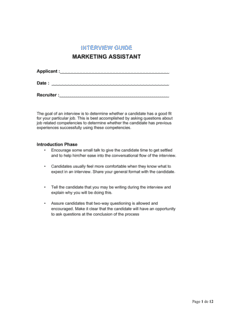
- Structured Interview
- An interview format in which every candidate is asked the same predetermined questions in the same order and evaluated against the same scoring criteria.
- Behavioral Question
- An interview question that asks candidates to describe a specific past situation to predict how they will behave in similar future scenarios — typically framed as 'Tell me about a time when…'
- Situational Question
- A hypothetical question presenting a realistic work scenario to assess how a candidate would approach a problem they have not necessarily encountered before.
- Scoring Rubric
- A predefined scale — typically 1 to 5 — with anchored descriptions for each score level, used to rate candidate responses consistently across interviewers.
- Competency Framework
- A defined set of skills, knowledge areas, and behaviors the organization expects a role to require, used as the basis for question selection and candidate evaluation.
- Requirements Gathering
- The process of identifying, documenting, and validating business and technical needs from stakeholders before designing or changing a system.
- Systems Development Life Cycle (SDLC)
- A structured process for planning, creating, testing, and deploying an information system, covering phases from feasibility through maintenance.
- Gap Analysis
- A technique used by systems analysts to compare the current state of a process or system against the desired future state and identify what changes are needed.
- Interviewer Calibration
- A pre-interview alignment session where all interviewers review the scoring rubric and discuss what a strong versus weak response looks like for each question.
- Halo Effect
- A cognitive bias in which a single strong impression — such as confident communication — leads an interviewer to rate all other competencies more favorably than the evidence warrants.