1
Enter the parties' details and policy reference
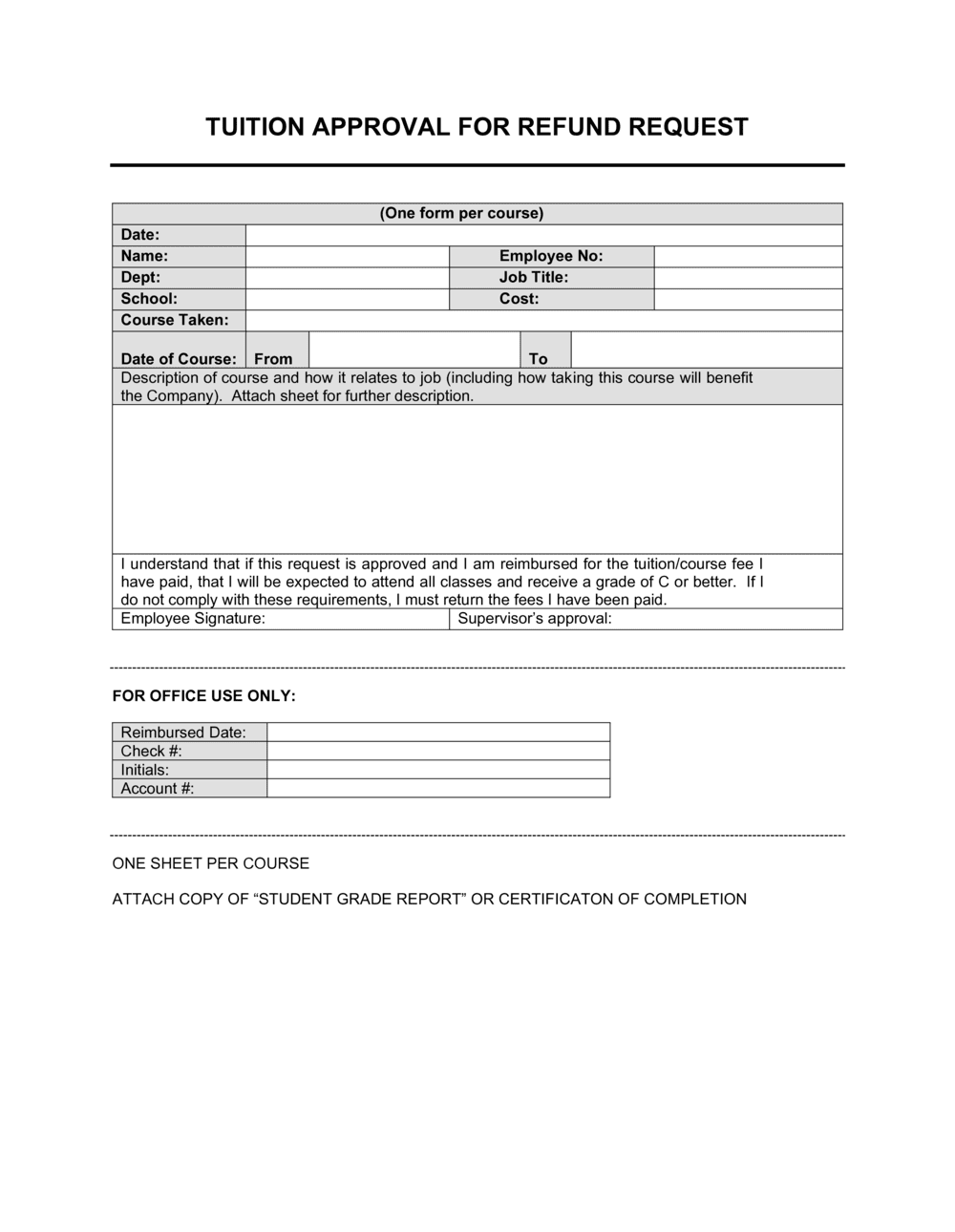
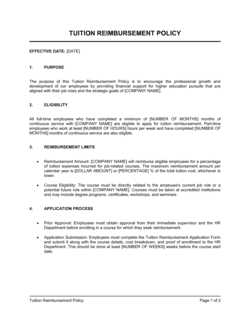
Fill in the employer's registered legal name, the employee's full legal name, their job title and department, and the date of the applicable tuition assistance policy or employee handbook section that authorizes the benefit.
💡 Use the same entity name that appears on the employee's payslip — mismatched names create enforcement complications if a repayment is ever disputed.
2
Specify the approved course and institution
Enter the exact course or program title, the institution's name, the enrollment start and end dates, and the total tuition cost. If the program spans multiple terms, either list each term separately or note that subsequent terms require a new approval form.
💡 Attaching the institution's official course confirmation or enrollment letter as an exhibit eliminates future disputes about what was approved.
3
Set the reimbursement amount and eligible expenses
State the maximum dollar amount and the percentage of eligible costs covered. List explicitly which expenses qualify — tuition and mandatory fees are standard; textbooks, parking, and exam fees vary by policy.
💡 Cap the reimbursement at a dollar amount rather than a percentage only — if tuition increases, a percentage cap creates an open-ended liability.
4
Define the grade and completion requirements
Enter the minimum passing grade (e.g., C or 2.0 GPA) and state the consequences for withdrawal, failure, or incomplete status. Consider adding a separate provision for documented medical or family emergencies.
💡 Align the grade requirement in this agreement with the grade standard stated in your company's tuition policy — inconsistencies create grounds for disputes.
5
Set the retention period and clawback formula
Choose a retention period proportionate to the reimbursement amount — 12 months is standard for amounts under $5,000; 24 months is common for degree programs above $10,000. Enter the pro-rata repayment formula in the clawback clause.
💡 A pro-rata formula (amount owed decreases by 1/12 per month served) is significantly more enforceable than a flat 100% clawback in most jurisdictions.
6
Add the payroll deduction authorization with a jurisdiction savings clause
Include the employee's authorization for wage deductions on departure, then add a savings clause: 'to the extent permitted by applicable law.' Review your state or provincial wage payment statutes before relying on this clause.
💡 In California, New York, and several Canadian provinces, payroll deductions for benefit repayments require separate written authorization at the time the deduction occurs — a blanket up-front authorization may not be sufficient.
7
Complete the tax acknowledgment block
Insert the applicable annual exclusion amount ($5,250 for US federal purposes; confirm provincial or national thresholds for non-US employees). Have the employee initial or sign this block separately to confirm they understood the tax treatment.
💡 If the reimbursement will exceed the exclusion threshold, alert payroll before disbursement so withholding is calculated correctly — correcting it at year-end creates unnecessary W-2 amendments.
8
Obtain signatures before funds are disbursed
Both the authorized employer representative (HR director or manager with approval authority) and the employee must sign before any reimbursement is paid. File the executed copy in the employee's personnel record and provide the employee a copy.
💡 Use a dated electronic signature to create an automatic timestamp — this is critical if a repayment dispute later turns on when the agreement was executed relative to when the employee enrolled.