1
Define scope and eligible employee categories
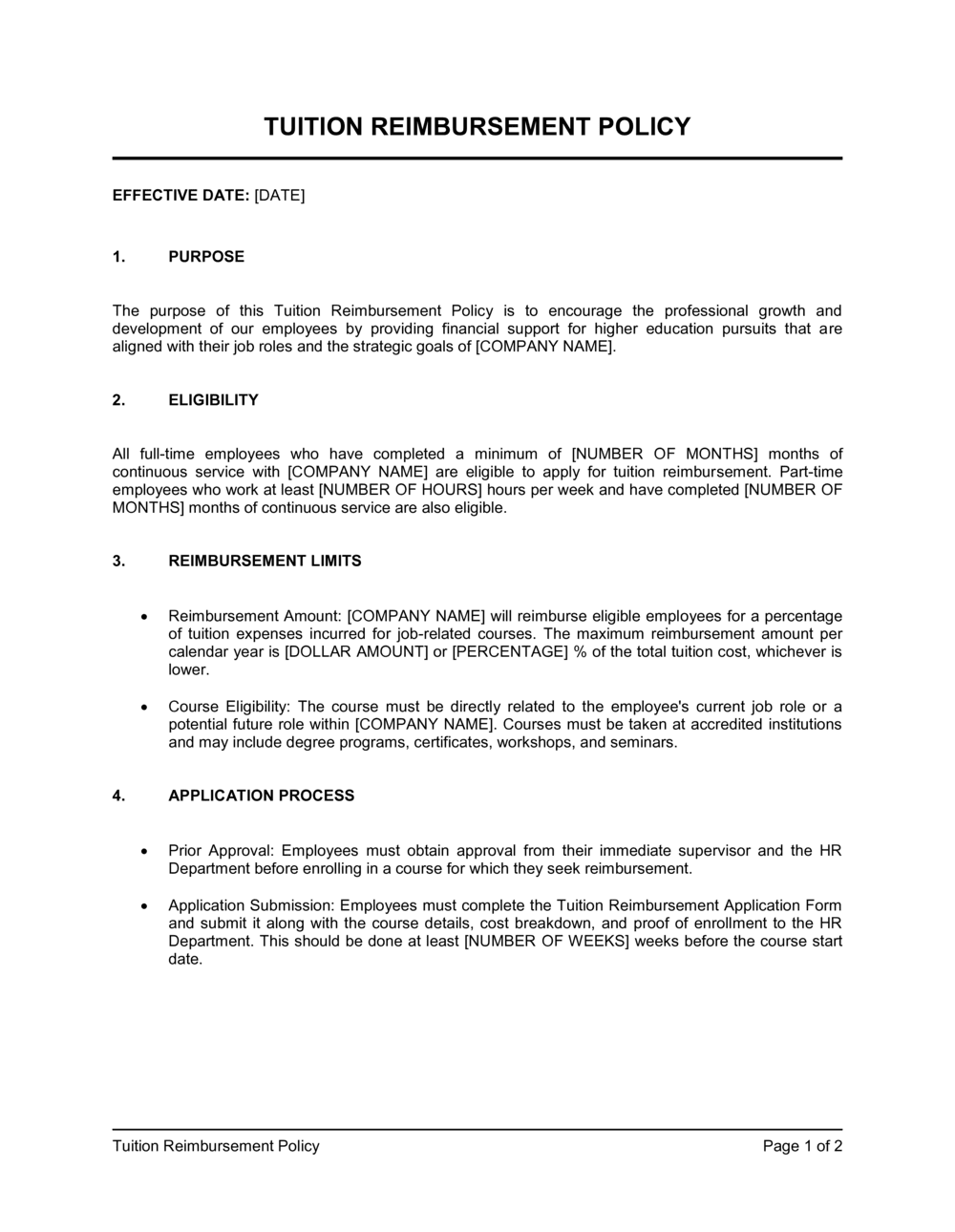
Specify whether the policy covers full-time only, or also part-time and fixed-term employees. Set the minimum tenure required — typically 6 or 12 months of continuous service.
💡 Requiring 12 months of tenure before first use reduces the risk of employees joining, collecting a benefit, and leaving within their first year.
2
Set the annual reimbursement cap
Enter the maximum dollar amount per employee per calendar year. Most employers set this at $2,500–$5,250 — the IRS Section 127 exclusion limit — to keep the benefit tax-free for employees.
💡 If your budget is below $5,250, publish the actual cap rather than the IRS maximum so employees understand the real limit and do not over-enroll.
3
Define approved institution and course types
List the accreditation standard institutions must meet (e.g., regional accreditation recognized by the US Department of Education) and require that all courses be job-related or manager-approved as part of a career path.
💡 Adding a short approved-fields list (e.g., business, engineering, healthcare) makes the job-relatedness requirement easier to administer consistently.
4
Establish the pre-approval workflow
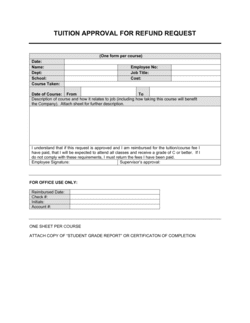
Name the form employees must complete, the manager and HR approval chain, and the deadline for submission before course enrollment. State the turnaround time for an approval decision.
💡 A simple two-signature approval — manager plus HR — prevents the policy from becoming either a rubber stamp or an unpredictable bottleneck.
5
Set the minimum grade requirement and documentation rules
Choose the minimum acceptable grade (B or better is standard for reimbursable courses). Specify that official transcripts or grade reports are required within 30–60 days of course completion.
💡 For pass/fail courses, require a certificate of completion from the institution — not just an email confirmation from the employee.
6
Draft the repayment clause
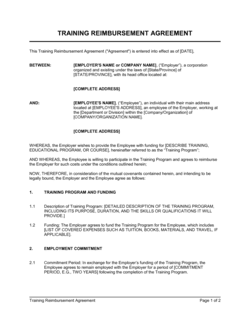
Set the repayment window (12–24 months is most common), define the prorated schedule, and confirm that final-paycheck deduction is permitted under your state's wage-deduction laws.
💡 Have employees sign a separate repayment acknowledgment at the time each reimbursement is approved — not just when they first acknowledge the policy.
7
Add the tax treatment section
Confirm the $5,250 IRS Section 127 annual exclusion, state that amounts above this cap will be reported as imputed income on the W-2, and note payroll tax withholding implications.
💡 Consult your payroll provider before finalizing this section to confirm your HRIS handles imputed income reporting automatically at year-end.
8
Publish the policy and collect acknowledgments
Add the completed policy to your employee handbook or HR portal, notify employees via email, and collect signed acknowledgments confirming receipt and understanding.
💡 Store signed acknowledgments in each employee's personnel file — they are your primary evidence that the repayment clause was communicated before any benefit was received.