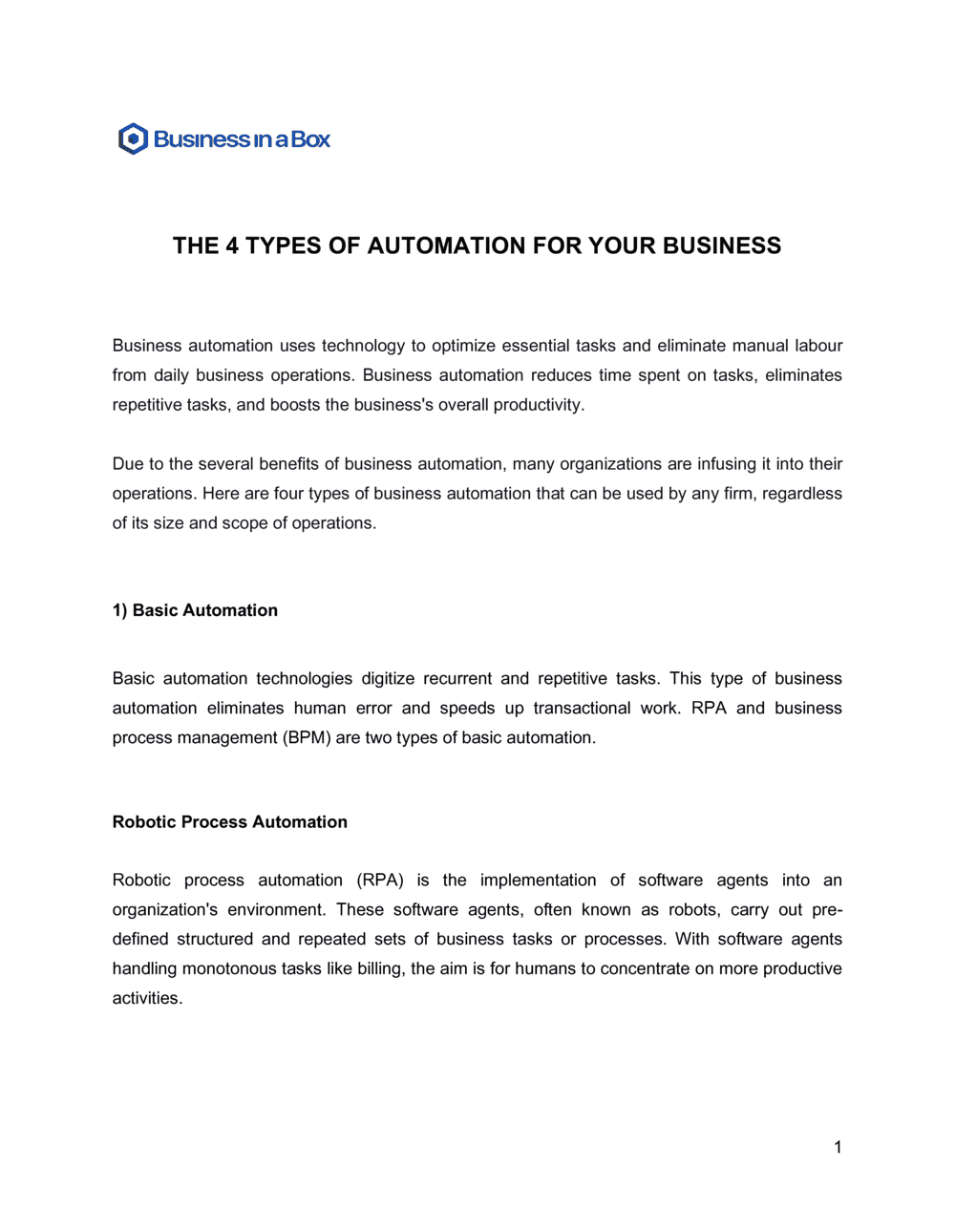
- Robotic Process Automation (RPA)
- Software that mimics human interactions with digital systems — clicking, copying, and entering data — to execute repetitive rule-based tasks without human intervention.
- Artificial Intelligence (AI) Automation
- Automation that uses machine learning, natural language processing, or predictive algorithms to handle tasks that require judgment, pattern recognition, or unstructured data.
- Workflow Automation
- The use of software rules and triggers to route tasks, approvals, and notifications between people and systems in a defined sequence.
- IT Infrastructure Automation
- Automated provisioning, configuration, monitoring, and maintenance of servers, networks, and cloud environments without manual operator input.
- Service Level Agreement (SLA)
- A contractual commitment specifying the minimum acceptable performance standards for an automated system, typically including uptime percentage, response time, and error rate thresholds.
- Intellectual Property (IP) Assignment
- A clause transferring ownership of automation scripts, models, or configurations created during the engagement from one party to another.
- Data Processing Agreement (DPA)
- A binding document governing how personal or sensitive data is collected, stored, and used by an automated system, required under GDPR and similar regulations.
- Uptime Guarantee
- A contractual commitment to keep an automated system operational for a defined percentage of time per month — commonly 99.5% or 99.9%.
- Change Management Clause
- A provision that defines how modifications to automation scope, scripts, or models are requested, approved, tested, and deployed.
- Indemnification
- A contractual obligation requiring one party to compensate the other for specific losses — such as a data breach caused by a faulty automation script — up to a defined cap.
- Audit Rights
- A clause granting one party the right to inspect the other's systems, logs, or processes to verify compliance with the agreement's terms.
- Transition Assistance
- Post-termination obligations requiring the outgoing vendor or team to support knowledge transfer, data export, and handover of automation assets to the client or successor.