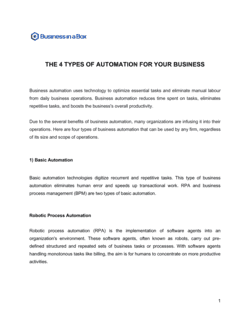
- Business Process Automation (BPA)
- The use of technology to execute recurring business tasks or processes with minimal human intervention, replacing manual steps with software-driven workflows.
- Robotic Process Automation (RPA)
- A form of BPA that uses software bots to mimic human interactions with digital systems — clicking, entering data, extracting information — across existing interfaces.
- Service-Level Agreement (SLA)
- A contractual commitment specifying the minimum performance standards a vendor must meet, such as 99.5% system uptime or a 4-hour incident response time.
- Scope of Automation
- The specific processes, workflows, systems, and data sources included in the automation engagement, as defined in a statement of work or schedule attached to the agreement.
- Change Management Procedure
- A defined process for requesting, evaluating, approving, and implementing changes to automated workflows after the initial deployment.
- Intellectual Property (IP) Assignment
- A clause transferring ownership of custom-built automation scripts, bots, and workflow configurations from the vendor to the client upon payment.
- Data Processing Agreement (DPA)
- A supplementary contract required under GDPR and similar laws governing how a vendor processes personal data on behalf of the client.
- Uptime Guarantee
- A vendor's contractual commitment to keep automated systems operational for a defined percentage of time per month — typically expressed as 99% or 99.9%.
- Liability Cap
- A contractual ceiling on the total damages a party can recover from the other, typically expressed as a multiple of fees paid in the preceding 12 months.
- Indemnification
- A clause requiring one party to compensate the other for losses arising from specified causes — such as data breaches caused by the vendor's negligence.
- Escrow (Source Code Escrow)
- An arrangement where the vendor deposits automation source code with a neutral third party, released to the client if the vendor ceases operations or breaches the agreement.