1
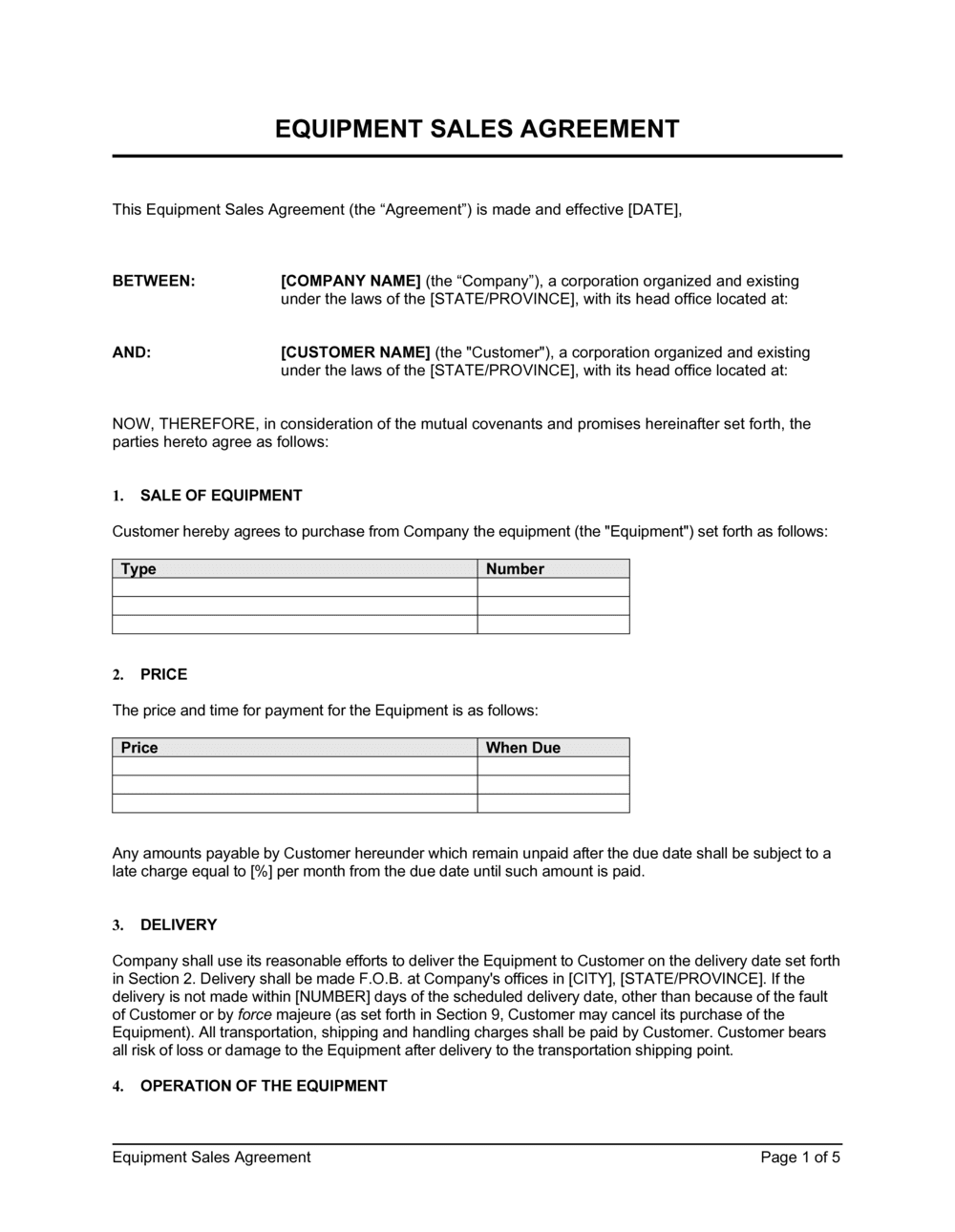
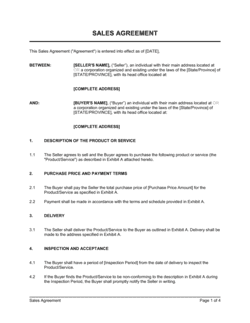
Identify both parties with full legal names
Enter the seller's and buyer's complete legal entity names — registered business name, entity type, and state of formation. For individuals, use the full legal name as it appears on government ID.
💡 Cross-check the buyer's entity name against the secretary of state registry before signing. A minor name discrepancy makes the security interest harder to perfect.
2
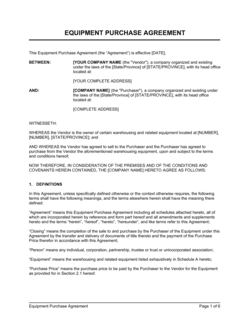
Describe the equipment precisely in Exhibit A
List the make, model, year, serial number, configuration, and every included accessory or attachment. Attach photographs or a manufacturer specification sheet as Exhibit A.
💡 Serial numbers are the single most important identifier — they determine which exact unit the contract covers and are essential for UCC filing and insurance claims.
3
Set the purchase price, deposit, and payment schedule
Enter the total price, deposit amount due at signing, balance due date, and accepted payment method. If payment is in installments, list each installment date and amount.
💡 For large transactions, require payment by wire transfer or certified funds — personal checks create a clearing delay that can complicate title transfer timing.
4
Define delivery terms and the acceptance window
Choose FOB Origin or FOB Destination, enter the delivery address, and set the delivery date. State the number of business days the buyer has to inspect and notify the seller of non-conformance.
💡 Five business days is the standard acceptance window for commercial equipment. Shorter periods favor the seller; longer periods favor the buyer.
5
Specify title transfer and risk-of-loss trigger
State when title transfers — typically upon receipt of full payment — and when risk of loss shifts, which is typically tied to the FOB point. Confirm these are different events if the buyer is financing the purchase.
💡 If the seller retains a security interest until paid in full, file a UCC-1 financing statement within 20 days of delivery to perfect the lien and protect priority against other creditors.
6
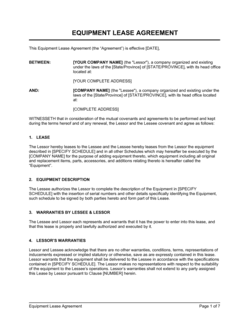
Complete the warranty section or select as-is
For new equipment, enter the warranty period, covered defects, and the remedy (repair or replace). For used equipment, use the as-is clause in all-caps and confirm the buyer has had an inspection opportunity.
💡 Always explicitly disclaim implied warranties of merchantability and fitness for a particular purpose in a capitalized sentence — this is a UCC requirement for the disclaimer to be effective.
7
Review limitation of liability and default provisions
Confirm the liability cap equals the purchase price and that consequential damages are excluded in all-caps text. Set a 5–10 business day cure period in the default clause before remedies are triggered.
💡 Courts in California and Texas have refused to enforce limitation-of-liability clauses that were not presented conspicuously — use capitalized text and, for high-value transactions, have the buyer initial the clause separately.
8
Sign before delivery and retain executed copies
Both parties should sign before the equipment leaves the seller's facility. Store the fully executed agreement and Exhibit A together — either party will need them for insurance claims, warranty service, or dispute resolution.
💡 Use an e-signature platform that timestamps execution and stores an audit trail. For equipment over $100K, wet signatures on paper originals are still preferred by many institutional buyers and lenders.